

Kipwise
1 Reviews and Ratings
What is Kipwise?
Kipwise Agent is an AI agent for Slack and Microsoft Teams that works inside the threads where teams already communicate. Mention the agent in any channel to which it has been added. It answers questions from the team's own pages with a link to the source page and shows a plain-language Approve or Deny card before it changes anything in a connected tool, posts a message, saves a record, or schedules work. Only the person who asked can respond to the card; it expires after 30 minutes, and a denied or expired card performs no action.
- Knowledge base. The agent retrieves answers in-thread from the team's pages and cites the source page next to the answer. It reads only pages the asker can open, so two people asking the same question can receive different answers. When asked to "write this up," it drafts an edit that adds to an existing page rather than creating a duplicate, records the asker's name on the change, and saves after approval.
- Customer support. A chat widget on the company website answers from the public help center and hands the conversation to a person when asked. Chats land in Slack as tickets with a drafted reply; nothing a customer can see is sent until a team member approves it.
- Internal requests. Employees ask for IT, HR, or operations assistance in Slack, confirm the request in plain language, and receive a numbered ticket they can track by asking "what are my requests?" The channel sees only a neutral confirmation line, and no paid seat is required to submit a request.
- Tasks. Boards the agent works. A card can run on a schedule or when an event occurs, stops at an approval step before it writes, and counts against a monthly budget.
- Connected tools and actions. The agent connects once per user to tools including HubSpot, Jira, Notion, Linear, Gmail, Google Calendar, Search Console, Google Analytics, Google Ads, and others. When a request needs a tool, the agent offers an authorization link that only the requester can complete, then acts with that person's permissions. It can move deals and log calls in a CRM, pull dated search or ad performance figures, pause or enable a named campaign after approval, and execute code or calculations on uploaded files inside a network-isolated sandbox that is discarded after use.
- Scheduling and personas. An approved request can be scheduled to run later or weekly and posts results back into the channel with the same tools and permissions as a live request. Teams define personas with distinct instructions; the agent selects the appropriate one per request. Ordinary requests start on a fast model and step up to a stronger one when needed; code requests run on the dedicated coding model from the start.
- Enterprise controls. SAML 2.0 single sign-on and SCIM provisioning are supported with Okta, JumpCloud, OneLogin, Ping Identity, and Azure Active Directory. Workspace administrators can disable any connected service or individual tool. Content review with named reviewers, must-read tracking, and version history are available on every page. Data is encrypted at rest and in transit; EU data resides in Frankfurt, Germany (AWS), and US data resides in the US.
Kipwise Inc. is based in Wilmington, Delaware. The product is offered on a single paid plan of $10 per user per month (minimum three users), with yearly billing at a 10% discount. Each user receives $5 of AI credit monthly plus $2 of shared team credit; one credit equals $1 of usage charged at cost with no markup, and unused credit does not roll over. A free trial begins on install: $2 of credit for seven days on the fast model, or $10 of credit for 14 days with all models for existing Kipwise customers or workspaces on a paid Slack plan.
Categories & Use Cases
Screenshots




1 / 6
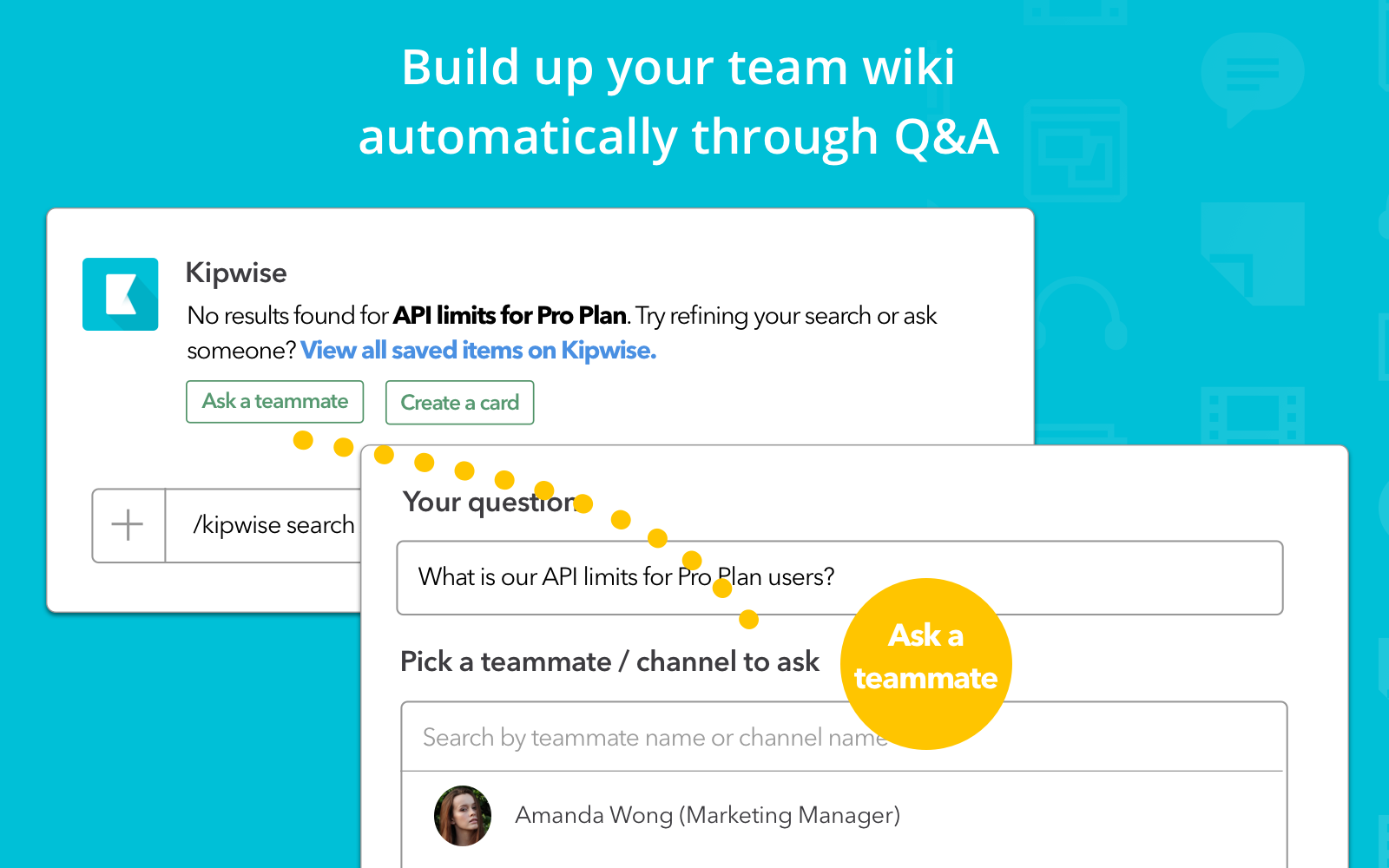
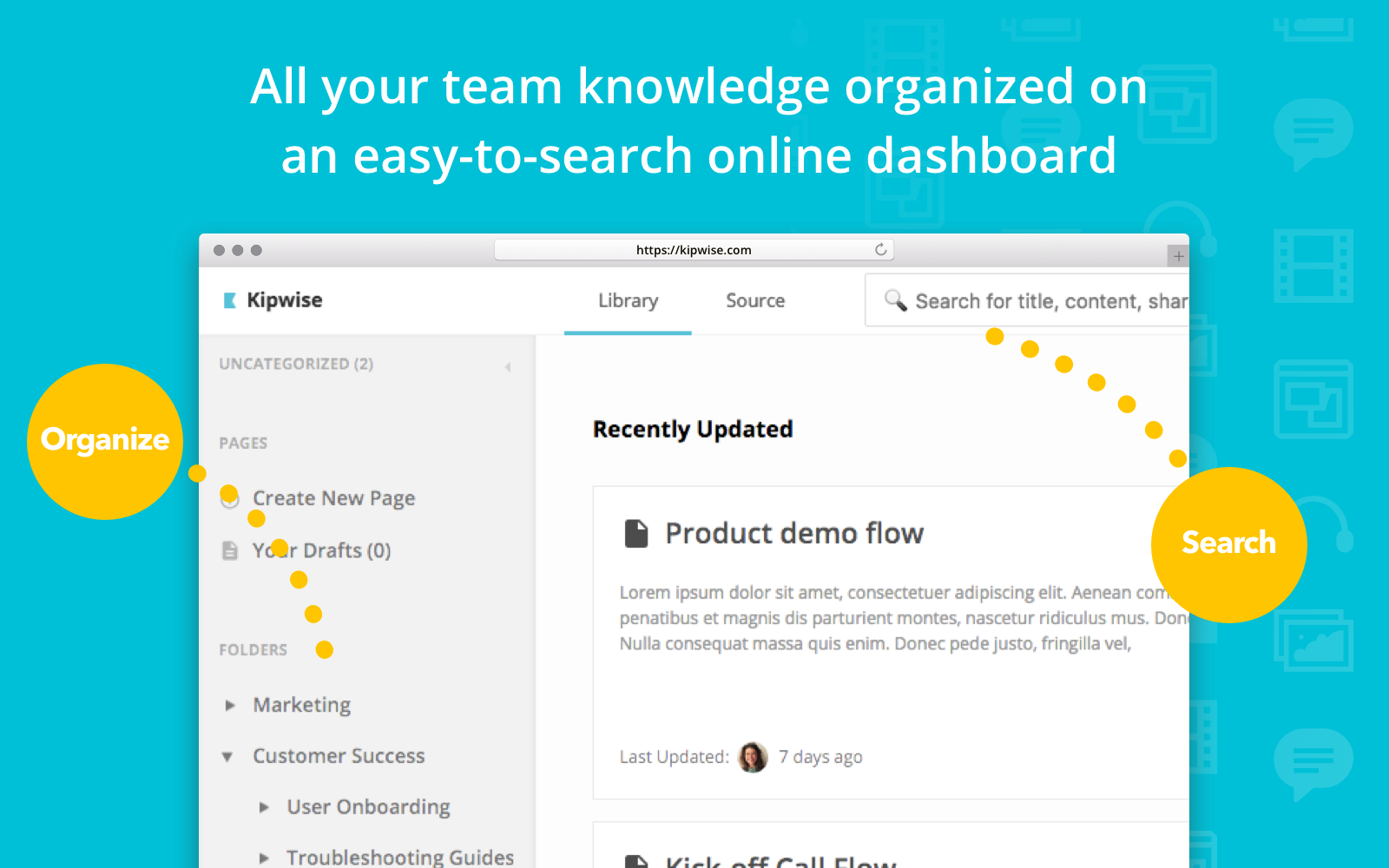
Screenshot of Slack Action, used to turn important Slack messages into wiki docs. Handy search command to search for Kipwise Pages, and information from other integrated sources directly in Slack. Got questions with existing answers already? Provide a quick answer to your teammates with just a few clicks.
Technical Details
| Deployment Types | SaaS |
|---|---|
| Mobile Application | No |