TrustRadius: an HG Insights company

ManageEngine Endpoint Central

Score9 out of 10

304 Reviews and Ratings

What is ManageEngine Endpoint Central?

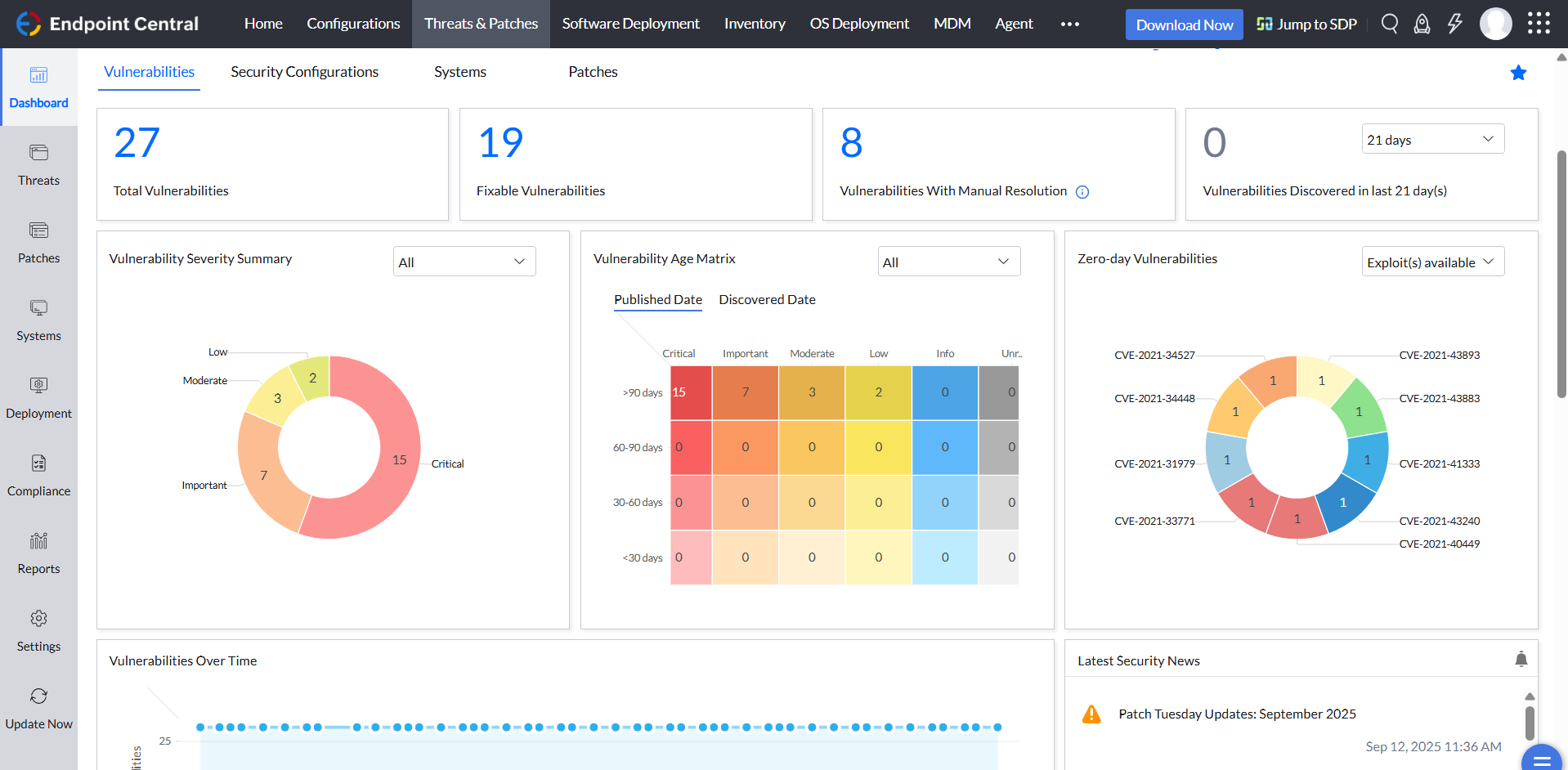
Desktop Central from ManageEngine is a client desktop management with patching, remote control, and configuration.

Read more details.

Media

ManageEngine Endpoint Central

1 / 5

Who Buys & Uses ManageEngine Endpoint Central

Pros

  • Robust patch management for system updates and vulnerability remediation.
  • Efficient software deployment with seamless and silent installation capabilities.
  • Effective remote access and control for troubleshooting and support.

Cons

  • Complicated, cluttered, or unintuitive User Interface (UI) and User Experience (UX).
  • Slow patch deployment, difficult navigation, and ambiguous error messages in patch management.
  • Challenges with OS deployment, particularly for Windows 11 and driver compatibility.

Endpoint Central how it changed our offices.

Use Cases and Deployment Scope

We use ManageEngine Endpoint Central for centralized endpoint management, with UEM licensing and the Security Add-on (BitLocker and Vulnerability Management). We use it to handle Windows and MacOS devices, patching, remote support, software deployment, OS deployment, and other basic or advanced activities. It helps us keep devices updated and compliant with policies, even outside our internal network. It surely improved our assistance as a helpdesk operator in terms of time and efficiency!

Pros

  • Endpoint Management.
  • Patching
  • Software Deployment.
  • OS Deployment.
  • MDM
  • Reports
  • Policy Deployment.
  • Remote Support.

Cons

  • Asset Inventory.
  • Licensing dashboard.
  • Improved remote connection.
  • Unified application store.
  • Categorizing Portal Apps with groups.

Return on Investment

  • Ticketing
  • Vision on assets.
  • Policy Management.
  • Automations.

Usability

Alternatives Considered

ManageEngine AssetExplorer, ManageEngine ADSelfService Plus and ManageEngine Log360

Other Software Used

ManageEngine AssetExplorer, ManageEngine ADSelfService Plus, ManageEngine Log360

Endpoint Central can be your new UEM.

Use Cases and Deployment Scope

We chose a new UEM solution, so I ran the trial version of this product and compared it with other solutions. We need to manage near by 500 devices (498 Windows 2 MacOS) And 400 Android devices and 2 iOS After test it has really nice features like keep the third party appp updated. Before Endpoint Central, it took me 2 days per week; now I have 16 hours per week free.

Pros

  • Patch Management.
  • Manage Devices.
  • Integration to AD.
  • Integration with Knox.
  • Computer Configuration.

Cons

  • Mismatch between documentation and real product.
  • Features should be available to open trough Admin panel not a support request.
  • I do not see more.

Return on Investment

  • Remote agent in license so cost reducing.
  • Compared with other products, Endpoint Central seems cheaper.
  • Is more in depended solution (not use WNS to communication) is really nice.

Usability

Alternatives Considered

Omnissa Workspace ONE UEM, Microsoft Intune, 42Gears and baramundi Management Suite

Other Software Used

Certero for Enterprise ITAM, CheckPoint, Omnissa Workspace ONE UEM

One of the great software and its rock whole endpoints.

Use Cases and Deployment Scope

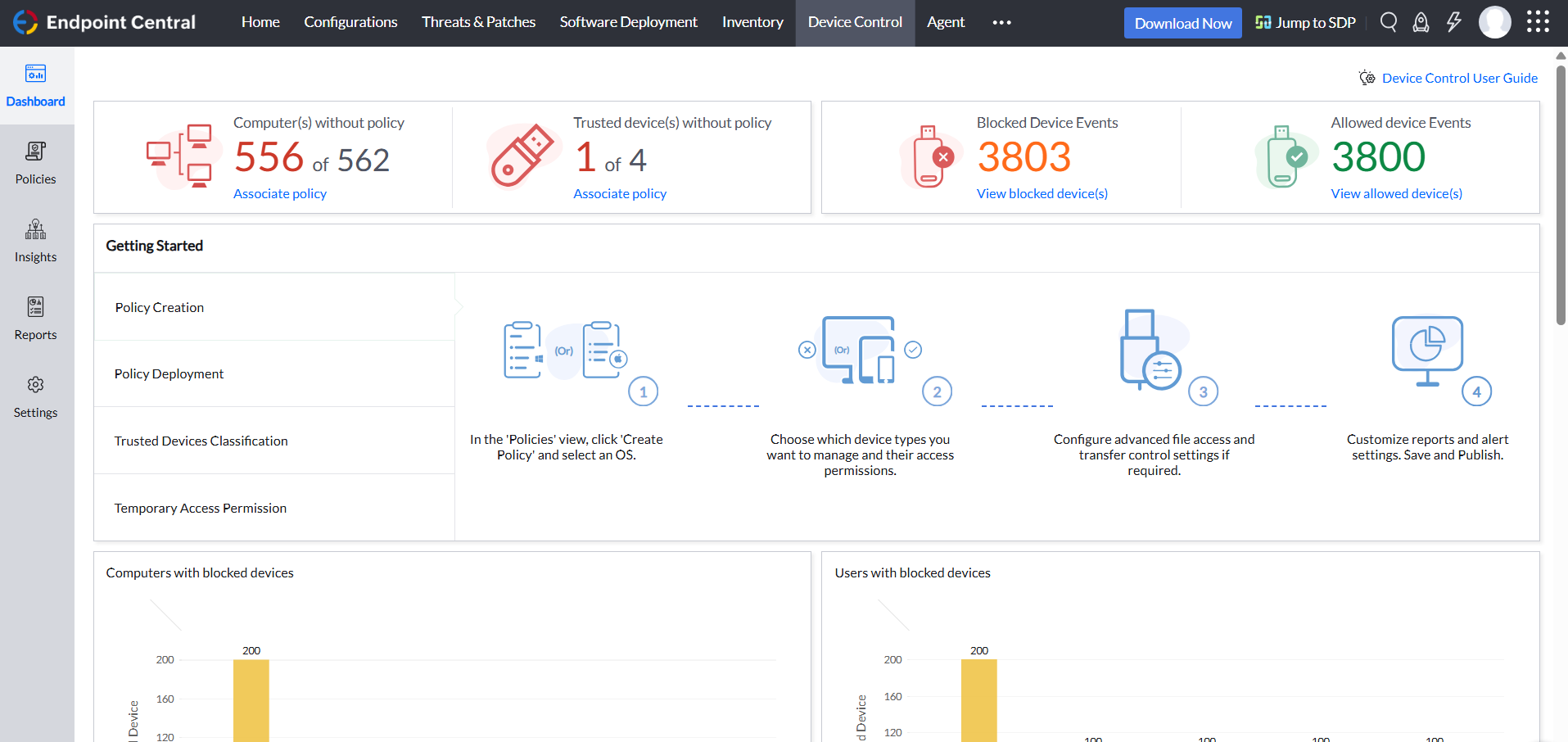
The endpoint central is such a great and best solution for every customer because it offers so many solutions in one console. You can easily manage and work, like patch management, device control, and many more great features. So we can easily deploy any policy from a single console, which is the best feature.

Pros

  • Patch Management.
  • BitLocker Management.
  • Application Control.

Cons

  • Agent Disconnect.
  • Sometimes we can’t configure.

Return on Investment

  • Improved productivity because users experience fewer security or software-related disruptions.
  • Better Visibility.
  • Reduce Downtime during Maintenance.

Usability

Alternatives Considered

Microsoft Intune

Other Software Used

Microsoft Intune, Tenable Vulnerability Management

ManageEngine and Endpoint Central.

Use Cases and Deployment Scope

We use ManageEngine as our Primary Remote support software across all our entities. To push updates to workstations and to monitor our systems across multiple domains. Endpoint-Central also contributes to our security Protocols and supports BitLocker on all workstations, making it very safe and well-encrypted.

Pros

  • Remote Support Made easy.
  • Security Encryption Restore made very easy.
  • Update Management and Monitoring made very easy.
  • User & Workstations management made very easy.

Cons

  • I enjoy how it works, so no changes required really.
  • I enjoy how it works, so no changes required really.
  • I enjoy how it works, so no changes required really.

Return on Investment

  • Workflow is great.
  • Implementing Methods works great.
  • Workstations details is very accurate.

Usability

Alternatives Considered

monday CRM and Nexus Pro

Other Software Used

AnyDesk, TeamViewer, QuickASSET

Endpoint Central is a great endpoint mgmt software

Use Cases and Deployment Scope

I use Endpoint Central MSP in order to manage approx 15 customers; with EC I organize patching activity, vulnerability mgmt, configurations, remote control, sw and os deployment etc.
It's a great software, with a lot of functions available in a single dashboard, and it's compatible with Windows OS together with Mac and Linux systems.

Pros

  • OS and third party patching
  • SW deployment
  • OS deployment
  • Remote Control
  • Configurations
  • Vulnerability mgmt
  • Mobile Device Mgmt

Cons

  • Razionalize and simplify the dashboard
  • Add mgmt of more systems such as VMWare hosts
  • Include DEX in MSP cloud
  • Make OS deployment licenses assignable to customers

Return on Investment

  • EC has a good and immediate ROI both for customer and supplier
  • It's a very 'easy-to-sell' product, due to quantity of functions included
  • It brings also a lot of technical activities after the first implementation

Usability

Alternatives Considered

NinjaOne

Other Software Used

Microsoft Teams, Microsoft 365 Business Premium, Microsoft 365 Copilot