Enrolling bulk devices through the Device Enrollment Program (DEP) is simple, straightforward, and quick. Multiple methods for device enrollment are available, including barcode scanning, email, and manual entry via the platform. App synchronization between Apple Business Manager (ABM) and the MaaS360 platform occurs swiftly. Additionally, app distribution and removal are efficiently managed on the platform.
For small businesses, it is also free, which, for what it offers, is really helpful. It works better than similar products, such as SCCM, both within and outside the internal network. I do not see scenarios in which it could be less appropriate.
We set alerts when a devices gets low on disk space. That is automatic and creates a ticket in ME SDP. We are then able to Add space to a VM Desktop, and then go thru ManageEngine Endpoint Central to extend the drives so the entire process can be done without interruption to the end user.
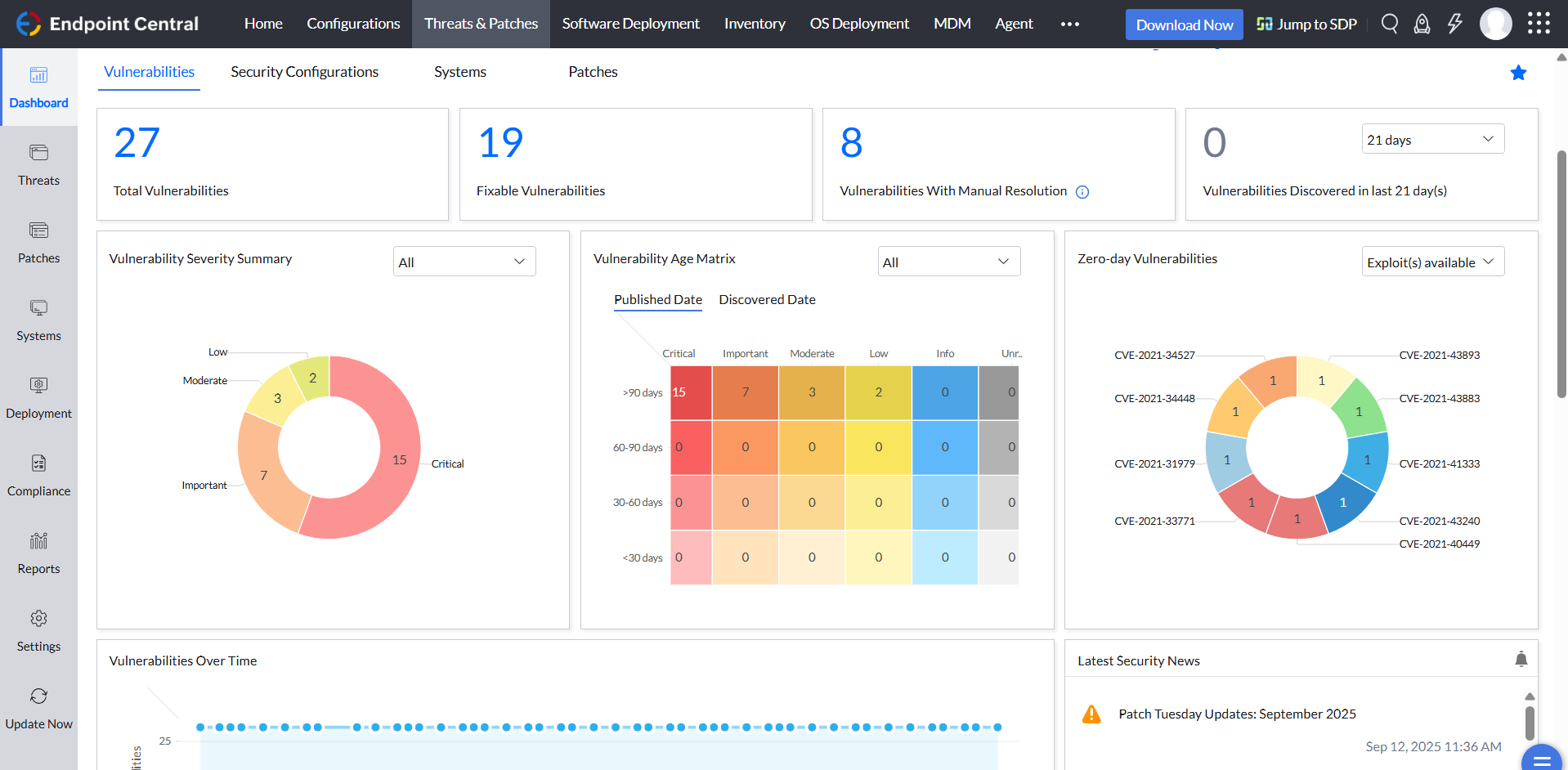
Using the patch scans we can easily see what patches have been installed for all manufacturers not just Microsoft, without having to physically go to the device. It also allows us to choose which patches we want to push out and automate the process so we can be hands off, freeing up out time for other things.
Remote access to devices. This allows us to remotely make changes, not just via remote control but also make registry changes and clean up space without going to the device and without interruption to the end user.
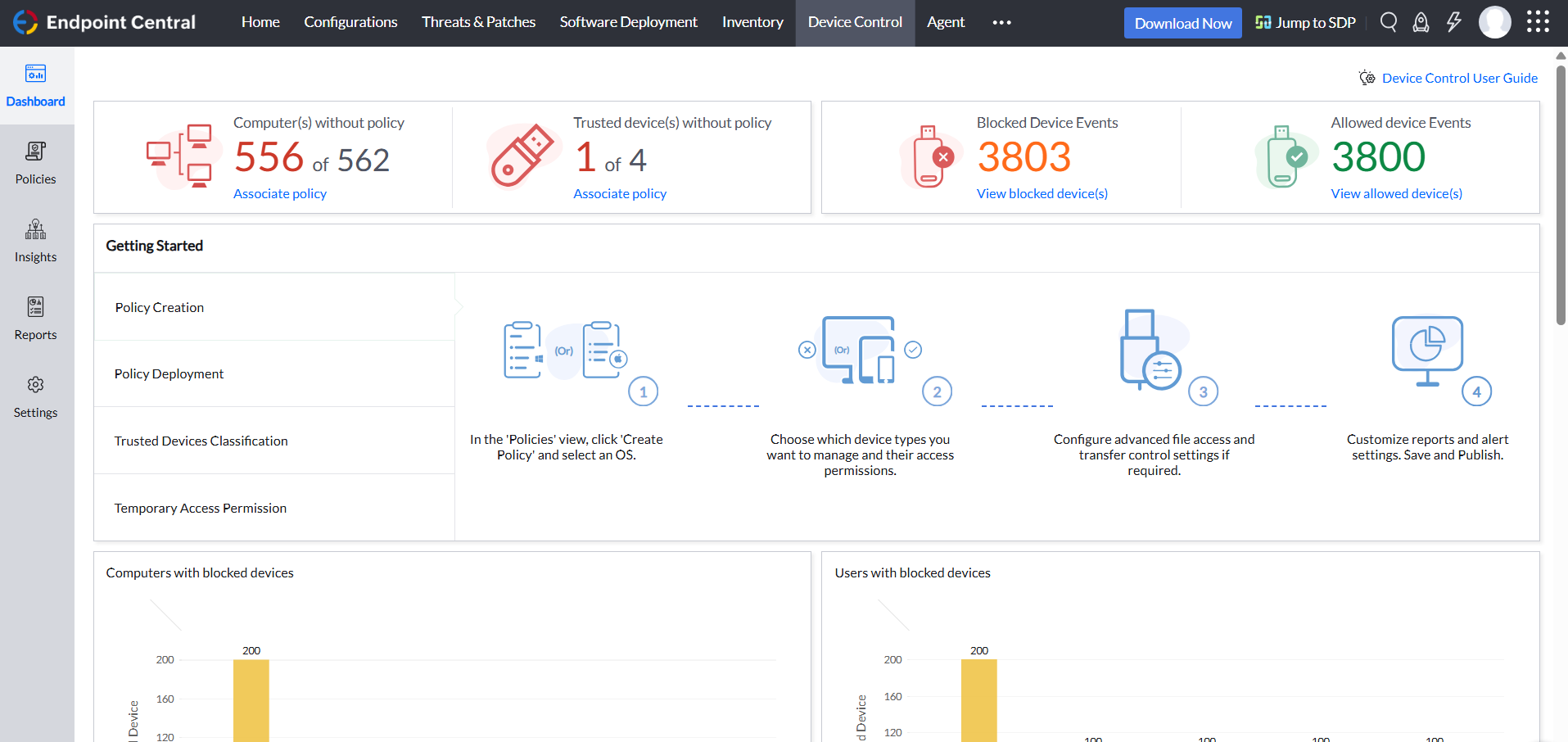
Alerts. We have set up to get email alerts when new hardware is plugged into any computers. This lets us know if someone is bringing in un-authorized equipment (thumb drives, hubs, etc) to better manage what is/is not on our network.
MaaS360 with Watson has a lot of features and capabilities, which can sometimes make it difficult for us to navigate. Improving the user interface and making it friendly could help make the platform easier to use.
Expanding integrations with other systems to provide better support for a wider range of systems and platforms.
I'll gave it a 10, because we have not come across any negative point with MaaS360. In a real comparison with other UEMs / MDMs you will find out that other providers that claim to be "free" or "included" don't have the capeabilities that MaaS360 has. Some features are just not available and others would require you to pay for them. In that case the product would not be "free" anymore.
ManageEngine is considered an excellent product due to its comprehensive suite of solutions for IT management, with ManageEngine Endpoint Central specifically excelling in endpoint management. The platform stands out for its user-friendly interface, robust features, and versatility in addressing diverse IT needs. It offers organizations a centralized solution for endpoint security, patch management, software deployment, and asset management
Having years of experience with MDM and experiencing the evolution of the granularity of the functionality MDM's have had to evolve, no MDM is ever "easy" to use. MaaS360 rises to the top however, because zero day changes are always ahead of the competition. A huge benefit with MaaS360 and IBM's approach to supporting these changes is that they seldom change configuration work flows. Competing Vendors always arbitrarily change workflows which requires a significnat ongoing learning curve in order to maintain technical competence
Not using WNS to communicate with the endpoint console is a big plus. We now use Workspace One, and WNS can be really annoying at times. After deployment, it cleans itself, which is important for us because our current solution leaves the package on the computer and requires maintenance. The remotely script command is a lifesaver.
MaaS360's phone support has been decent the few times I have used it. In addition the person who on-boarded us has been available for additional questions after the process was over. However IBM could do a much better job in creating a user-friendly search engine and white-paper database to help people find topics. Right now finding info is more based on searching through white papers themselves.
The immediate chat support is great and very helpful. However, if you need escalated support or have a deeper need that the chat tool can't help with, you will experience significant wait times and slow responses. The time zone difference becomes painful to the point of often just giving up.
To implement IBM Security MaaS360 with Watson, follow these steps: Set up the platform, enroll devices, configure policies and settings, monitor and manage devices. Implementing it can help organizations to securely manage and monitor the use of mobile devices and related resources in their networks, improving security and productivity for their users.
It seems that the services offered with the purchase change from what is covered to what is an additional cost. Somethings I thought we had ended up requiring an additional purchase if we wanted to continue using the feature.
Ease of use and management of mobile devices are easier and has protection against the Cyber threats. The security controls implementation on our devices are perfect and in one place. I love the responsiveness and prosctivenes of the support. Seamless integration with all security devices. The ability to wipe and control days remotely is perfect easy to control all our company information by locking down lost and stolen devices.
I was not a part of the initial selection process, but I understand the issue was related to cost per endpoint. As a user of the other solutions I would say that the other solutions do have other strengths that ManageEngine is missing. The remote access tools are superior but at the end of the day you get what you pay for.
IBM Congos Analytics has a steep learning curve, but once mastered, Congos can handle massive datasets and complex, multi-tiered reporting. Thousands of users are no problem. A downside is the complexity of the inital setup of this "all in one" tool, what might affect the deployment time.
We worked with an IBM SE who was incredibly competent and extremely professional in handling our questions in addition to ensuring the Knowledge Transfer was completed properly