TrustRadius: an HG Insights company

What is Xero?

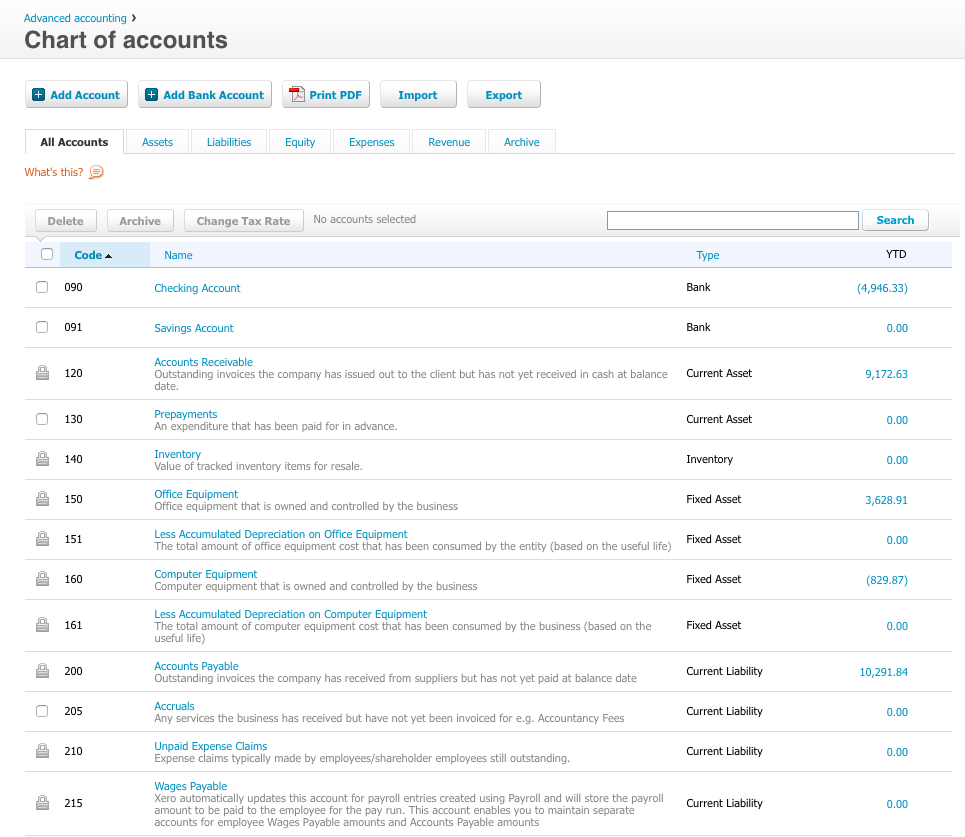
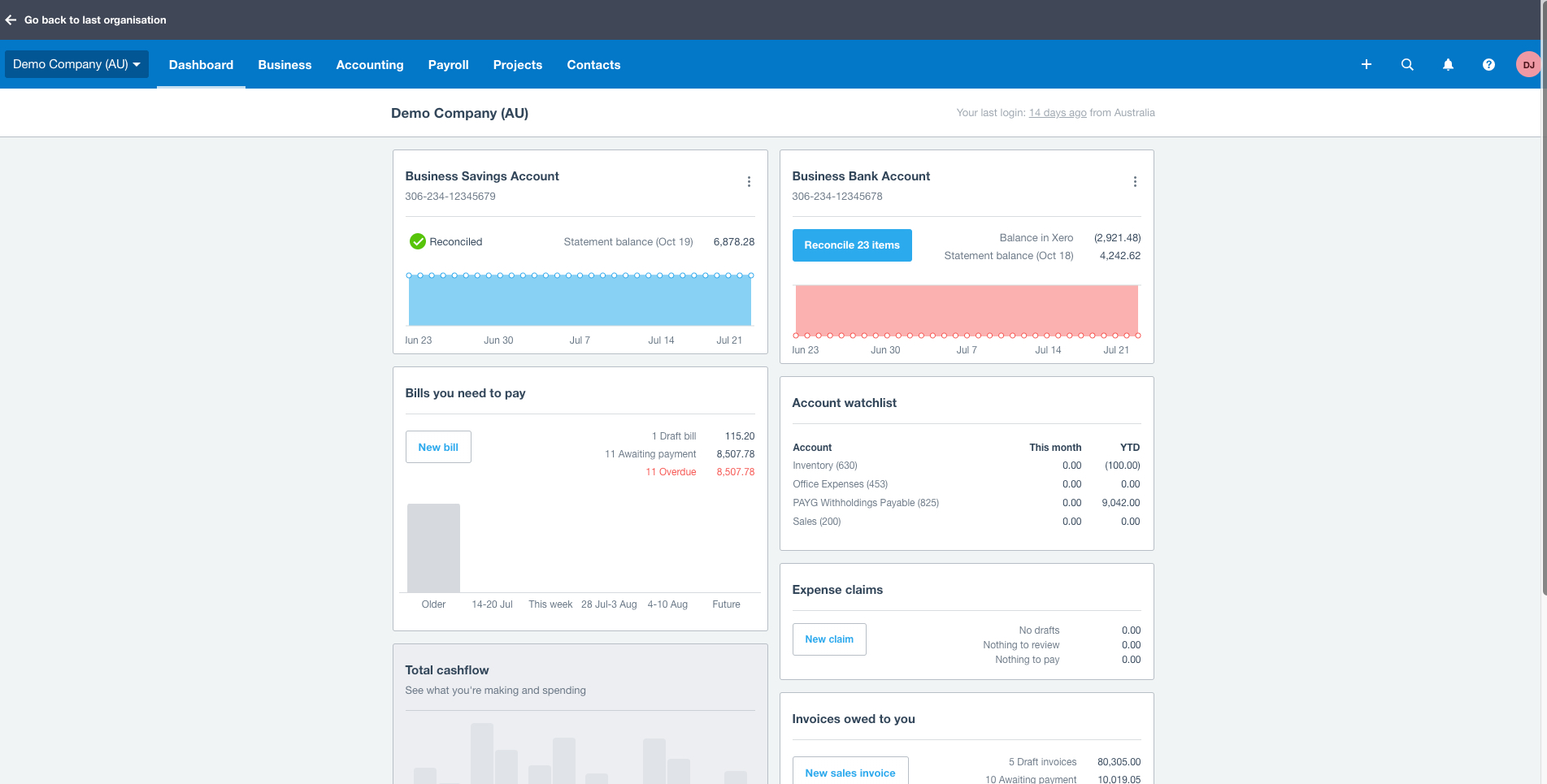
Xero is an online accounting software product for small businesses and personal finance. Its features beyond general ledger and double-bookkeeping include quotable invoicing, bank reconciliation, purchase order and expense management, and tax management. Third party apps can extend its features further.

Read more details.

Media

Xero
Xero
Xero
Xero
Xero
Xero

1 / 6

Top Performing Features

  • Pricing

    Users can set up complex and unique pricing requirements.

    Category average: 7.9

  • Order entry

    Users can enter an order once, and the data flows to all the necessary units such as fulfillment and billing.

    Category average: 8

  • Intercompany Accounting

    Automatically balance and reconcile GL for intercompany transactions

    Category average: 8.2

Areas for Improvement

  • Manufacturing module

    The software helps track and manage raw materials, work-in-progress items, and finished goods.

    Category average: 6.6

  • Centralized Rules Framework

    Integrate disparate ERP and transactional systems into single ERP instance

    Category average: 7.7

  • Single sign-on capability

    The software system supports a centralized authentication mechanism allowing the user to access multiple systems with a single, centrally managed password.

    Category average: 8.5

Who Buys & Uses Xero

Pros

  • Streamlined bank reconciliation and transaction matching
  • Intuitive invoicing and billing functionality
  • Accessible and customizable financial reporting

Cons

  • Limited depth and customization options for financial reports
  • Insufficient customization capabilities for templates and dashboards
  • Basic inventory management features

Xero financial data sorted

Use Cases and Deployment Scope

Xero is used as the base accounting software for our clients and our practice. All financial transactions are recorded on Xero, whether through inputs from bank feeds or HubDoc and outputs through platforms like Syft. Xero is the aggregator of all financial information for financial reporting and compliance.

Pros

  • Simple to understand accounting logic.
  • Fast access and load times.
  • Data integrity and audit trails.
  • Easy adoption and user access levels.

Cons

  • Sales order management would be a useful feature.
  • More complex inventory costing would be great.
  • More detailed audit trails would be welcomed.

Return on Investment

  • Time saving - no complex inputs required.
  • Ease of client involvement.
  • Ease of investigation.

Usability

Other Software Used

ClickUp, Syft Analytics, Hubdoc

Smooth Accounting With Xero

Use Cases and Deployment Scope

Xero has been very resourceful when it comes to handling our business accounting needs including invoicing and managing all our accounts receivable and payable. It comes with automation features to boost accuracy and save time. With Xero, categorizing our business expenses has been easy and it also handles expense management where teams can scan and upload receipts for approval.

Pros

  • Invoicing and quote is easy. Creating invoices, sending and tracking them is easy with this tool.
  • It makes expenses tracking easy. Capturing receipts and uploading them for approval is fast.
  • The bank reconciliation feature works well - Importing and matching bank transactions with statements is easy.
  • It comes with payroll features that makes processing salaries easy.
  • Reporting and analytics features are also very helpful.

Cons

  • Slow reporting and this needs to be improved to make the tool better.
  • It offers limited inventory tracking features.

Return on Investment

  • With expenses management features and ease of categorizing expenditure, Xero ensures transparency.
  • It comes with automation features thus boosting accuracy and this helps avoid costly financial errors while saving time.
  • Reporting and analytics features helps in decision making.

Usability

Other Software Used

Zoho Forms, Webex Connect, Accounting Seed

Xero has been a great additional to our tech stack

Use Cases and Deployment Scope

We use it to manage our multiple business accounts, and reconcile transactions. We were using spreadsheets prior and it was hard to organize financial information for our bookkeeper. Also, we do internal organizational reviews. Xero makes it much easier to strategize and build a plan to implement. Overall Xero is intuitive and easy to manage which makes it helpful overall.

Pros

  • Reconcile Transactions
  • Organize multiple accounts in one place
  • Easy to Navigate

Cons

  • Auto reconcile is wrong sometimes
  • Syncing broke and had to be reconnected

Return on Investment

  • Reduced Errors
  • More Consistent reporting

Usability

Alternatives Considered

QuickBooks Online

Other Software Used

HubSpot CRM, ClickUp, Twilio

Xero review

Use Cases and Deployment Scope

We are using Xero in our organisation for managing accounting and track errors in cash flow. Cash flow accounting, incurred expense, tax reporting, AP project and AR project. Timesheet updates, invoice posting, Bank reconciliation, vendor reconciliation. If we have NGOs related work we can track funds or donations very easily on cash basis and accrual basis. It is very time consuming and we can bulk upload the invoices at a time.

Pros

  • Timesheet tracker
  • Connect 800 banks at a time
  • AP and AR bills and invoices tracker
  • Payroll Reconciliation
  • Bank reconciliation

Cons

  • Payroll setup
  • Pre built reports
  • Donation and funds tracker
  • Inventory Management

Return on Investment

  • Positive - Reduced errors
  • Negative - Training cost is very high
  • Positive - Cash flow visibility
  • Negative - Need cash flow support more

Usability

Alternatives Considered

Zoho Books, QuickBooks Desktop Enterprise, QuickBooks Online, FreshBooks and BILL

Other Software Used

Hubdoc, Shopify, Gusto, Sage Intacct

A Reliable Cloud Accounting Solution For Business

Use Cases and Deployment Scope

We are using Xero for all our business accounting needs and it has been a great addition to our business. It is a cloud platform that helps in automating our business bookkeeping as well as simplifying financial management. The tool ensures that we have a clear visibility of our cash flow, it handles invoicing, payroll, and business bills. The ability to integrate Xero with other apps including Salesforce and Expensify makes it irresistible.

Pros

  • Automates most accounting processes to speed up processes while ensuring no human errors.
  • Accessing Xero is easy no matter location or device as it is a cloud platform.
  • It handles invoice, payroll, bookkeeping, and financial management easily.
  • Supports integration with other apps including Expensify and Salesforce.
  • It ensures data security and backup.
  • Supports collaboration.

Cons

  • Incorrect categorization of expenses leads to financial errors.
  • Everthing else works fine.

Return on Investment

  • With Xero, managing and handling our accounting is always easy.
  • Thanks to reports and ease of expense reconciliation and categorization, we make best decisions.
  • It handles financial management really well and the automation helps in ensuring error free accounting.

Usability

Other Software Used

Salesforce CRM Analytics, Expensify, Slack

