TrustRadius: an HG Insights company

Zoho Mail

Score9.2 out of 10

107 Reviews and Ratings

What is Zoho Mail?

Zoho offers their business email suite, which includes Calendar, Tasks, Notes, and Contacts bundled with an inbox.

Read more details.

Media

Screenshot of All in one view
Screenshot of Calendar
Screenshot of Task
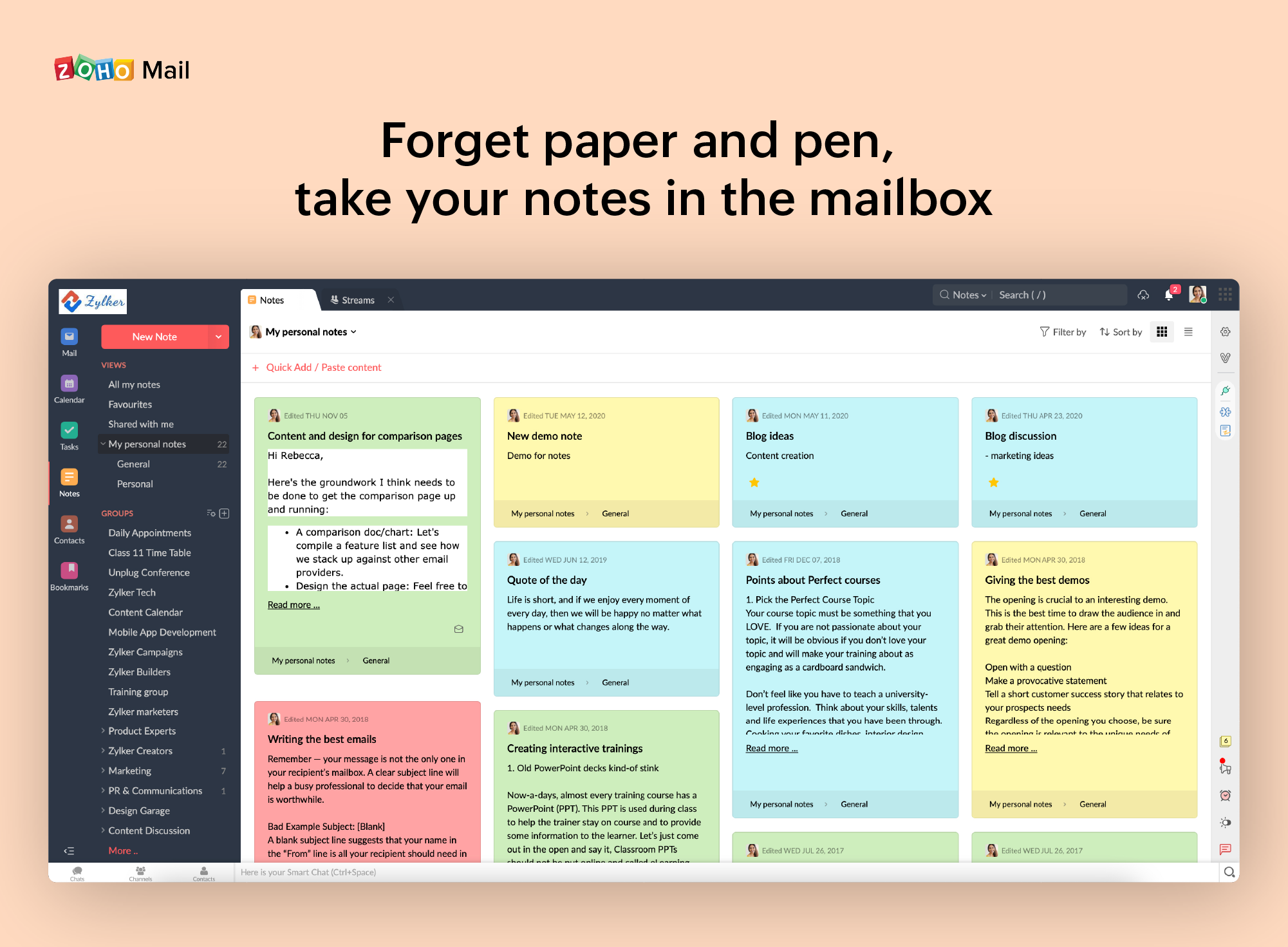
Screenshot of Notes
Screenshot of Contact management
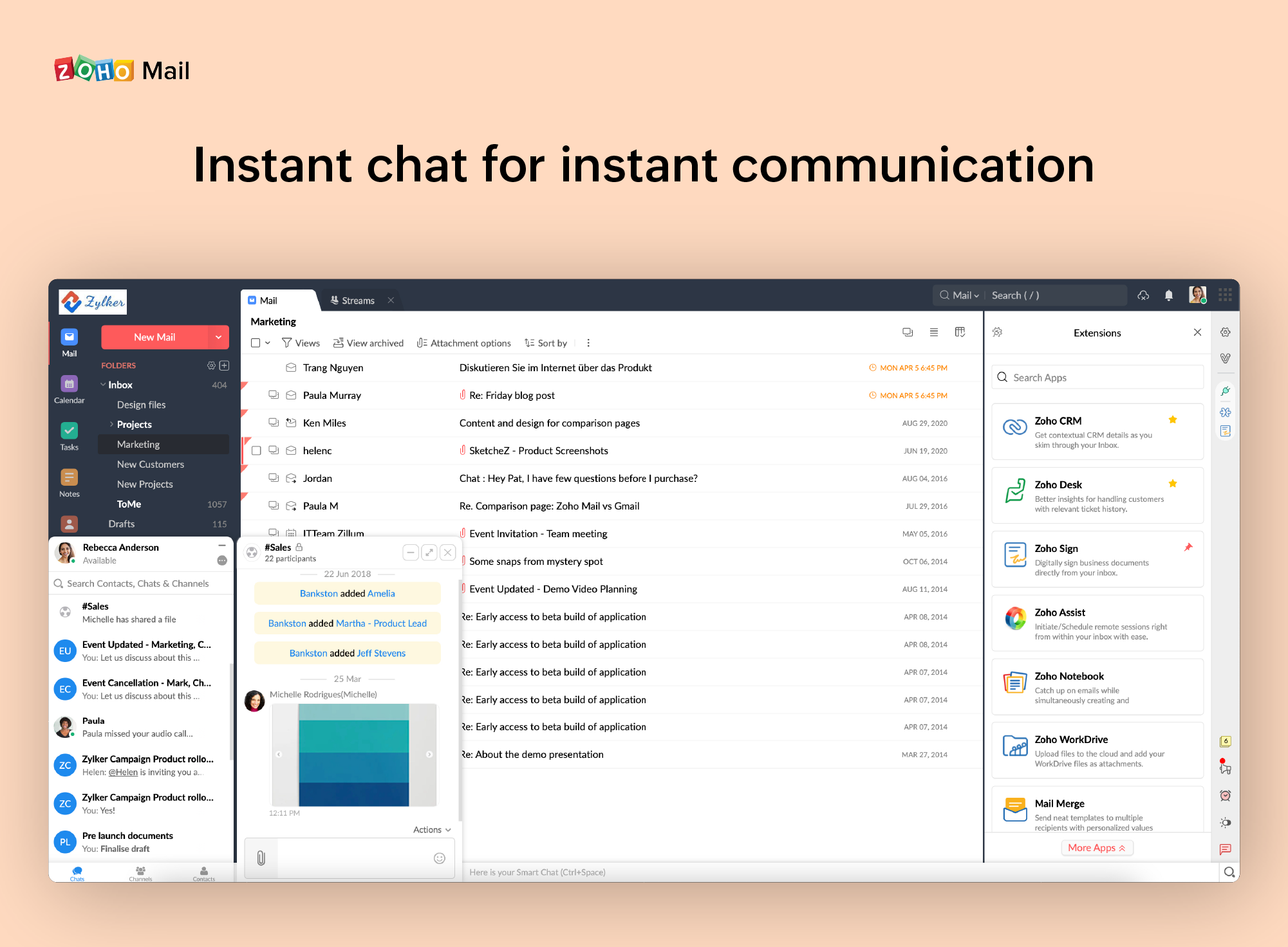
Screenshot of Instant Chat
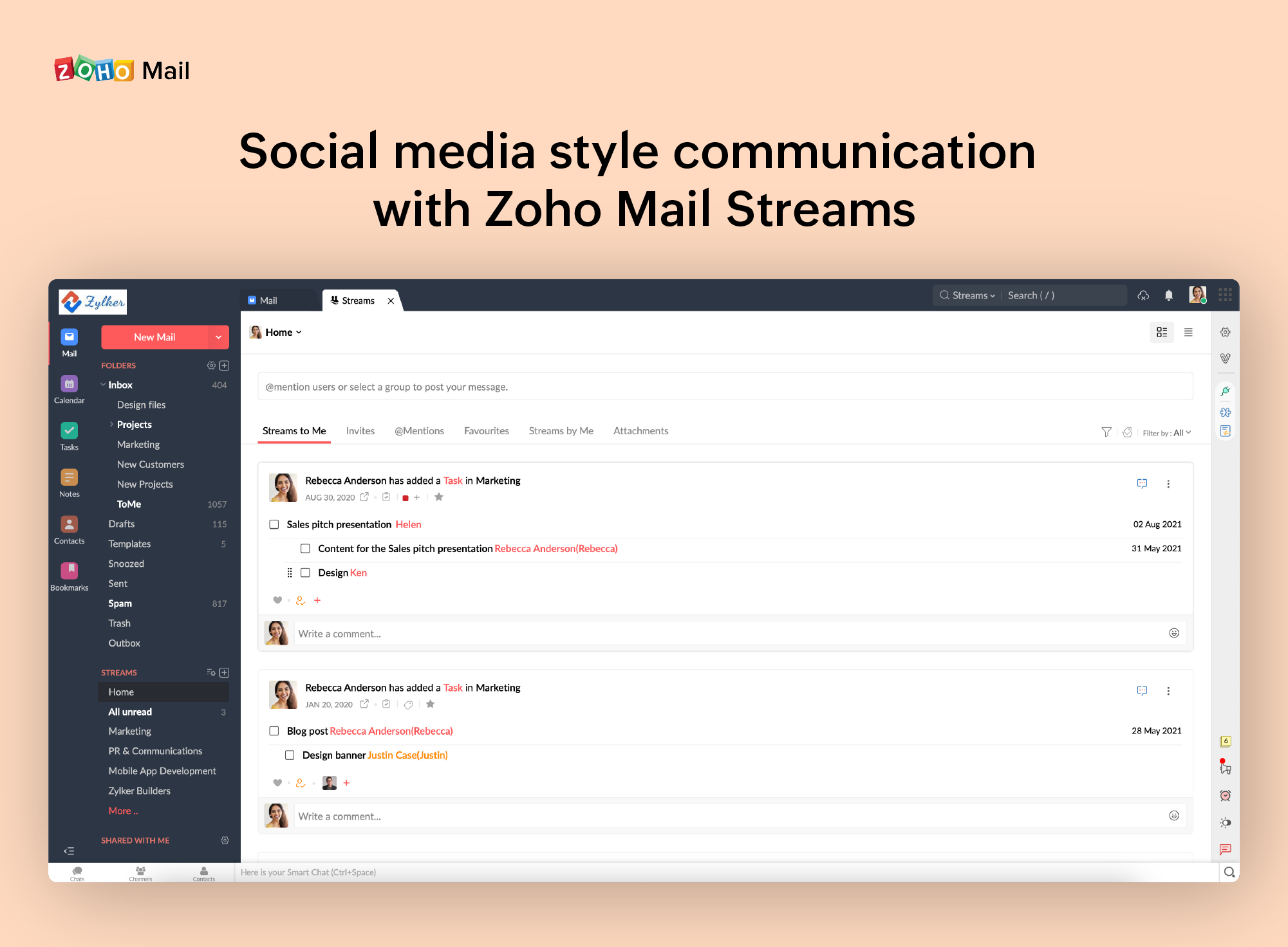
Screenshot of Zoho Mail Streams

1 / 7

Screenshot of All in one view

Top Performing Features

  • End-to-End Encryption

    In end-to-end encryption the data is encrypted on the sender's system or device and only the recipient is able to decrypt it

    Category average: 8.2

  • Anti-malware

    Anti-malware is a type of software program designed to prevent, detect and remove malicious software

    Category average: 8.8

  • Management Tools

    Management tools include administrator dashboards, reports, etc.

    Category average: 8.4

Areas for Improvement

  • Data Loss Protection

    A set of tools and processes used to ensure that sensitive data is not lost, misused, or accessed by unauthorized users.

    Category average: 7.7

  • Threat Detection

    Threat protection defend against sophisticated malware or hacking-based attacks targeting sensitive data.

    Category average: 8.5

  • Sandboxing

    Sandboxing is a software management strategy that isolates applications from critical system resources and other programs providing an extra layer of security

    Category average: 7.6

Who Buys & Uses Zoho Mail

Perfect for Startups

Use Cases and Deployment Scope

When we started our organization [...] (two years back), obvious question came to both directors that Which mail provider will go for? After research for one week, we finalized that we will go for Zoho Mail. Reason is that trust they earned over the years by providing services to different segments of commercial organizations.

Pros

  • What they do is separate Notifications from the Inbox
  • Spam detections and seperate Newsletters

Cons

  • Every software providers always needs to improve their services based on customer feedback
  • One area where i feel is that their Mobile versions needs to be better as compare to their desktop/web version

Return on Investment

  • The price factor is on higher side and specially for startups like us

Usability

Alternatives Considered

ADN Email

Other Software Used

Postman, Android Studio, Jaspersoft Community Edition

Great email product for business

Use Cases and Deployment Scope

We use Zoho Mail as our main email client. It works well. Great reminders. Can get alerts if required. Integrated Calendar. All the usual things. There is a desktop app that allows you to keep working even when you are offline - as well as the browser version (which is essentially the same UI). I can recommend it.

Pros

  • Groups conversations together
  • Seamless calendar integration
  • Very quick to launch
  • Manage several email accounts from one screen

Cons

  • It does allow for notifications for various things, but I am not sure where to turn them all off
  • It only counts to 9 the unread email alert, then says 9+
  • Overall I don't think there is much they need to work on.

Return on Investment

  • We have several email accounts for a low cost
  • Easy to train new staff on the system
  • Some confusion exists over Zoho One accounts and what is included

Usability

Alternatives Considered

Outlook4Gmail

Other Software Used

Zoho Calendar, Microsoft Edge, Slack

Zoho Mail With Best visibility in mobile and desktop - Easy to use

Use Cases and Deployment Scope

I have created a free account there for a client there are no issues while setup but in reflecting records to hosting and getting verified it take 2 days overall I didn't face any issues while using the mail and managing the client account and the greatest thing in Zoho this is free.

Pros

  • Its easy to use in Mobile
  • A fresher can easily use
  • Super admin pannel is also easy to use

Cons

  • No 1. in uploading appearance
  • No 2. Signatures option
  • No 3. when we copy paste there are major errors that we have to fix before sending so it takes double the time

Return on Investment

  • as is said before i have not taken paid version of Zoho
  • but for my use i have not seen any issues and no glitch

Alternatives Considered

Outlook4Gmail

Other Software Used

Google Analytics, Google Meet, AwsQuality Salesforce Services

Zoho Mail is the perfect email client for small and medium businesses

Pros

  • Set up your domain to have a professional account
  • Administration and management of information through cards and labels

Cons

  • When receiving an email with images that are not displayed automatically, you have to activate this function manually. It is a bit uncomfortable, I would prefer that it be activated automatically
  • The filter to search for information is not very accurate and unfriendly
  • The way to manage the storage capacity and to buy more space for the mail is not very friendly

Return on Investment

  • It has a direct impact on the commercial communications of the company since with this application we send the economic proposals for services.
  • Thanks to the fact that we can configure our corporate domain and a signature, we show a corporate professional image.
  • Allows you to manage and store internal and external communications

Other Software Used

Bitrix24, QuickBooks Online, Microsoft Excel

Personalized and 100% professional email for greater credibility.

Pros

  • I really like that there is a free version in which a single user can be created. It is really useful because it allows you to evaluate each characteristic of the service without having to buy it.
  • I also really like the visual aspect of the inbox, which is partially customizable. Because you can make small changes such as changing the color, the language, and among other things.

Cons

  • One of the biggest problems zoho mail has. It is that MX, SPF and DKIM records are never perfectly placed the first time you try to configure them. Whether you do them manually or automatically, something unexpected always happens.
  • Another negative aspect of this service. Is that when you receive a message with some type of image incorporated, it is not displayed correctly and a notification appears within the email that says Show now once you activate them is that the image is displayed correctly. I would like it to be activated automatically instead of manually. Although it is a minor problem.

Return on Investment

  • The most positive aspect that we have noticed after investing in this service. It is that now we have a better visual appearance and greater credibility with our customers and business partners.

Alternatives Considered

MailsDaddy

Other Software Used

Zoho CRM, Pipedrive, Kudos
