1CRM is an advanced government-level CRM system that combines industry-standard CRM features with comprehensive order management, service management and project management.
$15
per month
kvCORE
Score7.1 out of 10
N/A
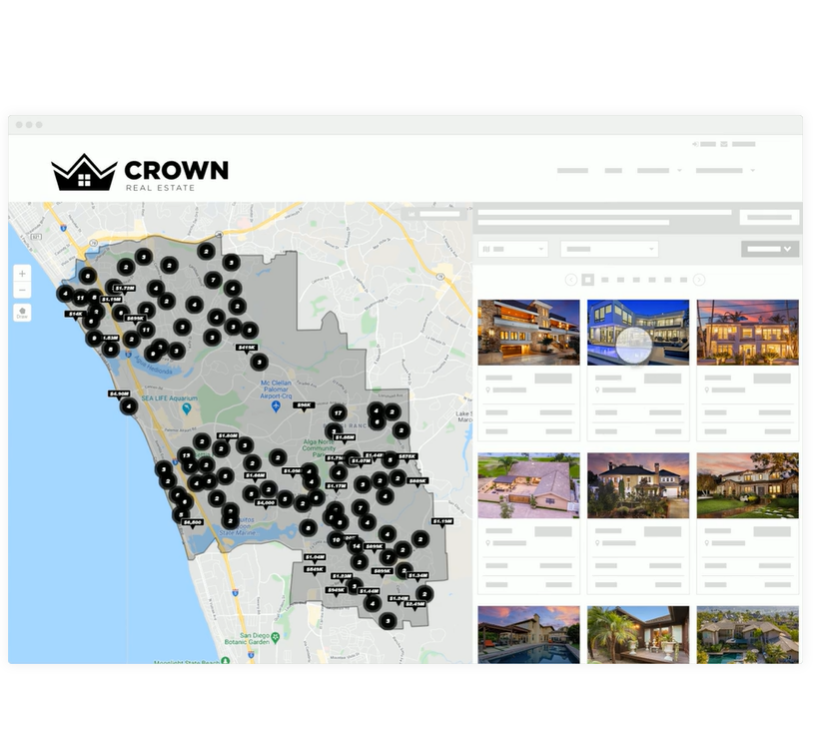
The kvCORE platform is described by the vendor, Inside Real Estate in Draper, as a next-gen solution for modern brokerages and enterprises to run their entire business on one platform.
N/A
Pricing
1CRM
kvCORE
Editions & Modules
Startup
$15
per month
Startup+
$23
per month
Professional
$33
per month
Enterprise
$39
per month
Free
Free trial
No answers on this topic
Offerings
Pricing Offerings
1CRM
kvCORE
Free Trial
Yes
No
Free/Freemium Version
Yes
No
Premium Consulting/Integration Services
No
Yes
Entry-level Setup Fee
No setup fee
Optional
Additional Details
Try 1CRM free for 30 days, no credit card required
I liked the fact that all the customer data was in one place with easy access. Instead of trying to hunt down specific data points, everyone on our team had access to the data. It was connected to a booking system that we used which was easy to enter orders and keep track of all opportunities.
I think if you have a very large brokerage and can afford to pay for a fully customized set up then it may be worthwhile. I would make sure you have a dedicated support team, not an account manager. In my opinion, the account managers are worthless and will not respond most of the time. We are on our second account manager in 9 months of using the system and cannot get in touch with him. In my experience, the account managers have no knowledge of how the system works or how anyone in real estate would want it to work. Obviously, I can only say this for the two managers we have had so far. I would steer clear of this system unless you want to spend a few thousand a month for a system that, I feel, will impede your business rather than improve it.
It sends unwanted canned responses to potential clients that you haven't approved. You must figure out how to use it to make them stop. This was day 1.
If you like to learn using many many different videos to learn a product, then this maybe for you.
A de minimis incentive was given to thank the reviewer for their time. The incentive was not used to bias or drive a particular response, nor was the incentive contingent on a positive endorsement. More Info
Their support is good, but wait times can be long. They want you to use their chat, but then when you ask your question, it can be a several hour wait time between responses. The people are nice and resolve your issue. But I think chat is for quick back and forth communication, not something with a long delay. Also, you can only really do it effectively on your computer, not on your phone.
It's proving very tough to track leads from campaigns we are running ourselves. If your website converts a lead, it really just gives you the website source, and even that only some of the time. It would be great to create custom sources and have kvCORE track that traffic and lead via some sort of UTM tag or URL parameter.
Some of the load times aren't great. When I load up my database, it takes a while to actually display. Also, when a lead is claimed in a pond, you have to refresh to be able to contact them. Then once you add a campaign, you have to refresh again to see the tasks that fire. This is a bit clunky.
The app is great, but there is still some limited functionality. It would be great to access and claim leads from a pond on the mobile app. Also if you could get push notifications when new leads are added. Our time to lead sucks, and that's because kvCORE doesn't alert you super quickly.
A de minimis incentive was given to thank the reviewer for their time. The incentive was not used to bias or drive a particular response, nor was the incentive contingent on a positive endorsement. More Info
I give this rating due to ease of usage, data retrieval (which is integral part of my position), reporting and retention of information. I love the fact that we can assign tasks across the team and set targets etc.
It doesn't deserve a zero because you can access contacts and get reminders to contact them. In my experience, you can not use the system for proper communication with both prospects and their spouses.
Through the usage of 1CRM, customers are satisfied as the work is done easily and fast. So it ensures tracking and ranking client performance, sharing customizable dashboards. It also gives a way to easily see previous transaction and personalize the customer experience. So 1CRM ease our work to analysis and report the commodity sector.
I love kvCORE's support. Having the little chat feature in the bottom right of my screen the whole time I'm working takes away any stress or worry about using it. When I first started using it, I learned its features by clicking and trying things, and more than once I had to go into the chat support and ask how to undo or fix what I had done. I don't think I've ever waited more than 5 minutes to get a reply back and it being almost instant and right there on my screen allowed me to continue working and know immediately when my question had been answered.
A de minimis incentive was given to thank the reviewer for their time. The incentive was not used to bias or drive a particular response, nor was the incentive contingent on a positive endorsement. More Info
A de minimis incentive was given to thank the reviewer for their time. The incentive was not used to bias or drive a particular response, nor was the incentive contingent on a positive endorsement. More Info
Konversion and BoomTown are the only two I have used. Both have their things to recommend. Since I used Konversion, using kvCORE was simpler and I was able to upload my contacts seamlessly. This made adopting a new system easier and less likely to have a gap in contacting customers.
A de minimis incentive was given to thank the reviewer for their time. The incentive was not used to bias or drive a particular response, nor was the incentive contingent on a positive endorsement. More Info
A de minimis incentive was given to thank the reviewer for their time. The incentive was not used to bias or drive a particular response, nor was the incentive contingent on a positive endorsement. More Info