
20 Miles vs. Dropbox DocSend
| Product | Rating | Most Used By | Product Summary | Starting Price |
|---|---|---|---|---|
 20 Miles | Score7 out of 10 | N/A | Fileboard provides actionable insights when businesses conduct live presentations, send and email presentations and conduct screen shares with prospects via this sales enablement tool. Fileboard also provides analytics on how prospects have engaged with presentations. | $49 per month |
 Dropbox DocSend | Score8.3 out of 10 | N/A | Dropbox DocSend helps business professionals to securely share and control content. Dropbox DocSend's link-based system is used to set security preferences for each stakeholder, receive notifications each time someone views a file, analyze content performance on a page-by-page basis, and create modern virtual deal rooms. With DocSend, business can offload administrative burdens and securely share the most impactful proprietary information faster. DocSend’s Virtual… | $10 per month per user |
| 20 Miles | Dropbox DocSend | |||||||||||||||
|---|---|---|---|---|---|---|---|---|---|---|---|---|---|---|---|---|
| Editions & Modules |
|
| ||||||||||||||
| Offerings |
| |||||||||||||||
| Entry-level Setup Fee | No setup fee | No setup fee | ||||||||||||||
| Additional Details | Discounts available for annual pricing. $49 per month for each additional users. | — | ||||||||||||||
| More Pricing Information | ||||||||||||||||
| 20 Miles | Dropbox DocSend | |
|---|---|---|
| Considered Both Products | No answer on this topic | No answer on this topic |
| Key User Insights | ||
| Would buy again | ||
No answers on this topic | 85% Would buy again 11 Answers | |
| Delivers good value for the price | ||
No answers on this topic | 92% Delivers good value for the price 12 Answers | |
| Happy with the feature set | ||
No answers on this topic | 100% Happy with the feature set 13 Answers | |
| Lived up to sales and marketing promises | ||
No answers on this topic | 100% Lived up to sales and marketing promises 7 Answers | |
| Implementation went as expected | ||
No answers on this topic | 100% Implementation went as expected 8 Answers | |
| 20 Miles | Dropbox DocSend | |
|---|---|---|
| Small Businesses |  Mediafly Score7.7 out of 10 |  WeTransfer Score8.5 out of 10 |
| Medium-sized Companies | Mediafly Score7.7 out of 10 | No answers on this topic |
| Enterprises |  ClearSlide Score8 out of 10 | No answers on this topic |
| All Alternatives | View all alternatives | View all alternatives |
| 20 Miles | Dropbox DocSend | |
|---|---|---|
| Likelihood to Recommend | 1.0 | 8.0 |
| Likelihood to Renew | 9.0 | - |
| Usability | - | 10.0 |
| Support Rating | - | 8.0 |
| 20 Miles | Dropbox DocSend | |
|---|---|---|
| Likelihood to Recommend |
|
|
| Pros |
|
|
| Cons |
|
|
| Likelihood to Renew |
| No answers on this topic |
| Usability | No answers on this topic |
|
| Support Rating | No answers on this topic |
|
| Alternatives Considered |
|
|
| Return on Investment |
|
|
| ScreenShots | 20 Miles Screenshots 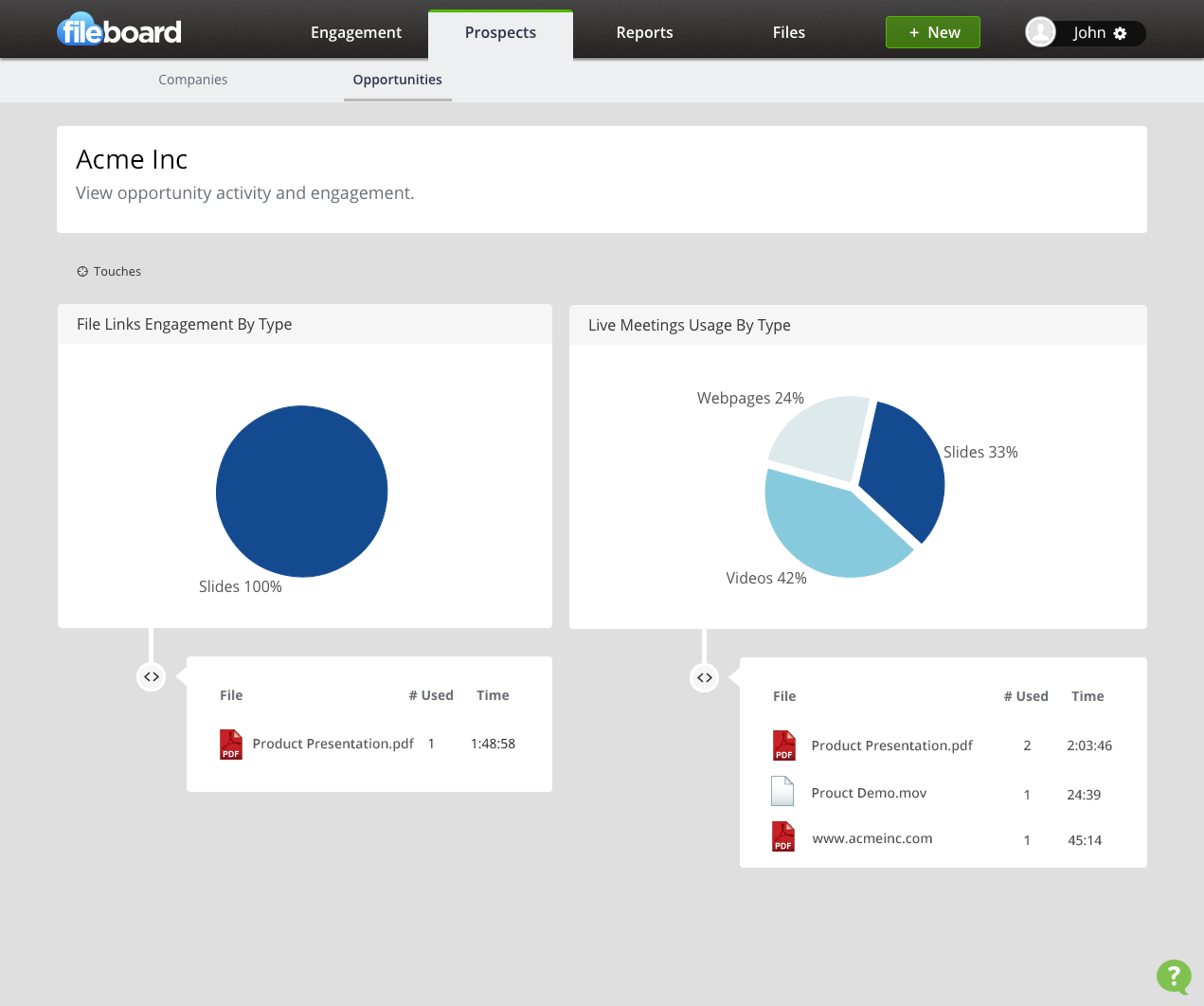  | Dropbox DocSend Screenshots   |

