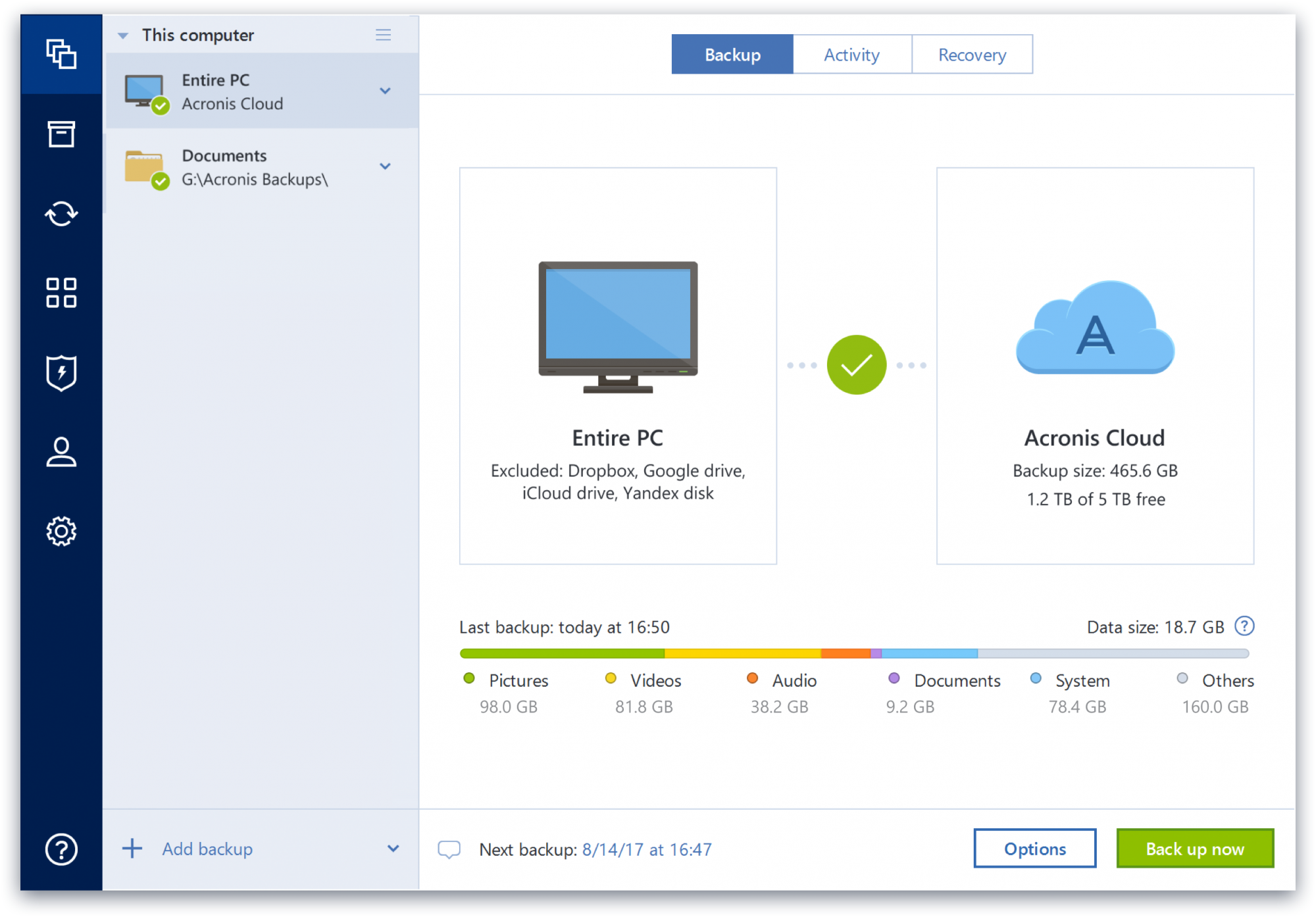
Acronis True Image is a backup, cloning, cyber protection and privacy tool suite for home users.
N/A
Paragon Hard Disk Manager
Score9 out of 10
N/A
Paragon Software headquartered in Irvine offers Paragon Hard Disk Manager, a storage management solution for physical and virtual drives, and disaster recovery framework solution for businesses of all sizes.
A de minimis incentive was given to thank the reviewer for their time. The incentive was not used to bias or drive a particular response, nor was the incentive contingent on a positive endorsement. More Info
A de minimis incentive was given to thank the reviewer for their time. The incentive was not used to bias or drive a particular response, nor was the incentive contingent on a positive endorsement. More Info
A de minimis incentive was given to thank the reviewer for their time. The incentive was not used to bias or drive a particular response, nor was the incentive contingent on a positive endorsement. More Info
Acronis Cyber Protect is great for any small/mid-sized business. The price point makes it attractive to all budgets >$100/year for 5 device deployments. Competitors offer less and charge more! Very happy with the suite of products, and renewals are simple and straightforward as well. I hope they don't change a thing!
A de minimis incentive was given to thank the reviewer for their time. The incentive was not used to bias or drive a particular response, nor was the incentive contingent on a positive endorsement. More Info
Paragon Hard Disk Manager is suitable for use by small and medium-sized enterprises (SMEs). The graphical user interface helps to make the software easy to use, even by those with limited computer/technical knowledge and skills. The software will likely meet most, if not all, of the backup requirements of SMEs.
A de minimis incentive was given to thank the reviewer for their time. The incentive was not used to bias or drive a particular response, nor was the incentive contingent on a positive endorsement. More Info
A de minimis incentive was given to thank the reviewer for their time. The incentive was not used to bias or drive a particular response, nor was the incentive contingent on a positive endorsement. More Info
A de minimis incentive was given to thank the reviewer for their time. The incentive was not used to bias or drive a particular response, nor was the incentive contingent on a positive endorsement. More Info
Some features have actually become more complicated over the years. One that comes to mind is creating a backup plan that can execute daily to an external USB media that is changed daily (older versions would back up to the, for example, "F" drive regardless of which drive was attached - newer versions identify each drive uniquely, and a backup task created with a given external drive will fail due to the lack of media presence if the drive is replaced).
Error messages could be less cryptic.
Support turnaround time and live assistance could be faster.
A de minimis incentive was given to thank the reviewer for their time. The incentive was not used to bias or drive a particular response, nor was the incentive contingent on a positive endorsement. More Info
Protect my system from data loss and also can manage multiple devices via online cloud from any where and also can set Multifactor authentication for more secure login access. Archive any backup which will use less space and we can transfer it to any other space also so it is very easy as server admin to manage acronics utilities
A de minimis incentive was given to thank the reviewer for their time. The incentive was not used to bias or drive a particular response, nor was the incentive contingent on a positive endorsement. More Info
A de minimis incentive was given to thank the reviewer for their time. The incentive was not used to bias or drive a particular response, nor was the incentive contingent on a positive endorsement. More Info
Beyond a single instance, I haven't had to approach Acronis' support. I needed a new key following the death of my previous workstation, and they rapidly supplied it. I've heard from colleagues that they've quickly answered any questions that've been asked. If I need something, I'll generally frequent FAQ pages first, although Acronis actually has instructional videos to help users get started, which is forward-thinking. Great software that fills a vital niche for Windows systems.
A de minimis incentive was given to thank the reviewer for their time. The incentive was not used to bias or drive a particular response, nor was the incentive contingent on a positive endorsement. More Info
A de minimis incentive was given to thank the reviewer for their time. The incentive was not used to bias or drive a particular response, nor was the incentive contingent on a positive endorsement. More Info
IDrive is incredibly faster than Acronis on cloud backup. After Acronis' failures on cloud storage I moved to IDrive for peace of mind. IDrive can also do local backups, and either variant of system state, server, outlook, exchange, etc. It does not however have the ability to do a full image of a bitlocked machine like Acronis, so I'm continuing the local imaging with Acronis.
A de minimis incentive was given to thank the reviewer for their time. The incentive was not used to bias or drive a particular response, nor was the incentive contingent on a positive endorsement. More Info
A de minimis incentive was given to thank the reviewer for their time. The incentive was not used to bias or drive a particular response, nor was the incentive contingent on a positive endorsement. More Info
The Windows version is generally reliable and only ran into one issue thus far. Restores are easy and there are many features. On MacOS, it's a completely different story. There is significant resource leakage related to the updater app that can bog down part of a CPU core continuously until it is disabled. The mobile backup feature also needs to be disabled via UNIX command line or CPU usage will go up when a mobile device on the same network like an iPad or iPhone's screen is turned on.
A de minimis incentive was given to thank the reviewer for their time. The incentive was not used to bias or drive a particular response, nor was the incentive contingent on a positive endorsement. More Info
A de minimis incentive was given to thank the reviewer for their time. The incentive was not used to bias or drive a particular response, nor was the incentive contingent on a positive endorsement. More Info
Paragon Hard Disk Manager makes creating regular incremental backups straightforward. The ease of configuring the software to automatically perform backup jobs increases the likelihood that we will follow through with our backup strategy, thus protecting our data.
Any loss of important data would potentially be catastrophic to our business. Paragon Hard Disk Manager minimizes this risk.
The software's ease of use also means we can focus more on our core business activities (and spend less time and effort on data backups).
A de minimis incentive was given to thank the reviewer for their time. The incentive was not used to bias or drive a particular response, nor was the incentive contingent on a positive endorsement. More Info