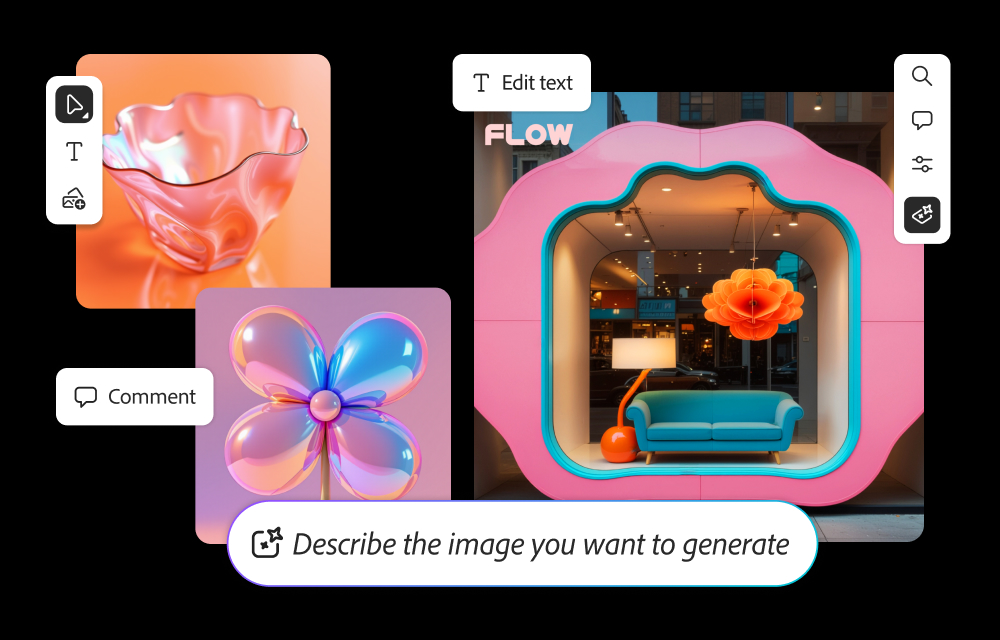
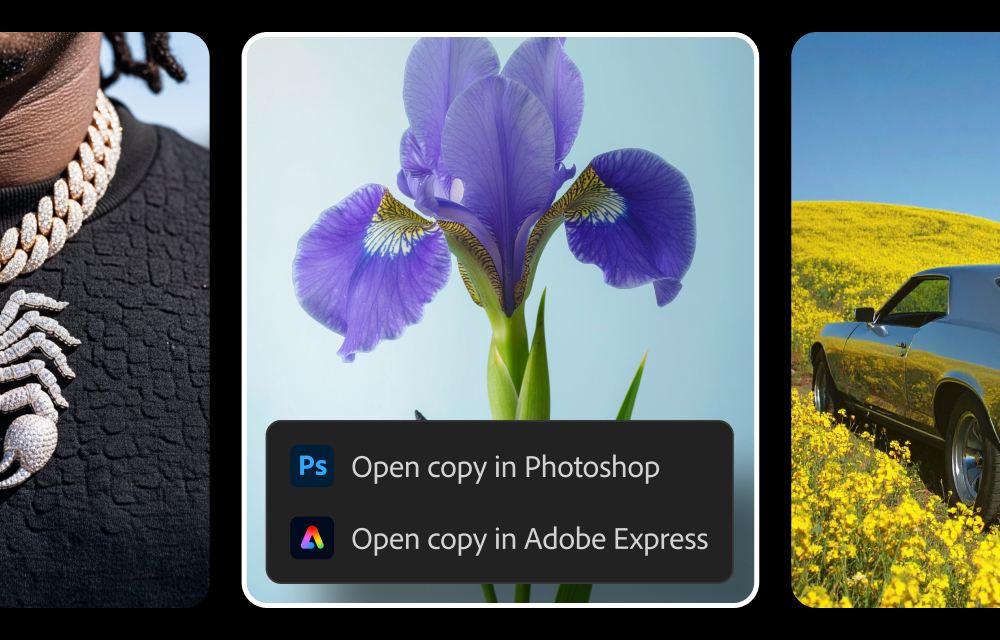
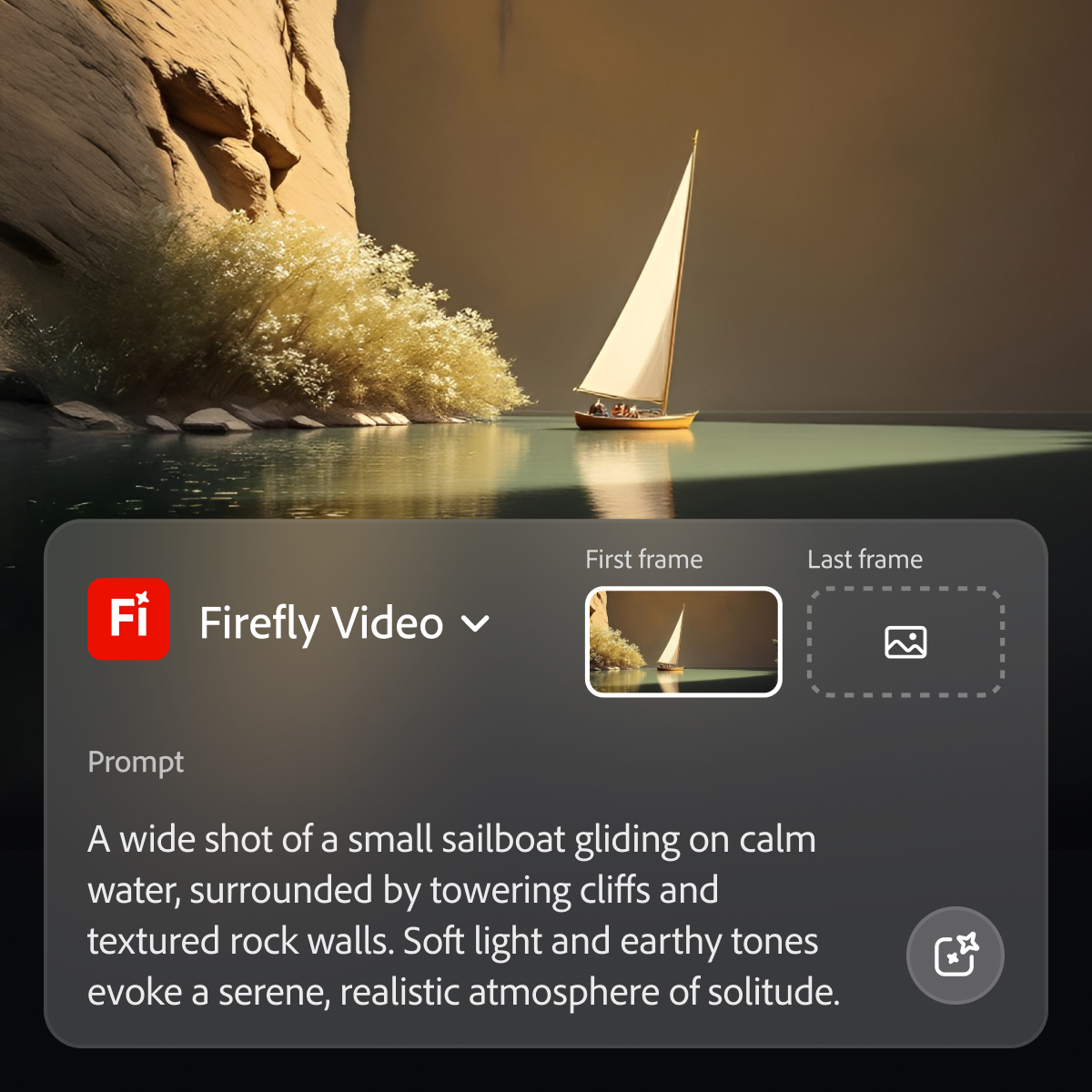
Adobe's Firefly models and services power generative AI features in Adobe creative apps, with features that can be used in Photoshop, Premiere Pro (beta), and the Firefly web app.
$9.99
per month (1 user & 2000 generative credits per month)
Fotor
Score10 out of 10
N/A
Fotor is a graphic design and photo editing & collaging tool, supporting PC (Mac & Windows), Mobile (Android & iOS) and Web, from the company of the same name in Chengdu.
Social Media Designer in Corporate at DSouza DSigns (Design, 1-10 employees)
Chose Adobe Firefly
I think compared to its competitors it is a lot more high-quality because it integrates to all of the Adobe suite applications directly in which is something that I utilize quite a lot. For the other external applications they don't integrate like that. But I think it is still …
A de minimis incentive was given to thank the reviewer for their time. The incentive was not used to bias or drive a particular response, nor was the incentive contingent on a positive endorsement. TR verified that a representative sample of customers was invited. More Info
Perfect for tweaking things quickly in images - changing details in the background or adding additional objects. Does well at creating an environment. Don’t reach for it if you need a detailed close-up of a person or extremely specific conditions in your image generation output.
A de minimis incentive was given to thank the reviewer for their time. The incentive was not used to bias or drive a particular response, nor was the incentive contingent on a positive endorsement. More Info
With Fotor, people who do not have graphic design skills can now create beautiful images, and those with the skill can create even more captivating images and marketing materials. Truly it's a game changer.
Works particularly well within Photoshop with Generative Fill and Expand.
Low cost relative to the type of one's Adobe Cloud subscription.
The advantage of Adobe Firefly's production of multiple results compared to partner models, though with the expectation that edits will sometimes be required.
A de minimis incentive was given to thank the reviewer for their time. The incentive was not used to bias or drive a particular response, nor was the incentive contingent on a positive endorsement. More Info
Adobe Firefly could add some improvement by making people look more realistic. Some of my prompts resulted in people's faces or body parts being distorted, or missing fingers. When this happens I find that if I resubmit the prompt a couple of times with more direction the final result often comes out better. But it would be nice if I could get a good result with one or two prompts tops.
A de minimis incentive was given to thank the reviewer for their time. The incentive was not used to bias or drive a particular response, nor was the incentive contingent on a positive endorsement. More Info
Because while Adobe Firefly is a good tool (and comes integrated to a certain extent with your Adobe CC subscription) there is still a long way to go before it can have the support to be able to use it outside of the same program subscription.
A de minimis incentive was given to thank the reviewer for their time. The incentive was not used to bias or drive a particular response, nor was the incentive contingent on a positive endorsement. TR verified that a representative sample of customers was invited. More Info
Firefly is a powerful tool with great potential. The shortcoming is that it can be challenging for users who are weak writers or who can’t think of helpful words to use in prompts. Working with prompt help to get stronger results may be helpful for less experienced AI users.
A de minimis incentive was given to thank the reviewer for their time. The incentive was not used to bias or drive a particular response, nor was the incentive contingent on a positive endorsement. More Info
A de minimis incentive was given to thank the reviewer for their time. The incentive was not used to bias or drive a particular response, nor was the incentive contingent on a positive endorsement. TR verified that a representative sample of customers was invited. More Info
As I have noted in previous answers, the integration of Adobe Firefly is already done for you. It is part of the Adobe Suite and works seamlessly with all other Adobe products. If you don't happen to use Adobe products, it works just like any other AI image creation tool in that you can save and download your creations to edit in whatever software tools you prefer.
A de minimis incentive was given to thank the reviewer for their time. The incentive was not used to bias or drive a particular response, nor was the incentive contingent on a positive endorsement. TR verified that a representative sample of customers was invited. More Info
Midjourney was not in this list but that is the most similar to Firefly in my opinion. I find that Adobe Firefly and Midjourney have a lot of overlap. The generative fill options on Photoshop and Illustrator also include very similar use cases with generating photography and extending areas of a photo to imagine outside of the crop.
A de minimis incentive was given to thank the reviewer for their time. The incentive was not used to bias or drive a particular response, nor was the incentive contingent on a positive endorsement. TR verified that a representative sample of customers was invited. More Info
Firefly has saved us many hours by being able to generate images that were otherwise hard to find, or images that we'd need to request licenses to use. Those time saving equate to money savings as team members can move on to other paid tasks more quickly.
When using the generative fill feature, being able to extend the aspect ratio of images we already have in our library has saved us both time and money.
Using Firefly has been a useful part of our strategy to introduce Generative AI to our clients, which helps us stay on the front foot with new developments.
A de minimis incentive was given to thank the reviewer for their time. The incentive was not used to bias or drive a particular response, nor was the incentive contingent on a positive endorsement. TR verified that a representative sample of customers was invited. More Info