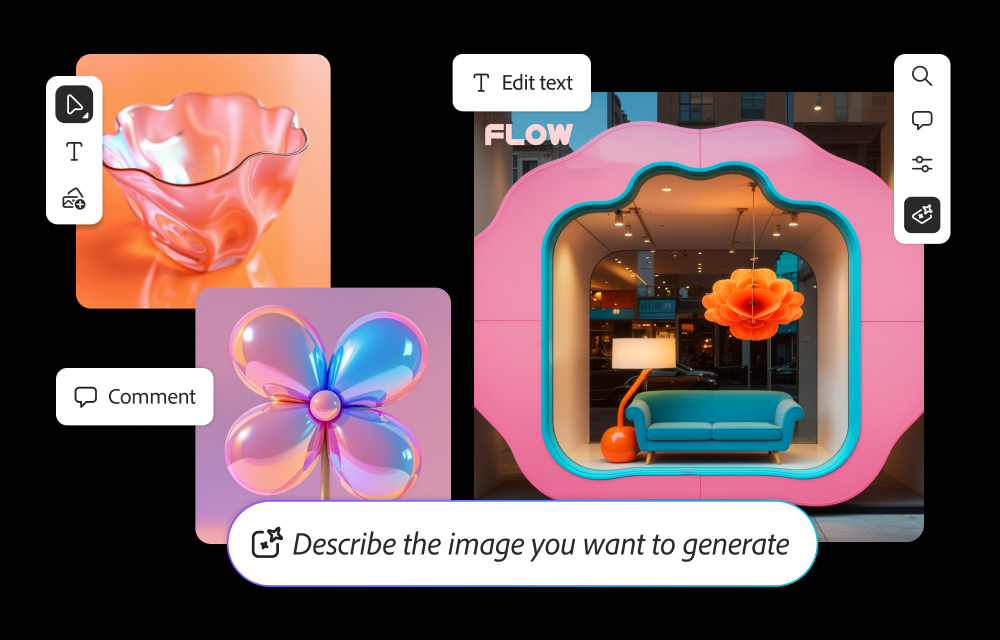
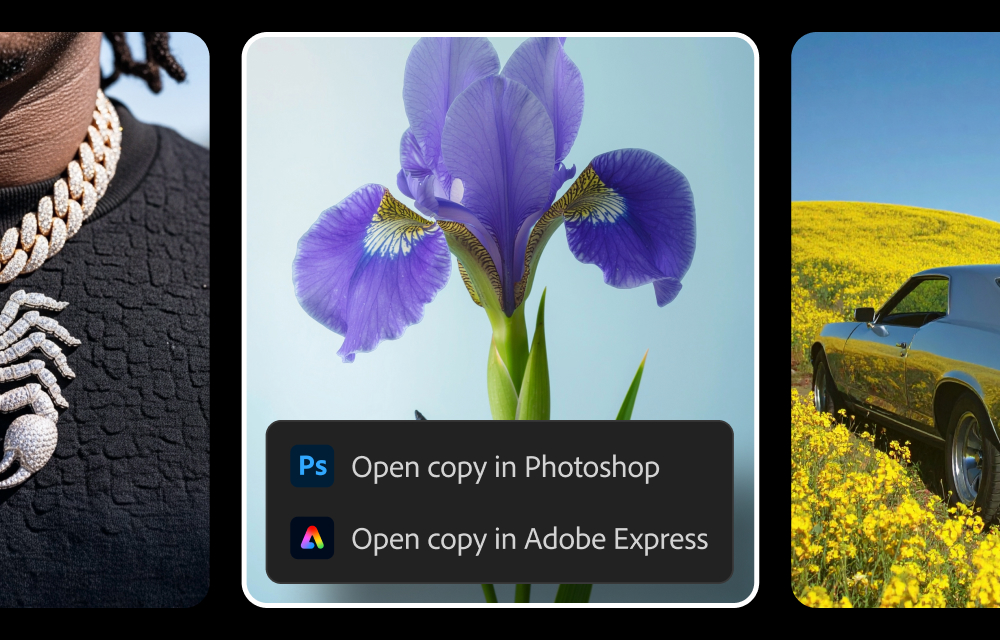
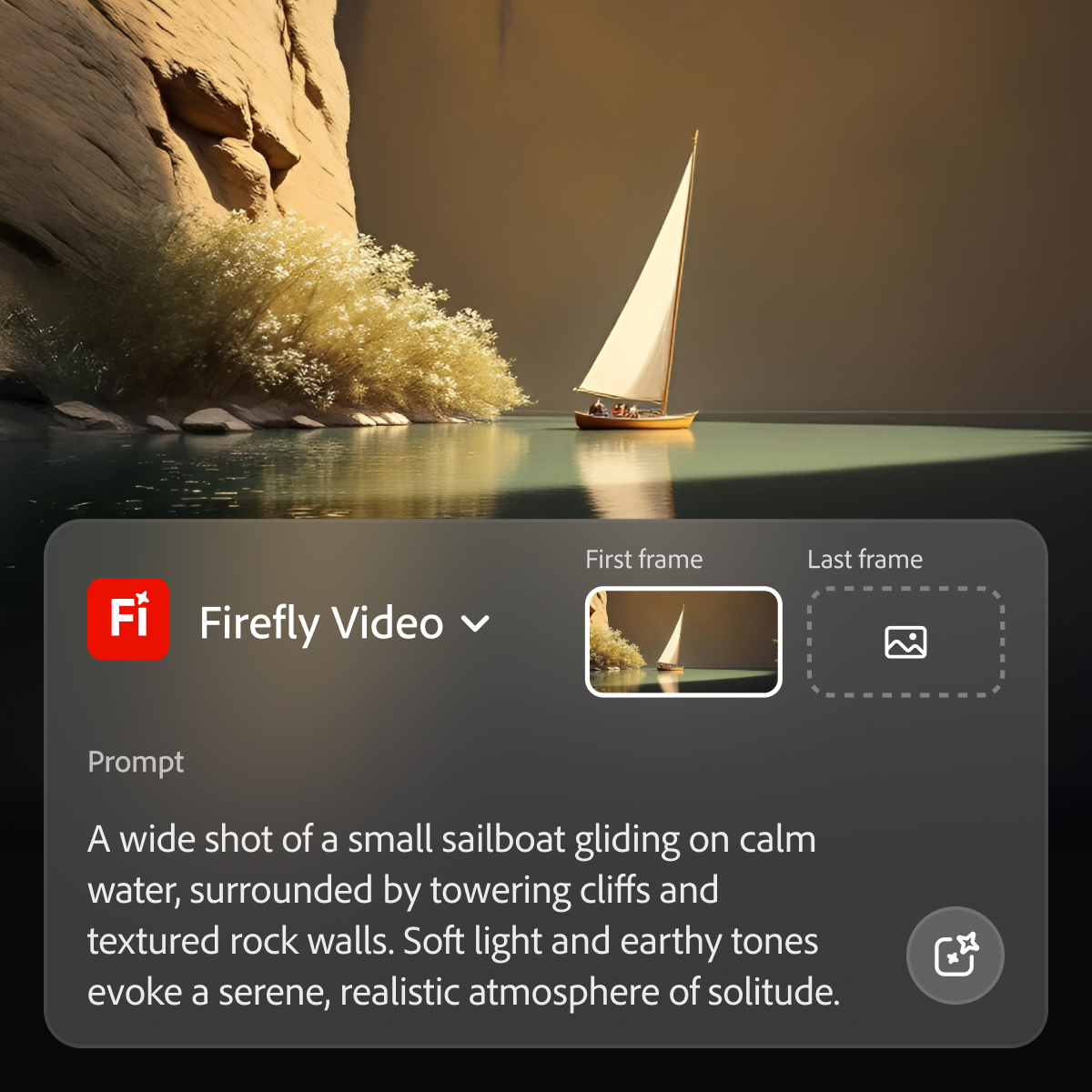
Adobe's Firefly models and services power generative AI features in Adobe creative apps, with features that can be used in Photoshop, Premiere Pro (beta), and the Firefly web app.
$9.99
per month (1 user & 2000 generative credits per month)
iMovie
Score 10.0 out of 10
N/A
Apple offers iMovie as a video editing platform supporting video creators with high quality effects, support for 4k resolution, audio editing, and other features supporting the creation of videos and movies.
$0
WeVideo
Score 9.3 out of 10
N/A
WeVideo is an online video creation platform from the company of the same name in Mountain View, providing editing, collaboration, and sharing capabilities across any device. Anyone can access WeVideo, from any computer or device at home, work, or on the go to capture, edit, view and share with secure storage of their content in the cloud.
While Adobe does and should establish policies with regard to censorship of certain types of images and words used in prompts, the restrictions do at times seem arbitrary and random, with little feedback in such cases as to what issues in particular are causing problems. For example, if using a reference image of a child to produce a video is forbidden, it would seem simple enough from an AI point of view to explain the limitation to the user.
iMovie is a great editing tool for beginners and users with little to no experience. If you are looking for a simple, straight forward way to edit your videos without having any training, this is the tool for you. If you are looking for a robust and very advanced editing platform, you may wish to look elsewhere.
Being a cloud-based video creation platform, students can be more creative, work on storytelling techniques with ease, and be engaged in different multimodal learning experiences designed by the professor.
WeVideo allows students to collaborate in the same video from multiple places.
Our students can use WeVideo with all their existing devices.
No software to install.
Accessible through our LMS.
Simple to share video projects.
Training and support.
Please remember that we mainly use WeVideo in an educational setting.
In Adobe Premiere Pro, Adobe Firefly does a great job with the Remix Tool which expands the length of an audio music track while matching notes and adding more beats to its length. The transitions are seamless, and after the generation is completed it is difficult to distinguish the new beats apart from the original composition.
In the Adobe Firefly, I use the standalone app to create graphic variations and visual concepts for quick mockups to streamline design ideas. This process helps me to speed up the creative process and to work more efficiently. It also presents me with additional creative ideas to incorporate in future ideations.
In Adobe Photoshop, Adobe Firefly is wonderful with the 'Generative Fill' which uses prompts to enhance an original image by adding complimentary content, replacing content, or even removing the background or content from an image altogether. The result is extremely realistic and amazing.
iMovie allows users to upload their own clips and edit them together. You're able to add in more clips as you're working on your project which is great as some film editing software don't allow add ons of video clips once you've begun the editing process.
iMovie continually saves as you're working on your project and syncs with your devices so you can work on your project from other like computers.
iMovie is quick to update changes which allows time to be saved during the editing process. It's very helpful when you need to adjust 1-2 things and don't want to spend hours waiting for the changes to go through.
Audio for video editing is a bit limiting. A pro user would feel limited, but the average person can pretty well do what they need in iMovie and that's what matters for this platform.
The design of the UI could use some updating so it doesn't feel so bubbly. This may purely be an aesthetic concern, and maybe the old style makes it more approachable, but i'd prefer to see a more slick design so you don't feel like you are using a kids program.
If you ever want to share the project or manually manage files, it can be a bit difficult to figure out. Fortunately Apple allows you to import a project from iMovie into FCPX if you ever want to be upwardly mobile.
Because while Adobe Firefly is a good tool (and comes integrated to a certain extent with your Adobe CC subscription) there is still a long way to go before it can have the support to be able to use it outside of the same program subscription.
Easy to use on the web application, and its integration into Photoshop is super easy to utilize for my projects. I always get what I am looking for out of Firefly, and it's become an amazing tool to save me time on a heavy workload task.
Once again, iMovie is a fast application. It's easy to use and navigate through. It has never frozen or glitched. There is an auto-save feature which helps you to easily close and re-open the software and continue from where you left off. Being an Apple product I do believe there is a level of superiority that surpasses Windows as well.
Apple does a great job supporting its products. I have never encountered trouble that could not be solved through chat or email. The knowledgebase section of the website, video tutorials online and various user forums also help with most issues. If after using all of these avenues you still have an issue, it may be time for you to outsource your project to a professional!
As I have noted in previous answers, the integration of Adobe Firefly is already done for you. It is part of the Adobe Suite and works seamlessly with all other Adobe products. If you don't happen to use Adobe products, it works just like any other AI image creation tool in that you can save and download your creations to edit in whatever software tools you prefer.
Midjourney was not in this list but that is the most similar to Firefly in my opinion. I find that Adobe Firefly and Midjourney have a lot of overlap. The generative fill options on Photoshop and Illustrator also include very similar use cases with generating photography and extending areas of a photo to imagine outside of the crop.
Not as easy to use as iMovie, and a similar cost structure. iMovie is easier for Apple users / and MS users, to both get proficient at. Movie Maker isn't bad, it just isn't as slick as iMovie. We actually used MovieMaker for a couple of years before migrating most users over to iMovie. We have not regretted the move.
Depending on what I need to do, I'll pick WeVideo or Synthesia. If I need a quick social media video or something with a transition, I'll go with WeVideo. I already know they have great video and photo library, so if it's something simple, I'll go directly to them.
Firefly has saved us many hours by being able to generate images that were otherwise hard to find, or images that we'd need to request licenses to use. Those time saving equate to money savings as team members can move on to other paid tasks more quickly.
When using the generative fill feature, being able to extend the aspect ratio of images we already have in our library has saved us both time and money.
Using Firefly has been a useful part of our strategy to introduce Generative AI to our clients, which helps us stay on the front foot with new developments.
iMovie is a very inexpensive alternative to other video editing software.
It's very easy to train new users on iMovie, so time is saved there.
We started a project where we were tasked to create a new 5 minute video every week. We started with little to no knowledge of video editing, but iMovie was so easy to pick up and use that we were able to start filming and putting together videos right away. If we had to learn a more complex program, like Premiere Pro, it would have pushed our timeline back considerably.