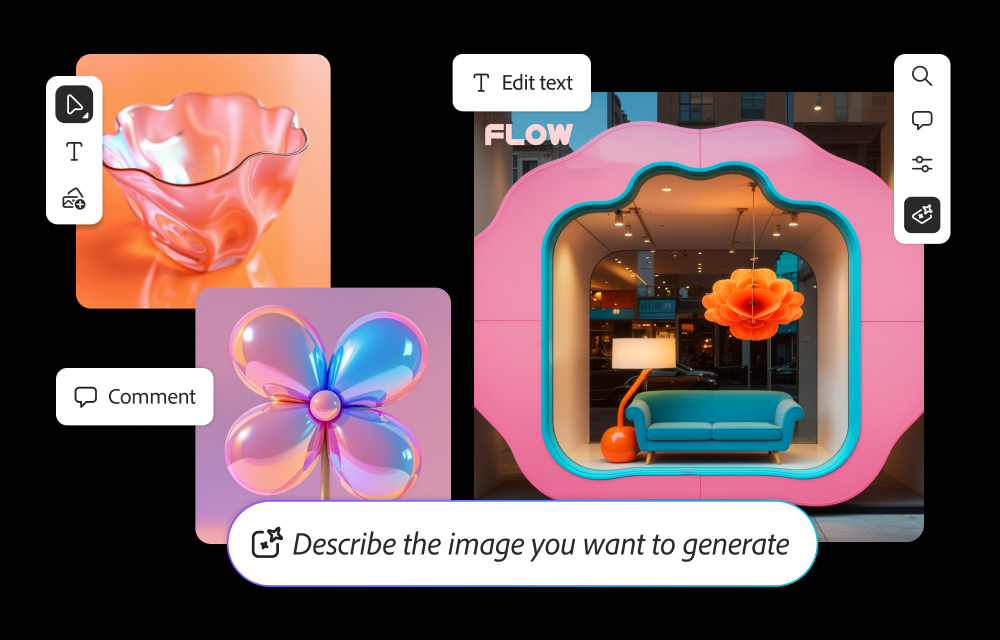
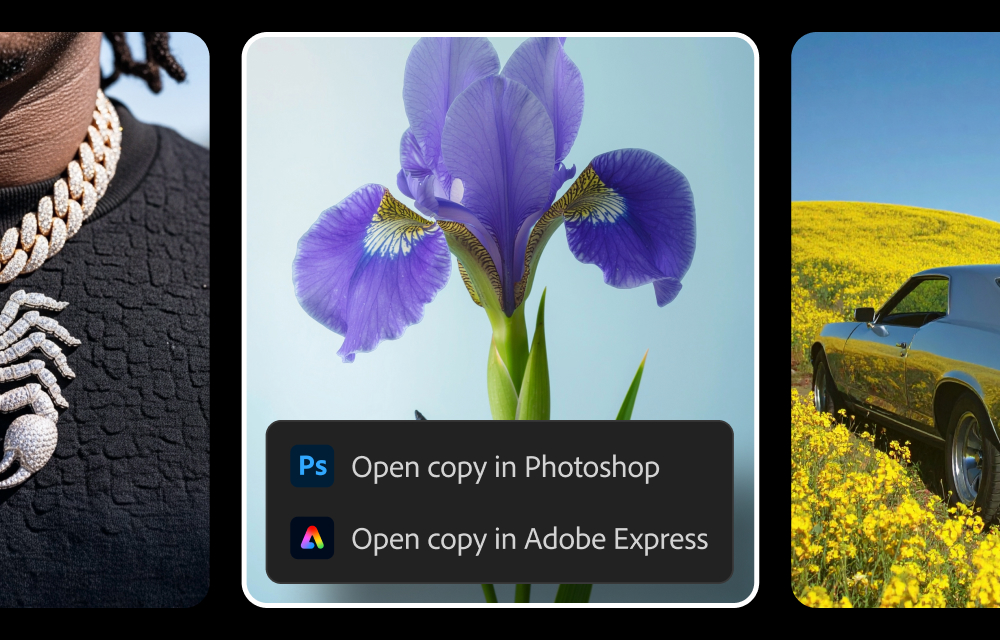
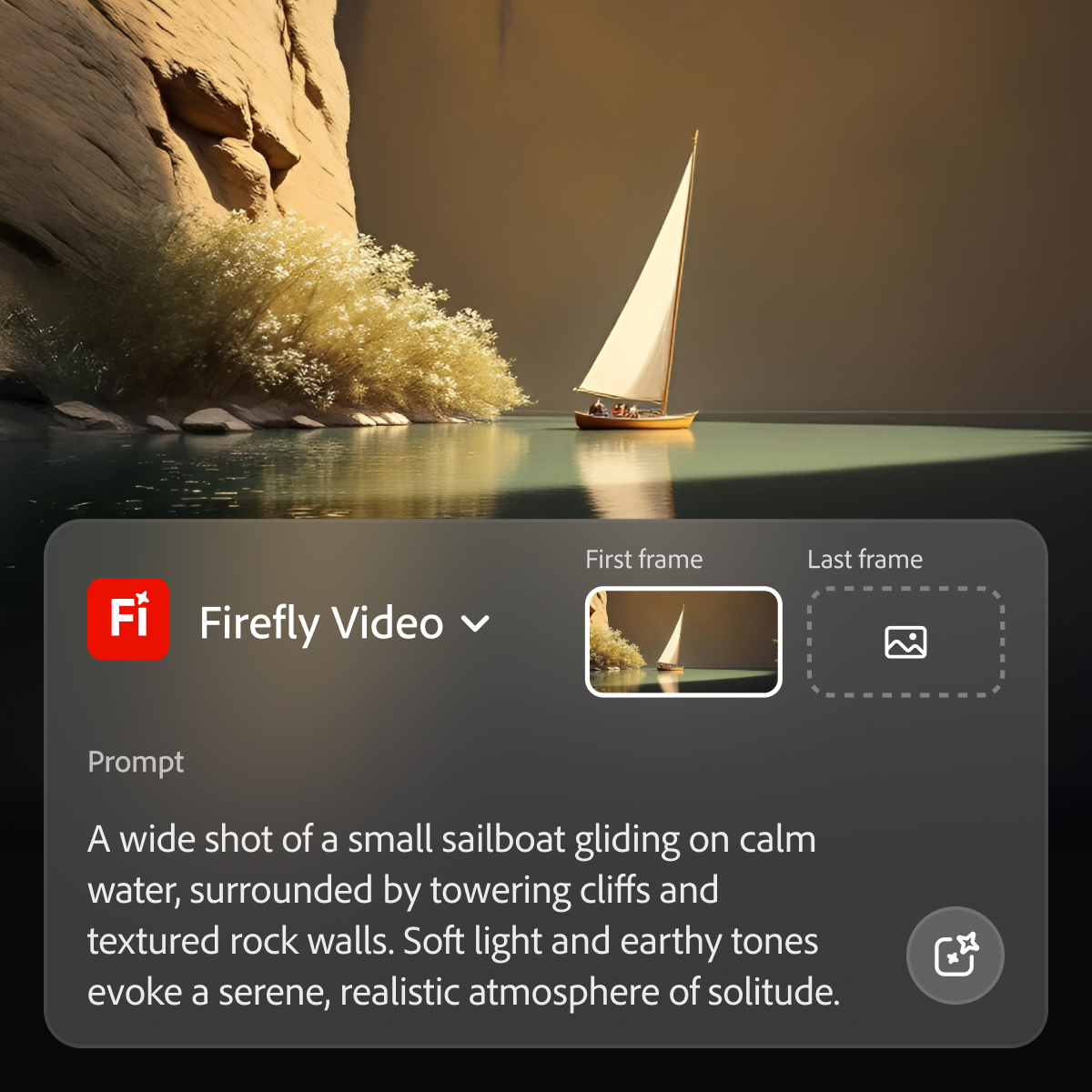
Adobe's Firefly models and services power generative AI features in Adobe creative apps, with features that can be used in Photoshop, Premiere Pro (beta), and the Firefly web app.
$9.99
per month (1 user & 2000 generative credits per month)
InVideo AI
Score 9.1 out of 10
N/A
InVideo is an AI video generation platform used to create video ads, promo videos, and social media videos. InVideo features a library of 4000+ templates, a full-fledged editor, millions of stock videos and images, and effects.
I typically upload a test image for reference and then work with the app to generate something that will produce what I need. It has been hit or miss in terms of accuracy. There is a need to create very realistic images. Things that are close to existing products by need to be adapted to different environments.
You will get access to various models Along with that you will get access to photo and video library which you can further improve / modify with prompts You can simply start with the prompt and it will deliver the videos. They are early adopters of AI - you will get the well trained model since there are many users who had used it and their team must be monitoring and improving their internal model to deliver more suitable results
Generative fill is a real time-saver, enabling us to modify images to suit our needs quickly and easily.
Text to image is an effective and fun tool to use, enabling us to create hard-to-find images for projects, or to create fantasy-like images that would otherwise require lots of manual effort to generate.
Firefly enables non-designers and artists to generate ideas, helping them to brief the design team in more detail.
Image/video gen models are a little bit behind. Third-party models are better but not commercially safe for the enterprise. I would love to see Firefly models at the same level as its competitors.
More features and capabilities in Boards. Love it so far and I want to see more.
Chat functionality with AI. Conversational functionality.
Because while Adobe Firefly is a good tool (and comes integrated to a certain extent with your Adobe CC subscription) there is still a long way to go before it can have the support to be able to use it outside of the same program subscription.
Easy to use on the web application, and its integration into Photoshop is super easy to utilize for my projects. I always get what I am looking for out of Firefly, and it's become an amazing tool to save me time on a heavy workload task.
As I have noted in previous answers, the integration of Adobe Firefly is already done for you. It is part of the Adobe Suite and works seamlessly with all other Adobe products. If you don't happen to use Adobe products, it works just like any other AI image creation tool in that you can save and download your creations to edit in whatever software tools you prefer.
Midjourney was not in this list but that is the most similar to Firefly in my opinion. I find that Adobe Firefly and Midjourney have a lot of overlap. The generative fill options on Photoshop and Illustrator also include very similar use cases with generating photography and extending areas of a photo to imagine outside of the crop.
I also used Powtoon for video-making service before InVideo. I am using InVideo for the last year and I found it very beneficial & effective than Powtoon because InVideo provides lots of features like Bulk Uploading, Closed captions, Engagement Tracking, Inside the Video Search, Speed Adjustment, Video Looping, and much more which are not provided by Powtoon. That is the main reason to choose InVideo against it.
We have been able to severely reduce the amount of budget we need for our marketing department.
We saw an increase of 10 to 15 in customer conversion ratios from prospects Where this software was used.
We have one in-house AI system, as opposed to using several free options that didn’t really deliver What we needed, but still had paid subscriptions for