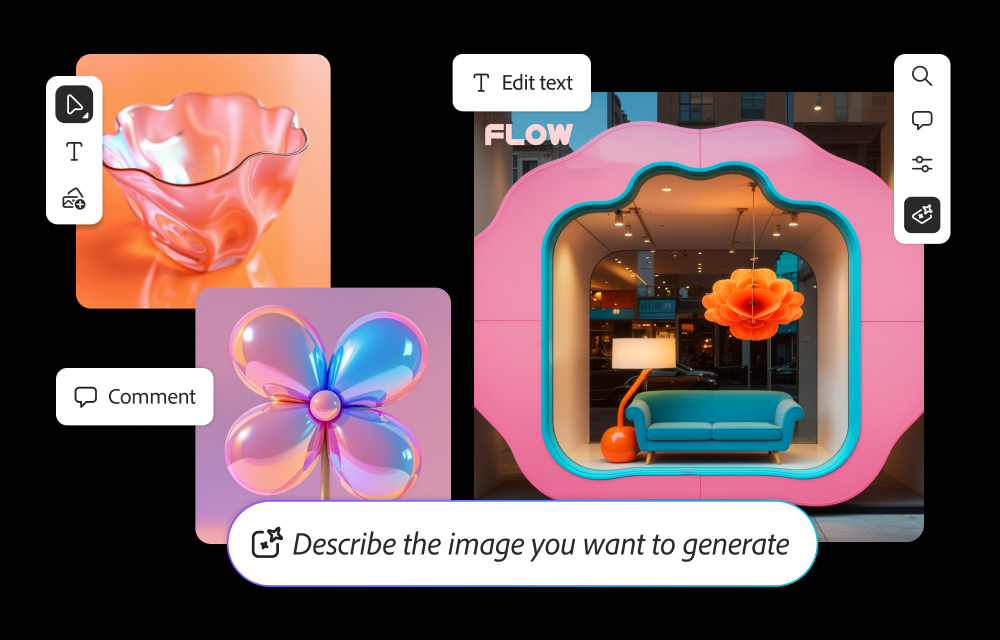
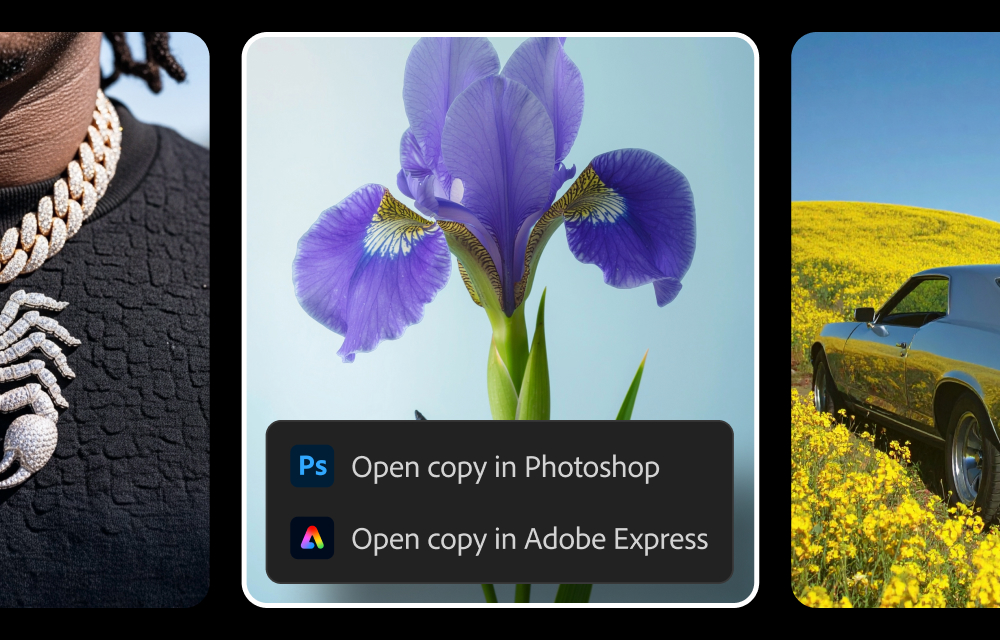
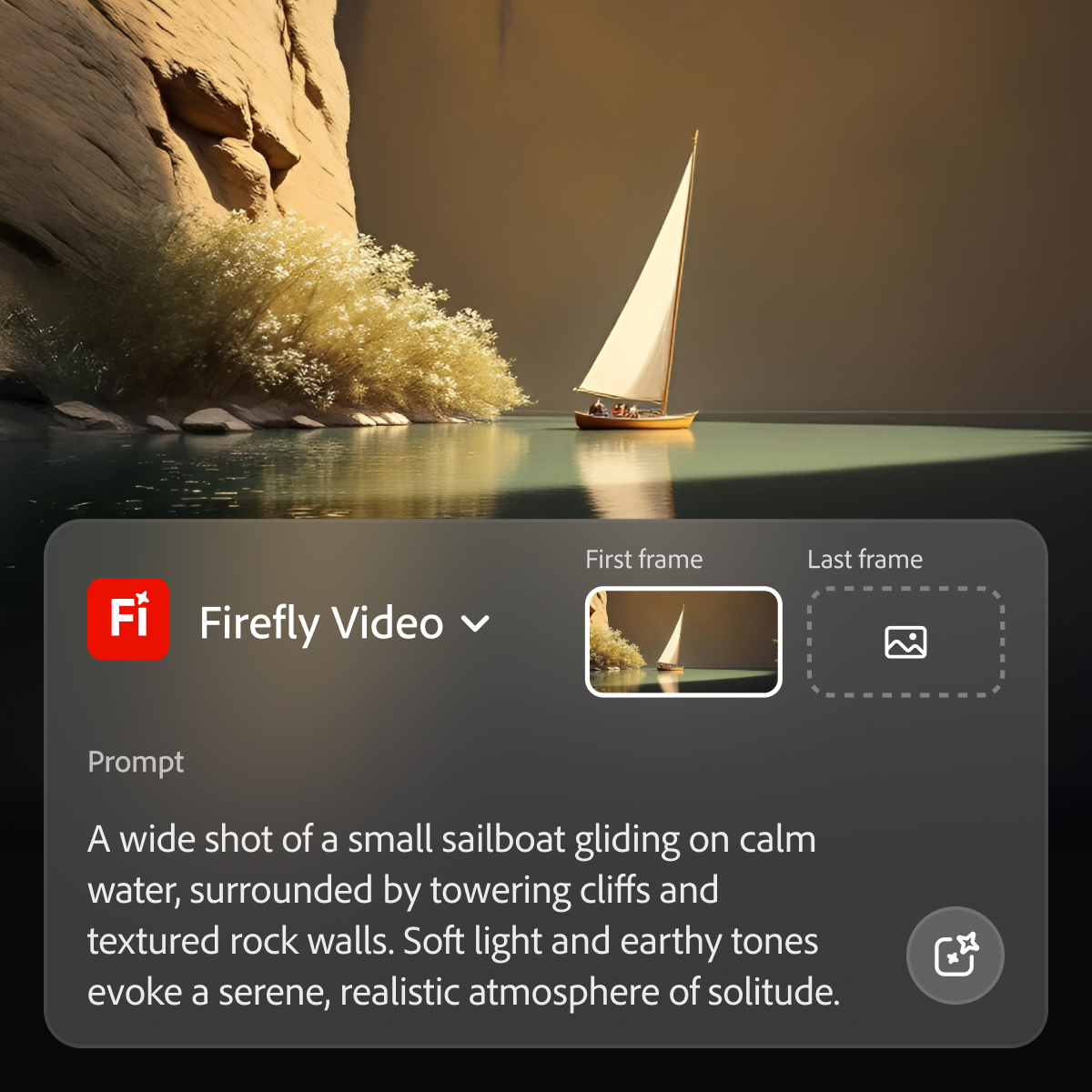
Adobe's Firefly models and services power generative AI features in Adobe creative apps, with features that can be used in Photoshop, Premiere Pro (beta), and the Firefly web app.
$9.99
per month (1 user & 2000 generative credits per month)
Picsart
Score7.7 out of 10
N/A
For visuals and product listings, Picsart's photo editing tools offer solutions for a variety of businesses. While Picsart's capabilities are available through web or mobile, Picsart Enterprise offers photo and video editing APIs and SDKs, integrated through a variety of services (e.g. Zapier, Make, etc.) for a variety of additional use cases.
Director in Information Technology at Devtics Technologies (Computer Software, 1-10 employees)
Chose Adobe Firefly
Adobe Firefly is a seperate version of AI from photoshop. Photoshop AI in latest version can do many things but it needs some work, it generates something different than you ask, thats where Firefly AI comes in handy because it's built just to tackle that problem we had with AI …
A de minimis incentive was given to thank the reviewer for their time. The incentive was not used to bias or drive a particular response, nor was the incentive contingent on a positive endorsement. TR verified that a representative sample of customers was invited. More Info
While Adobe does and should establish policies with regard to censorship of certain types of images and words used in prompts, the restrictions do at times seem arbitrary and random, with little feedback in such cases as to what issues in particular are causing problems. For example, if using a reference image of a child to produce a video is forbidden, it would seem simple enough from an AI point of view to explain the limitation to the user.
A de minimis incentive was given to thank the reviewer for their time. The incentive was not used to bias or drive a particular response, nor was the incentive contingent on a positive endorsement. More Info
In my experience, I have used PicsArt in lots of projects which helped me to complete the projects on time with satisfactory results. Mostly I use the Android app which is super easy to use. I have created multiple templates for my business. But I think it should remove the watermark on video editing also in the free version. It helped us to create unique pre-designed templates with step by step process. Apart from that, I have never faced any issues with this tool.
A de minimis incentive was given to thank the reviewer for their time. The incentive was not used to bias or drive a particular response, nor was the incentive contingent on a positive endorsement. More Info
In Adobe Premiere Pro, Adobe Firefly does a great job with the Remix Tool which expands the length of an audio music track while matching notes and adding more beats to its length. The transitions are seamless, and after the generation is completed it is difficult to distinguish the new beats apart from the original composition.
In the Adobe Firefly, I use the standalone app to create graphic variations and visual concepts for quick mockups to streamline design ideas. This process helps me to speed up the creative process and to work more efficiently. It also presents me with additional creative ideas to incorporate in future ideations.
In Adobe Photoshop, Adobe Firefly is wonderful with the 'Generative Fill' which uses prompts to enhance an original image by adding complimentary content, replacing content, or even removing the background or content from an image altogether. The result is extremely realistic and amazing.
A de minimis incentive was given to thank the reviewer for their time. The incentive was not used to bias or drive a particular response, nor was the incentive contingent on a positive endorsement. More Info
Basic Photo Editing - more robust than your basic iPhone photo editing tools, but much simpler (yet still powerful) and user-friendly than Adobe Photoshop and Lightroom.
Filters - a large variety of simple and complex photo filters with the ability to adjust the strength. A nice blend of filters can really enhance a photo without making it look heavily filtered.
User friendly - all across the board, this app is super easy to use and really powerful too. I can't imagine editing a photo on my phone without it.
A de minimis incentive was given to thank the reviewer for their time. The incentive was not used to bias or drive a particular response, nor was the incentive contingent on a positive endorsement. More Info
A de minimis incentive was given to thank the reviewer for their time. The incentive was not used to bias or drive a particular response, nor was the incentive contingent on a positive endorsement. TR verified that a representative sample of customers was invited. More Info
There are a lot of features available to only paying subscribers, but all those features still appear for the nonpaying user, marked by the crown icon. Particularly with filters and stickers, it can be annoying to scroll through the majority of locked options to find the handful that is free. A filter option would be nice.
It would be nice to have access to previous projects where you could still go back and undo edits you've made. The draft feature seems to only be good for one project at a time.
Layers would be nice. That way when you use a sticker or add a photo on top and go on to make more edits, you could still move them around instead of just having to undo everything and re-add the stick or additional photo.
A de minimis incentive was given to thank the reviewer for their time. The incentive was not used to bias or drive a particular response, nor was the incentive contingent on a positive endorsement. More Info
Because while Adobe Firefly is a good tool (and comes integrated to a certain extent with your Adobe CC subscription) there is still a long way to go before it can have the support to be able to use it outside of the same program subscription.
A de minimis incentive was given to thank the reviewer for their time. The incentive was not used to bias or drive a particular response, nor was the incentive contingent on a positive endorsement. TR verified that a representative sample of customers was invited. More Info
Easy to use on the web application, and its integration into Photoshop is super easy to utilize for my projects. I always get what I am looking for out of Firefly, and it's become an amazing tool to save me time on a heavy workload task.
A de minimis incentive was given to thank the reviewer for their time. The incentive was not used to bias or drive a particular response, nor was the incentive contingent on a positive endorsement. More Info
A de minimis incentive was given to thank the reviewer for their time. The incentive was not used to bias or drive a particular response, nor was the incentive contingent on a positive endorsement. TR verified that a representative sample of customers was invited. More Info
As I have noted in previous answers, the integration of Adobe Firefly is already done for you. It is part of the Adobe Suite and works seamlessly with all other Adobe products. If you don't happen to use Adobe products, it works just like any other AI image creation tool in that you can save and download your creations to edit in whatever software tools you prefer.
A de minimis incentive was given to thank the reviewer for their time. The incentive was not used to bias or drive a particular response, nor was the incentive contingent on a positive endorsement. TR verified that a representative sample of customers was invited. More Info
Midjourney was not in this list but that is the most similar to Firefly in my opinion. I find that Adobe Firefly and Midjourney have a lot of overlap. The generative fill options on Photoshop and Illustrator also include very similar use cases with generating photography and extending areas of a photo to imagine outside of the crop.
A de minimis incentive was given to thank the reviewer for their time. The incentive was not used to bias or drive a particular response, nor was the incentive contingent on a positive endorsement. TR verified that a representative sample of customers was invited. More Info
I used Lucidchart to develop architect-level integration flow diagrams to visualise integration flow. But Picsart has a user-friendly UI to develop and edit HQ pictures as per business requirements but some options are an enterprise where we need to pay and purchase those features and filters to use them while editing images.
A de minimis incentive was given to thank the reviewer for their time. The incentive was not used to bias or drive a particular response, nor was the incentive contingent on a positive endorsement. More Info
Firefly has saved us many hours by being able to generate images that were otherwise hard to find, or images that we'd need to request licenses to use. Those time saving equate to money savings as team members can move on to other paid tasks more quickly.
When using the generative fill feature, being able to extend the aspect ratio of images we already have in our library has saved us both time and money.
Using Firefly has been a useful part of our strategy to introduce Generative AI to our clients, which helps us stay on the front foot with new developments.
A de minimis incentive was given to thank the reviewer for their time. The incentive was not used to bias or drive a particular response, nor was the incentive contingent on a positive endorsement. TR verified that a representative sample of customers was invited. More Info