Adobe InDesign supports creating digital and print documents such as flyers, stationary, posters, and other types of media, with rich graphics, images, and more. Adobe InDesign is available standalone or as part of the Adobe Creative Suite collection of media management and creation products.
$31.49
per month
Contentful
Score 7.5 out of 10
N/A
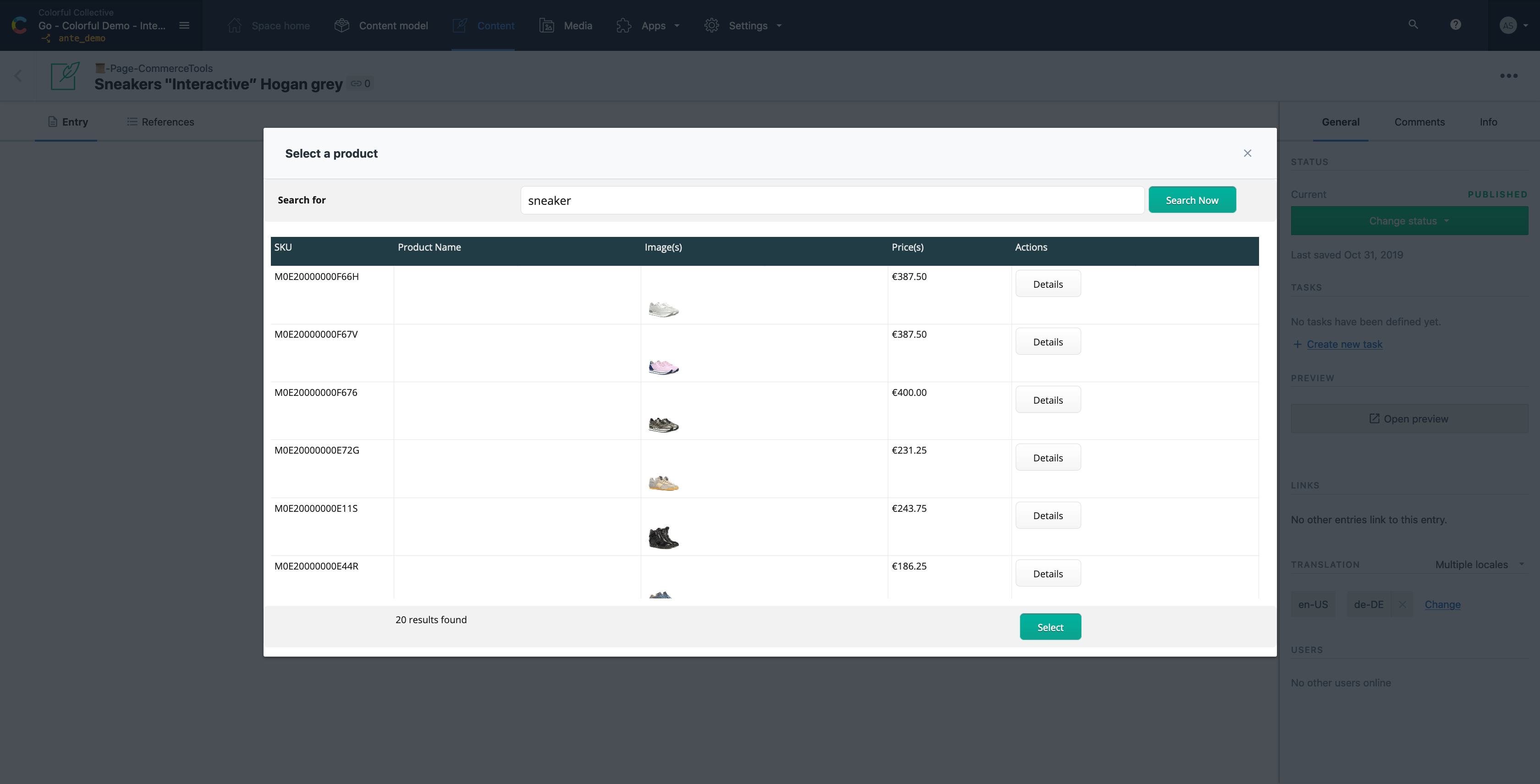
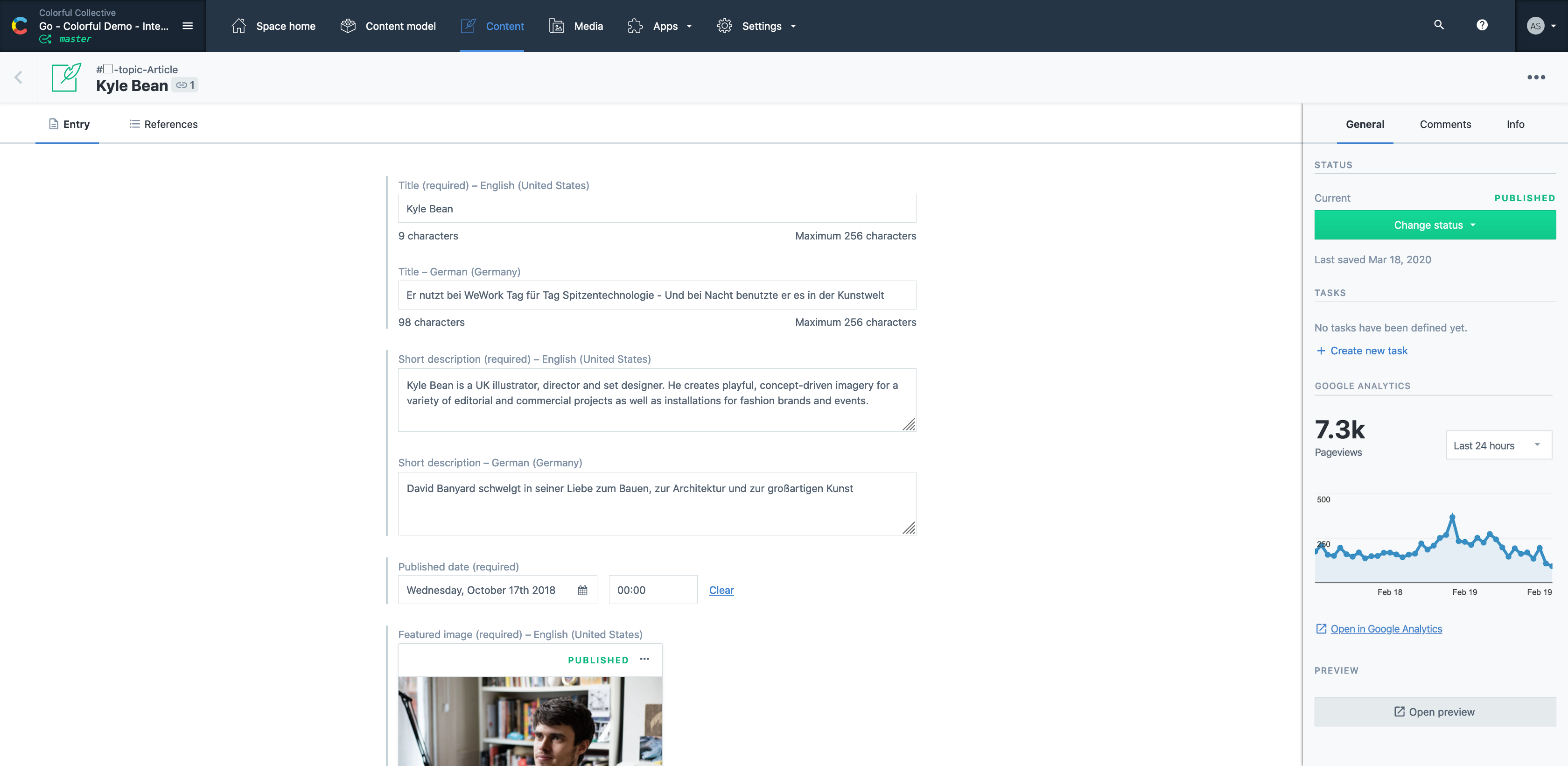
Contentful is a cloud based CMS solution that provides the ability to manage content across multiple platforms.The editing interface allows for managing content interactively and provides developers the ability to deliver the content with the programming language and template framework of their choice.
$0
Pricing
Adobe InDesign
Contentful
Editions & Modules
Monthly Plan
$31.49
per month
Annual Plan, Prepaid
$239.88 ($19.99)
per year (per month)
Annual Plan, Paid Monthly
$251.88 ($20.99)
per year (per month)
Lite
$300
per month
Community
Free
Enterprise
Custom
Offerings
Pricing Offerings
Adobe InDesign
Contentful
Free Trial
No
Yes
Free/Freemium Version
No
Yes
Premium Consulting/Integration Services
No
Yes
Entry-level Setup Fee
No setup fee
Optional
Additional Details
—
—
More Pricing Information
Community Pulse
Adobe InDesign
Contentful
Features
Adobe InDesign
Contentful
Security
Comparison of Security features of Product A and Product B
Adobe InDesign
-
Ratings
Contentful
8.5
10 Ratings
4% above category average
Role-based user permissions
00 Ratings
8.510 Ratings
Platform & Infrastructure
Comparison of Platform & Infrastructure features of Product A and Product B
Adobe InDesign
-
Ratings
Contentful
9.5
12 Ratings
20% above category average
API
00 Ratings
9.311 Ratings
Internationalization / multi-language
00 Ratings
9.79 Ratings
Web Content Creation
Comparison of Web Content Creation features of Product A and Product B
Adobe InDesign
-
Ratings
Contentful
7.8
13 Ratings
0% above category average
WYSIWYG editor
00 Ratings
7.34 Ratings
Code quality / cleanliness
00 Ratings
9.58 Ratings
Admin section
00 Ratings
9.311 Ratings
Page templates
00 Ratings
7.64 Ratings
Library of website themes
00 Ratings
7.52 Ratings
Mobile optimization / responsive design
00 Ratings
4.57 Ratings
Publishing workflow
00 Ratings
9.312 Ratings
Form generator
00 Ratings
7.01 Ratings
Web Content Management
Comparison of Web Content Management features of Product A and Product B
Adobe InDesign is very well-suited to creating professional-looking page designs. If you want a newspaper or magazine to have attractive pages that go beyond simple templates, InDesign is the best option out there, to my knowledge. It's less suited to scenarios where people without page design skills are responsible for creating pages, as it requires some training and skills to use effectively.
It's a great all rounder for content projects. It's easy in the basics and powerful in the complex, data heavy scenarios. Extending the platform is straightforward and the SDK gives you everything you need. If you have many many varying content types , it gets expensive and perhaps not the best choice .
Customization - With Adobe InDesign, as well as many other applications in the Adobe Creative Suite, I can fully customize my workspaces and save different workspaces. This makes it easy to navigate through my project and have the panels and tools I need easily accessible and configured based on my project needs.
Styles - Adobe InDesign has character styles, object styles, and tables styles. This speeds up my workflows and allows me to easily apply the same format across multiple elements. This is super helpful, especially when working with length documents.
File compatibility - I can easily export my files into so many different file types.
The Book feature - This feature is really helpful when creating books or very long documents with multiple sections.
Contentful uses "references" to allow you to build very modular content. If I have a "slider" content type, I can create a "slide" content type which references a "button" content type, and so forth. This works well, but I occasionally wish there was a better solution for one-off content, like a settings page. Currently, this is done for creating an entire content type called "settings" with a single entry. Not a big deal, but not ideal, either.
There are a few quirks with GatsbyJS integration, etc, but these issues are being fixed and improved upon very quickly.
A minor gripe, but Contentful does not have a way to organize fields within an entry. Entries with many fields are somewhat tiresome to scroll through.
I've had great experiences with the product and plan to continue to use it. It has been my go-to product for designing and creating materials. I have had great luck with it and have been able to create all of the needed marketing materials that have been requested for our company.
If you know what you are doing it is an amazingly granular and powerful application. You can control pretty much any aspect of the design and layout of your documents and make changes globally and rapidly. But, if you don't know what you are doing...you will be staring at your screen in bewilderment for a long time. You can learn it, but be ready for a hefty time investment.
It is a very easy to use and configure application. I find that it is on the user to manage the content after the models have been created, yet I still do not encounter issues finding or creating new components for our site. It is easy to set up and easy to navigate.
Adobe support is ok but not great. Chat support often doesn't initially understand the question at-hand and it takes awhile to get to the right agent. Phone support has long wait times, and though I've had more luck there, it does take quite a time investment if you are looking for help. However, Adobe does have some online learning solutions available as well as a knowledgebase for frequently asked questions. If you're looking to learn how to use the platform, there are lots of resources which can typically be found in a few Google searches. If you have a technical issue with the system, that's going to be a bit more of a time investment as far as getting a tech's assistance to resolve the problem.
Microsoft products do not match the aesthetic tools that [Adobe] InDesign offers, cannot support the customizable options available for export, and do not produce documents with as high a degree of accessibility. That said, they do have their place in collaboration in a team- I'd consider Office to be the first step and [Adobe] InDesign to be the final product.
Easy to use and much more organized as a single platform versus multi. The layout is clean and easy to read and we don’t have to worry about certain users safe guarding data or content then losing it when they leave the company. It’s a one stop shop for imagery
A great ROI for time in my small architectural practice, [especially] when a design has been updated and a report needs to be submitted. We can be submitting many reports that all look similar, clean and beautiful. We just save as the file and replace the images with more updated images. This way the client finds it easy to navigate updated reports, as many as they can be.
Contentful has saved us valuable development time that was previously spent doing deploys for minor content updates.
Contentful has helped us maintain consistent documentation, reducing time needed to review for consistency.
Can't say we've really experienced any negative ROI impacts from using Contentful, but we've run into some limitations in adding too many content models and the next pricing tier is substantially more expensive.