Akamai mPulse vs. Countly

Overview
ProductRatingMost Used ByProduct SummaryStarting Price
Akamai mPulse
Score 7.8 out of 10
N/A
mPulse, from Akamai, is a real-time end-user digital experience monitoring solution (or RUM, for real user monitoring) that enables the user to capture user experience data, optimize website performance, and measure ROI.N/A
Countly
Score 8.0 out of 10
Mid-Size Companies (51-1,000 employees)
Countly is a product analytics solution and innovation enabler that helps teams track product performance and customer journey and behavior across mobile, web, and desktop applications. Ensuring privacy by design, Countly helps the user to innovate and enhance products to provide personalized and customized customer experiences, and meet key business and revenue goals. Countly empowers companies of any size or location to grow their business by helping them securely process billions of…N/A
Pricing
Akamai mPulseCountly
Editions & Modules
No answers on this topic
Countly Enterprise Edition
Personalized Plans
per month per data point
Countly Community Edition
Free Forever
Offerings
Pricing Offerings
Akamai mPulseCountly
Free Trial
NoYes
Free/Freemium Version
NoYes
Premium Consulting/Integration Services
NoYes
Entry-level Setup FeeNo setup feeNo setup fee
Additional DetailsCustomizable, with free Community Edition (free forever) and free Enterprise Edition trial (free for 1 Month).
More Pricing Information
Community Pulse
Akamai mPulseCountly
Best Alternatives
Akamai mPulseCountly
Small Businesses
SolarWinds Pingdom
SolarWinds Pingdom
Score 9.5 out of 10
Fullstory
Fullstory
Score 9.1 out of 10
Medium-sized Companies
Cisco ThousandEyes
Cisco ThousandEyes
Score 8.9 out of 10
Whatfix
Whatfix
Score 9.9 out of 10
Enterprises
Nexthink
Nexthink
Score 7.4 out of 10
Whatfix
Whatfix
Score 9.9 out of 10
All AlternativesView all alternativesView all alternatives
User Ratings
Akamai mPulseCountly
Likelihood to Recommend
7.0
(1 ratings)
8.0
(6 ratings)
Support Rating
-
(0 ratings)
7.0
(1 ratings)
User Testimonials
Akamai mPulseCountly
Likelihood to Recommend
Akamai
In general, if you manage a website, you must have a real user monitoring tool. mPulse is one of the leaders in the market, so if you use this product, you can count on the reliability of the product itself. Personally, I think that if you need to collect technical KPIs, mPulse is a good choice. If on top of technical metrics, you want to collect also business KPIs, potentially there are other products doing this better.
Read full review
Countly
Whether you're planning to include it into a website or a mobile application, this arrangement is simple to implement. The best feature has to be its superb "division," which allows you to delve deeper into your data without using SQL-like queries. On Ubuntu, the free "group version" can act organically aided.
Read full review
Pros
Akamai
  • Real time data: you can know in real time how your website is performing.
  • "What if" functionality to choose, from a business point of view, the right web pages to improve
  • Understanding what are the slow pages and seeing the impact on the global performance from a technical and a business point of view.
  • Waterfall functionality - possibility to go in details to a specific session.
Read full review
Countly
  • Open-source and Self-hosted - Countly can be completely self-hosted, which makes it really easy to offset costs of a competing service like Segment or Mixpanel for early-stage companies.
  • A large number of SDKs and platform support - Countly provides fairly comprehensive support for mobile applications and general tracking. As a result, it's pretty easy to create comprehensive tracking of events for any company.
  • Custom queries, access to data - You have instant access to data and extensive customizability which makes this platform fairly easy to use for any purpose of user and market tracking.
Read full review
Cons
Akamai
  • The creation of a specific dashboard is not easy. You can leverage the available dashboards but if you need something else is not so easy to achieve.
  • Old UI - the look and feel of the product should be improved. It seems very old.
Read full review
Countly
  • No specific thing in mind. All is good except sometimes the customer service lags a little when you have problems setting up the tool.
Read full review
Support Rating
Akamai
No answers on this topic
Countly
Countly practically does everything you need it to do. However, it can have challenges of its own sometimes.
Read full review
Alternatives Considered
Akamai
Generally speaking, both products allow you to not be blind on your website. Easily, you can see how your website is performing. At the moment, Blue Triangle is better than Akamai for the business part (there are more business metrics collected and many more available dashboards for consuming this kind of data). Moreover, the look and feel and the usability of the Blue Triangle portal is better than Akamai one.
Read full review
Countly
Countly have two main elements that make it the better option. First is open sourced so you can edit with code new options and new events, also you can use a variety of plugins depending of the necessities of the users and the objectives of every analysis. The second characteristic is that is very easy to use and even if is open source and the code could seem complex everything is very intuitive.
Read full review
Return on Investment
Akamai
  • Choose the right pages to optimize.
Read full review
Countly
  • Allowed me to understand my customer on a deeper level
  • Allowed me to tweak my content and sales pages
  • Allowed me to better understand my target market.
Read full review
ScreenShots

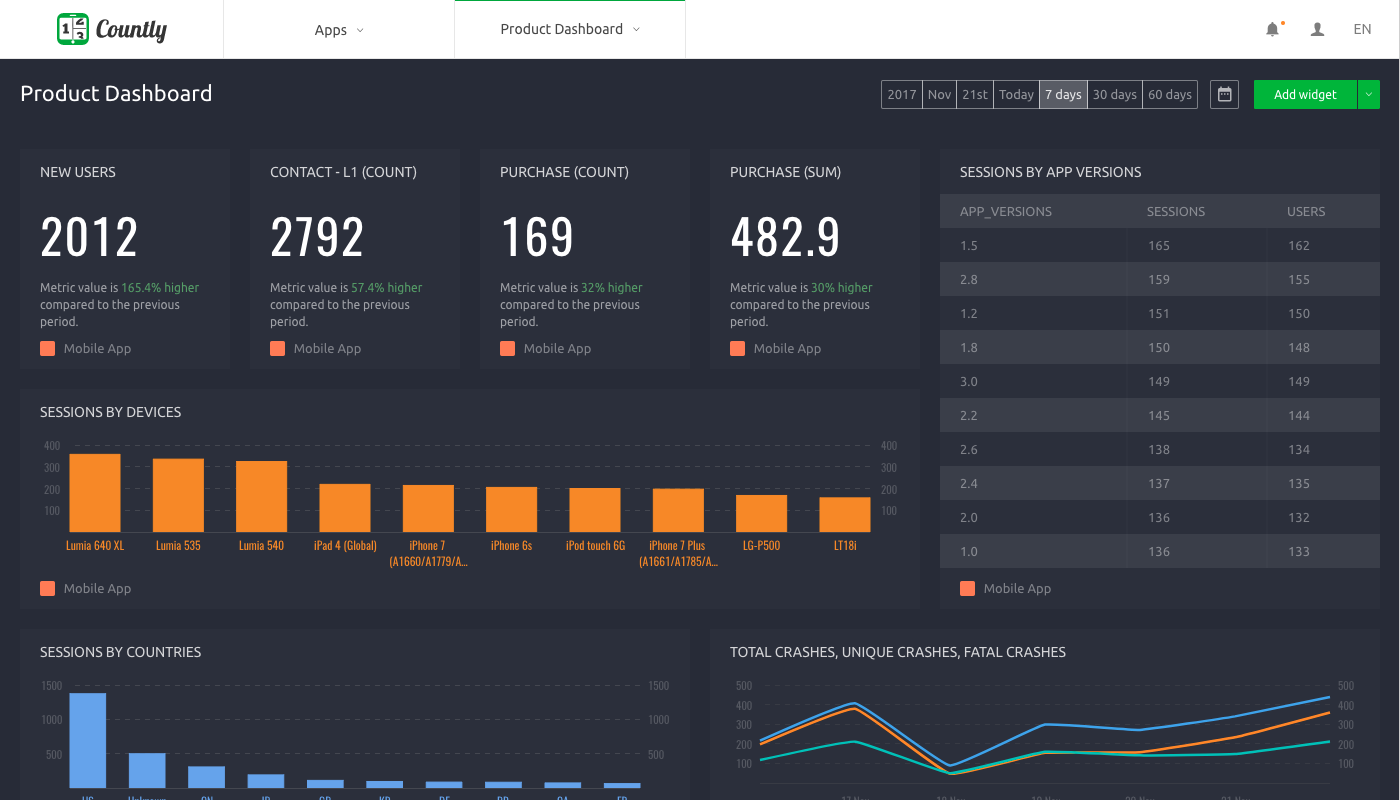
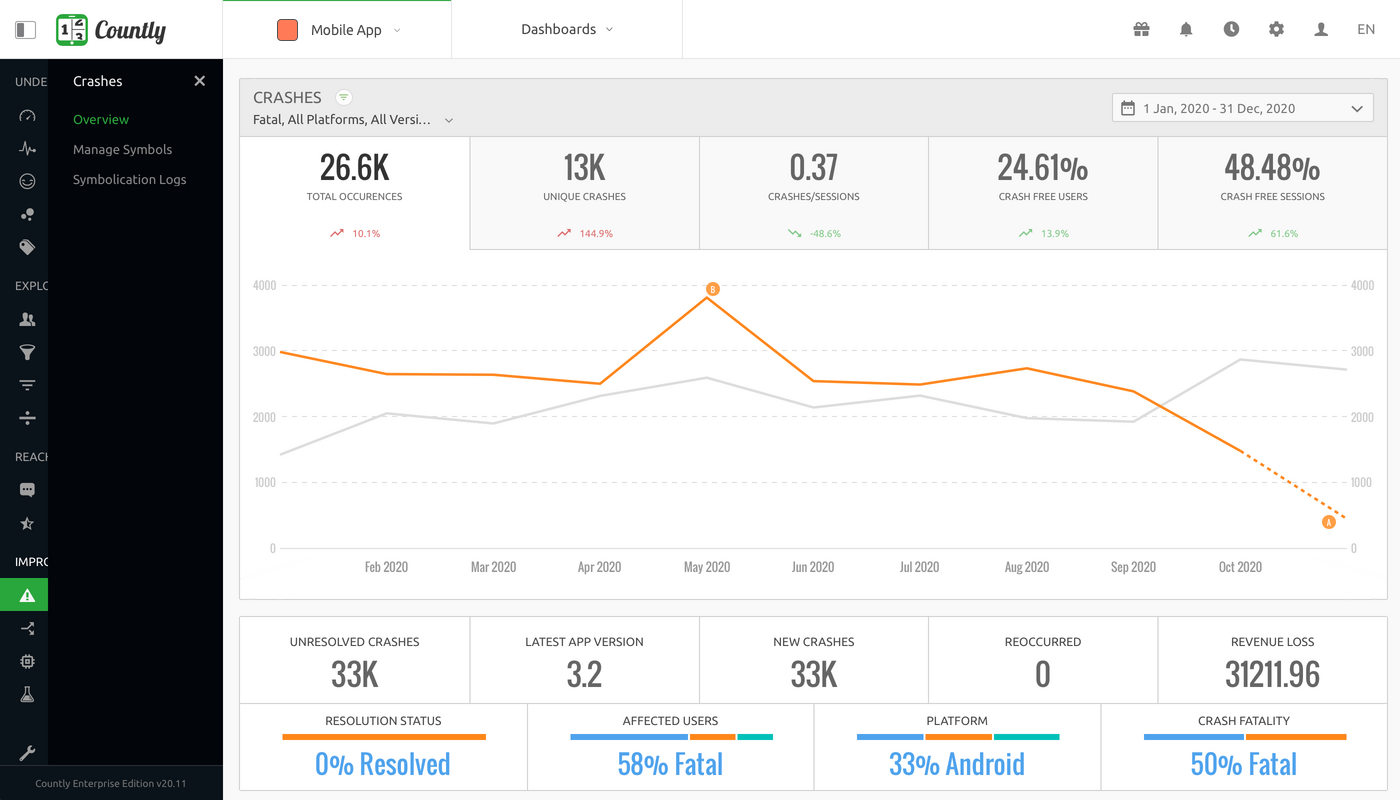
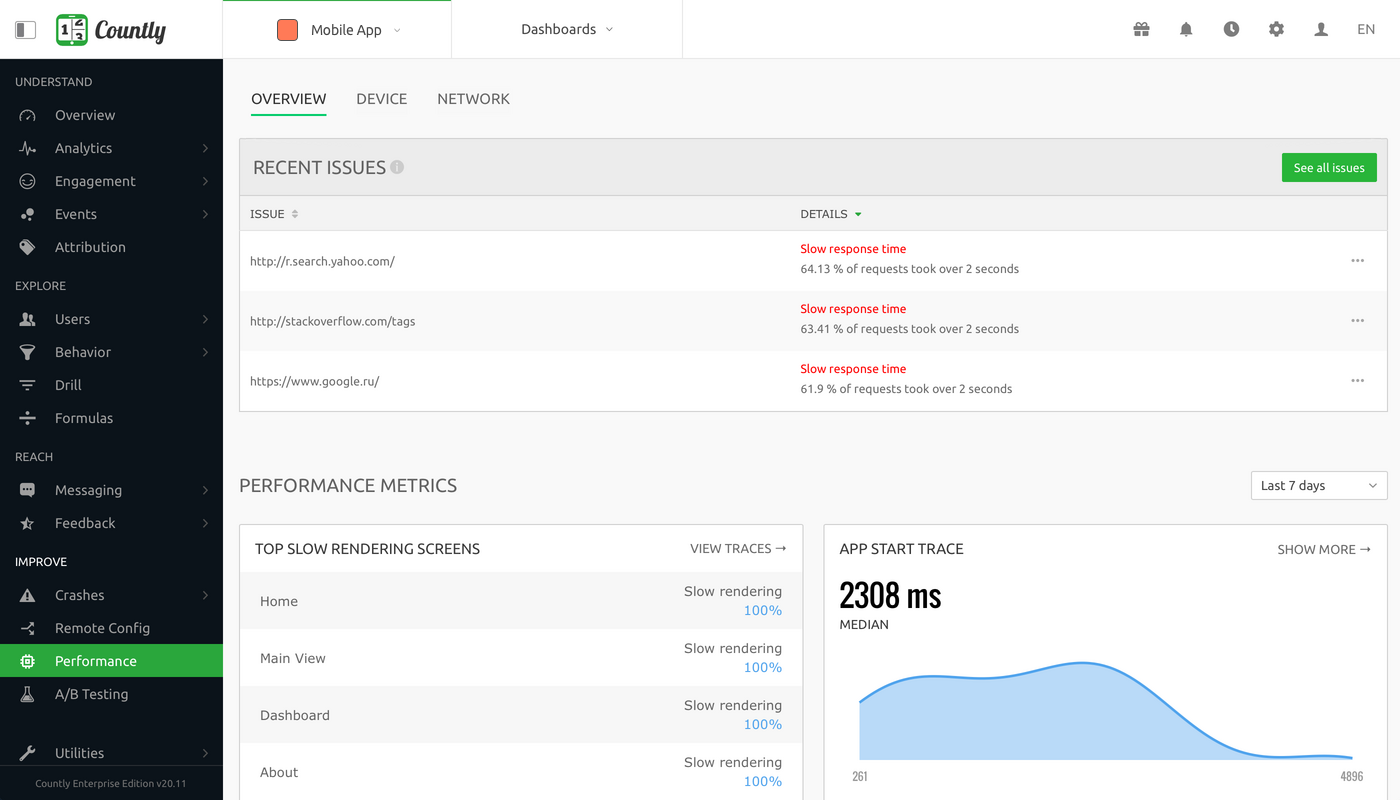
Countly Screenshots

Screenshot of Overview - Product analytics platform to understand and enhance customer journeys in web, desktop and mobile applicationsScreenshot of Dashboard - Visualise metrics that matter the most to your businessScreenshot of User Profiles - Explore your product analytics data with individual user detailScreenshot of Crashes - Always be on top of crashes and exceptions in your applications, and resolve them quicklyScreenshot of Funnels - Track step-by-step goal completion rates inside your applicationScreenshot of Performance Monitoring - Keep track of your applications' network requests, perform code level profiling