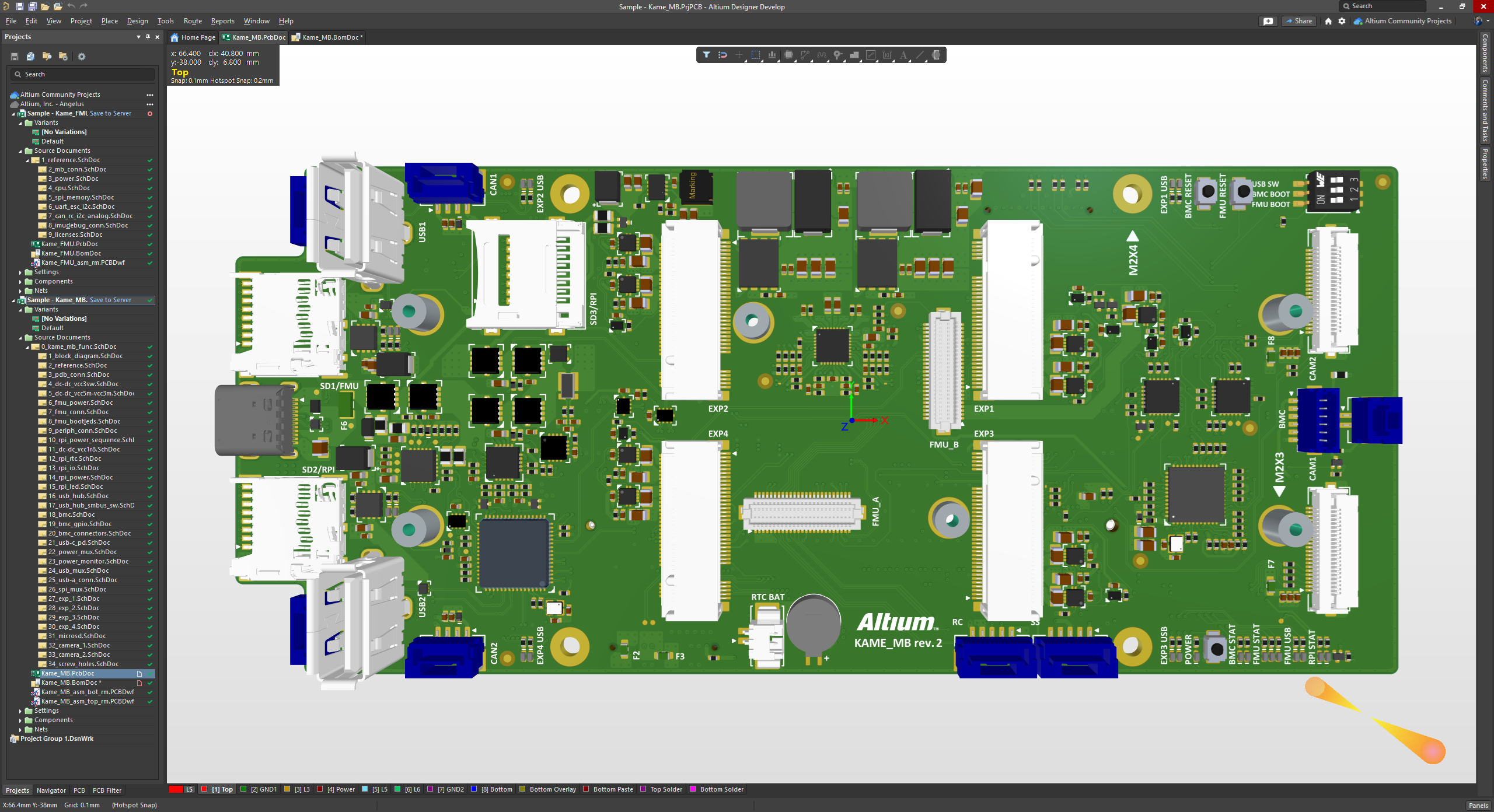
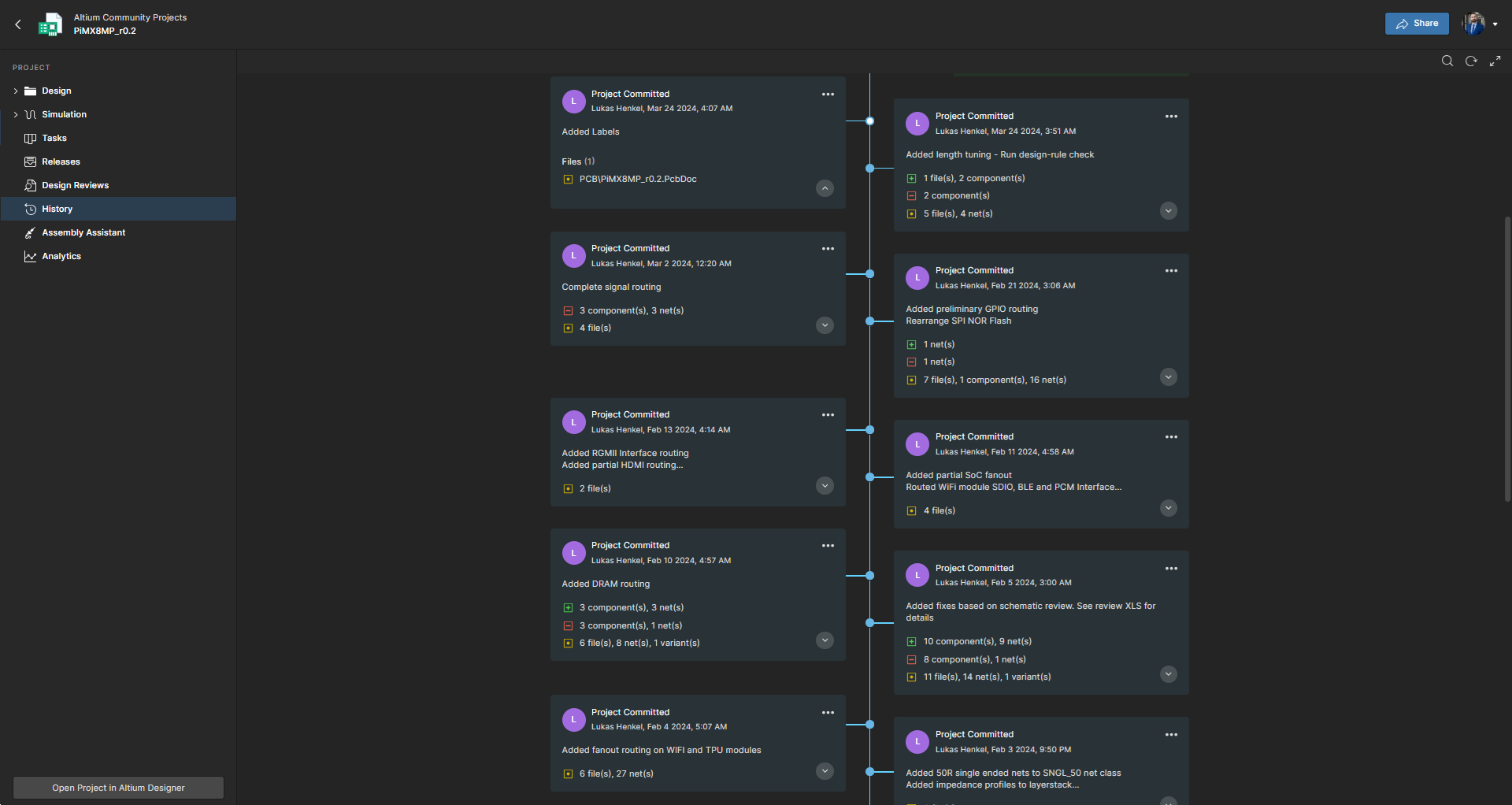
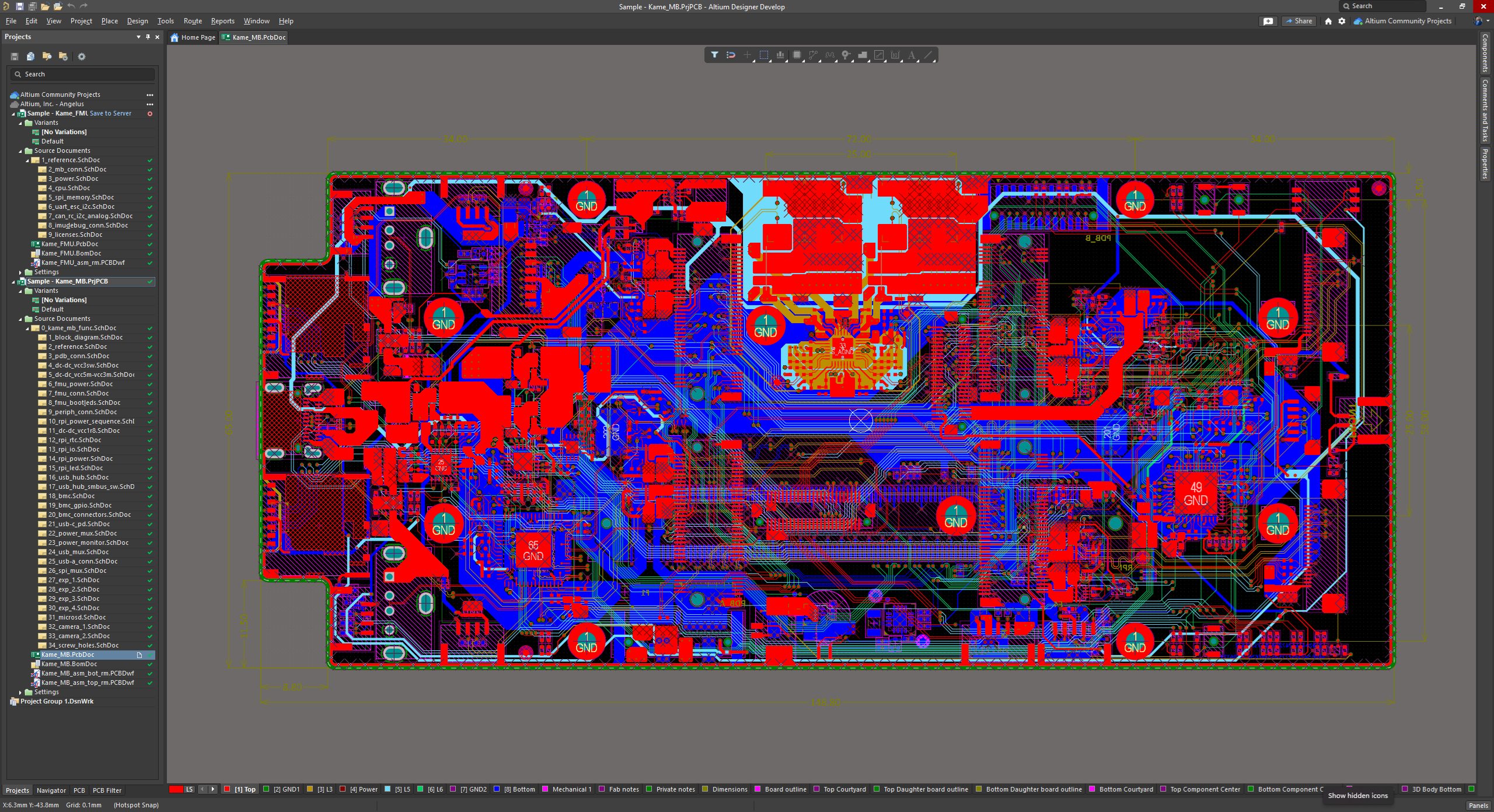
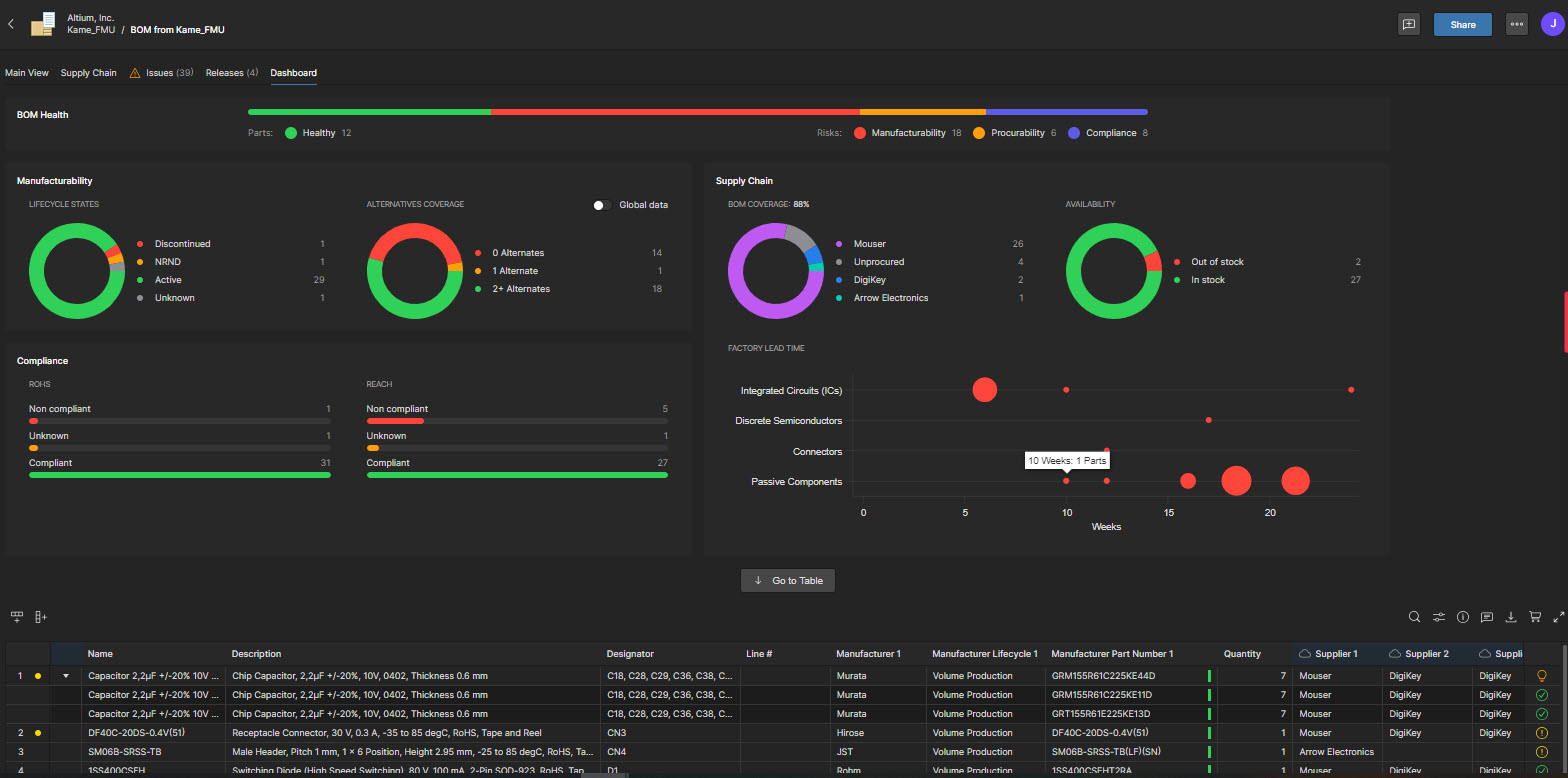
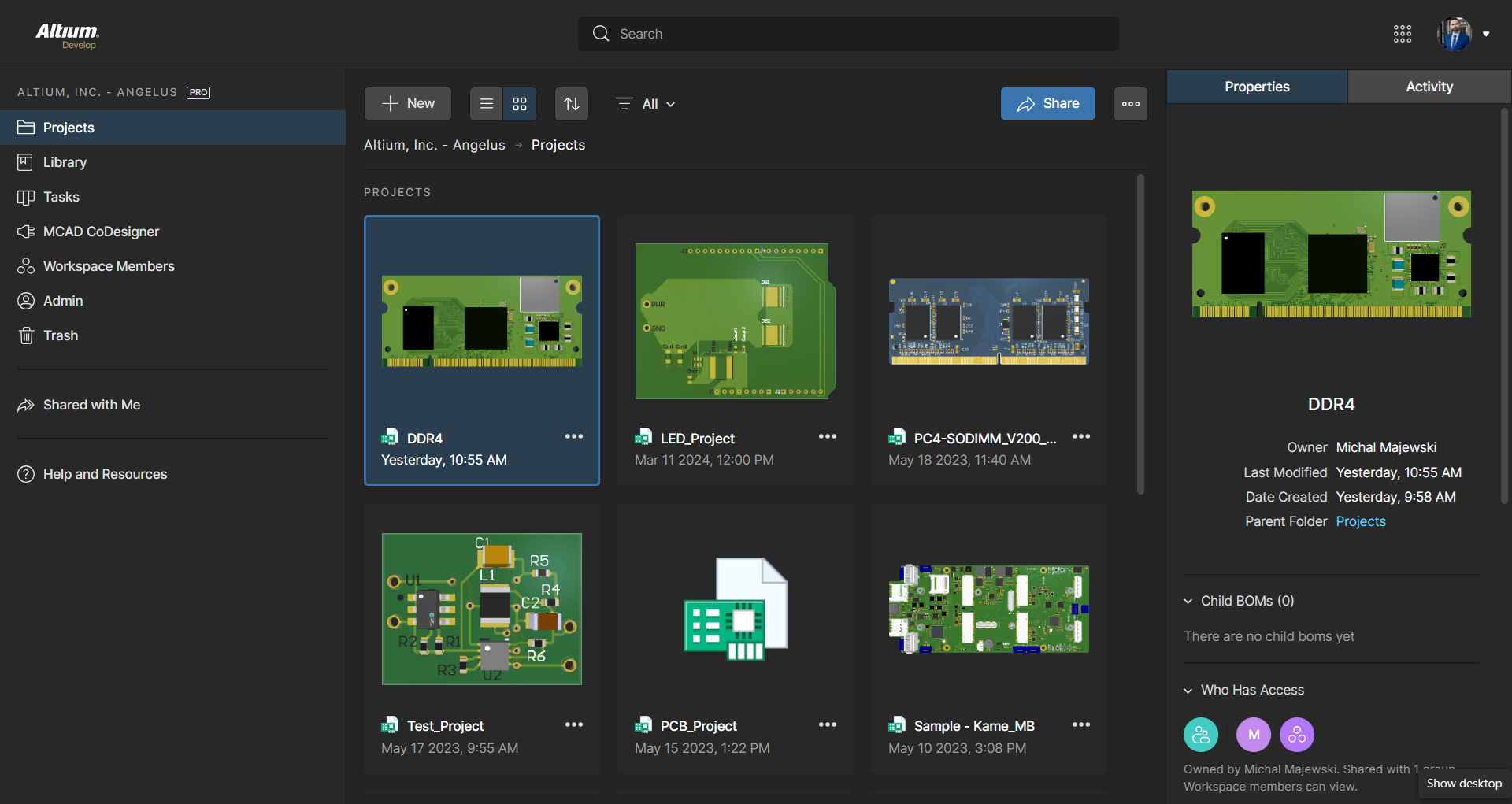
Altium Develop is a platform that unifies multidisciplinary teams across engineering, sourcing, and manufacturing to support seamless co-creation. It provides real-time visibility into designs, requirements, and supply chain data, enabling contributors to work together concurrently rather than in silos.
$995
per year per seat
ARCHICAD
Score 8.9 out of 10
N/A
ARCHICAD is a 3D architectural design application and BIM from Graphisoft, a Nemetschek Group company headquartered in Budapest.
It's the most approachable "professional" package for small to medium-sized businesses, given the price point. It's fairly mature feature-wise and has improved stability enough over the last 5 years that it no longer constantly crashes. But it feels like there's a push to constantly increase prices until it's no longer an obvious choice. That, coupled with the insistence on subscription models and the terrible user experience when on poorly connected mobile data plans, means it's still my CAD package of choice, but I'm now a reluctant user rather than a fan.
ARCHICAD, is well suited in presenting all desired projects in building and construction works more so where the client has just an idea but lacks the actual picture in mind. When doing all commercial buildings where proper records and evidence is record is needed, ARCHICAD should be considered. Projects which involve complex and large volumes of labor require well-presented drawings or representation done with ARCHICAD for proper and easy execution. ARCHICAD is less appropriate for small jobs like shades which are not complex and need less attention.
It is difficult to create new components while reusing existing footprints/symbols. For example, reuse a 1206 package footprint, create a variant for resistors with an appropriate 3D model, and then a variant for capacitors with an appropriate 3D model.
The software's overall responsiveness seems slow, and it does not update properly in all instances. For example, clicking a component in the schematic will not always show its properties; it usually shows the properties of the last selected component. Clicking the blank space in the schematic first, then selecting the component, seems to load some of the correct data. But the 3D model in the properties view would still show the last EDITED part.
Saving components to the server would not always register correctly, requiring the component editor to be closed 'without saving' to close the part out, even though no changes were made since the last save to the server.
It is unclear where a list of footprints/symbols can be managed. For example, deleting a deprecated footprint so that it does not appear as a valid option in the future.
BOM part choice data has an NRFND component selected as in use, causing the status to be yellow. There is no apparent way to select a different manufacturer part as the 'in use' part to resolve the warning.
Updating from the library does not pull the most up-to-date symbol/footprint data for a given component. So far, there does not appear to be a way to do this, even though the component itself has been updated to use the correct references. This may be related to the general delays and consistency/reliability issues with the online link.
ArchiCAD lacks a few feature sets, including an automatic Keynote database extraction system, an expandable Phasing/Options manager, and an easy way to transfer standard details into a project.
The Revision/Change Manager, as well as the new Stair and Railing tools, while impressively flexible, are too complex to set up and customize.
It is an underdog product. Revit has a market share because it spends more money on marketing, and less on product development.
ALTIUM DESIGNER is the reference tool in the electronic circuit design sector, its use is widespread worldwide. Although there are other alternatives, some of them free do not rival ALTIUM DESIGNER in terms of features and reliability. It is also very practical to request quotes with ALTIUM DESIGNER BOM reports since all suppliers are accustomed to using the tool.
I originally chose Altium Develop for its superior usability. All operations being handled in one cohesive platform greatly improves efficiency. When handling many different designs, project setup and component creation eat into every project's productivity. Templates, defaults and design reuse all speed up design. I hold back from a higher rating because development focus on those usability features seems to have stagnated a bit. Simple missing features requested seem to remain missing. New collaboration features, simulation and sourcing features are released, but I just want to be able to draw dashed lines! I think this reflects a general focus on the 10% of datacenter/AI/smartphone customers over the 90% of 2-4 layer designs. The lack of information available during the platform transition gave me significant pause before buying in as well.
We have rapid responses from their support team, and they often go the extra mile to pinpoint the root cause of an issue and assist the team in resolving it. They are honest when a problem is down to user error, or a glitch on the version we are on.
In terms of collaborative work, Altium 365 is the easiest to use since KiCad nor OrCAD have sophisticated infrastructure for team members to interact with each other. By allowing features such as organizations and version control, Altium 365 is by far the best product for collaborative work. Additionally, electronics parts management and creation is better in Altium 365 than the other products. Actions such as importing schematic libraries, creating bills of materials, and conducting simulations are simply better in Altium 365.
On the first hand, ARCHICHAD offers more versatility in modeling complex geometric shapes and forms. ARCHICHAD also offers greater flexibility for customization and the development of add-ons and extensions. This allows users to tailor the software to their specific needs and workflows, enhancing productivity and efficiency. While both ARCHICHAD and Revit offer rendering capabilities, ARCHICHAD's built-in rendering engine, CineRender, is better for its ease of use and high-quality output.