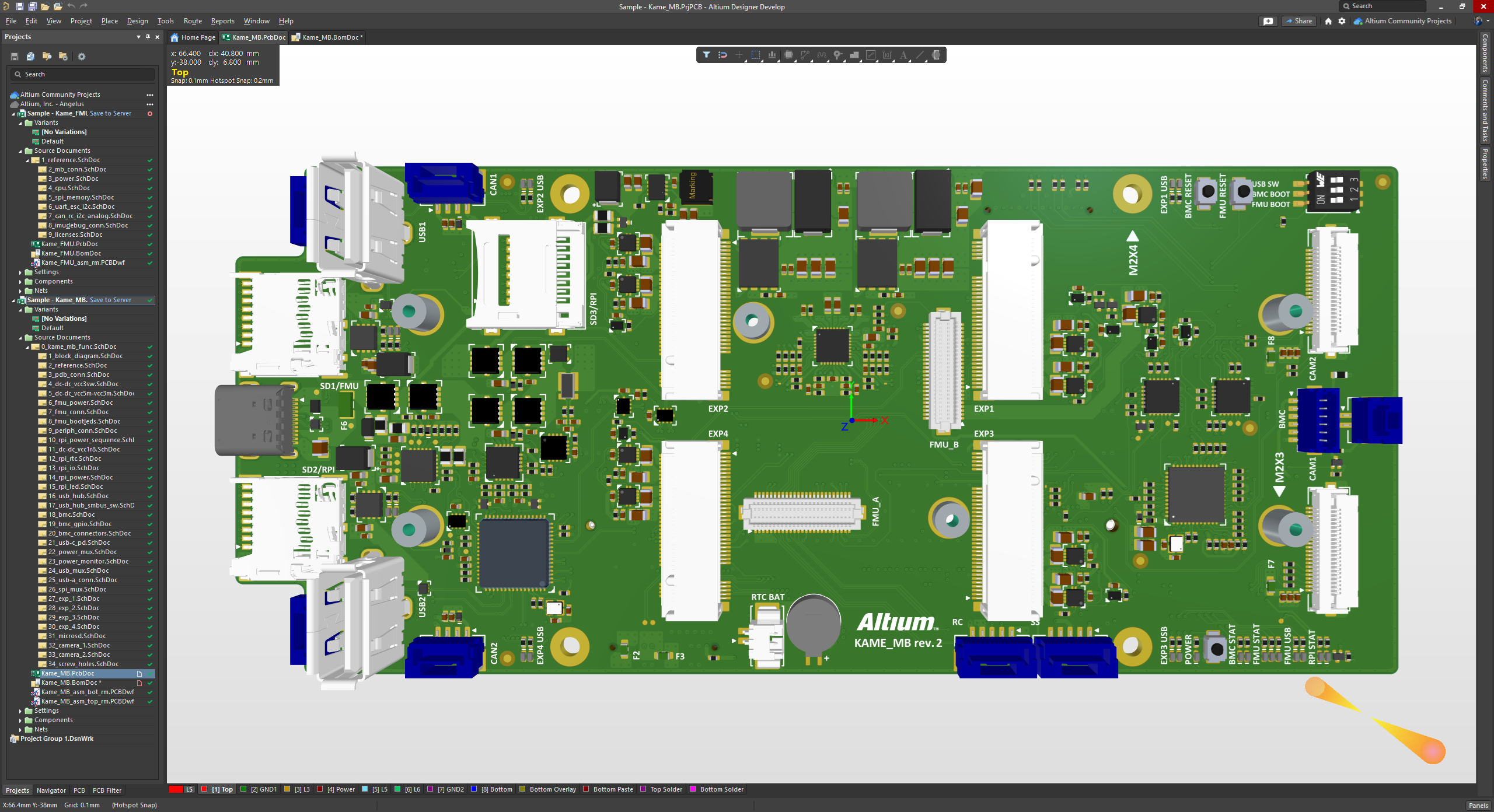
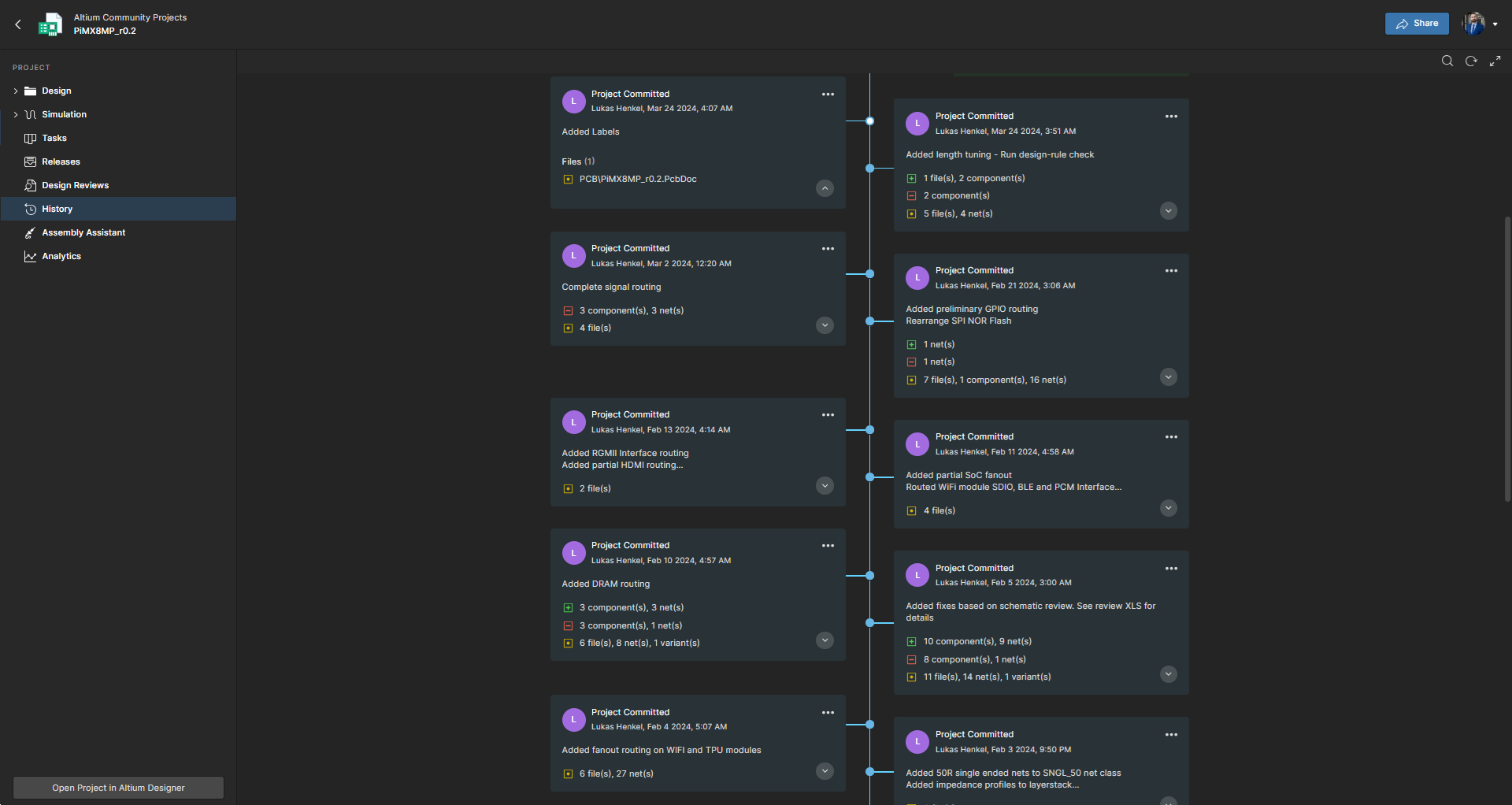
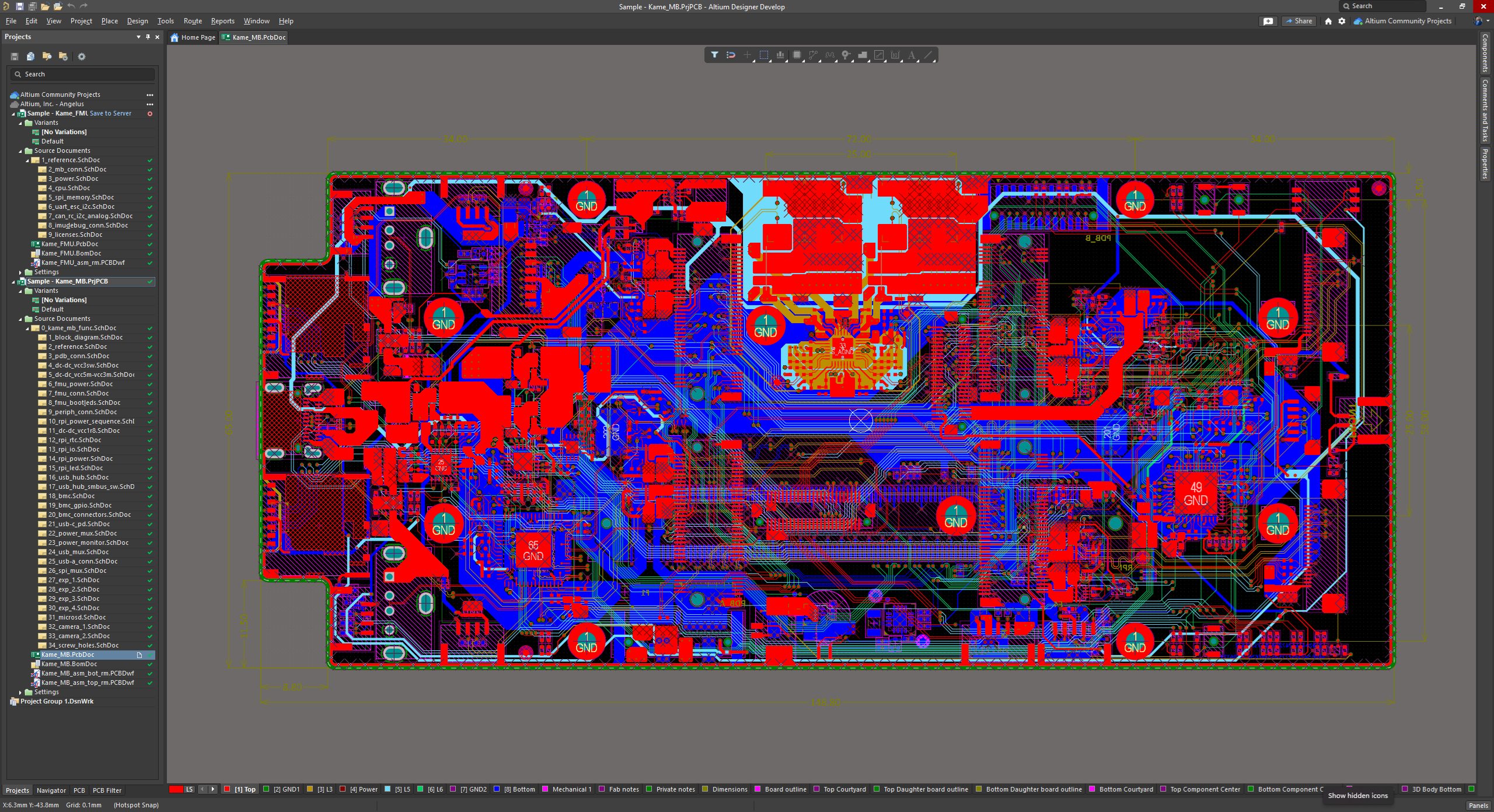
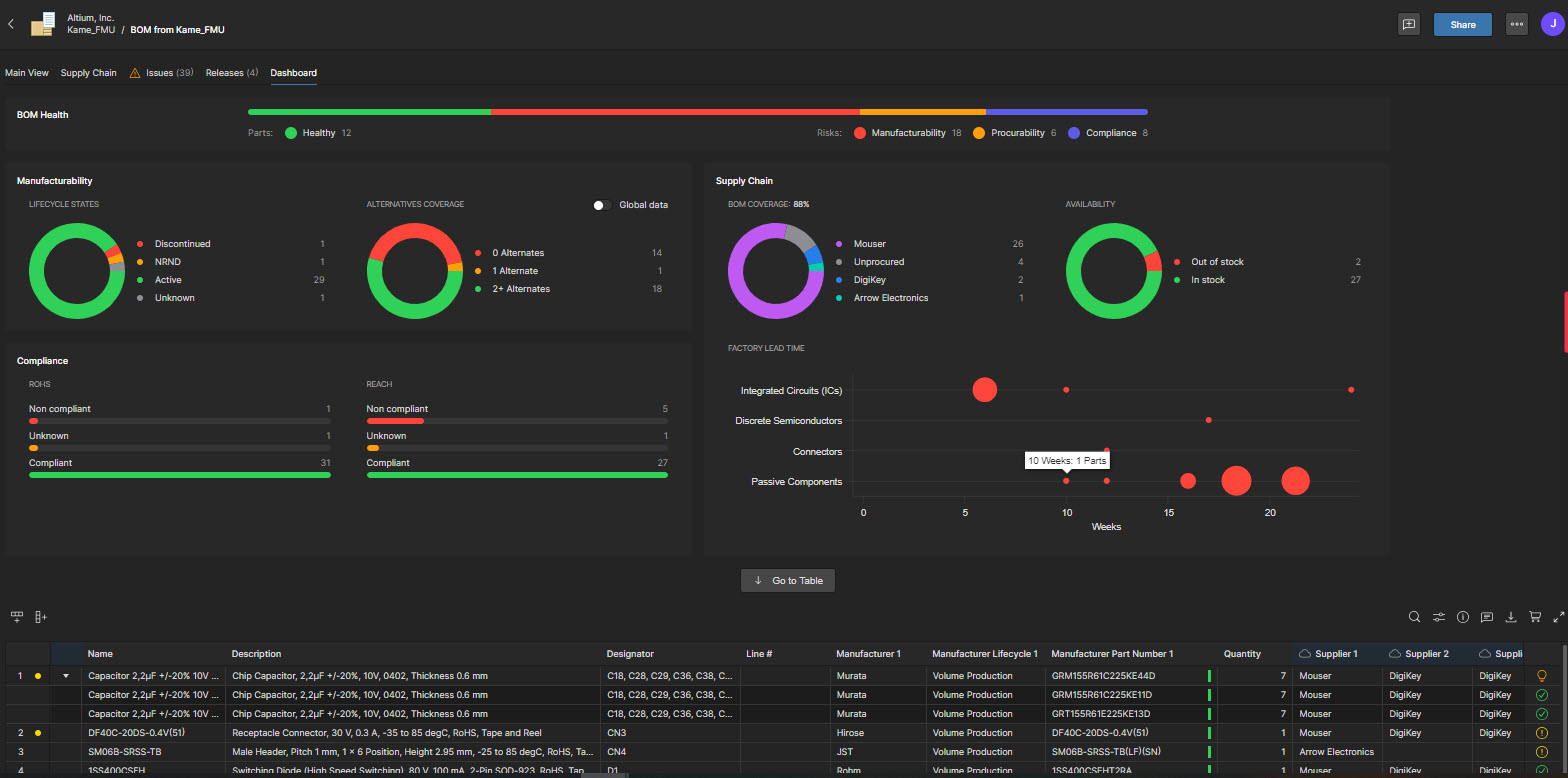
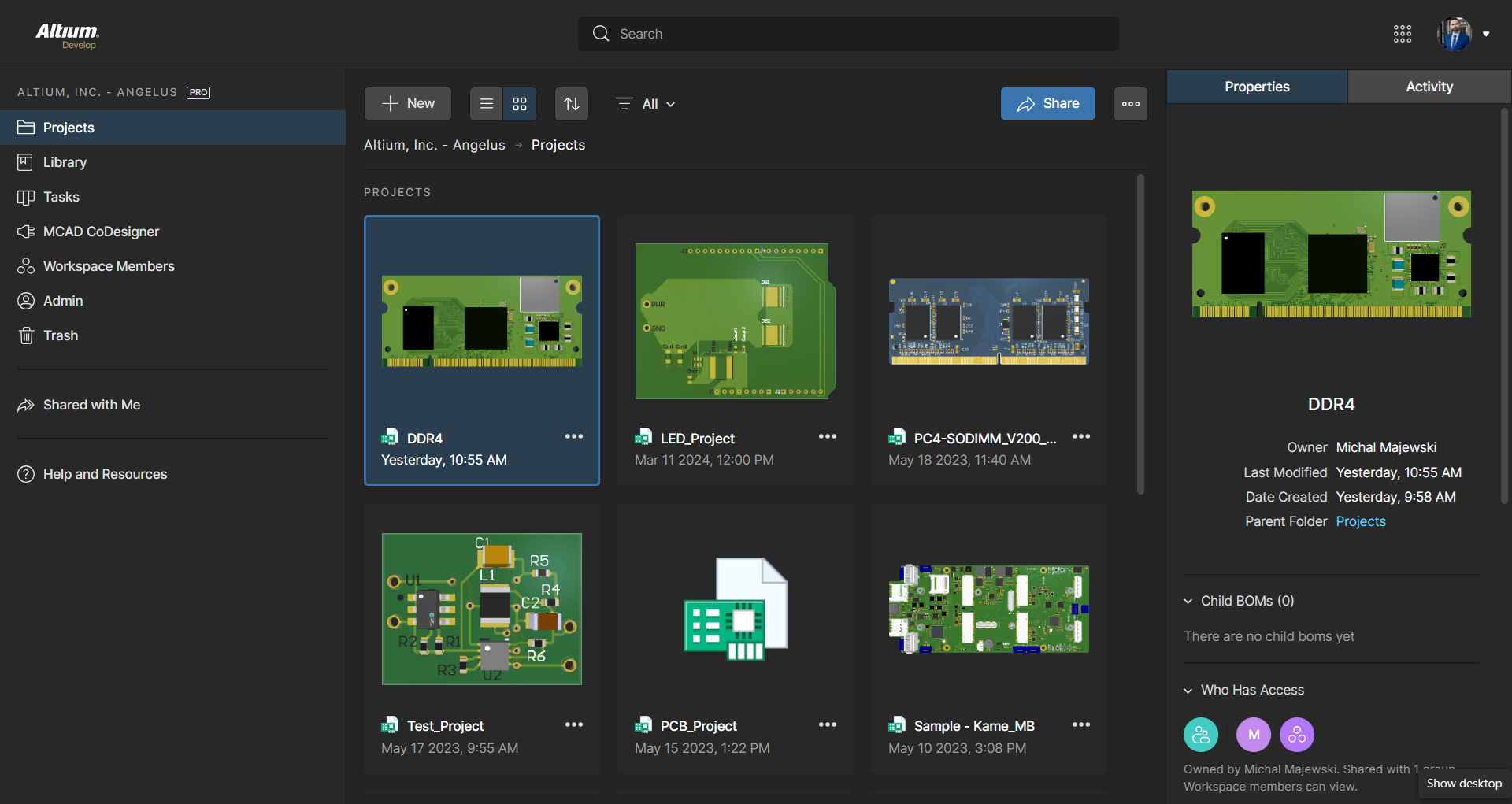
Altium Develop is a platform that unifies multidisciplinary teams across engineering, sourcing, and manufacturing to support seamless co-creation. It provides real-time visibility into designs, requirements, and supply chain data, enabling contributors to work together concurrently rather than in silos.
$995
per year per seat
AutoCAD
Score 8.0 out of 10
N/A
AutoCAD is a CAD product from Autodesk. It allows designers to work in 2D and 3D, and is available on Windows and Mac, but with extensive online collaboration tools.
$245
per month
OrCAD
Score 6.6 out of 10
N/A
OrCAD is an electrical design automation (EDA) CAD suite, now owned and supported by Cadence Design Systems.
Altium offers much better features and usability over Proteus. Proteus also has certain limitations in what it can achieve, so that leaves it behind. Same with KiCad, while it is easier to use, and quite an amazing software for a freeware, it lacks certain features which makes …
OrCAD was used at our company for years before we switched over to Altium Designer. Usually, moving all projects from one software can be a pain and time-consuming. Altium Designer made it very streamline to move all projects over, including all component libraries. In …
Previously used both products listed. When selecting a product at this company, I decided upon Altium Develop as it appeared to be the most common platform utilized in this area by other companies. This would mean that new-hires were more likely to be familiar with the software.
Other tools are open source and free to use, which often means its easier to use but has limited abilities. With using Altium Designer compared to the other tools I have found the review process a lot better and its workspace environment a big plus because I can find …
Altium Designer is a more mature, feature complete product. However, in 2025 it has become EXTERMELY expensive. KiCAD is quickly catching up and focusing on the core PCB design tools. We are likely to switch over in 2-3 years if things progress like they have.
Altium Designer is far easier to use and has a simplified pricing model for use to forecast project costs. Altium Designer also has many value-added features such as Altium 365 and MCAD integration which we can use for no additional costs. Other vendors charge by feature. …
It is certainly easier to get designs up and running with great support and constant software updates. The ability to work with or without the cloud is a great feature. The only downside to Altium Designer is that it does have a cost to it that is not cheap. Overall I think it …
I prefer Altium Designer because it makes collaboration easy, and I have had a more enjoyable time using it. Altium Designer runs better on my computer than other software, and I have never run into a problem while using it. It allows me to really get into my work and focus on …
It's the most approachable "professional" package for small to medium-sized businesses, given the price point. It's fairly mature feature-wise and has improved stability enough over the last 5 years that it no longer constantly crashes. But it feels like there's a push to constantly increase prices until it's no longer an obvious choice. That, coupled with the insistence on subscription models and the terrible user experience when on poorly connected mobile data plans, means it's still my CAD package of choice, but I'm now a reluctant user rather than a fan.
AutoCAD is the Industry best and standardized software used industry wide. This comes with support of some free to use plugins which can be downloaded form AutoDesk Store. AutoDesk has already nurtured a strong community of Developers, Students and Architects this helps any one new with Forms which help them get integrated with the commiunity very quickly.
The tools are easy to use and the learning curve is fairly minimal to be able to create blueprints.
The 3D application is very fun to use and it is nice to be able to see your product instead of having to imagine what it will look like.
The speed and accuracy in which students can create plans is a huge bonus. Students can plan their industrial art projects out and use their own set of plans to build them.
It is difficult to create new components while reusing existing footprints/symbols. For example, reuse a 1206 package footprint, create a variant for resistors with an appropriate 3D model, and then a variant for capacitors with an appropriate 3D model.
The software's overall responsiveness seems slow, and it does not update properly in all instances. For example, clicking a component in the schematic will not always show its properties; it usually shows the properties of the last selected component. Clicking the blank space in the schematic first, then selecting the component, seems to load some of the correct data. But the 3D model in the properties view would still show the last EDITED part.
Saving components to the server would not always register correctly, requiring the component editor to be closed 'without saving' to close the part out, even though no changes were made since the last save to the server.
It is unclear where a list of footprints/symbols can be managed. For example, deleting a deprecated footprint so that it does not appear as a valid option in the future.
BOM part choice data has an NRFND component selected as in use, causing the status to be yellow. There is no apparent way to select a different manufacturer part as the 'in use' part to resolve the warning.
Updating from the library does not pull the most up-to-date symbol/footprint data for a given component. So far, there does not appear to be a way to do this, even though the component itself has been updated to use the correct references. This may be related to the general delays and consistency/reliability issues with the online link.
User Interface Customisation: AutoCAD's user interface could benefit from more robust customisation options. Allowing users to rearrange toolbars, menus, and panels according to their specific workflows and preferences would enhance productivity.
Enhanced 3D Modeling Tools: While AutoCAD is capable of 3D modeling, it's not as intuitive or feature-rich as dedicated 3D modeling software. Streamlining the process and adding more advanced modeling tools would be a welcome improvement.
Enhanced Collaboration and Version Control: AutoCAD could improve its collaboration tools, such as real-time editing and version tracking, to facilitate smoother teamwork, especially in multi-disciplinary projects.
Intelligent Object Libraries: AutoCAD could benefit from an expanded and more intelligent library of standard objects and components. This would save time for designers who often have to create custom components from scratch.
ALTIUM DESIGNER is the reference tool in the electronic circuit design sector, its use is widespread worldwide. Although there are other alternatives, some of them free do not rival ALTIUM DESIGNER in terms of features and reliability. It is also very practical to request quotes with ALTIUM DESIGNER BOM reports since all suppliers are accustomed to using the tool.
Because rarely we [would] rather wait for a whole year to update, sometimes the new updates don't bring many new features and we are still ok with the current version. Also the change of interface is always something that takes time for every partner in the company to get comfortable with. So those are the main reasons we may want to keep the same version.
I originally chose Altium Develop for its superior usability. All operations being handled in one cohesive platform greatly improves efficiency. When handling many different designs, project setup and component creation eat into every project's productivity. Templates, defaults and design reuse all speed up design. I hold back from a higher rating because development focus on those usability features seems to have stagnated a bit. Simple missing features requested seem to remain missing. New collaboration features, simulation and sourcing features are released, but I just want to be able to draw dashed lines! I think this reflects a general focus on the 10% of datacenter/AI/smartphone customers over the 90% of 2-4 layer designs. The lack of information available during the platform transition gave me significant pause before buying in as well.
It is very usable once you understand the program. I believe there is room for improvement in the 2D to 3D modeling capability. We have to use other apps to 3D model and that can be time consuming and sometimes AutoCAD doesn't transfer work that well between apps. They can improve there.
AutoCAD has the issue of crashing or slowing down the design procedure once a heavy design that includes several disciplines or multiple families/blocks is involved. Customer services gets the feedback from the crash reports but this issue seems like it has never been addressed in the software updates past several years.
the implementation was realy easy , to set up our workstation we pay for the licenses we are about to use , there was a little bit of delay to get the payment processed to receive the serial but after that the install runs without any problem , so you can fell secure there will be not issue with the implementation.
In terms of collaborative work, Altium 365 is the easiest to use since KiCad nor OrCAD have sophisticated infrastructure for team members to interact with each other. By allowing features such as organizations and version control, Altium 365 is by far the best product for collaborative work. Additionally, electronics parts management and creation is better in Altium 365 than the other products. Actions such as importing schematic libraries, creating bills of materials, and conducting simulations are simply better in Altium 365.
I use Revit far more than I use AutoCAD. AutoCAD is great for simple linework, but even then I will often create the lines in Revit and then export to AutoCAD for final touches and printing. AutoCAD is a bit easier for large-format prints, which is why I almost always end up using it after starting in Revit.
AutoCAD has helped our smaller firm produce lots of finished products matching that of a much larger size firm. With its many features, we have been able to do so much more and meet deadlines that much faster.
Since we do use AutoCAD, we're able to work with many other engineering firms to collaborate together to complete various building projects.
We have many clients now who expect us to provide for them at the end of a project not just printed construction drawings but also the digital AutoCAD drawing so they can in turn use it for future modifications themselves.