Chose Altium Develop
The PDM system in solid works is generally superior to Altium 365. I often find the project version in lacking in comparison.

| Product | Rating | Most Used By | Product Summary | Starting Price |
|---|---|---|---|---|
 Altium Develop | N/A | Altium Develop is a platform that unifies multidisciplinary teams across engineering, sourcing, and manufacturing to support seamless co-creation. It provides real-time visibility into designs, requirements, and supply chain data, enabling contributors to work together concurrently rather than in silos. | N/A | |
 DraftSight | N/A | DraftSight is a 2D and 3D CAD solution for architects, engineers and construction service providers, as well as professional CAD users, designers, educators and hobbyists. DraftSight lets users create, edit, view, and markup any kind of 2D and 3D DWG file with greater ease, speed, and efficiency. Its familiar user interface helps to facilitate a quick transition from other CAD applications. DraftSight Offerings: DraftSight Professional: the advanced 2D CAD drafting… | $249 per year |
| Altium Develop | DraftSight | |||||||||||||||
|---|---|---|---|---|---|---|---|---|---|---|---|---|---|---|---|---|
| Editions & Modules | No answers on this topic |
| ||||||||||||||
| Offerings |
| |||||||||||||||
| Entry-level Setup Fee | No setup fee | No setup fee | ||||||||||||||
| Additional Details | Altium Develop is offered as an annual subscription starting at $1,990 per year, which includes one Altium Designer ECAD Design Author and a shared workspace for projects, libraries, and collaboration. The subscription provides unlimited workspace users at no additional cost, enabling broad participation in reviews, commenting, task management, BOM access, and change workflows. Teams can add up to four additional Altium Designer ECAD Design Authors for $995 per Author per year, allowing organizations to scale active design capacity while keeping contributors and collaborators included at no extra charge. | DraftSight Professional, and Premium are available to purchase online directly. DraftSight Enterprise and Enterprise Plus are available to purchase through local resellers. | ||||||||||||||
| More Pricing Information | ||||||||||||||||
| Altium Develop | DraftSight | |
|---|---|---|
| Considered Both Products |  Altium Develop  Chuck Todd Electrical Engineer Chose Altium Develop There is no comparison between Altium Develop and Autodesk Fusion. Altium Develop is light years ahead of Autodesk Fusion in every aspect. There is no way I would ever go back to Autodesk Fusion after switching to Altium Develop.  Zachary Gillan Engineer Chose Altium Develop PADS feels like Solidworks - the legacy system that works well but hasn't moved forward with everything else. Altium Develop feels like OnShape - another large provider but much effort spent on modernization and upkeep of the technology. |  DraftSight  Matt Sears Director of Operations / SCAF Chose DraftSight I use DraftSight Professional. The Power Trim feature is essential for me. I use it all the time  David Yerks Estimator/Project Manager Chose DraftSight In my opinion, very similar to each other but DraftSight Professional is priced at $299 per year while AutoCAD is priced at $2030 per year. The $1731 savings per year allows for hardware upgrades sooner. Chose DraftSight We have used AutoCAD in the past and it often had extended hang times when working on drawings. DraftSight has cut that almost completely out, processing and rendering times are so fast. The cost of DraftSight compared to AutoCAD was also a huge impact for us.  Paul Karnopp, PE Owner/Senior Engineef Chose DraftSight AutoCAD. DraftSight is a better CAD software that can handle our CAD needs at a very reasonable price. These CAD products are either very limited or crippled, or are very expensive.  Arthur C Gagnon Design Engineer Chose DraftSight DraftSight is just as good, or better, than Autocad. Also at a price that is very competitive. Plus, DraftSight has new features every few releases.  James Bryan Palmer Texas Sales Manager Chose DraftSight While Sketchup is free, DraftSights cost is minimal and its abilities are much greater. It is so much easier to layout and modifies a system design. Since DraftSight is compatible with all versions of CAD, it makes it easy to collaborate with customers on their specific …  Paul Reilly, PE Principal Chose DraftSight Both [AutoCAD] and Bentley [ProjectWise] provide direct customer support for their application. DraftSight has been abandoned and replaced with both Bentley [ProjectWise] and [AutoCAD] applications.  Bill Brab Remediation Geologist Chose DraftSight I have not tested side-by-side; the other options are on my list to investigate  Sebastian Kornely Profirennfahrer Chose DraftSight AutoCAD, AutoCAD LT and Autodesk Inventor |
| Altium Develop | DraftSight | |||||||||||||||||||||||||||||||||
|---|---|---|---|---|---|---|---|---|---|---|---|---|---|---|---|---|---|---|---|---|---|---|---|---|---|---|---|---|---|---|---|---|---|---|
| Computer-Aided Design Software |
|
| Altium Develop | DraftSight | |
|---|---|---|
| Small Businesses |  SOLIDWORKS Score 8.7 out of 10 |  Onshape Score 6.5 out of 10 |
| Medium-sized Companies | SOLIDWORKS Score 8.7 out of 10 | Onshape Score 6.5 out of 10 |
| Enterprises |  Autodesk Fusion Score 7.8 out of 10 |  Rhino Score 8.4 out of 10 |
| All Alternatives | View all alternatives | View all alternatives |
| Altium Develop | DraftSight | |
|---|---|---|
| Likelihood to Recommend | 9.1 (0 ratings) | 9.2 (0 ratings) |
| Likelihood to Renew | 7.0 (0 ratings) | 9.1 (0 ratings) |
| Usability | 8.2 (0 ratings) | 8.4 (0 ratings) |
| Availability | 6.4 (0 ratings) | 8.2 (0 ratings) |
| Performance | 7.3 (0 ratings) | 8.2 (0 ratings) |
| Support Rating | 4.6 (0 ratings) | 4.8 (0 ratings) |
| In-Person Training | - (0 ratings) | 9.1 (0 ratings) |
| Online Training | 9.1 (0 ratings) | - (0 ratings) |
| Implementation Rating | 7.1 (0 ratings) | 9.0 (0 ratings) |
| Configurability | - (0 ratings) | 8.3 (0 ratings) |
| Ease of integration | - (0 ratings) | 8.2 (0 ratings) |
| Product Scalability | 2.7 (0 ratings) | 7.4 (0 ratings) |
| Vendor post-sale | - (0 ratings) | 9.1 (0 ratings) |
| Vendor pre-sale | - (0 ratings) | 8.0 (0 ratings) |
| Altium Develop | DraftSight | |
|---|---|---|
| Likelihood to Recommend |
|
Paul Karnopp Owner/Senior Engineef |
| Pros |
|
|
| Cons |
|
|
| Likelihood to Renew |
 Jose Perri Director of Engineering and Product Development |
 Uday Singh Consulting Chemical/Environmental Engineer |
| Usability |
|
|
| Reliability and Availability |
|
Arthur C Gagnon Design Engineer |
| Performance | No answers on this topic |
|
| Support Rating |
 Hugo Macias Professor |
|
| In-Person Training | No answers on this topic |
|
| Online Training |
Hugo Macias Professor | No answers on this topic |
| Implementation Rating |
|
 Scott Gold Owner |
| Alternatives Considered |
|
James Bryan Palmer Texas Sales Manager |
| Scalability |
|
Uday Singh Consulting Chemical/Environmental Engineer |
| Return on Investment |
|
|
| ScreenShots | Altium Develop Screenshots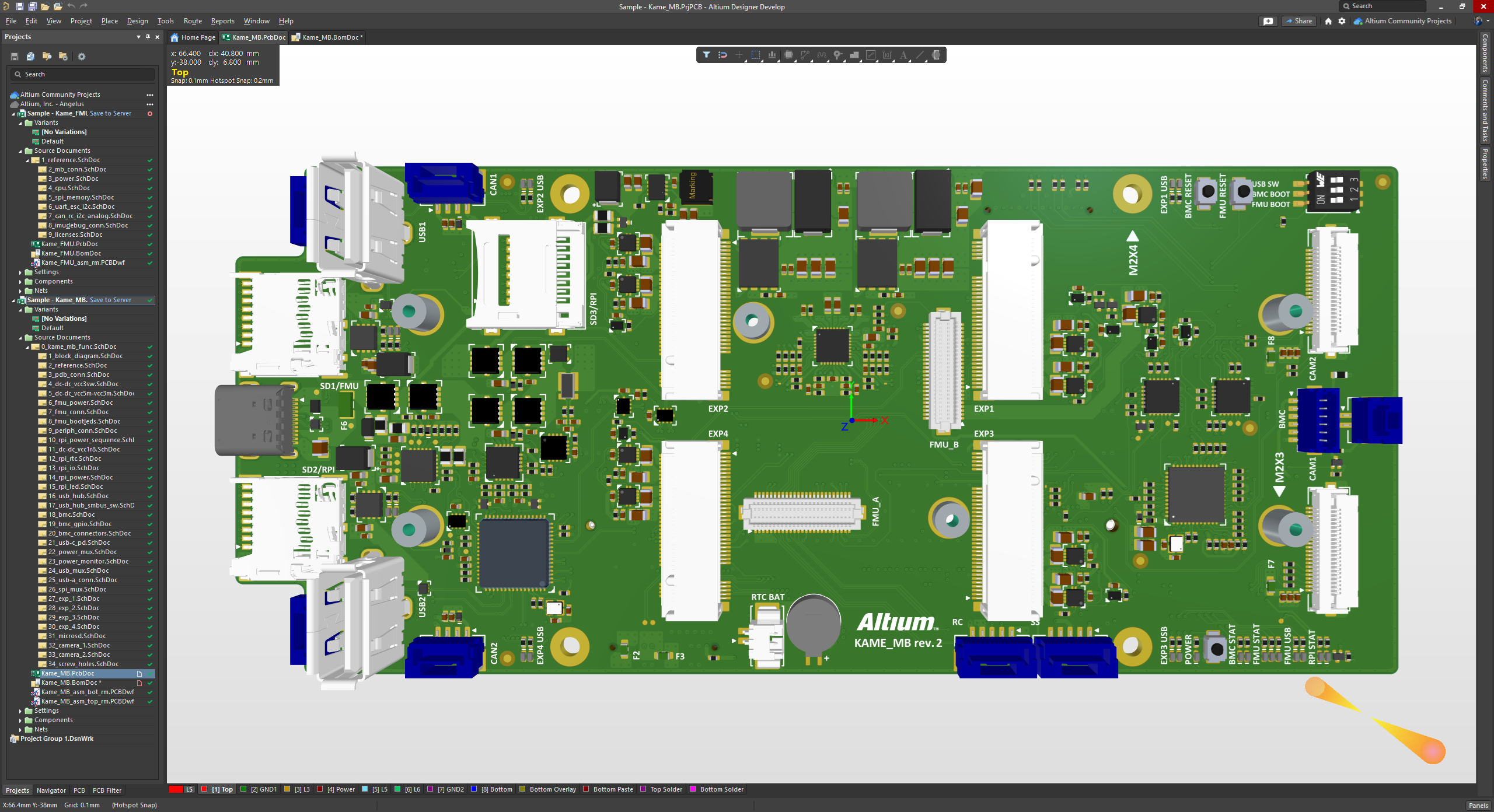 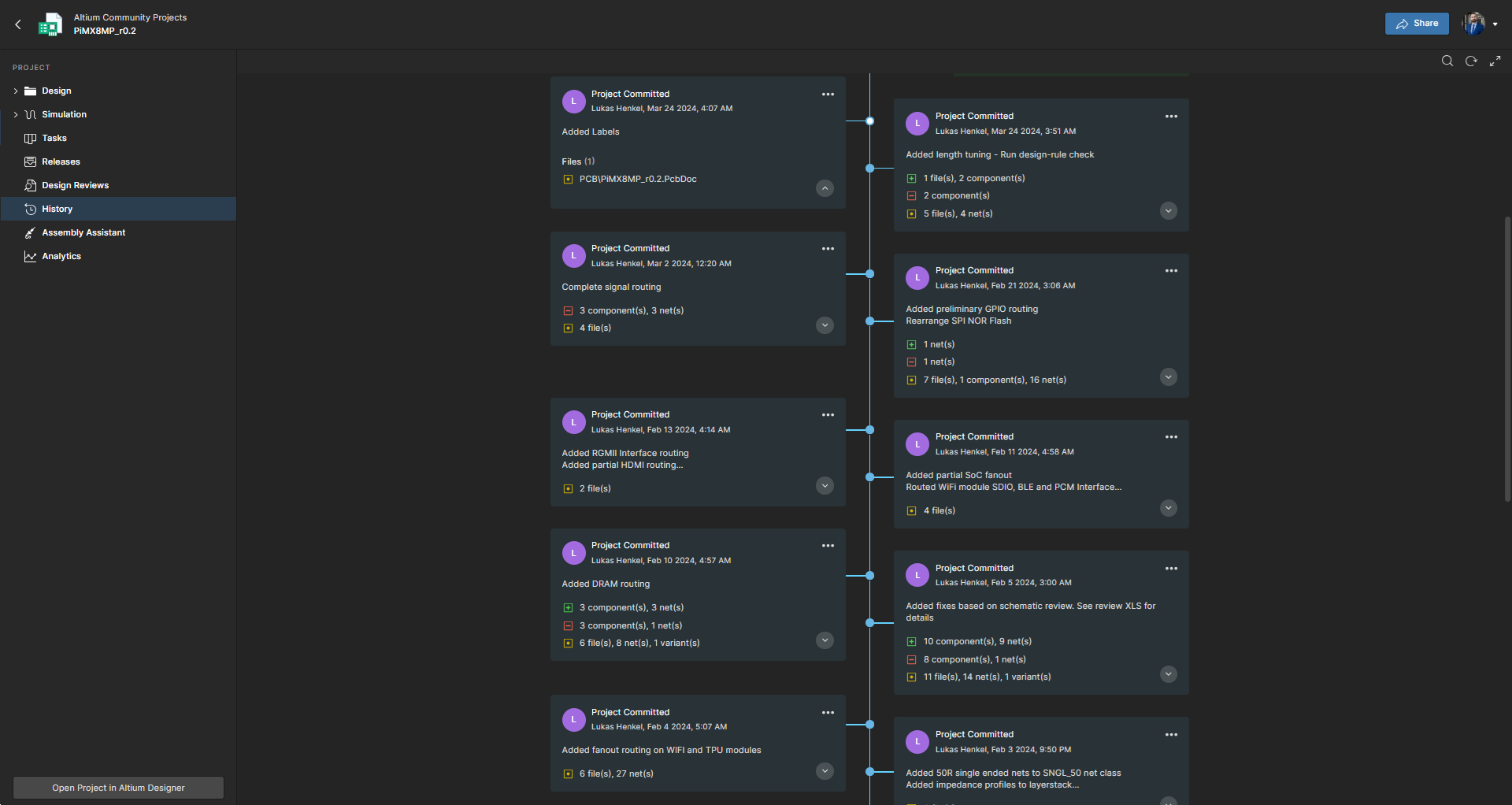 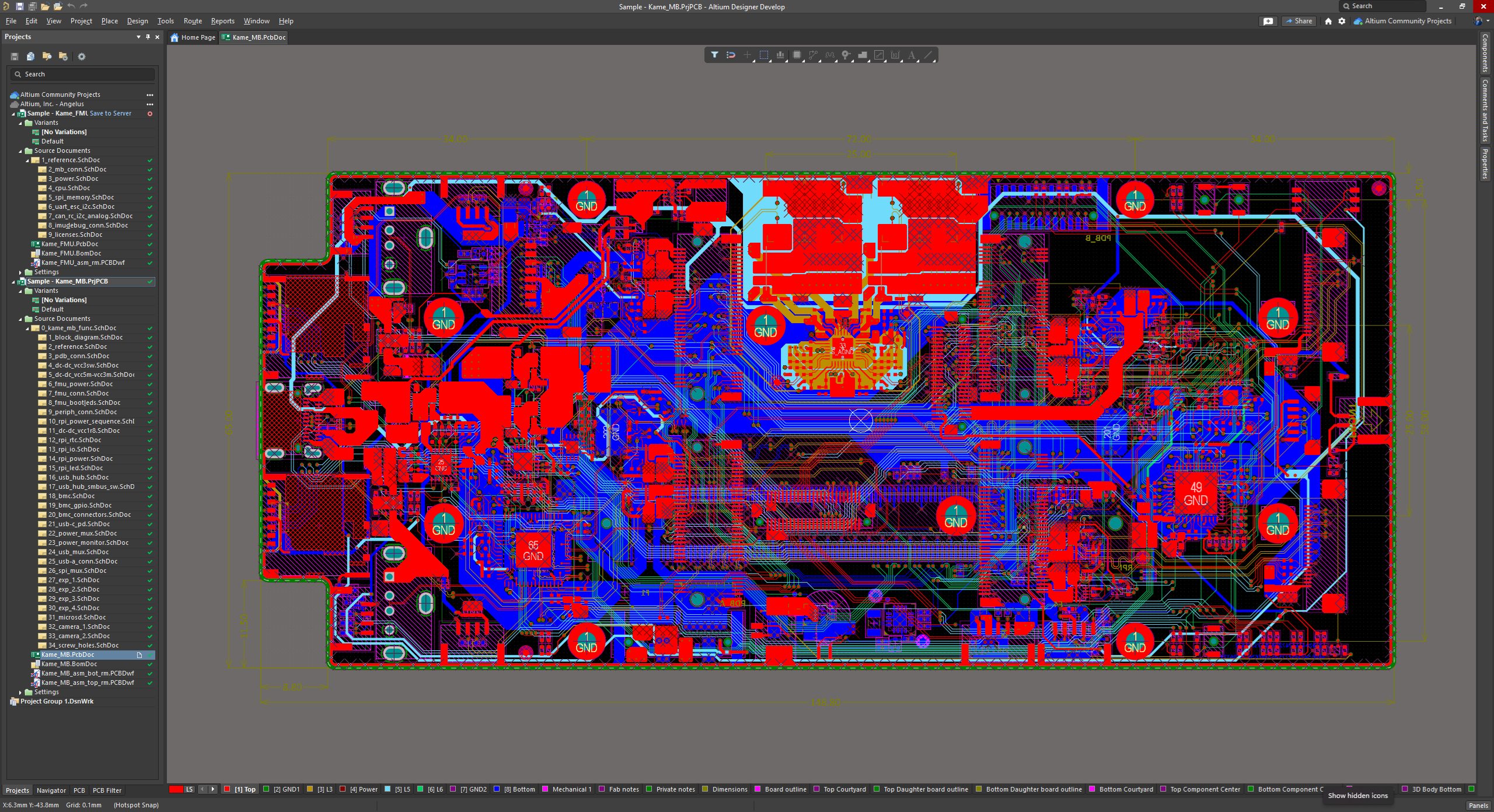  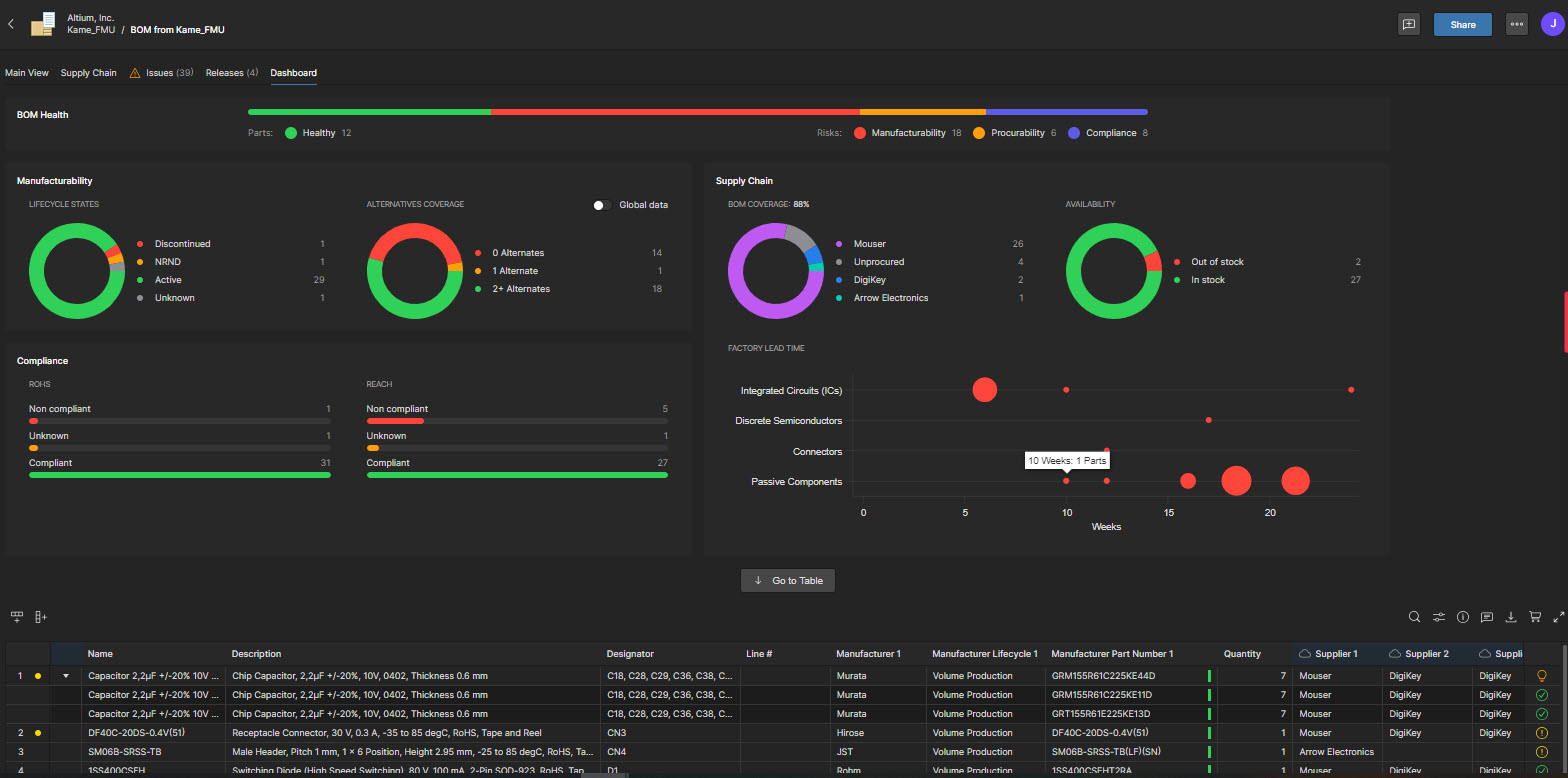 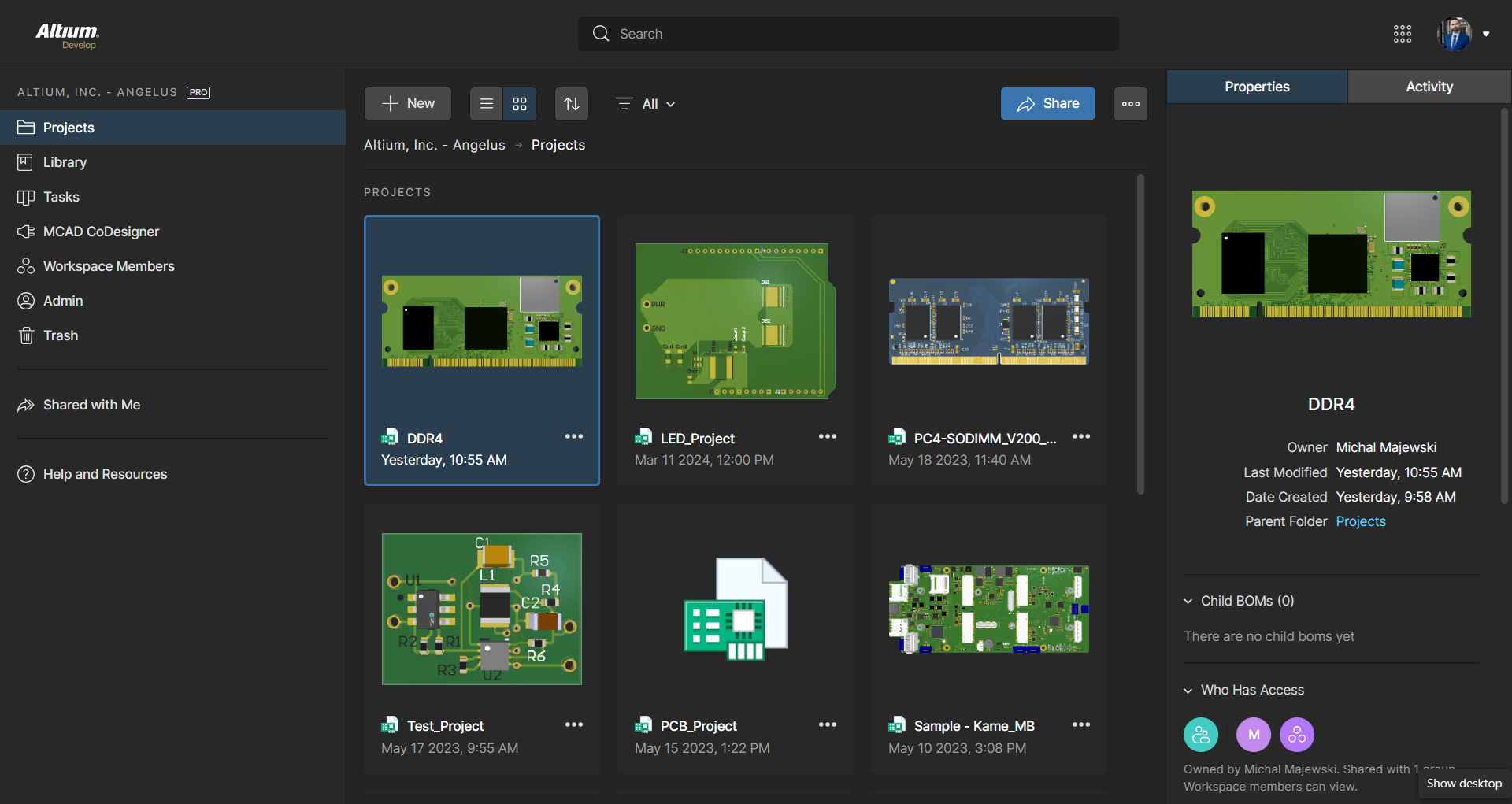 | DraftSight Screenshots    |
