Tomcat is an open-source web server supported by Apache.
N/A
SAP Integration Suite
Score 8.5 out of 10
N/A
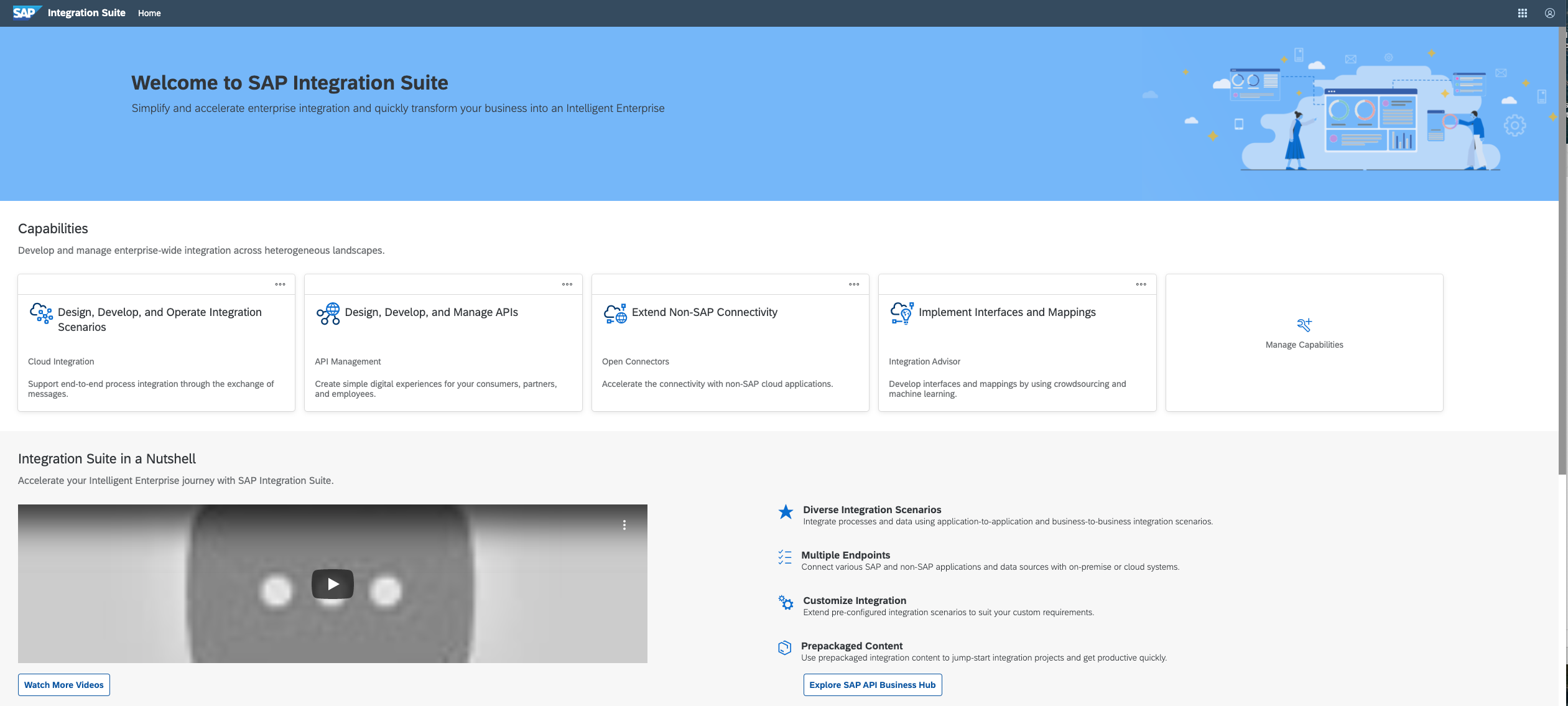
SAP Integration Suite is an integration platform-as-a-service (iPaaS) that helps quickly integrate on-premises and cloud-based processes, services, applications, events, and data. It is used to accelerate innovation, automate more processes, and realize a faster time to value.
$11,199
per year
Pricing
Apache Tomcat
SAP Integration Suite
Editions & Modules
No answers on this topic
No answers on this topic
Offerings
Pricing Offerings
Apache Tomcat
SAP Integration Suite
Free Trial
No
Yes
Free/Freemium Version
No
No
Premium Consulting/Integration Services
No
No
Entry-level Setup Fee
No setup fee
No setup fee
Additional Details
—
Access to free tier services does not expire while there is an active Pay-As-You-Go or CPEA account with SAP. Once a free tier service limit has been reached users have the option to update from a free to a paid service plan in the same account.
Excellent value for companies wishing to host Java applications in the cloud. Utilizing hosting tools such as load balancers and network and application firewalls, Tomcat can be part of a powerful system to host web applications to thousands of users. There has been consistency in the development and support of Tomcat since its initial release in the late '90s and the best commonalities have been carried forward. If you host Java web applications, Tomcat is as good as any for an application server.
In our case to have a such a poweful middleware in the cloud, give us a lot of benefits such as maintenance and support. In the integration part to be able to connect SAP and Non SAP applications makes SAP Integration Suite a good investment when our master data in this case is in S4HANA. Less appropriate is that sometimes the updates in production tenant failed and they have to downgrade or repair the issues. Affecting the usage of the tool. I guess SAP team have to be more aware of performing the changes and tested well on development environments and then when they know for sure that is the correct way to go with the update put it in production.
Using tomcat manager to troubleshoot is not very informative. Error messages are vague, you have to dig into log files for more information about the problems.
Is great for simple web applications, but may not work for heavy development which may require a full J2EE stack, might like JBoss better.
Security in tomcat is not straightforward, as I discovered that you have to understand how to set up realms in tomcat in order to hash passwords, which I was not overly familiar with, which is a big deal when setting up users in the tomcat-users.xml file.
Provide more pre-built integrations to use within SuccessFactors or other modules instead of everything having to be custom built
Support is unable to provide advice on custom builds so you often have to engage a 3rd party partner
Works best when you have the functional and technical teams working together. Otherwise, the system is too technical for a functional user to create integration and a technical user not always understand the functional perspective
It is in place, our system integrators are familiar with it, and it fits into the ecosystem. A better user interface, flow build and debugging experience would see it grow, many technical staff do not enjoy using it for this reason, however it is quite capable and powerful behind this one shortcoming.
Tomcat has a very rich API set which allows us to implement our automation script to trigger the deployment, configure, stop and start Tomcat from the command line. In our projects, we embedded Tomcat in our Eclipse in all of the developer's machines so they could quickly verify their code with little effort, Azure Webapp has strong support for Tomcat so we could move our application to Azure cloud very easy. One drawback is Tomcat UI quite poorly features but we almost do not use it.
The user interface is messy and not intuitive. It has a steep learning curve, and flows developed around are easy to make a mess with layout and can be difficult to follow. The debugging is also quite difficult, it takes some time to figure out how to follow the flow and examine data. Error handling is also difficult and not intuitive, it is better to let some errors leak and monitor through ALM.
Tomcat doesn't have a built-in watchdog that ensures restart upon failure, so you have to provide it externally. A very good solution is java service wrapper. The community edition is able to restart Tomcat upon out of memories exceptions.
Tomcat support to customize memory used and allow us to define the Connection pool and thread pool to increase system performance and availability, Tomcat server itself consume very little memory and almost no footprint. We use Tomcat in our production environment which has up to thousands of concurrent users and it is stable and provides a quick response.
The support for SAP Integration Suite is satisfactory. We leverage SAP support through our manage services partner. So far, we have not had many major issues. One concern, to make our rating a ten, would be turnaround time on high priority incidents. SAP Integration Suite drives our key business functions forward. Without a reasonable service level agreement on turnaround, we sometimes find us running into issues running pay, etc.
Eclipse Jetty is the best alternative for Apache Tomcat because which is also an open-source and lightweight servlet container like Tomcat. A major advantage of this over Tomcat is that Jetty server can easily be embedded with the source code of web applications. Since it requires less memory to operate, you may realize that it is very efficient.
SAP Integration Suite was already part of our SAP stack, part of Business Technology Platform, with out-of-the-box integration with S/4 HANA transactional and ERP system that we are using as our main back-end. Thus, we are achieving significant Total Cost Optimization benefits or running both solutions on the same platform, hosted on Azure cloud.
Tomcat is cheap and very quick to deploy, so it has benefited much when situation needs applications to be deployed quickly without wasting time on licensing and installations.
Plenty of documentation available so no vendor training is required. Support contract is not needed as well.