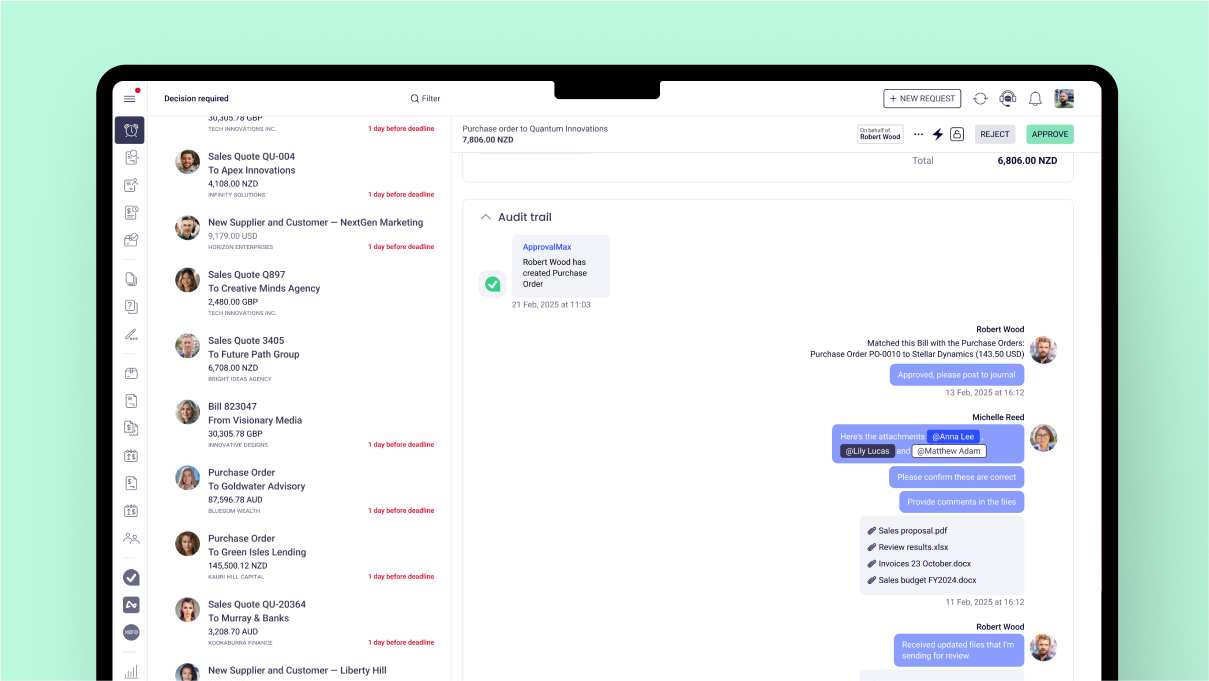
ApprovalMax
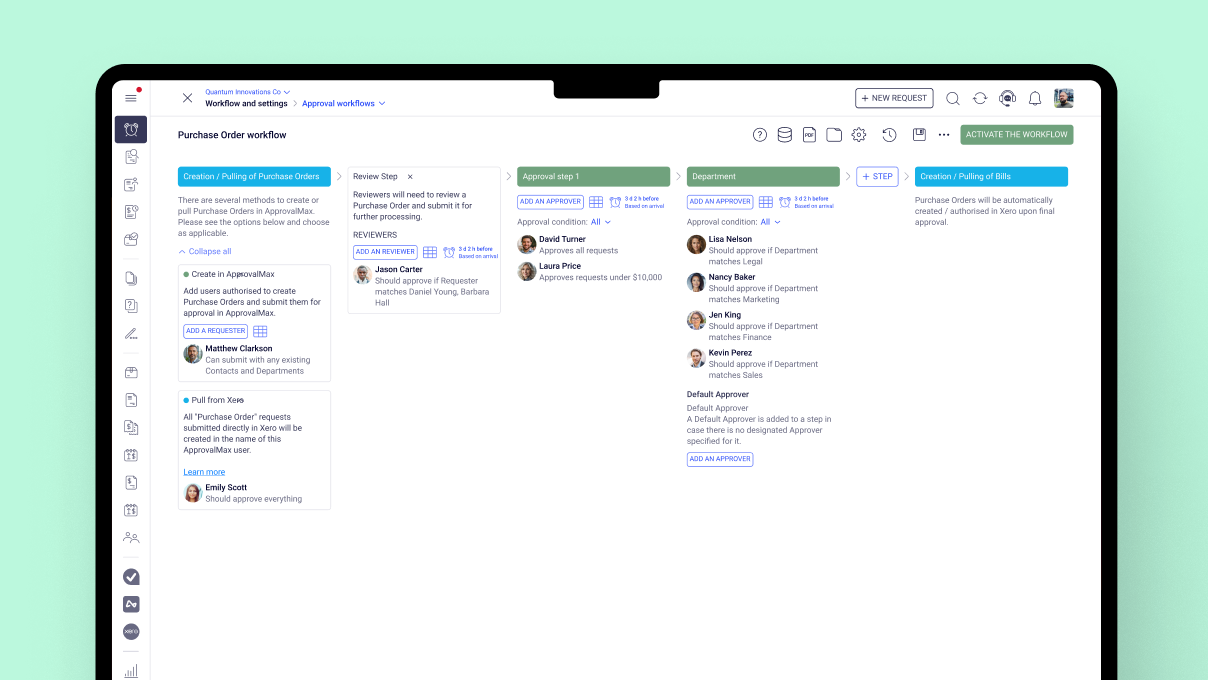
provides approval workflow automation for cloud accounting platforms such as
Xero and QuickBooks Online. It replaces paper- and email-based approval
processes with multi-step and multi-role automated approval workflows that
enable automated notifications to approvers, automated audit trails, and mobile
approvals.
Approval
workflows include:
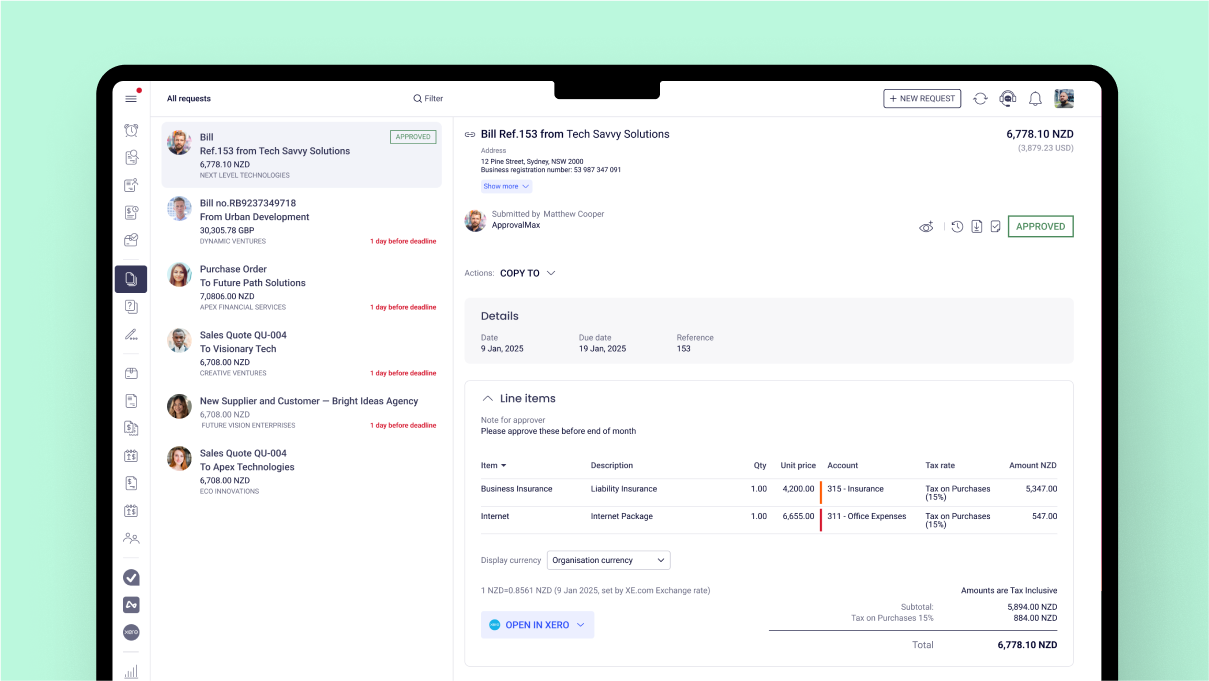
Invoice approvals / bill review and
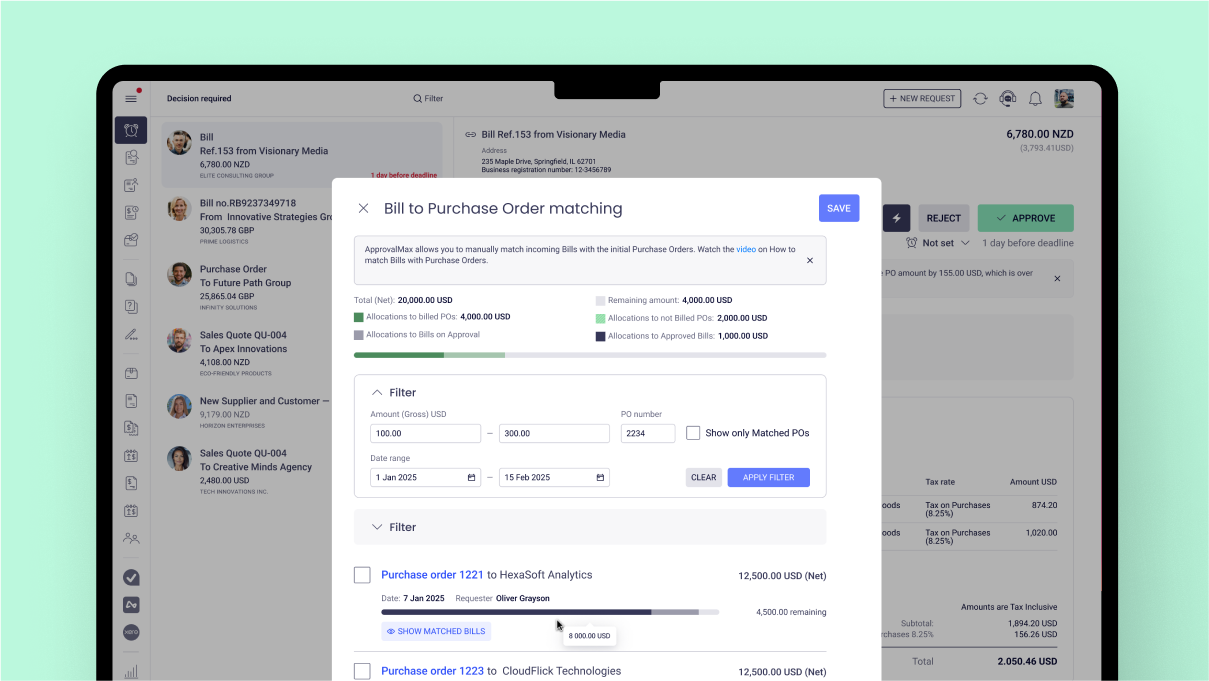
bill approval Purchase order approval, including
the functionality to create…
$54
per month
Basware AP Automation
Score7.2 out of 10
N/A
Basware’s AI/ML-powered solution provides touchless invoice processing for organizations. Its artificial intelligence and machine learning functionality is available at every point in the process – from invoice receipt and routing to automated matching and coding – adding value by speeding up tasks and eliminating errors.
N/A
Pricing
ApprovalMax
Basware AP Automation
Editions & Modules
ApprovalMax Standard
$54
per month per organization
ApprovalMax Advanced
$83
per month per organization
ApprovalMax Premium
$121
per month per organization
No answers on this topic
Offerings
Pricing Offerings
ApprovalMax
Basware AP Automation
Free Trial
Yes
No
Free/Freemium Version
No
No
Premium Consulting/Integration Services
Yes
No
Entry-level Setup Fee
Optional
No setup fee
Additional Details
Discount available for annual pricing and for management of multiple organizations.
—
More Pricing Information
Features
ApprovalMax
Basware AP Automation
Payment Management
Comparison of Payment Management features of ApprovalMax and Basware AP Automation
Feature
ApprovalMax
8.0
1 Ratings
6% above category average
Basware AP Automation
-
Ratings
Customizable Approval Policies
9.01 Ratings
00 Ratings
Financial Document Management
9.01 Ratings
00 Ratings
Payment Status Tracking
9.01 Ratings
00 Ratings
Payment Audit Trail
9.01 Ratings
00 Ratings
Duplicate Bill Detection
4.01 Ratings
00 Ratings
Accounts Payable
Comparison of Accounts Payable features of ApprovalMax and Basware AP Automation
As mentioned previously - able to send invoice based on amount , program code and division code ,supplier is very useful feature ; If an invoice does not fit into approval process than it is rejected and an email is received mentioning the reason
A de minimis incentive was given to thank the reviewer for their time. The incentive was not used to bias or drive a particular response, nor was the incentive contingent on a positive endorsement. More Info
The system it self and its functionality is great. Most screens and work flows are easy to understand and use without any training. Its usually obvious what the next step is for the user, e.g adding coding, review etc. The information shown to the user is also built in a good way and the overall "feel" of the system is among best in market. Some of the admin parts require Basware AP Automation help, even though you technically can do it yourself as admin, the documentation available is not enough to help you through it.
A de minimis incentive was given to thank the reviewer for their time. The incentive was not used to bias or drive a particular response, nor was the incentive contingent on a positive endorsement. More Info
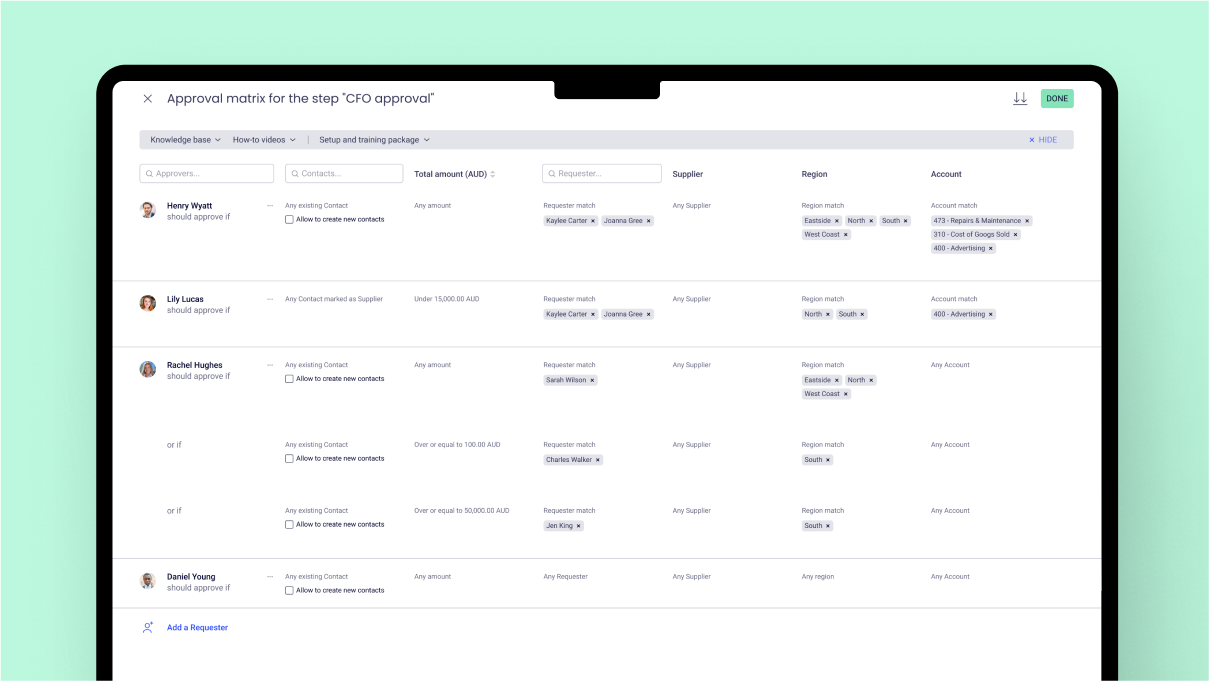
choice based on Program codes / division codes - we use Xero accounting system and we have 22 program codes and 11 divison codes ; once invoice is entered in Xero depending on relevant program code and divison code, Approval max automatically send invoice to relevant person depending on approval workflow process . One manager could be handling multiple divison and program codes; if our approval work flow process is properly designed - it is accurate in sending invoice to relevant manager.
invoice can also send to various managers based on General ledger codes ; this flexibility makes useful when manager is handling only certain nature of expenses regardless of program codes / divisionl.
Approval process can also be designed based on level of amount ; and level of amount is derived from our Delegation policy. it makes audit of application of delegation policy easy ; we give copy of delegation policy and print of approval work flow process to auditor.
A de minimis incentive was given to thank the reviewer for their time. The incentive was not used to bias or drive a particular response, nor was the incentive contingent on a positive endorsement. More Info
A de minimis incentive was given to thank the reviewer for their time. The incentive was not used to bias or drive a particular response, nor was the incentive contingent on a positive endorsement. More Info
date and time of change in approval process ; for example if Mr. A was responsible for all expenses above $1000 in Oct 23 and from Nov 23 it is changed to $5000 . in Dec 23 if it is checked - it will show approval limit of $5000 ; but will not show from which date limit was changed. Auditor always asks this question when the limit was changed in approval max - we cannot prove it.
If there is audit trail of who made the changes , when and what changes were made ; will be good.
when we are in main page of seeing invoices awaiting approval - there are hundreds of invoices - searching for one invoice from particular supplier is very cumbersome job - we have to go by each and every invoice in order to find that invoice ; it will be good if we have search function on main page itself ; in current scenario we have to go to report section - input all filters and than search for that particular invoice.
A de minimis incentive was given to thank the reviewer for their time. The incentive was not used to bias or drive a particular response, nor was the incentive contingent on a positive endorsement. More Info
There needs to be an easier way to view past invoices as the current method requires that you select from the pull-down menu each and every time
Instructions for the more commonly used features should be available within the program itself rather than having to search the online help index in order to find this information (bubble pop ups would be nice)
More functionality should be build into the invoice processing system (you should be able to forward via email, include screenshots, etc)
A de minimis incentive was given to thank the reviewer for their time. The incentive was not used to bias or drive a particular response, nor was the incentive contingent on a positive endorsement. More Info
We will continue using product and continue renewing as it is widely used product and it has been well adapted by users in our organization. The product is expensive but we will use it. Hopefully the product bugs will be fixed in future and they will provide more HA architecture feather for Basware.
A de minimis incentive was given to thank the reviewer for their time. The incentive was not used to bias or drive a particular response, nor was the incentive contingent on a positive endorsement. More Info
The GUI and workflows are easy to understand. It makes sense where the "buttons" and menus are located. Design is overall getting improvements constantly as well, so there is updates coming all the time. System is quick, few bugs and errors that cause issues. Up time and accessibility is on a very good level.
A de minimis incentive was given to thank the reviewer for their time. The incentive was not used to bias or drive a particular response, nor was the incentive contingent on a positive endorsement. More Info
A de minimis incentive was given to thank the reviewer for their time. The incentive was not used to bias or drive a particular response, nor was the incentive contingent on a positive endorsement. More Info
Basware was not my selection as I was not with the company at the time. It was easy to learn and we have maintained a good working relationship with Basware. It is a very good way to process the workflow of invoices from start to finish
A de minimis incentive was given to thank the reviewer for their time. The incentive was not used to bias or drive a particular response, nor was the incentive contingent on a positive endorsement. More Info
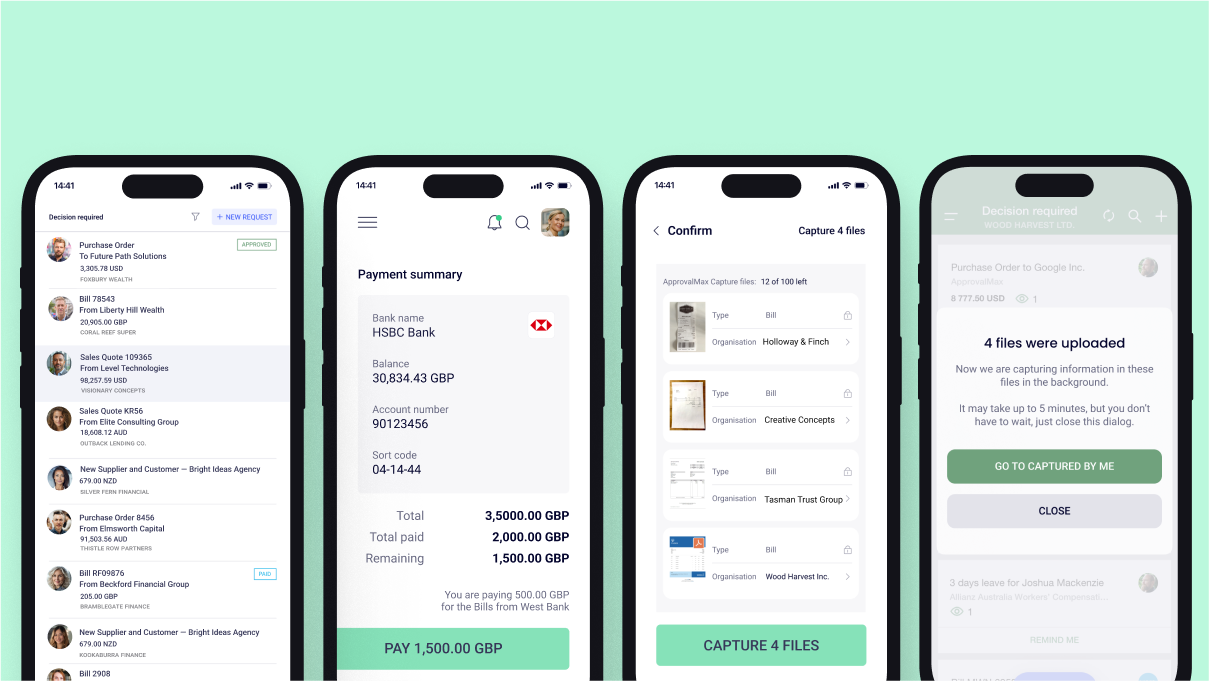
It has certainly made a positive impact ; it is definately worth its value ; when we are processing hundreds of invoices every fortnight ; getting approval of invoices in timely manner for all invoices is of paramount importance . as approval max has its own app - approval can be done on mobile phone also ; this is particularly helpful when staff is travelling .
A de minimis incentive was given to thank the reviewer for their time. The incentive was not used to bias or drive a particular response, nor was the incentive contingent on a positive endorsement. More Info
A de minimis incentive was given to thank the reviewer for their time. The incentive was not used to bias or drive a particular response, nor was the incentive contingent on a positive endorsement. More Info