The Autodesk Construction Cloud provides a bundle of construction management products to suite various use cases. Current bundles include Construction Operations, Preconstruction, as well as Virtual Design and Construction.
N/A
CoConstruct
Score 7.1 out of 10
N/A
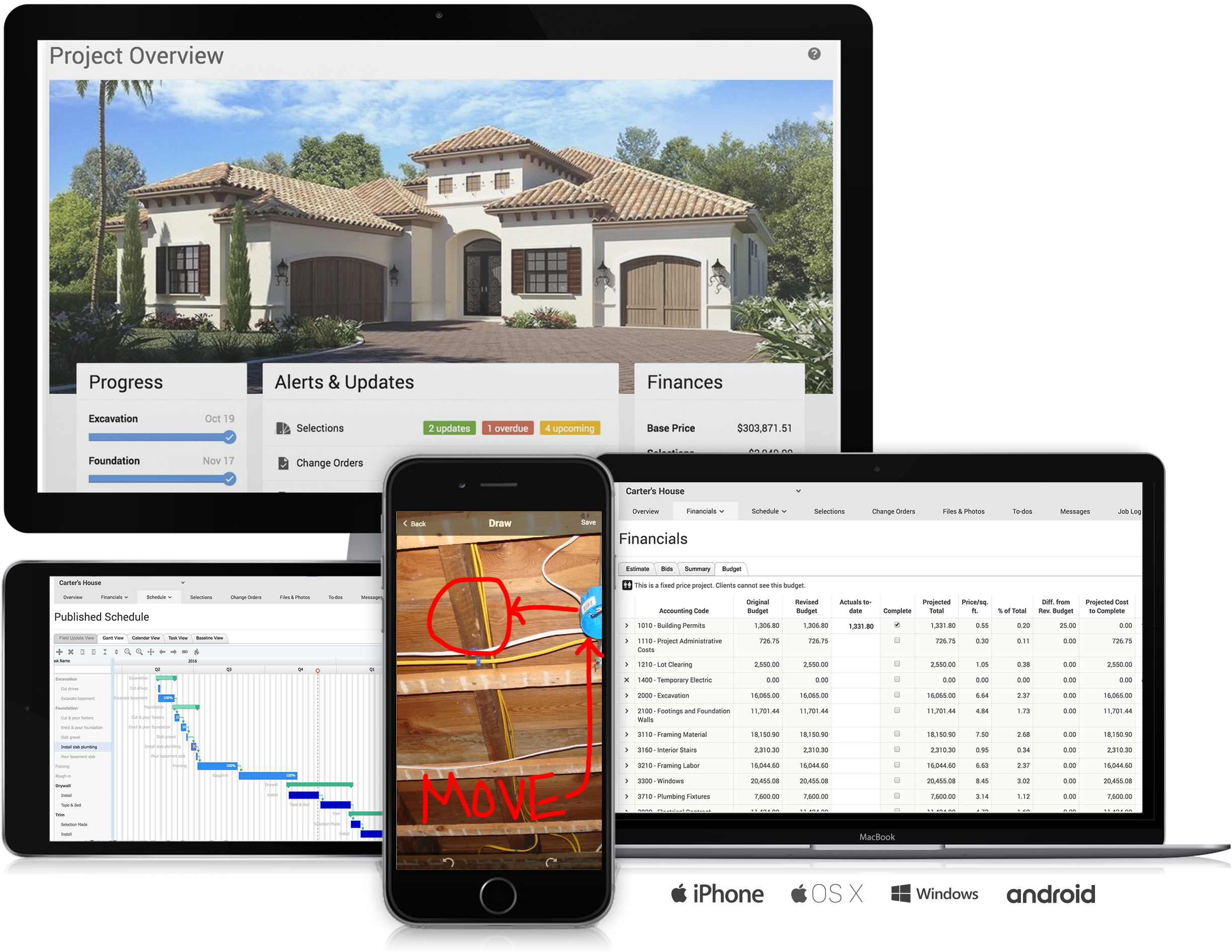
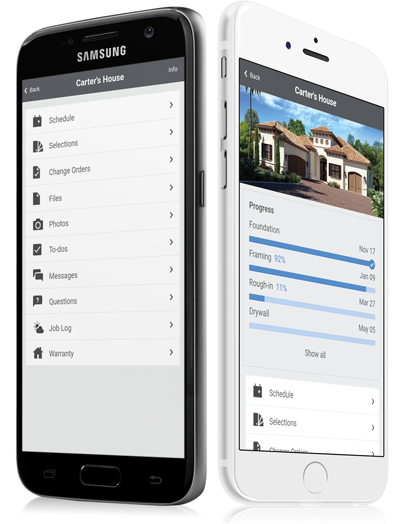
CoConstruct, from Buildertrend since the November 2021 acquisition, is a custom builder & remodeler software. It allows users to enter data once and have that information flow through the estimate, specs, selections, bids, proposals, change orders, and budgets, including to and from QuickBooks. In addition, CoConstruct includes scheduling and 3-way communication between builder, client, and trade partners. Everything is captured via email and texting. Login isn't required for…
$49
per month
Pricing
Autodesk Construction Cloud
CoConstruct
Editions & Modules
No answers on this topic
Ramp
$49
per month
Plus 5
$299
per month
Plus 10
$399
per month
Plus 15
$499
per month
Offerings
Pricing Offerings
Autodesk Construction Cloud
CoConstruct
Free Trial
No
No
Free/Freemium Version
No
No
Premium Consulting/Integration Services
No
No
Entry-level Setup Fee
No setup fee
No setup fee
Additional Details
—
CoConstruct pricing is based on active job sites that have client access online, which means it is adaptable to builders & remodelers businesses. This means that there are an unlimited amount of projects available for estimates and proposals, so that customers only pay when they win a contract. Also built into the pricing are a myriad of services: a dedicated implementation coach, free estimate & scheduling templates based on industry best practices from successful builders and the NAHB, unlimited storage and users, software branded with the customer's logo, unlimited amount of warranty projects, and unlimited phone & email support. The vendor offers a money-back guarantee that is good for the first 90 days of service.
More Pricing Information
Community Pulse
Autodesk Construction Cloud
CoConstruct
Features
Autodesk Construction Cloud
CoConstruct
Human Resource Management
Comparison of Human Resource Management features of Product A and Product B
Autodesk Construction Cloud
4.6
4 Ratings
42% below category average
CoConstruct
-
Ratings
Employee demographic data
3.73 Ratings
00 Ratings
Employment history
3.03 Ratings
00 Ratings
Job profiles and administration
5.54 Ratings
00 Ratings
Workflow for transfers, promotions, pay raises, etc.
3.83 Ratings
00 Ratings
Organizational charting
4.73 Ratings
00 Ratings
Organization and location management
5.73 Ratings
00 Ratings
Compliance data (COBRA, OSHA, etc.)
5.93 Ratings
00 Ratings
Payroll Management
Comparison of Payroll Management features of Product A and Product B
Autodesk Construction Cloud
3.6
3 Ratings
62% below category average
CoConstruct
-
Ratings
Pay calculation
3.43 Ratings
00 Ratings
Support for external payroll vendors
3.53 Ratings
00 Ratings
Off-cycle/On-Demand payment
3.13 Ratings
00 Ratings
Benefit plan administration
3.53 Ratings
00 Ratings
Direct deposit files
3.83 Ratings
00 Ratings
Salary revision and increment management
3.83 Ratings
00 Ratings
Reimbursement management
3.83 Ratings
00 Ratings
Asset Management
Comparison of Asset Management features of Product A and Product B
Autodesk Construction Cloud
5.4
4 Ratings
24% below category average
CoConstruct
-
Ratings
Tracking of all physical assets
5.44 Ratings
00 Ratings
Reporting & Analytics
Comparison of Reporting & Analytics features of Product A and Product B
Autodesk Construction Cloud
6.9
5 Ratings
12% below category average
CoConstruct
-
Ratings
Dashboards
6.75 Ratings
00 Ratings
Standard reports
7.15 Ratings
00 Ratings
Custom reports
7.05 Ratings
00 Ratings
Data exportability
6.95 Ratings
00 Ratings
Construction Project & Field Management
Comparison of Construction Project & Field Management features of Product A and Product B
Autodesk Construction Cloud
7.5
8 Ratings
1% above category average
CoConstruct
-
Ratings
Plan distribution & viewing
7.57 Ratings
00 Ratings
Plan markups & sharing
7.18 Ratings
00 Ratings
Issue tracking & punchlists
8.08 Ratings
00 Ratings
Photo documentation
7.27 Ratings
00 Ratings
Jobsite reports
7.46 Ratings
00 Ratings
Document sharing
8.58 Ratings
00 Ratings
RFI tools
8.07 Ratings
00 Ratings
Collaboration & approvals
8.67 Ratings
00 Ratings
As-built drawings
6.26 Ratings
00 Ratings
Mobile app
6.26 Ratings
00 Ratings
Submittal design and management
7.88 Ratings
00 Ratings
Checklists
7.87 Ratings
00 Ratings
Meeting Minutes
8.26 Ratings
00 Ratings
Specifications
7.07 Ratings
00 Ratings
Change orders
7.06 Ratings
00 Ratings
Estimating
Comparison of Estimating features of Product A and Product B
Well Suited: Autodesk Construction Cloud is cost effective, user friendly, and robust. They aren't nickel and diming you for use of each module. Once users are on-board with the system it creates an ecosystem that all users "go to first" for an answer. Less Appropriate: As a Developer, there are some hiccups as it is designed more for the GC (general contractor). A template option that is Developer forward would an improvement.
Having the ability to completely manage a project from start to finish with one app is super helpful. The time reporting feature (when it works correctly) is a nice added bonus as it allows employees to switch from one task to another on the same project or to another project and task with ease, aiding in the accounting process of the total project. This was helpful for running analytics to see where we were spending too much time on certain tasks, thus allowing us to assess any training needs.
Meeting Minutes: Simple to use and adapt from Agenda to Minutes, attach reference documents efficiently, and assign accountability to attendees.
Budget/Cost Reporting: There is a learning curve, but the visibility of budgets and costs from inception to closeout is beneficial for the user and makes reporting to investors simple and consistent.
Document Management: The version history on drawings "sheets" is very helpful when managing a project through design and construction. Issuing addenda, drawings, or tracking down a change in design is simple.
Pay Applications/Change Order Workflow: the customizable workflows along with time stamps of reviews and response makes tracking down status and bottlenecks very easy.
The integration of all aspects needed to run a remodeling company efficiently: project scheduling and management, financial planning and customer service. Since it’s an all-in-one suite and cloud-based, it enables our team to keep track of all our projects in real-time. Communication breakdown is the last thing we want, so being on the same page is not only desirable but makes for the best possible relationship with our clients.
Product education - We like how CoConstruct helps new users and get them to start using the tool right away. The dashboard resource materials are incredibly useful. We don’t have to spend a lot of time training new hires on the system and onboarding new clients.
The footprint large projects leave within Desktop Connector and Mitigating that data
REMOVE "add up to 80 projects" from the Desktop Connector Select Projects Screen! It is better to cycle the project data in/out for syncing latest greatest rather than have users load up their desktop connector full of projects and let data stagnate/have to be racked to update.
Internal Communication - CoConstruct lacks the ability to tag-team members for internal communication using @mentions or any other means. This has been crippling for us and forced us to use alternative software for communicating among our team members.
Pipeline Management - CoConstruct's lead-tracking system feels clunky and hard to navigate and doesn't provide a pipeline view that's easy to navigate. We have moved our Pipeline Management outside of CoConstruct to make it easier for our sales team to track leads.
CRM - CoConstruct doesn't offer anything for customer follow-up after projects are completed. This, in addition to the lack of an effective pipeline system, has led to our decision to use Hubspot as our CRM. Moving projects into CoConstruct for Design and back our after Production.
It is overall a very great product in terms of usability. Some features need some work like RFI tools and contruction administration tools. As the product develops I imagine these becoming more important and easier to use
The data mitigation is complete garbage. Any cloud collaborated model takes 2x to load in the Autodesk Construction Cloud environment that if it was saved locally or to on prem servers. We had our systems and bandwidth all evaluated to be applicable but the data downloads and sequencing through Desktop Connector leaves much to be desired.
The support staff is brilliant; they don't operate on Australian time, so you can't just dial up support when you need it. The response times are quick, and the staff is knowledgeable. They are also well versed in most of the differences between buildings in the US and the building in Australasia. Despite their funny accents and strange use of the English language, we get by just fine!
Procore's user interface is not as user-friendly. Next steps are not as obvious and the overall graphic design is more old-school. I do however like how Procore lists the specific issues that you are assigned on the home page. Procore can be more difficult to navigate and it's hard to find attachments.
Products like Procore and PlanGrid are geared towards projects with huge projects teams, multiple stakeholders and dozens of subcontractors. CoConstruct can be used for projects big and small (value) and also with small project teams or large projects teams. For small partial renovation or addition projects CoConstruct is a good more cost effective option.