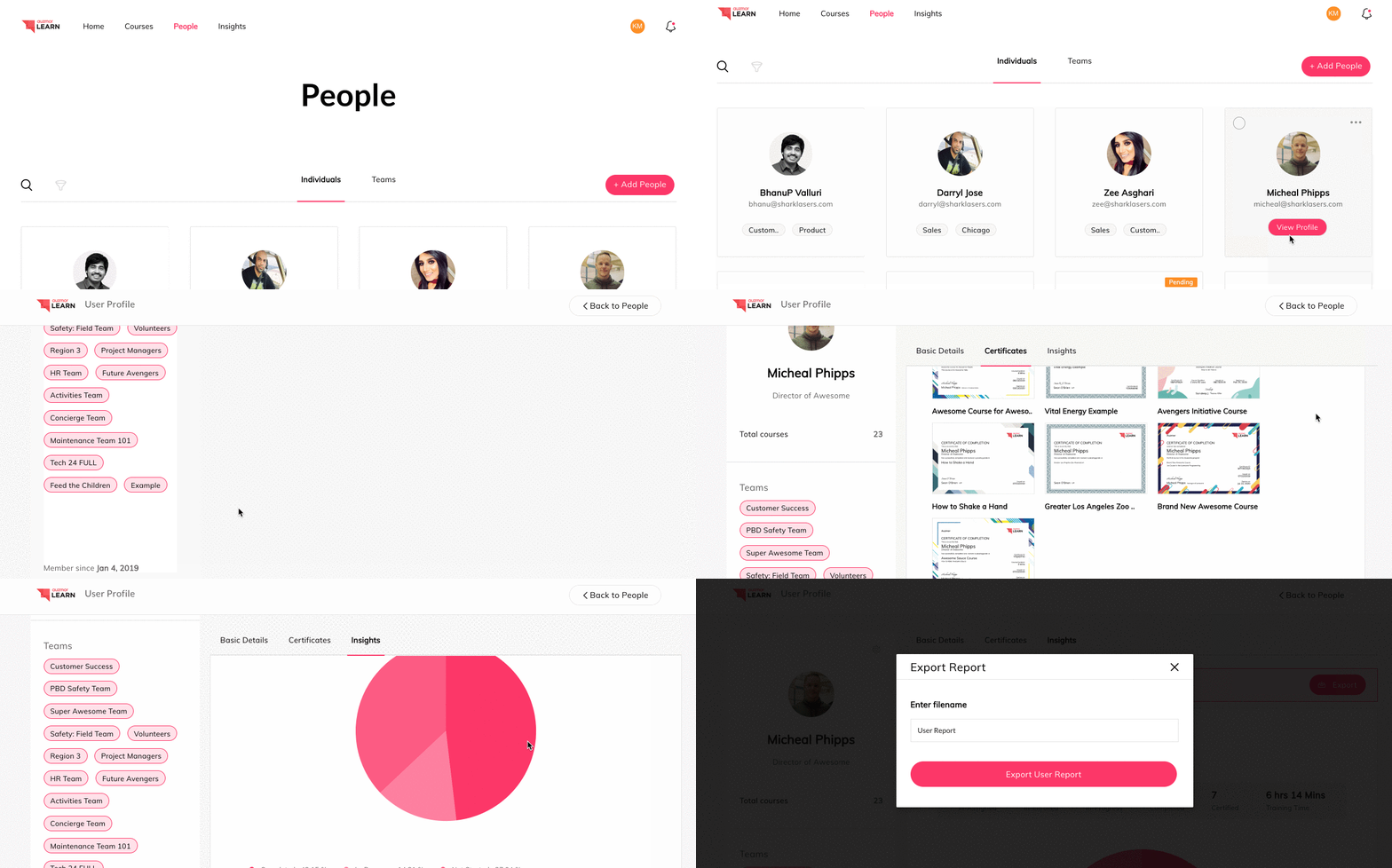
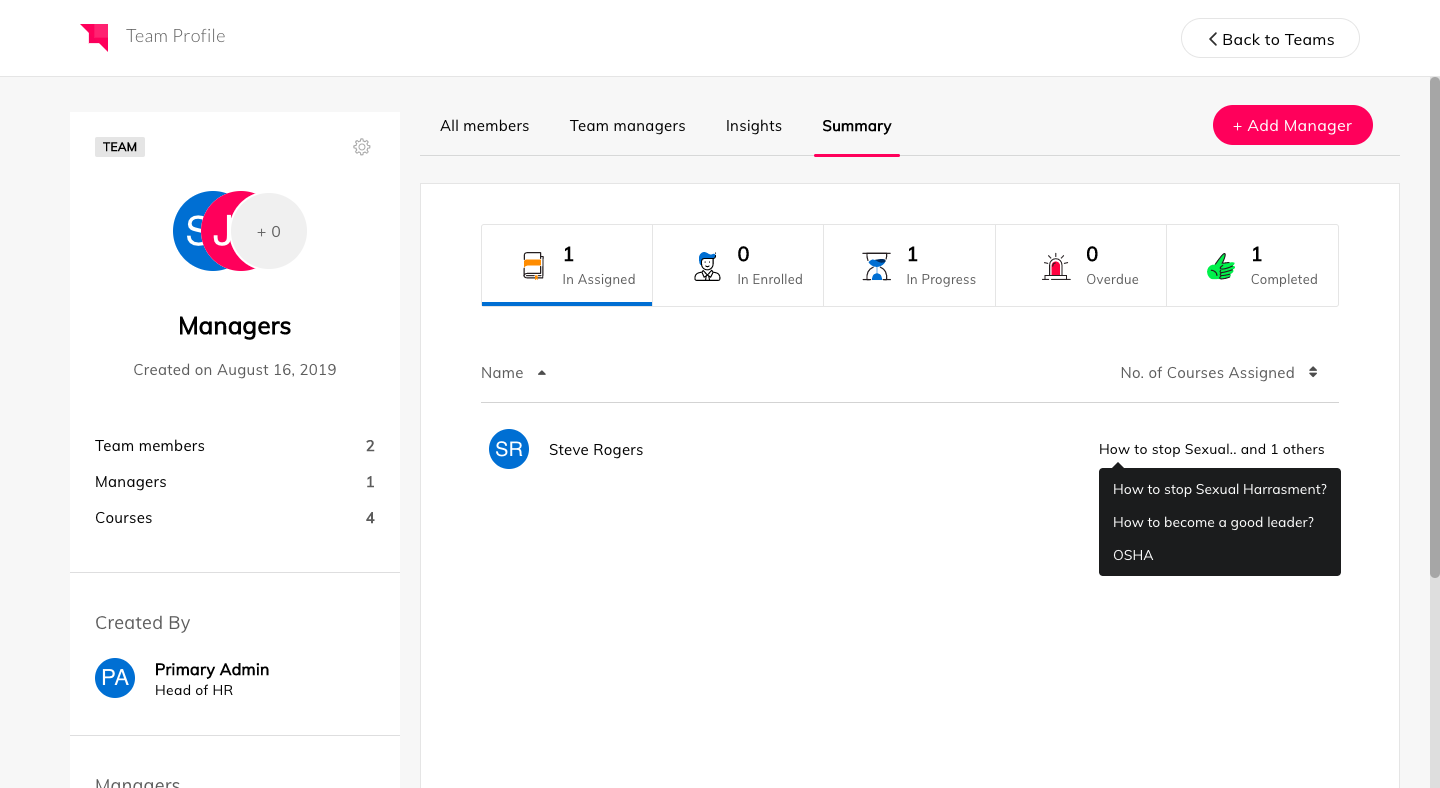
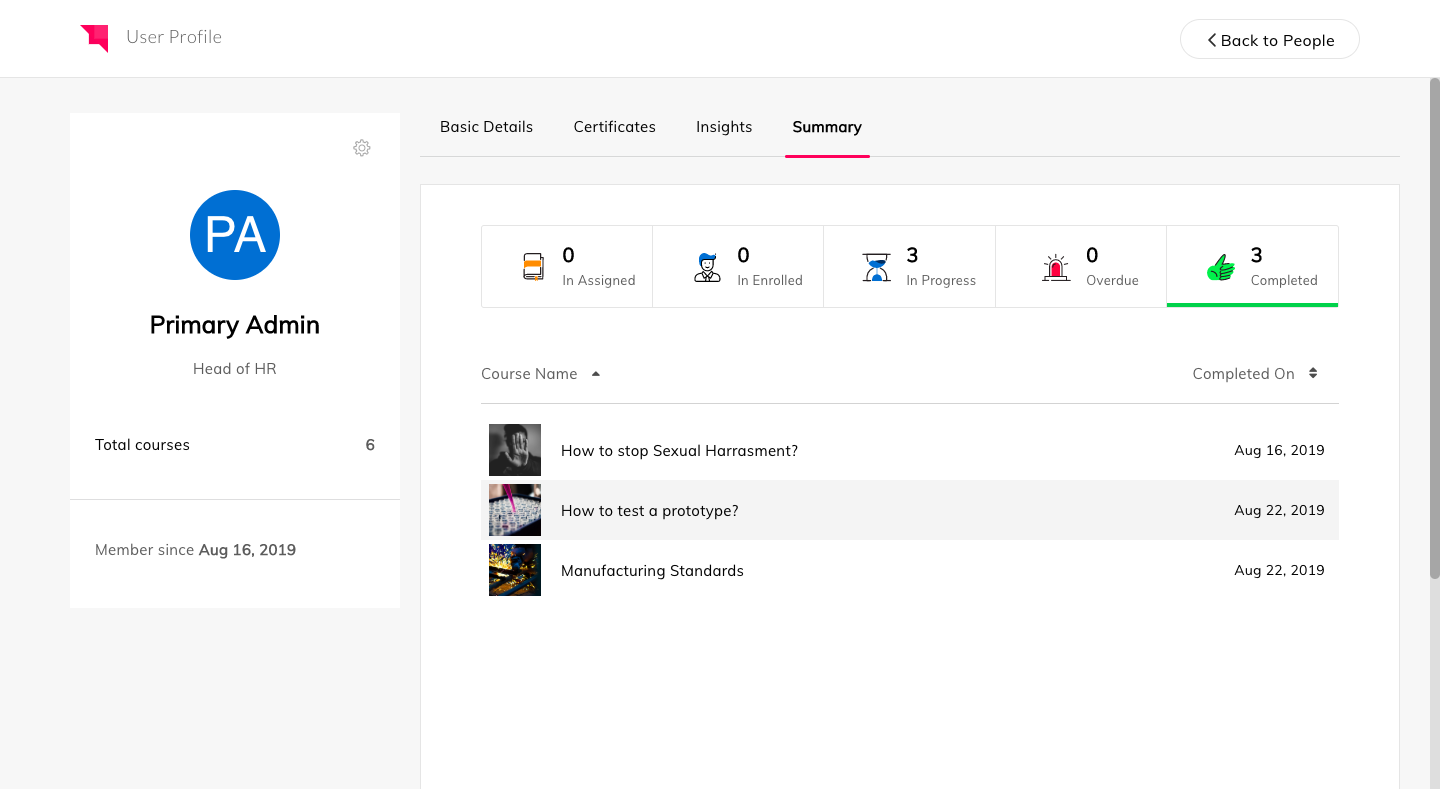
Auzmor headquartered in West Des Moines offers Auzmor Learn, a corporate LMS designed to make launching, tracking, and reporting for any type of training, in one centralized location, viewable on any device, with tools to track and encourage employee learning.
N/A
TalentCards
Score 10.0 out of 10
N/A
TalentCards is a mobile-first Microlearning platform designed for training frontline and deskless workers via a card-based interface. The system utilizes short-form "flashcards" to deliver safety, compliance, and product information to employees who lack dedicated workstations or corporate email accounts.
$0
Pricing
Auzmor Learn
TalentCards
Editions & Modules
No answers on this topic
Free (Up to 5 users)
$0
Standard
$50
per month
Premium
$75
per month
Offerings
Pricing Offerings
Auzmor Learn
TalentCards
Free Trial
Yes
Yes
Free/Freemium Version
No
Yes
Premium Consulting/Integration Services
No
No
Entry-level Setup Fee
Required
No setup fee
Additional Details
There are a few different set up fees based off of number of users, any data migration etc. that needs to be done.
—
More Pricing Information
Community Pulse
Auzmor Learn
TalentCards
Features
Auzmor Learn
TalentCards
Learning Management
Comparison of Learning Management features of Product A and Product B
Auzmor Learn is well suited in allowing us to create content beyond just the normal PowerPoint presentations that are normally used. The content creation piece will allow us to have more interactive training available. Auzmor will also allow us to offer self-paced training instead of or to supplement live instructor led training. We will be able to manage and track both in Auzmor, which is a plus. It is also suited to provide both internal and external training for our needs.
TalentCards is very well suited for field based, hands on roles where people need quick access to information. For us, that means technicians who are mobile all day and need short training, refreshers, or job aids they can pull up on their phone right before or during a job. It works especially well for onboarding, SOPs, safety reminders, and knowledge reinforcement over time. It is less appropriate for long form, deep training that requires extended focus, discussion, or complex assessments. If you need multi hour courses, heavy compliance training, or classroom style learning with facilitation and interaction, a traditional LMS or instructor led format is a better fit.
Assessments can now easily be uploaded in bulk using a CSV template.
Successful assessment submission(s) from a learner will trigger a notification to their respective manager/instructor/admin who assigned the training to them.
We can create a lesson through video formats, documents, embedding links, YouTube & Vimeo.
It can create and track our live training both classroom and online.
The course is publicly accessible with public weblink.
There was some missing functionality that was raised to the Auzmor team, which they are very receptive of that feedback and work with you on providing a solution, work around or addressing it in a future release.
Being able to attach certain file types for training exercises was not supported.
There was some limitations on resizing some images and text boxes during course content creation.
Some of the whitelabeling and cutomization of the UI has some limitations.
From a functionality standpoint the software continues to meet the requirements we had set for the LMS we chose to implement. The addition of new features has increased the likelihood we will continue to use Auzmor Learn. As long as the usability of the software meets the needs of our learners we would not have a reason to look at other options
Overall Auzmor Learn is very usable but there is always room for improvements in every program. Auzmor is very willing to continuously improve their product as well as ask me where I think they might improve or address a unique issue for me that ultimately improves the product for all Auzmor Learn users.
The learner experience is excellent. Technicians can get into the mobile app quickly, navigate content easily, and find what they need without training. For a field workforce, that is where usability matters most, and TalentCards does that very well. Admin usability is solid, but it is browser based, not app based. All content creation, user management, and reporting require a desktop or web browser. The interface itself is intuitive once you are there, but it is not something you can realistically manage from a phone.
I have been working with Sandeep from Auzmor and others for over a year. Any time I have a question or issue, I can block time on his calendar and have a conversation about what I'm having issues with. Everybody I talk to from Auzmor listens. I've had several ideas that I believed would improve the admin and user experience on Auzmor. They listened and many times implemented those changes. Their customer service team is the best I've worked with. They are amazing people and they all deserve a raise!
The level of support we have received from Auzmor Learn has been fantastic. The amount of training that we received during the implementation process to the level of support we continue to receive is top tier. If we ever have any issues or questions, we know that a member from Auzmor Learn will be able to help us quickly and efficiently.
They don't compare, it is two different products, but Jira helps manage products and keeps a virtual to-do list. While TalentCards is something that can be added to Jira's list as a scheduled learning session. I haven't used any product close to TalentCards before. We were looking for different ways to learn together and this software really fit the bill.