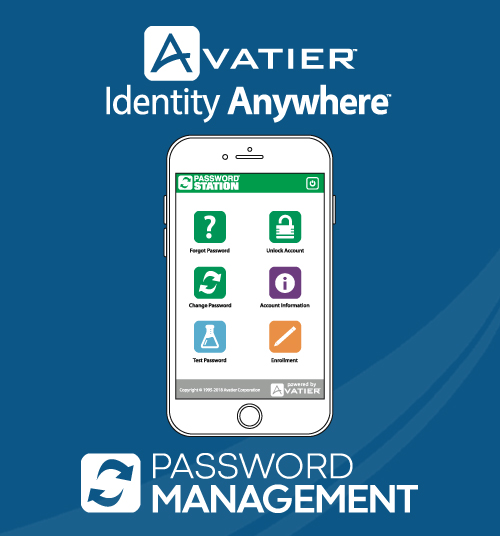
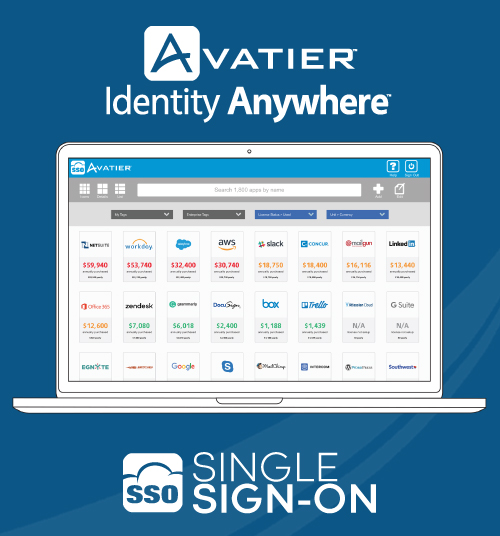
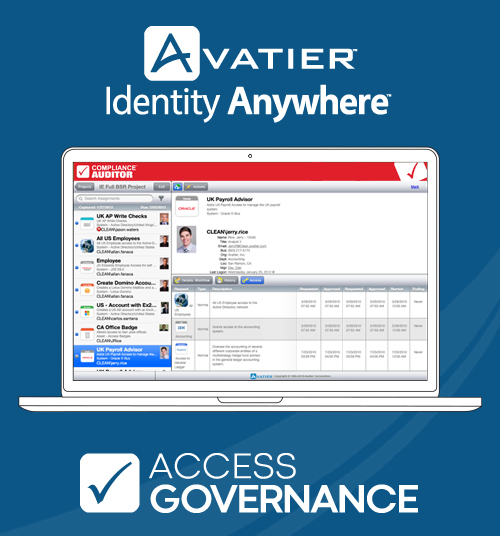
The vendor aims to deliver seamless workforce access while maintaining security. Avatier Identity Anywhere is a passwordless IGA solution that includes: user self service and HR driven lifecycle management universal workflow experience with push notification service catalog with asset budgeting & tracking access governance with risk scoring and SOD rule support SSO with SCIM support for Just in Time (JIT) provisioning…
$1.50
per user/month
Password Genie
Score 8.0 out of 10
N/A
Password Genie is a password management application providing smart login and advanced customization, form fill and backup, and 2 step verification, among other features, from NRTC Managed Services (formerly SecurityCoverage).
N/A
Pricing
Avatier Identity Anywhere
Password Genie
Editions & Modules
Avatier Identity Anywhere Password Management
$1.50
per user/month
Avatier Identity Anywhere Single Sign-On (SSO)
$2
per user/month
Avatier Identity Anywhere Access Governance
$3
per user/month
Avatier Identity Anywhere User Lifecycle Management
$5
per user/month
No answers on this topic
Offerings
Pricing Offerings
Avatier Identity Anywhere
Password Genie
Free Trial
Yes
No
Free/Freemium Version
No
No
Premium Consulting/Integration Services
Yes
No
Entry-level Setup Fee
$5,000 per installation
No setup fee
Additional Details
Volume discounts available for customers over 3,000 employees
Educational/Non-Profit Pricing Available Upon Request
—
More Pricing Information
Community Pulse
Avatier Identity Anywhere
Password Genie
Features
Avatier Identity Anywhere
Password Genie
Identity Management
Comparison of Identity Management features of Product A and Product B
Ease of use and a very customer focused catalog process. Would like service now functionality implemented with the tool so teams can user 1 work tool to work from. The access governance process is very well designed and extremely useful for our organization to be able to identify users that have the inappropriate access levels for their current roles
It is well suited for any business as they would have password / confidential data which needs to be stored. Hence this tool provides all those features which is required. The product becomes less appropirate to SMB segments as the per device licensing becomes very difficult as there are various applications available as a free ware. Hence the licensing model need to be re-thought
Generating strong, random passwords: Password Genie has a built-in password generator that creates strong and unique passwords for each account. This eliminates the need for employees to come up with their own passwords and reduces the risk of them using easily guessable or weak passwords.
Storing login information securely: Password Genie stores all login information in a secure location that is protected by a master password. This ensures that only authorized users can access the information and that it is protected against potential breaches.
Syncing across multiple devices: Password Genie allows employees to access their login information from multiple devices, including smartphones, laptops, and tablets. This means that they can easily access the information they need, regardless of where they are working.
Automatic login: Password Genie can automatically fill in login information on websites and apps, saving time and reducing the risk of typos.
The only issue I have come across is that if a user begins to reset their password, but doesn't remember all of their security questions, sometimes the tool triggers a reset even if they didn't successfully reset themselves. This becomes a problem in an environment that has password complexity requirements, such as not being able to change your password again within a 24 hour period.
Some of the users in my organization find it challenging to integrate Password Genie with other password management tools or services they are using, making it difficult to import or export password data.
The user interface and experience of Password Genie are outdated or difficult to use, leading to a less streamlined password management process.
Lack of advanced features: Some users might find that Password Genie lacks some advanced features or customization options that are available in other password management tools.
User interface: Some users might find the user interface of Password Genie to be less intuitive or less user-friendly compared to other password management tools.
It’s very easy to operate from multiple devices & highly secure layer protection.I love using Password Genie because It keeps all of my passwords in one place and I can use it on all of my devices.Password Genie is very time savings & secure tools for digital online based company.Password Genie is helpful with password capture and replay. Syncs among Windows, Mac, Android, and iOS devices. Flags weak and duplicate passwords. Two-factor authentication. Fills Web forms with personal data.
The main positive is the number of calls into our help desk or LAN team have gone down to a few calls a week; instead of the masses going to them on a daily basis.