Avaya IP Office is a communications solution for small and medium-size businesses. It is available in the cloud, on premise or hybrid deployments are all supported with IP Office along with the ability to migrate from one to the other. The included Avaya Equinox experience provides a single app for voice, video, messaging, conferencing and calendar and keeps employees productive on any device, from any location.
$82
per user/per month
Hellora
Score 9.1 out of 10
Enterprise companies (1,001+ employees)
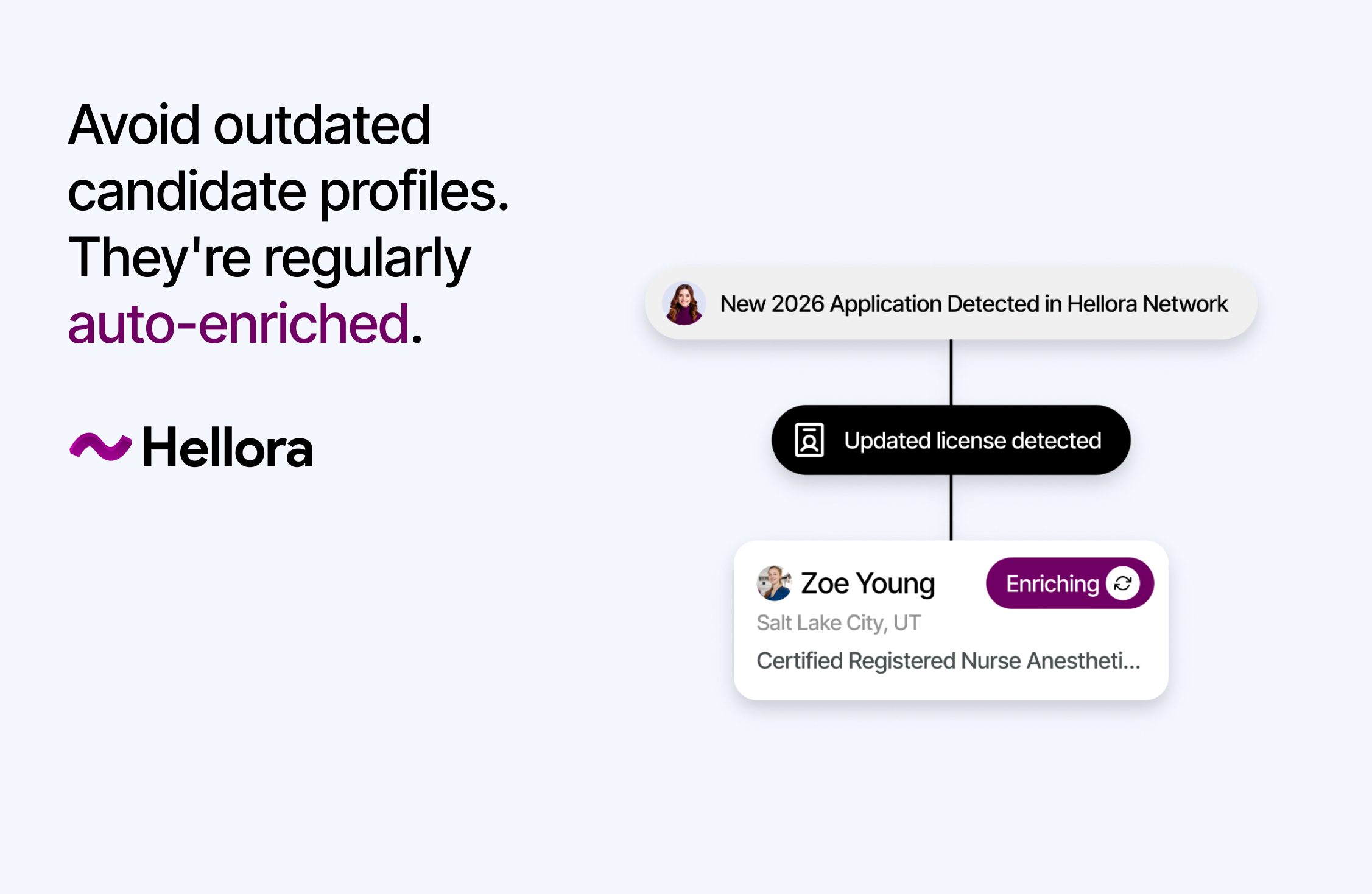
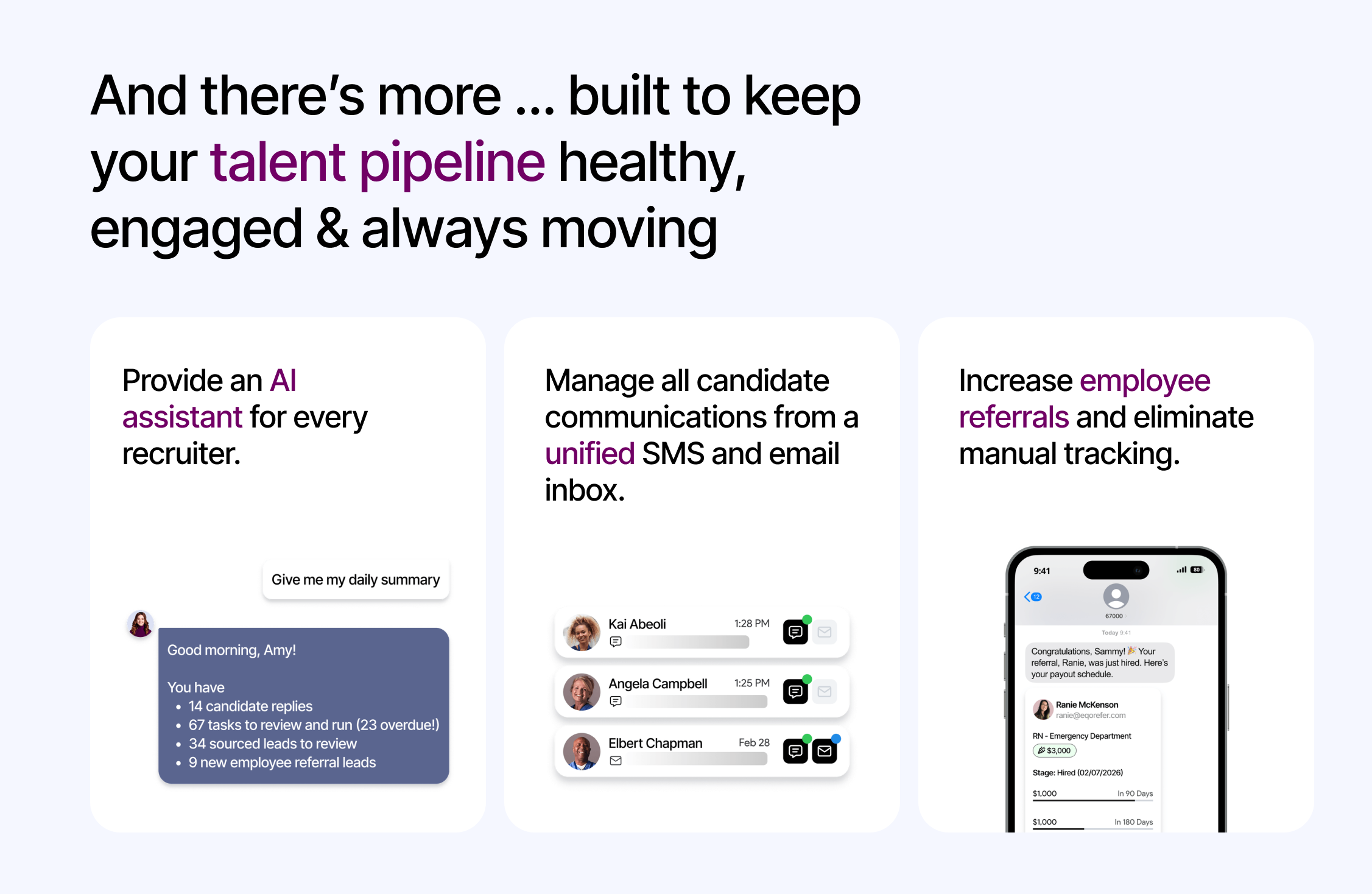
Hellora is a specialized Candidate Relationship Management (CRM) system designed for healthcare recruitment and hiring. Main features: Source qualified healthcare candidates from external talent databases to accelerate talent pipeline construction for specialized or hard-to-fill clinical roles. Rediscover overlooked talent from existing internal databases, including past applicants, secondary candidates, referrals, event attendees, and former…
N/A
Pricing
Avaya IP Office
Hellora
Editions & Modules
Voice
$82
per user/per month
Digital
$129
per user/per month
No answers on this topic
Offerings
Pricing Offerings
Avaya IP Office
Hellora
Free Trial
No
No
Free/Freemium Version
No
No
Premium Consulting/Integration Services
No
No
Entry-level Setup Fee
No setup fee
No setup fee
Additional Details
—
—
More Pricing Information
Community Pulse
Avaya IP Office
Hellora
Features
Avaya IP Office
Hellora
Performance & Compatibility of Online Events Software
Comparison of Performance & Compatibility of Online Events Software features of Product A and Product B
Avaya IP Office
6.0
12 Ratings
32% below category average
Hellora
-
Ratings
High quality audio
9.312 Ratings
00 Ratings
High quality video
2.69 Ratings
00 Ratings
Screen Sharing
Comparison of Screen Sharing features of Product A and Product B
Avaya IP Office
7.1
5 Ratings
16% below category average
Hellora
-
Ratings
Desktop sharing
7.15 Ratings
00 Ratings
Online Meetings / Events
Comparison of Online Meetings / Events features of Product A and Product B
Avaya IP Office
4.7
8 Ratings
56% below category average
Hellora
-
Ratings
Calendar integration
4.26 Ratings
00 Ratings
Meeting initiation
5.07 Ratings
00 Ratings
Record meetings / events
5.05 Ratings
00 Ratings
Online Events Collaboration
Comparison of Online Events Collaboration features of Product A and Product B
Avaya IP Office
5.8
3 Ratings
34% below category average
Hellora
-
Ratings
Live chat
5.83 Ratings
00 Ratings
Online Events Security
Comparison of Online Events Security features of Product A and Product B
Avaya IP Office
2.8
7 Ratings
93% below category average
Hellora
-
Ratings
User authentication
2.87 Ratings
00 Ratings
Participant roles & permissions
2.86 Ratings
00 Ratings
Cloud PBX
Comparison of Cloud PBX features of Product A and Product B
Avaya IP Office
7.1
10 Ratings
17% below category average
Hellora
-
Ratings
Hosted PBX
6.85 Ratings
00 Ratings
Multi-level Interactive Voice Response (IVR)
6.410 Ratings
00 Ratings
Directory of employee names
8.210 Ratings
00 Ratings
Call Management
Comparison of Call Management features of Product A and Product B
Avaya IP Office
6.9
12 Ratings
21% below category average
Hellora
-
Ratings
Answering rules
9.212 Ratings
00 Ratings
Call recording
7.08 Ratings
00 Ratings
Call park
9.512 Ratings
00 Ratings
Call screening
7.610 Ratings
00 Ratings
Message alerts
9.511 Ratings
00 Ratings
Business SMS/External Messaging
5.06 Ratings
00 Ratings
Online Fax
4.04 Ratings
00 Ratings
Voicemail Transcription
3.36 Ratings
00 Ratings
Mobile apps
Comparison of Mobile apps features of Product A and Product B
Avaya IP Office
7.7
10 Ratings
12% below category average
Hellora
-
Ratings
Mobile app for iOS
8.910 Ratings
00 Ratings
Mobile app for Android
6.48 Ratings
00 Ratings
Unified Communications Platform and Collaboration
Comparison of Unified Communications Platform and Collaboration features of Product A and Product B
So it's sold and targeted at small and medium enterprises, which is pretty perfect. So it maxes out at 2000 phones. You're never going to go bigger than that. It's probably by price, one of the cheapest phone systems out there. It fits really well in a dentist's office and a small medical office. It fits well in retail stores that are not part of a chain. So, independent shops, the general small business category, if it's a brand that's only in your neighborhood, that's one of the few spots where you can still sell an on-premise phone system, is for those types of folks. I've always recommended it to small businesses. I've got some family members, too, who have these in their own small businesses by my recommendation, and they love them. And I'm going to use the word cheap, the system's not cheap, but the pricing is pretty wildly low in a good way. So it's a stable machine. My recommended use cases are usually for small businesses. I would not put it anywhere that needs high availability, though. That's that.
Perfect fit for: Large organizations with over 2,000 employees and a frontline workforce (such as nursing, technicians, waiters, retail associates and drivers). Currently managing referrals on spreadsheets or not truly tapping into the power of employee referrals. As a helpful benchmark to compare to, best-in-class organizations have 40% of their hires come through referrals. Less suitable for: Smaller organizations with less than 2,000 employees, no frontline workforce, and don't face challenges in employee referral management or engagement.
So my favorite thing that it does well is the mobile client. It's very easy to use to access my contacts as if I'm sitting at my desk in the office. I can send text messages to other parties within my department as well. So that's the best thing. Staying in touch even though I'm not sitting at my desk.
Rush for updates. At times an updated will fix one problem, and inadvertently create another. However with due diligence from your business partner (Tektivity) patches are tested before being rolled out in production environments.
Part itemization. If you purchase a new system, the power cord does not come with the unit, that is a separate part. Very minor in the grand scheme of things but as a reseller and a customer still somewhat annoying.
Large convoluted organization. As a user trying to navigate the AVAYA website, and track down information can be daunting. Even calling support can be challenging, you never know if your call will be routed to India, Brazil, or Denver. That is why the relationship with Tektivity is so important. You can leverage your business partner to get the answers you need so you can spend your time tackling issues that need your attention.
One point I highlighted with their team was the importance of Eqo – Employee Referral Solution for the Frontline being able to function without ATS/HRIS integrations for smoother rollouts and pilot programs — and they've already successfully achieved this capability.
Oddly enough I have been impressed with the IP Office platform so much that I have integrated one into my home. My wife was not happy with it initially but once she started using it she was very happy with the results. It helped that I programmed it to work just like a home phone but with features and options that I can utilize remotely. I would be more than happy to put an AVAYA IP Office against any other phone system on the market, and let you be the judge.
Avaya IP Office is a great system that is somewhat affordable for most SMB's. However, In our experience, Avaya IP Office has a tendency to shelve some of the license as you upgrade the software release on the PBX switch without giving back any comparable license to compensate. The Voicemail Pro license is quite expensive and most of the functionality that most business needs are not covered in the standard voicemail offering.
Much better feature set with Avaya IP Office, and I really feel you're getting feature-rich telephony for a well priced switch. The system is very adaptable and a much better fit than legacy key systems and cloud-based UCaaS solutions competing in the same market. With the Avaya brand behind the system, there is also a form of working with a Trusted partner with many years in the UC space.
The user experience is seamless--text-based with no app installation necessary. Employees don't want to download another app, so the text-based approach removes that friction point. I really like the SMS campaign feature in Eqo because it facilitates program socialization and targeted hiring in understaffed areas through team-specific SMS campaigns. My customers have been very impressed with the implementation process and support. They aren't just implementing the tech but advising on strategy and adoption.