Users can automate builds and deployments with Azure Pipelines. Build, test, and deploy Node.js, Python, Java, PHP, Ruby, C/C++, .NET, Android, and iOS apps. Run in parallel on Linux, macOS, and Windows. Azure Pipelines can be purchased standalone, but it is also part of Azure DevOps Services agile development planning and CI/CD suite.
N/A
Octopus Deploy
Score 8.8 out of 10
Mid-Size Companies (51-1,000 employees)
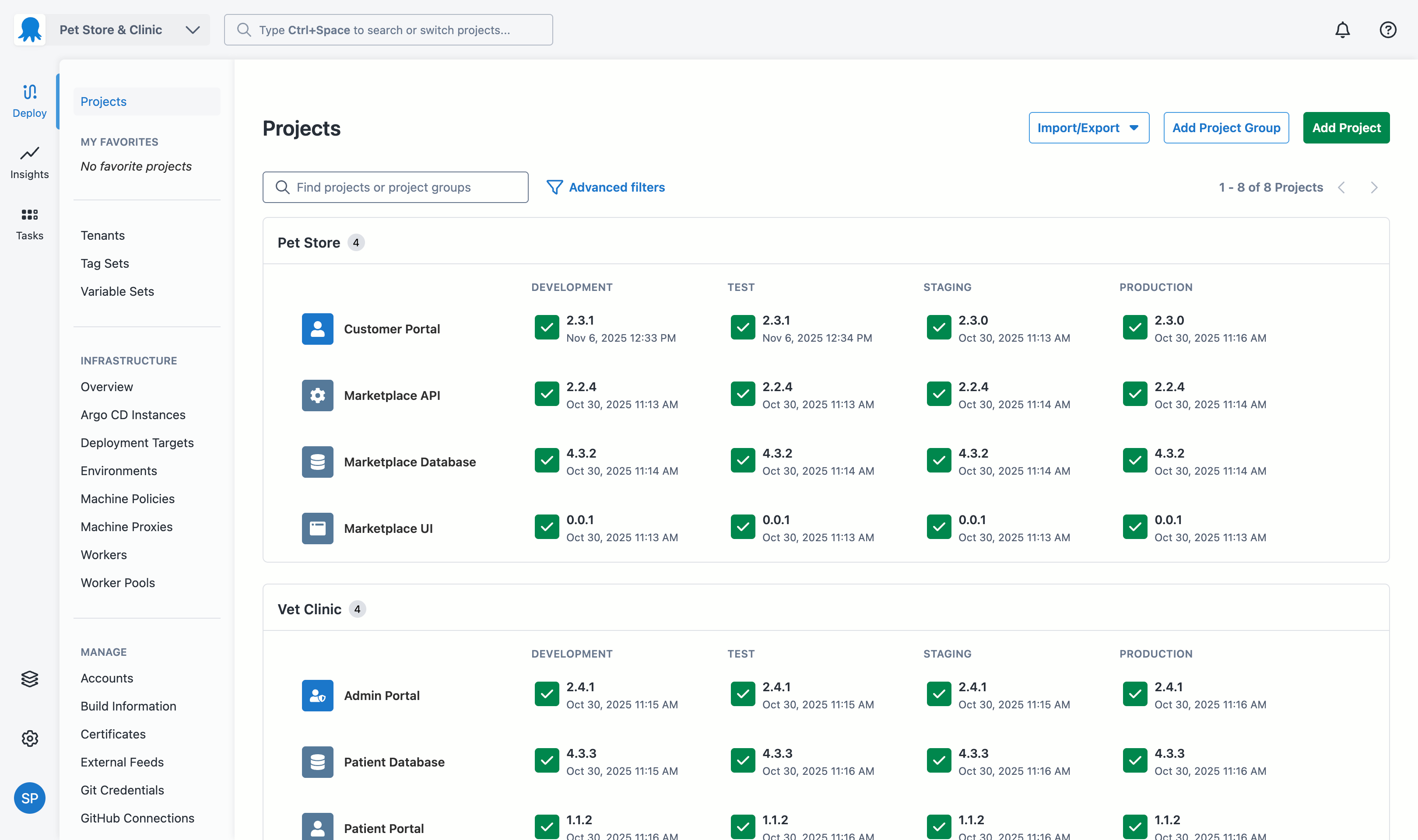
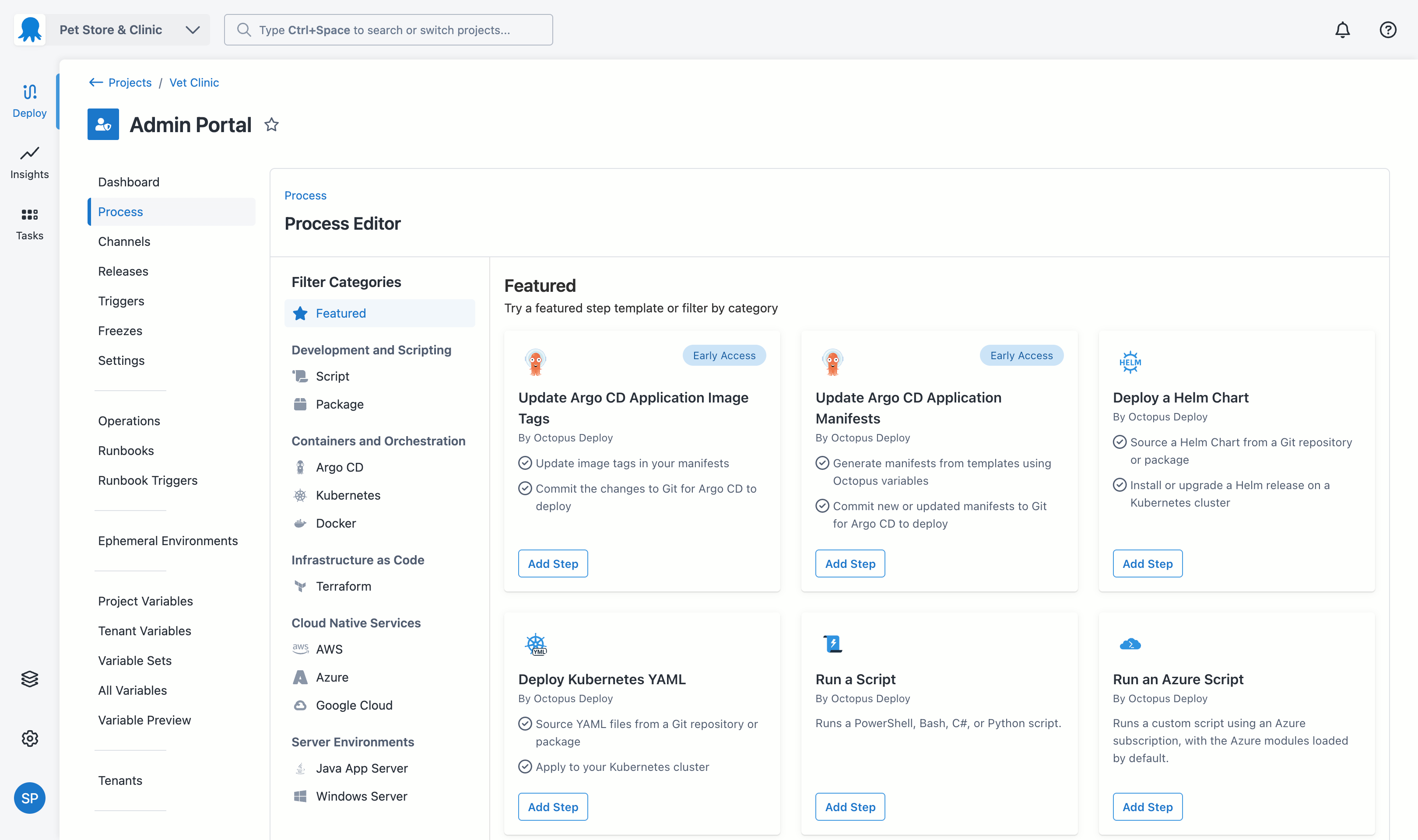
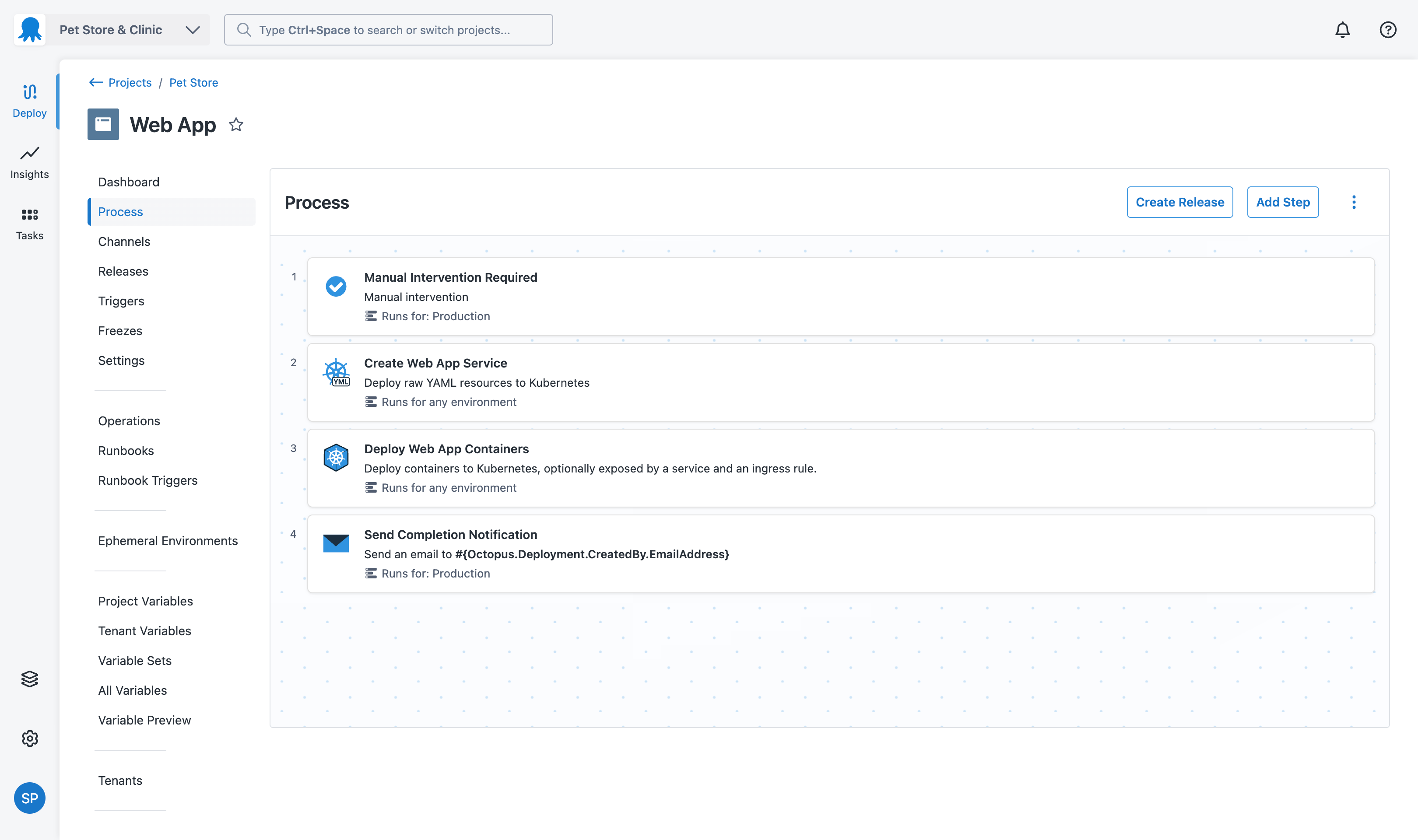
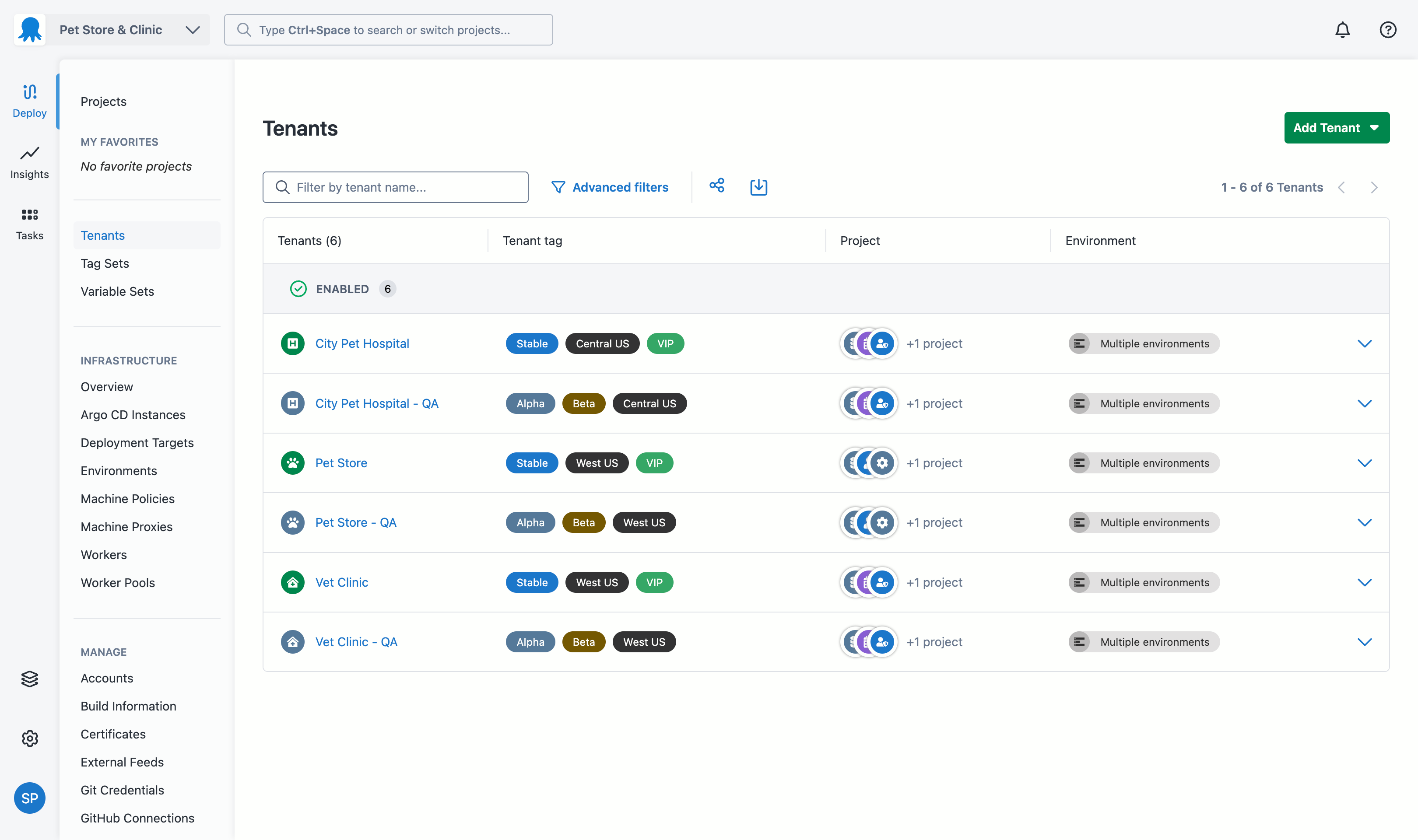
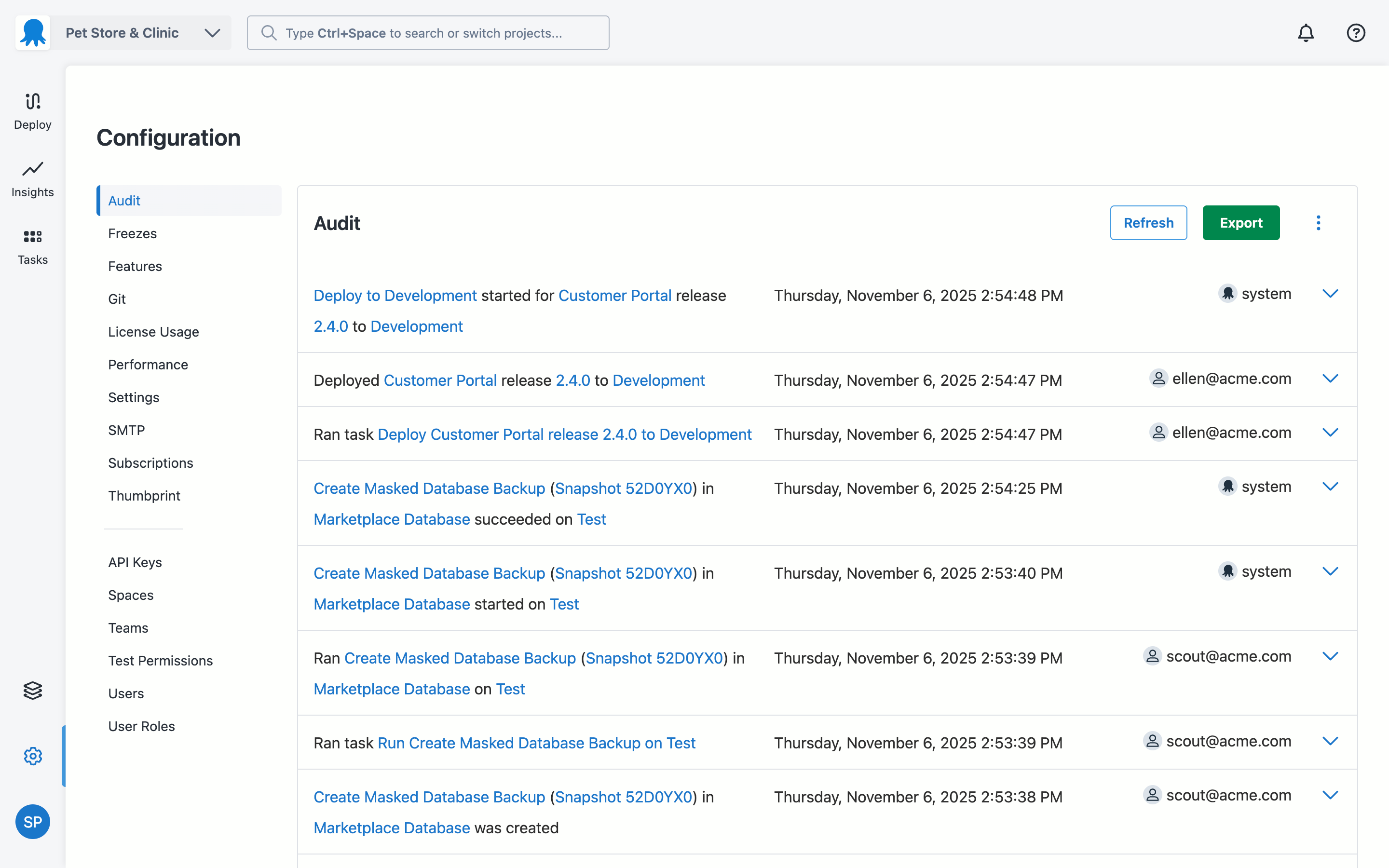
Australian company Octopus Deploy offers their eponymous automated deployment and release management software that integrates with the user's preferred CI server and adds deployment & ops automation capabilities. Octopus Deploy enables developers, release managers, and operations folks to bring all automation into a single place. The vendor states that by reusing configuration variables, environment definition, API keys, connection strings, permissions, service principals, and automation logic,…
$0
per month
Travis CI
Score 7.3 out of 10
N/A
Travis CI is an open source continuous integration platform, that enables users to run and test simultaneously on different environments, and automatically catch code failures and bugs.
$69
per month 1 concurrent job
Pricing
Azure Pipelines
Octopus Deploy
Travis CI
Editions & Modules
No answers on this topic
Octopus Server - Professional
$1920
per year starting with 20 projects
Octopus Cloud - Professional
$4170
per year starting with 20 projects
Octopus Server - Enterprise
$14400
per year starting with 100 projects
Octopus Cloud - Enterprise
$23400
per year starting with 100 projects
Cloud
Free
10 users/10 projects/10 tenants/10 machines
Server
Free
10 users/10 projects/10 tenants/10 machines
1 Concurrent Job Plan
$69
per month
Bootstrap
$69
per month 1 concurrent job
2 Concurrent Jobs Plan
$129
per month
Startup
$129
per month 2 concurrent jobs
5 Concurrent Jobs Plan
$249
per month
Small Business
$249
per month 5 concurrent jobs
Premium
$489
per month 10 concurrent jobs
Platinum
$794+
per month starting at 15 concurrent jobs
Free Plan
Free
Offerings
Pricing Offerings
Azure Pipelines
Octopus Deploy
Travis CI
Free Trial
No
Yes
Yes
Free/Freemium Version
No
Yes
Yes
Premium Consulting/Integration Services
No
Yes
No
Entry-level Setup Fee
No setup fee
Optional
No setup fee
Additional Details
—
Octopus Deploy offers a Free tier (Cloud and Server) and a 30-day free trial of the Enterprise tier. No credit card needed.
Octopus also offers a Professional tier with 8/5 support (9 am–5 pm on weekdays). The Enterprise tier provides advanced features for teams to scale, including high availability, DevOps Insights, ServiceNow & Jira Service Management integration, unlimited instances, 24/7 support & service credits, and a dedicated Customer Success Manager.
The tools are very similar - but Azure Pipelines work best for Azure-based products are better suited for the stack. For our engineers, we could switch between all the various continuous integration/deployment tools without much issues, but it makes sense to use the stack …
It is good tool if you are doing continuous improvements in your code and you wish it goes live whenever you push code to GitHub. So integrating Azure Pipeline, it automatically does CI/CD in the background once you push code/merge code and it is live in few minutes. It also does some automated tests if you have wrote scripts
Octopus Deploy is well suited for our requirements of deploying across multiple environments with one consistent release. We are saving a lot of time by not having to package and move release files around. Our release process is more efficient and consistent with automation. There are some parts that we could probably perform with existing tools such as DevOps and there are one or two features we have to workaround to fit for our setup such as the step templates to install websites. These are minor in our opinion.
TravisCI is suited for workflows involving typical software development but unfortunately I think the software needs more improvement to be up to date with current development systems and TravisCI hasn't been improving much in that space in terms of integrations.
In the past has been somewhat .net focused but that has been changing in recent times
Would be great if community licenses for NFP organizations were perpetual - but in saying that I appreciate that Octopus does provide my organization with a community [license]. Not all organisations do
I think they could have a cheaper personal plan. I'd love to use Travis on personal projects, but I don't want to publish them nor I can pay $69 a month for personal projects that I don't want to be open source.
There is no interface for configuring repos on Travis CI, you have to do it via a file in the repo. This make configuration very flexible, but also makes it harder for simpler projects and for small tweaks in the configuration.
Octopus Deploy has greatly helped us to improve our reliability and frequency of our deployments and given us the confidence to deploy much more often, with a direct benefit to customers. Cross-platform support and release to Cloud require more focus on the product side.
TravisCI hasn't had much changes made to its software and has thus fallen behind compared to many other CI/CD applications out there. I can only give it a 5 because it does what it is supposed to do but lacks product innovation.
Octopus Deploy is a software that runs very effectively, is easy to use, does not require such a high learning curve, provides the necessary tools to carry out the functions it offers, making it a very flexible software, it also allows that can be configured according to the needs of the user and provides integrations with other very advantageous tools since they are carried out in a very favorable way.
Octopus Deploy support has always been there for us, even when using the free tier, we get responsive hands-on help. We haven't needed to use that level of support since the documentation is clearly written, and help is readily available within the interface itself. Using Octopus Deploy is a truly joyful experience.
After the private equity firm had bought this company the innovation and support has really gone downhill a lot. I am not a fan that they have gutted the software trying to make money from it and put innovation and product development second.
We have used the GitHub CI/CD. Earlier we were using the Azure Pipelines but after GitHub had their actions, we integrated that for CI/CD. It runs the tests and makes a production build which can be live. GitHub CI/CD is more useful because we have to make script only once then just by few changes we can deploy it onto Azure, AWS, Google anywhere so we found it more convenient
There aren't really any competitors in the land of ASP.NET. Deployment is too ad-hoc. Other tools exist that have massive downsides, like Web Deploy. Most aren't even supported anymore. You could argue that containers (Docker) are a competitor, but containers cannot be used for everything and solve a somewhat different problem. Octopus Deploy is even able to help with containers. To us, Octopus Deploy was really the only really polished solution.
Jenkins is much more complicated to configure and start using. Although, one you have done that, it's extremely powerful and full of features. Maybe many more than Travis CI. As per TeamCity, I would never go back to using it. It's also complicated to configure but it is not worth the trouble. Codeship supports integration with GitHub, GitLab and BitBucket. I've only used it briefly, but it seems to be a nice tool.
It's improved my ability to deliver working code, increasing my development velocity.
It increases confidence that your own work (and those of external contributors) does not have any obvious bugs, provided you have sufficient test coverage.
It helps to ensure consistent standards across a team (you can integrate process elements like "go lint" and other style checks as part of your build).
It's zero-cost for public/open source projects, so the only investment is a few minutes setting up a build configuration file (hence the return is very high).
The .travis.yml file is a great way for onboarding new developers, since it shows how to bootstrap a build environment and run a build "from scratch".