
Barracuda RMM vs. Domotz
| Product | Rating | Most Used By | Product Summary | Starting Price |
|---|---|---|---|---|
 Barracuda RMM | Score8.1 out of 10 | N/A | Barracuda RMM (based on the former Managed Workplace product acquired by Barracuda from Avast in 2019) is a Remote Monitoring and Management platform. Managed Workplace serves as an agentless tool that MSP’s can use for clients with an emphasis on security assessment and reporting. It also provides other system monitoring functionalities, including patch management, asset management and tracking, and task automation with a library of prebuilt and user-designed scripts. It also offers… | N/A |
 Domotz | Score8.8 out of 10 | N/A | Domotz is a network performance monitoring platform for MSPs, system integrators, and security teams. It provides visibility into network-connected devices, performance, and topology, with automated discovery, SNMP monitoring, diagnostics, alerts, secure remote access, network mapping, and remote power management. | $15 per month (for 10 managed devices) |
| Barracuda RMM | Domotz | |||||||||||||||
|---|---|---|---|---|---|---|---|---|---|---|---|---|---|---|---|---|
| Editions & Modules | No answers on this topic |
| ||||||||||||||
| Offerings |
| |||||||||||||||
| Entry-level Setup Fee | No setup fee | No setup fee | ||||||||||||||
| Additional Details | — | Domotz pricing is based on the number of managed devices, not networks, sites, or users. Only devices that require advanced monitoring, alerting, or management capabilities are counted as managed devices. All other devices are automatically discovered at no additional cost, allowing teams to maintain full network visibility without being charged for every endpoint. Domotz offers a free tier that allows active management of one device while providing continuous discovery, identification, and status monitoring for unlimited devices across unlimited networks. This enables teams to evaluate deployments, maintain visibility, and scale monitoring incrementally. There are no per-user fees, no per-site or per-network charges, and no minimum contract commitments. Pricing scales predictably as environments grow. | ||||||||||||||
| More Pricing Information | ||||||||||||||||
| Barracuda RMM | Domotz | ||||||||||
|---|---|---|---|---|---|---|---|---|---|---|---|
| Monitoring Tasks |
| ||||||||||
| Management Tasks |
| ||||||||||
| Barracuda RMM | Domotz | |
|---|---|---|
| Small Businesses |  Panda Systems Management Score7.2 out of 10 |  Auvik Score8.8 out of 10 |
| Medium-sized Companies |  N-able N-sight RMM Score7.4 out of 10 |  PingPlotter Score9 out of 10 |
| Enterprises | No answers on this topic |  Nmap Score8.7 out of 10 |
| All Alternatives | View all alternatives | View all alternatives |
| Barracuda RMM | Domotz | |
|---|---|---|
| Likelihood to Recommend | 10.0 | - |
| Support Rating | 4.2 | - |
| Barracuda RMM | Domotz | |
|---|---|---|
| Likelihood to Recommend |
| No answers on this topic |
| Pros |
| No answers on this topic |
| Cons |
| No answers on this topic |
| Support Rating |
| No answers on this topic |
| Alternatives Considered |
| No answers on this topic |
| Return on Investment |
| No answers on this topic |
| ScreenShots | Domotz Screenshots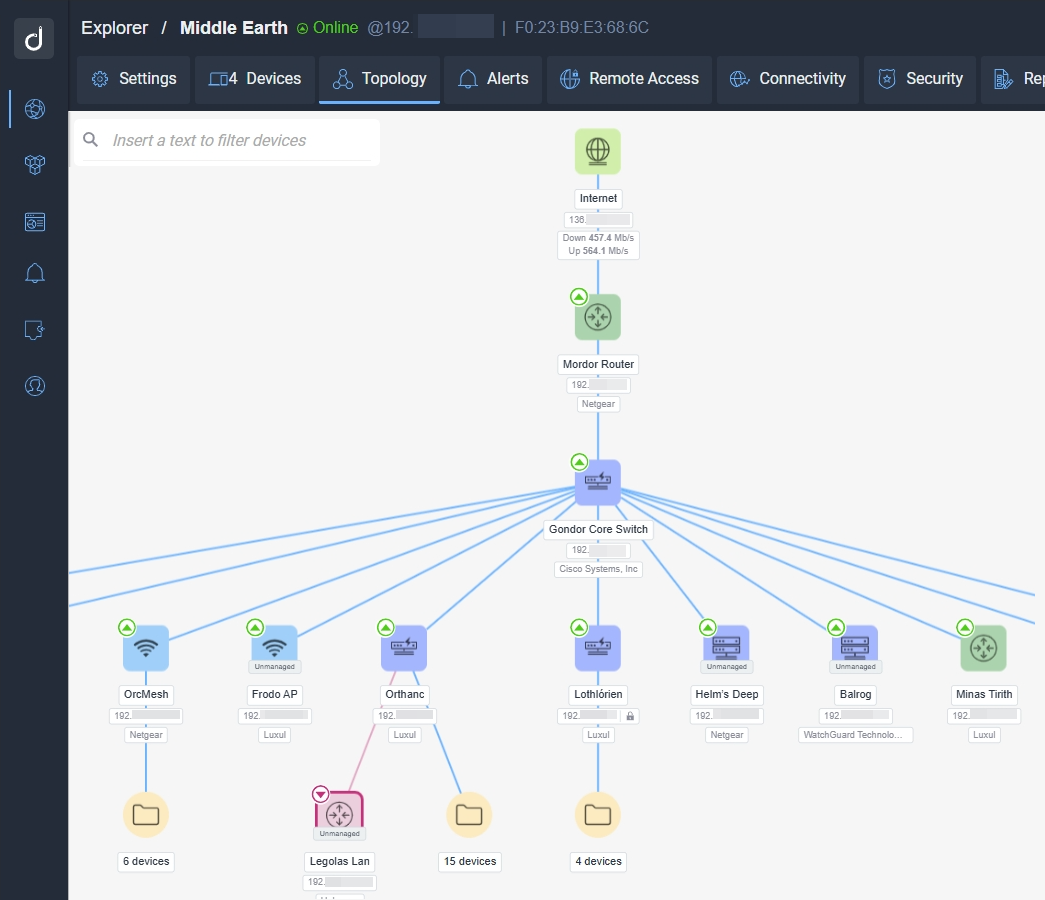 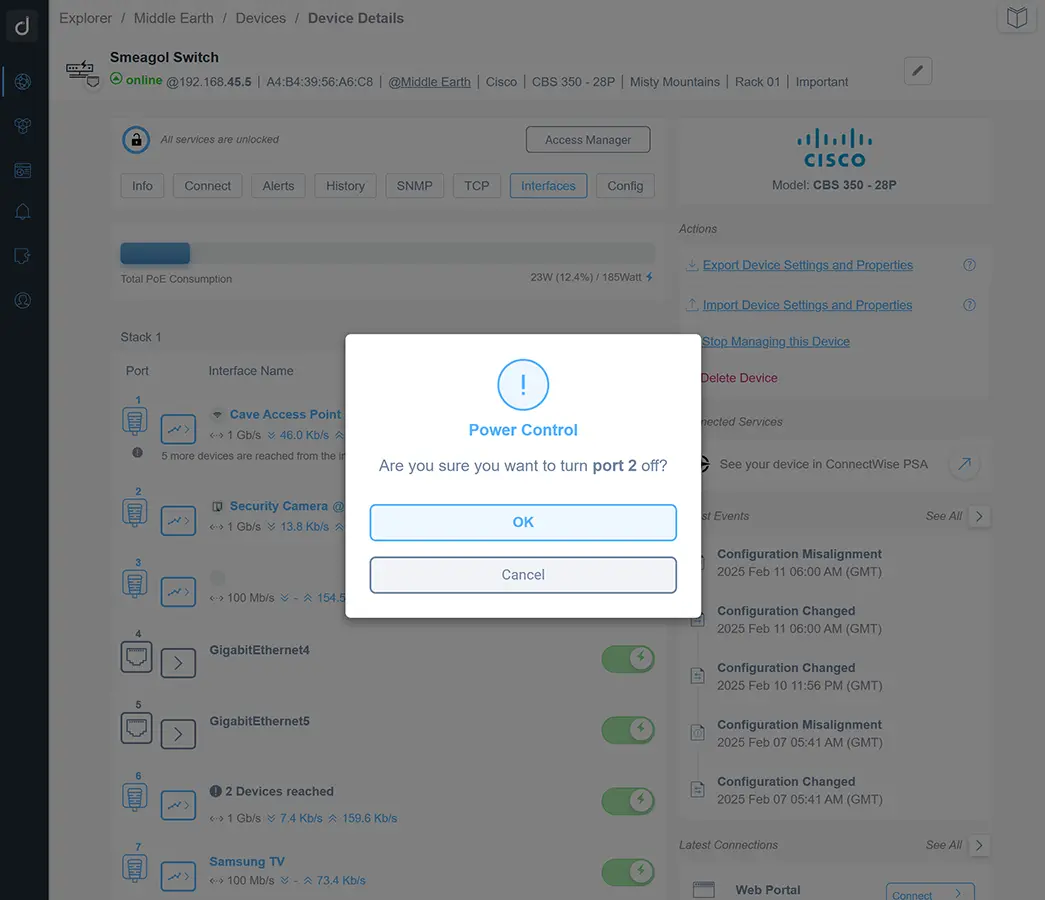 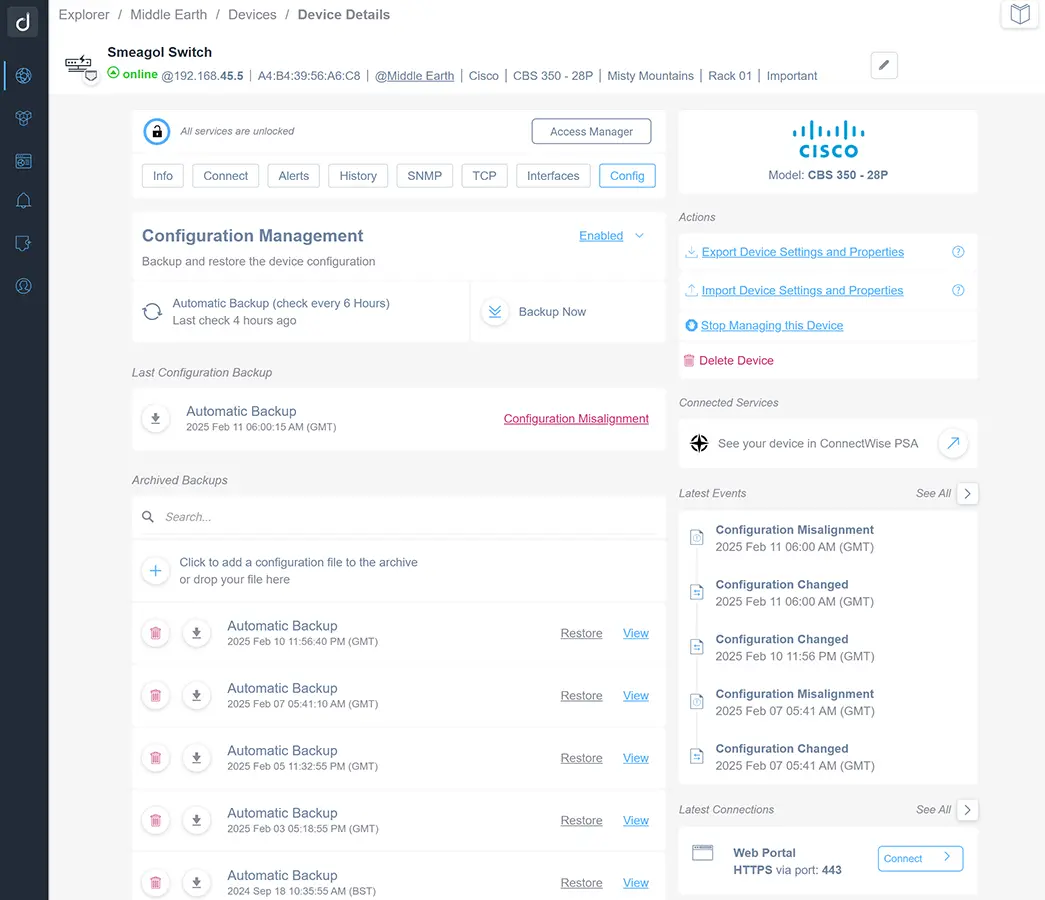 |

