TrustRadius: an HG Insights company

Save this comparison

Save this comparison

Add Product

Recommended Comparisons

    Overview
    ProductRatingMost Used ByProduct SummaryStarting Price

    Bit Form

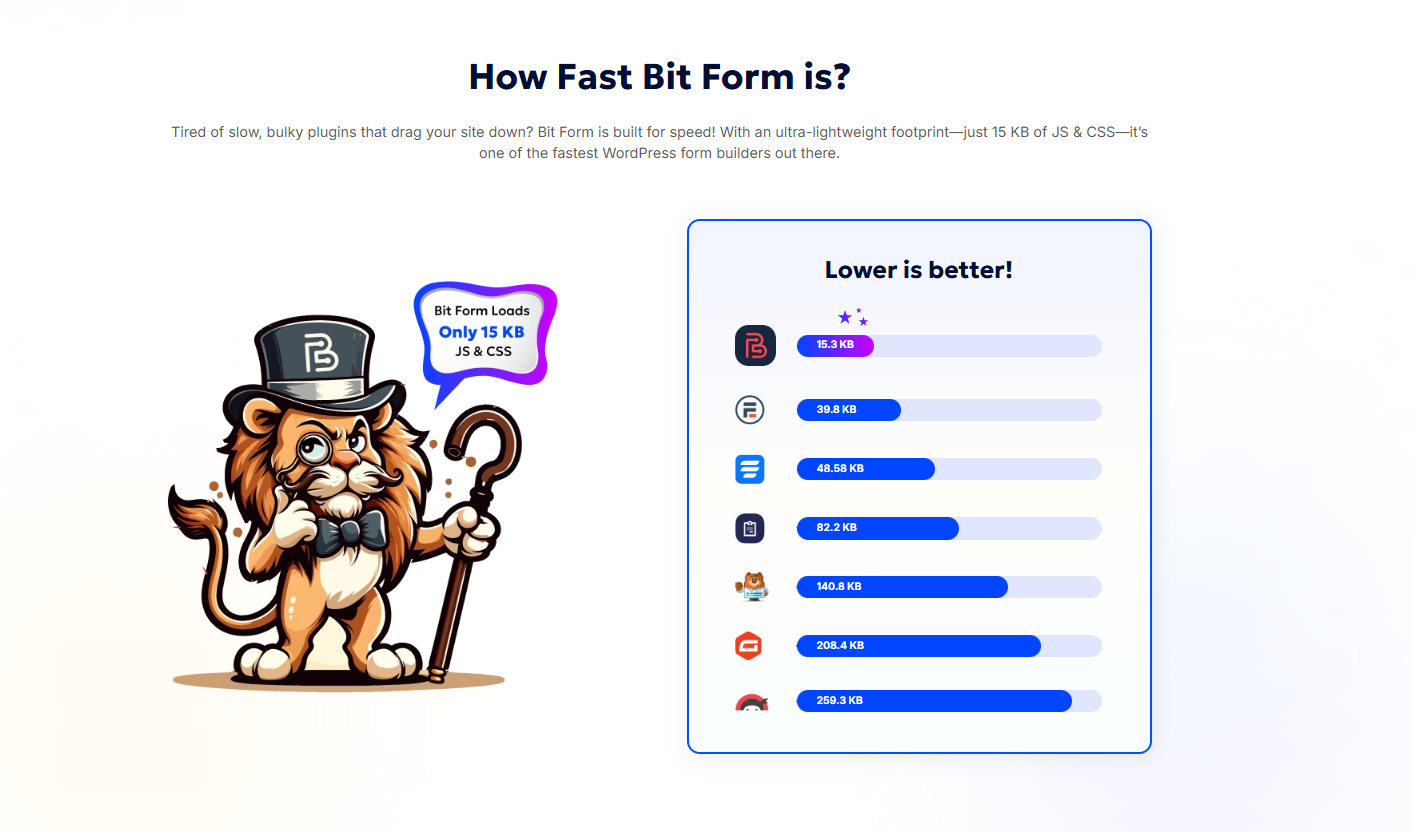
    N/AN/ABit Form is a WordPress form builder designed for speed, flexibility, and ease of use. The form builder boasts a resource load of just 15.3 KB for JS and CSS, and a set of features for advanced form building. Key Features 45+ Form Fields including Signature, Payments, Repeater, File Upload, and Conditional Fields Multi-Step & Conversational Forms for improved UX and higher conversion…

    $29

    per year

    Google Surveys (discontinued)

    Score7.9 out of 10
    N/AGoogle Surveys was an app for custom surveys, and part of Google Apps for Work. Survey responses could be sourced by Google's Opinion Rewards app, where respondents answer questions in exchange for incentives. The app has been discontinued, and is no longer available.N/A
    Pricing
    Bit FormGoogle Surveys (discontinued)
    Editions & Modules
    Starter (Annual)
    $29
    per year
    Starter (Lifetime)
    $78
    one-time fee
    Agency (Annual)
    $99
    per year
    Agency (Lifetime)
    $191
    one-time fee
    No answers on this topic
    Offerings
    Pricing Offerings
    Bit FormGoogle Surveys (discontinued)
    Free Trial
    NoNo
    Free/Freemium Version
    YesNo
    Premium Consulting/Integration Services
    NoNo
    Entry-level Setup FeeNo setup feeNo setup fee
    Additional Details——
    More Pricing Information
    Community Pulse
    Bit FormGoogle Surveys (discontinued)
    Considered Both Products
    Bit Apps
    No answer on this topic
    Discontinued Products
    No answer on this topic
    Key User Insights
    Would buy again
    No answers on this topic
    100%
    Would buy again
    17 Answers
    Delivers good value for the price
    No answers on this topic
    100%
    Delivers good value for the price
    14 Answers
    Happy with the feature set
    No answers on this topic
    100%
    Happy with the feature set
    17 Answers
    Lived up to sales and marketing promises
    No answers on this topic
    100%
    Lived up to sales and marketing promises
    13 Answers
    Implementation went as expected
    No answers on this topic
    100%
    Implementation went as expected
    14 Answers
    Features
    Bit FormGoogle Surveys (discontinued)
    Survey Format & Appearance
    Comparison of Survey Format & Appearance features of Bit Form and Google Surveys (discontinued)
    Feature
    Bit Form
    -
    Ratings
    Google Surveys (discontinued)
    8.4
    17 Ratings
    4% above category average
    Survey templates00 Ratings9.617 Ratings
    Themes00 Ratings7.815 Ratings
    Custom logo/branding00 Ratings7.814 Ratings
    Survey Content
    Comparison of Survey Content features of Bit Form and Google Surveys (discontinued)
    Feature
    Bit Form
    -
    Ratings
    Google Surveys (discontinued)
    9.3
    16 Ratings
    9% above category average
    Changes to live survey00 Ratings10.015 Ratings
    Question design help00 Ratings9.513 Ratings
    Multiple question types00 Ratings8.616 Ratings
    Survey Logic
    Comparison of Survey Logic features of Bit Form and Google Surveys (discontinued)
    Feature
    Bit Form
    -
    Ratings
    Google Surveys (discontinued)
    7.7
    15 Ratings
    8% below category average
    Survey logic flexibility00 Ratings7.715 Ratings
    Survey Reporting & Analytics
    Comparison of Survey Reporting & Analytics features of Bit Form and Google Surveys (discontinued)
    Feature
    Bit Form
    -
    Ratings
    Google Surveys (discontinued)
    8.5
    16 Ratings
    5% above category average
    Response tracking00 Ratings8.716 Ratings
    Data export00 Ratings9.615 Ratings
    Standard reports00 Ratings7.814 Ratings
    Custom reports00 Ratings8.612 Ratings
    Analytics00 Ratings7.814 Ratings
    Survey Administration & Security
    Comparison of Survey Administration & Security features of Bit Form and Google Surveys (discontinued)
    Feature
    Bit Form
    -
    Ratings
    Google Surveys (discontinued)
    8.4
    16 Ratings
    3% below category average
    Access controls00 Ratings7.915 Ratings
    Compliance00 Ratings8.813 Ratings
    Survey Distribution
    Comparison of Survey Distribution features of Bit Form and Google Surveys (discontinued)
    Feature
    Bit Form
    -
    Ratings
    Google Surveys (discontinued)
    5.9
    13 Ratings
    31% below category average
    Vendor-offered crowdsourcing00 Ratings5.910 Ratings
    Respondent restrictions00 Ratings5.912 Ratings
    Best Alternatives
    Bit FormGoogle Surveys (discontinued)
    Small Businesses
    Jotform
    Score8.5 out of 10
    Jotform
    Score8.5 out of 10
    Medium-sized Companies
    Qualaroo
    Score7 out of 10
    Qualaroo
    Score7 out of 10
    Enterprises
    QuestionPro
    Score9.1 out of 10
    QuestionPro
    Score9.1 out of 10
    All AlternativesView all alternativesView all alternatives
    User Ratings
    Bit FormGoogle Surveys (discontinued)
    Likelihood to Recommend
    -
    (0 ratings)
    8.7
    (17 ratings)
    Usability
    -
    (0 ratings)
    8.8
    (15 ratings)
    Support Rating
    -
    (0 ratings)
    7.5
    (12 ratings)
    User Testimonials
    Bit FormGoogle Surveys (discontinued)
    Likelihood to Recommend
    Bit Apps
    No answers on this topic
    Discontinued Products
    Google Surveys is perfect when trying to collaborate with co-workers and find a date & time that works best for them to get together, whether it's for a regular meeting, team photo session, celebratory dinner, or Christmas celebration. It's also great for getting feedback on proposed changes that would affect the team.
    Incentivized
    Read full review
    Pros
    Bit Apps
    No answers on this topic
    Discontinued Products
    • Measure the pulse of how our members are feeling (yes/no questions, multiple-choice questions).
    • Learn how students are doing with specific projects (textual-based questions, essay-type answers).
    • Run an election for board members (use of the "other" notation so that people can write in their own choices).
    Incentivized
    Read full review
    Cons
    Bit Apps
    No answers on this topic
    Discontinued Products
    • While it is very intuitive, there are many ways you can fine-tune your survey (such as word limits, counts, etc) and these are not always obvious where those settings are.
    • I would like to see some ways of changing the formatting (and maybe I just haven't explored that yet), ie: colors, set up on the screen.
    Incentivized
    Read full review
    Usability
    Bit Apps
    No answers on this topic
    Discontinued Products
    Relatively simple so that those who are less than familiar with computers can figure it out. User friendly and already embedded with other Google products. Receives an 8 because many features available with Google Surveys are also available with similar, free products on the internet today. Good, but not stellar.
    Incentivized
    Read full review
    Support Rating
    Bit Apps
    No answers on this topic
    Discontinued Products
    This is by far the only area where I think that there is room for improvement because Google does not respond as fast as I would like them to. We live in a fast-paced world and this is probably the only area where Google can improve on and as a teacher, I find it challenging to wait for a day or two for a response when everything that I am doing in the Google Classroom is running instantly and with no breaks in between.
    Incentivized
    Read full review
    Alternatives Considered
    Bit Apps
    No answers on this topic
    Discontinued Products
    Google is a quick and easy to use survey analysis tool that allows you to send cheap or free surveys to an audience. In comparison to tools like SurveyMonkey I would have more faith in the Google technology and robustness of sample. As we have Microsoft 365, sometimes Microsoft forms is a preferred internal source of surveying for free and easily analysing the data. For more robust and accurate market research projects, or even just insights that I can trust more, I would recommend a Market Research Provider as they offer a lot more options to target a key audience and you can rely on their data a bit more - it is weighted, nationally representative etc. Companies with their own research panels tend to have greater data quality that you can put more trust in
    Incentivized
    Read full review
    Return on Investment
    Bit Apps
    No answers on this topic
    Discontinued Products
    • Google Surveys are responded by our customers - dealers, retailers and end users. As it's easy to handle, greater is its adoption and hence it definitely has a good ROI.
    • Employees as internal stakeholders also use it well to drive initiatives & projects within the organization. This enhances their engagement showcasing digital workplace and hence again a good ROI.
    Incentivized
    Read full review
    ScreenShots

    Bit Form Screenshots

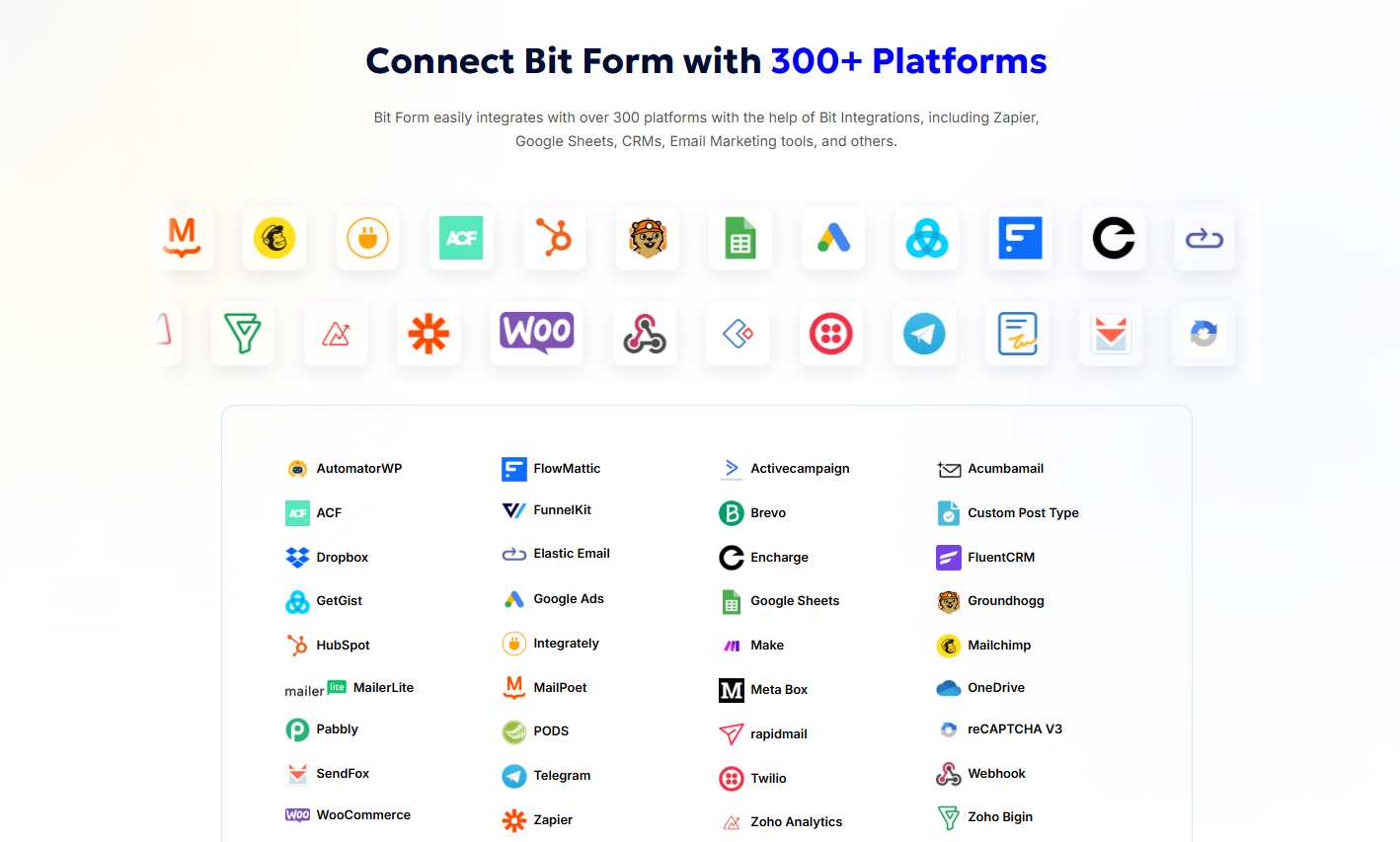
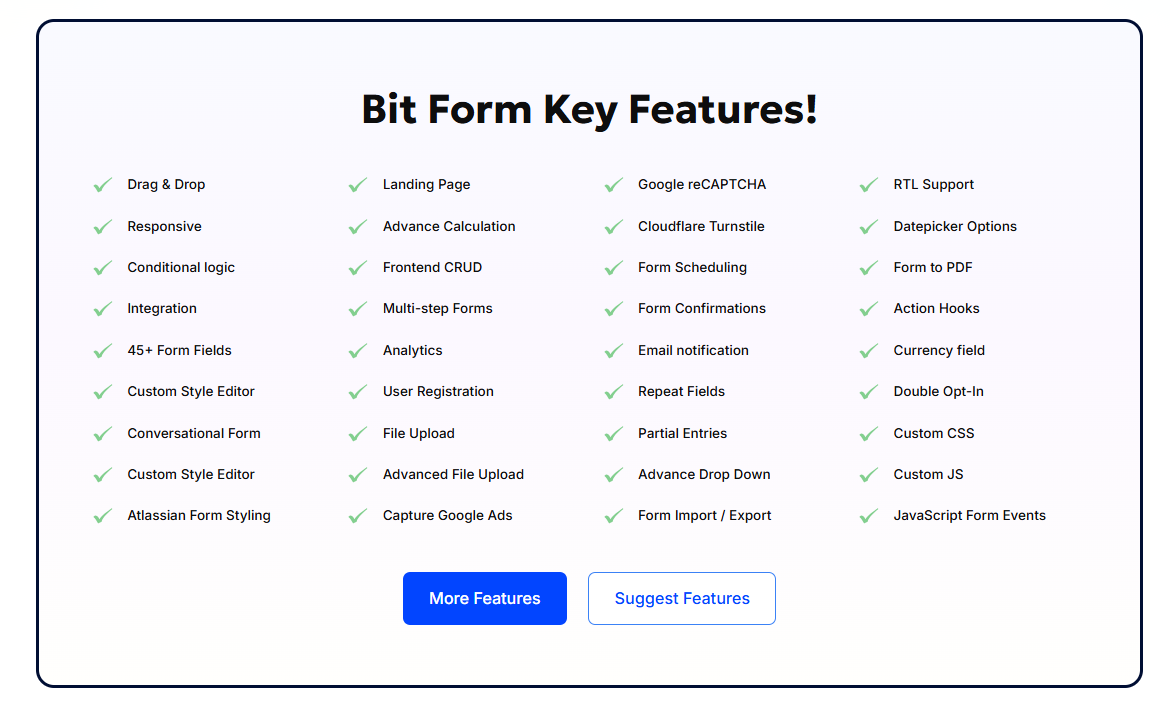
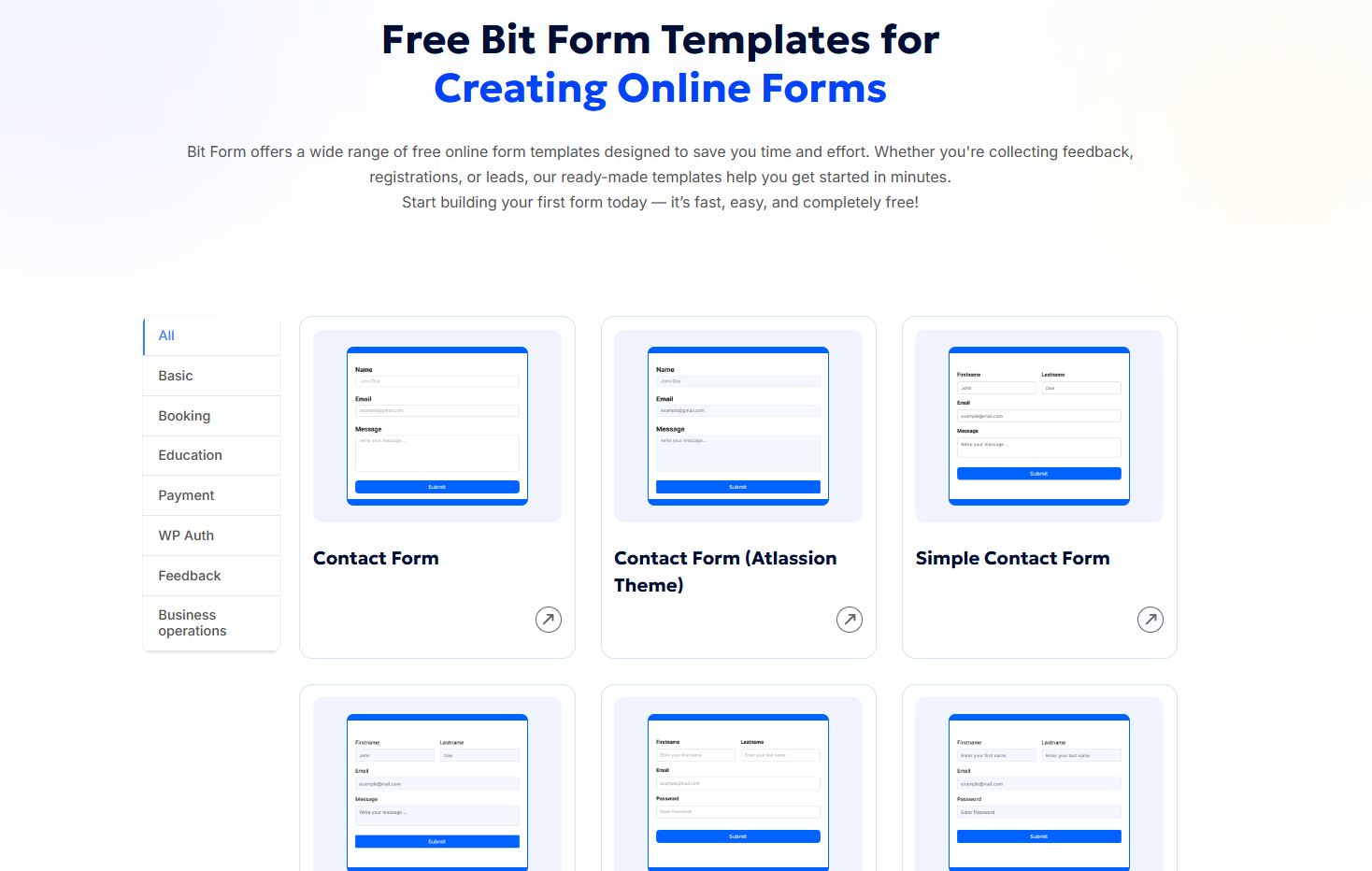
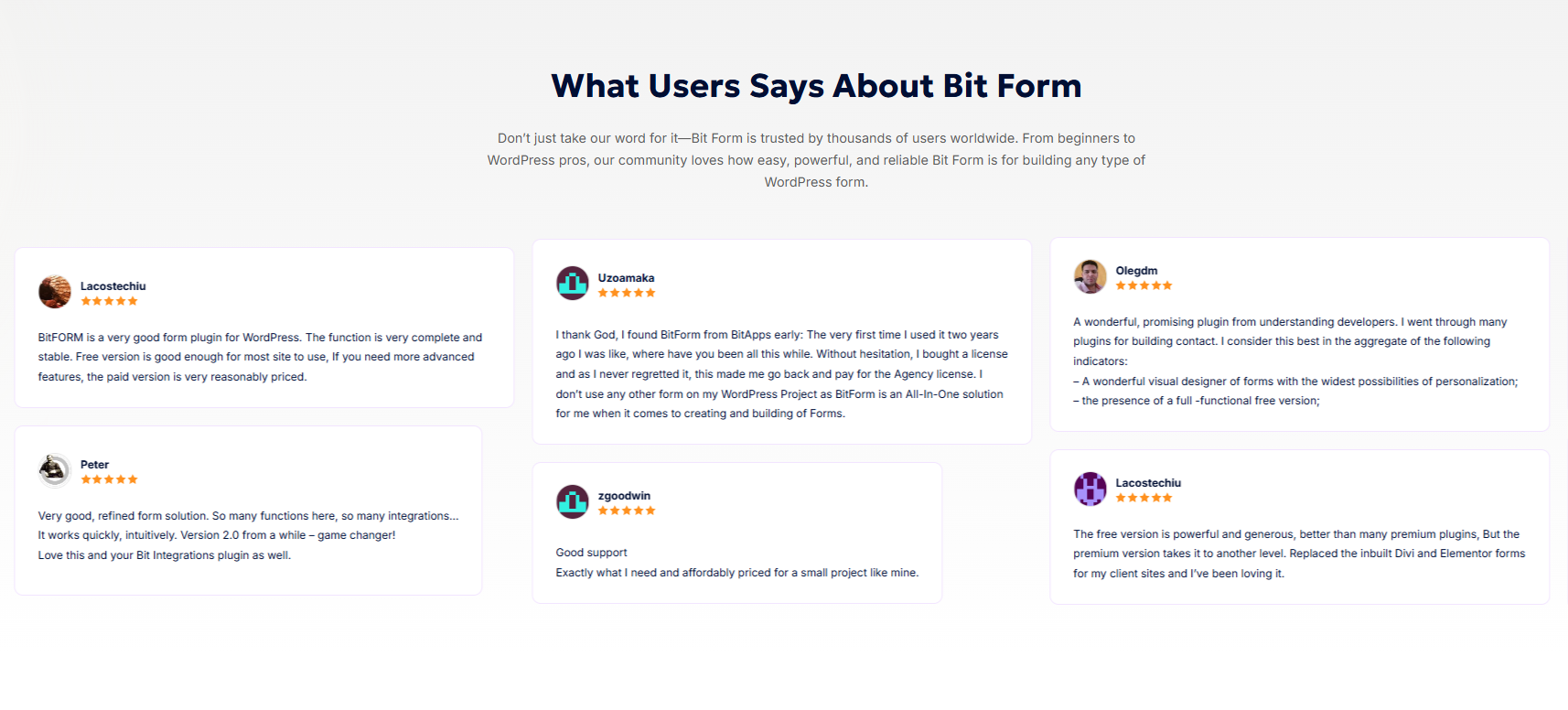
    Screenshot of some of Bit Form's 300 platform connections available via Bit Integrations, including top tools like Google Sheets, Mailchimp, HubSpot, WooCommerce, Zapier, and FluentCRM. These automate workflows between CRMs, email marketing platforms, form submissions, and cloud storage—without any coding. Ideal for businesses seeking powerful WordPress form automation.Screenshot of Bit Form's 45+ features for advanced WordPress form building, including drag & drop builder, conditional logic, multi-step forms, user registration, file uploads, payment fields, Google reCAPTCHA, analytics, and form scheduling. It supports custom CSS/JS, Cloudflare Turnstile, action hooks, RTL, and form-to-PDF export.Screenshot of Bit Form's range of free online form templates for WordPress, including contact forms, booking forms, feedback forms, and payment forms. These ready-to-use templates are fully customizable, mobile-responsive, and built to help users collect data quickly.Screenshot of some user statementsScreenshot of a Bit Form page loading test result.Product screenshot