Instructure is an educational software company based in Sandy, Utah. It is the developer of the Canvas learning management system, which is a comprehensive software package that competes with such systems as Blackboard Learning System, SumTotal and Saba.
N/A
ITProTV
Score6.2 out of 10
Small Businesses (1-50 employees)
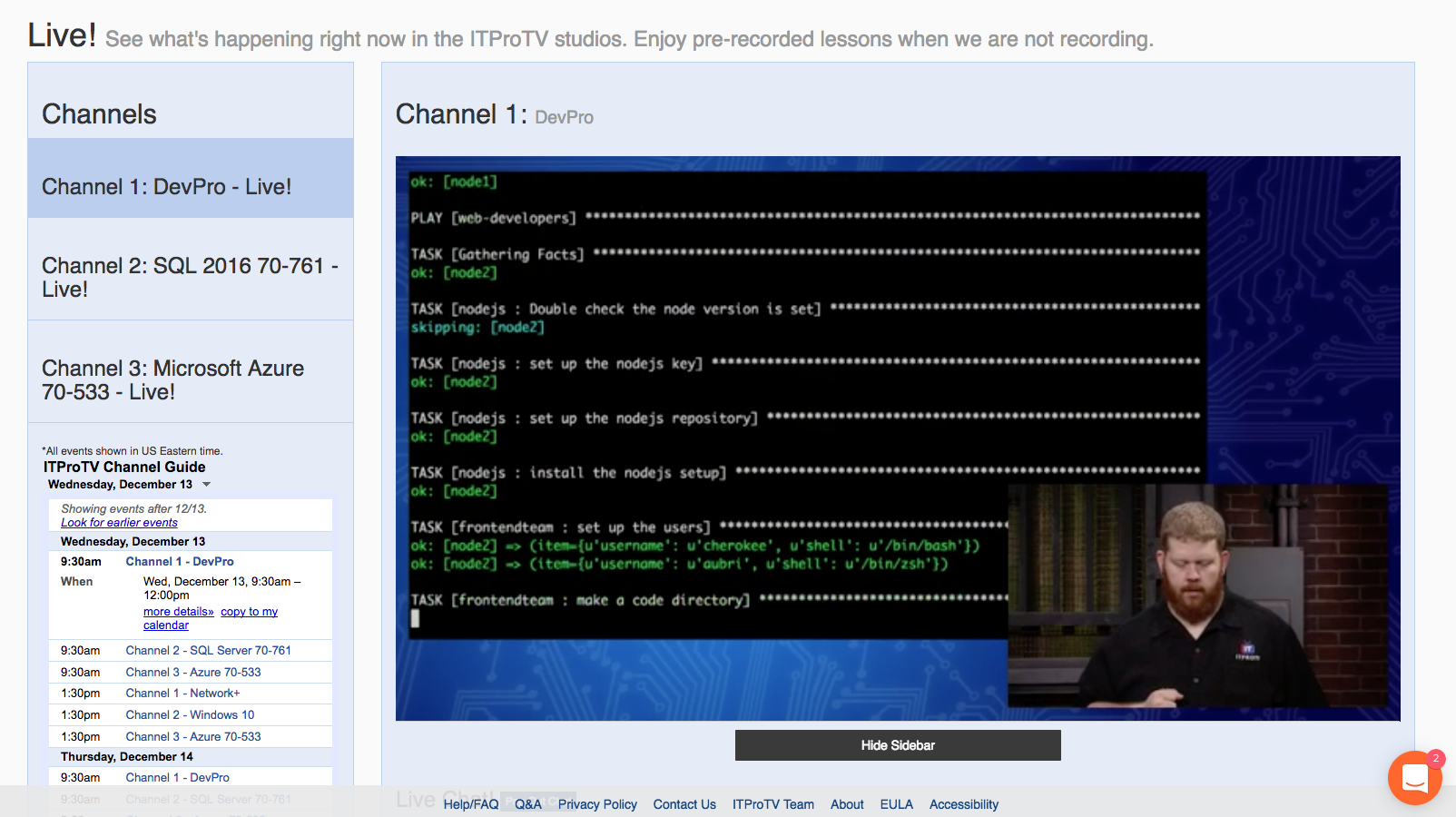
ITProTV is an elearning platform that aims to allow you to ditch the boring slide shows and start really learning IT. The training is more like a talk show -- you’ll watch your ‘edutainer’ engage with a host and an online audience to create a better-than-classroom experience that you and your team will look forward to watching. The vendor says new content is added every day and the course library has more than 3,300 hours covering all of the major certification courses (e.g. CompTIA,…
N/A
Pricing
Canvas
ITProTV
Editions & Modules
No answers on this topic
No answers on this topic
Offerings
Pricing Offerings
Canvas
ITProTV
Free Trial
Yes
Yes
Free/Freemium Version
Yes
Yes
Premium Consulting/Integration Services
No
No
Entry-level Setup Fee
No setup fee
No setup fee
Additional Details
Must contact vendor for pricing information.
Corporate memberships are available. Individual memberships are monthly or annual.
It is really well suited for school situations like knowing what [assignments] need to be done when, getting feedback, getting points, finding the slides that the teacher used for explaining an [assignment] or theory. I think It would be less suited in business situations because it's [primarily] made to be a [one-way] communication tool for schools. Businesses need more control on individual levels I think[.]
A de minimis incentive was given to thank the reviewer for their time. The incentive was not used to bias or drive a particular response, nor was the incentive contingent on a positive endorsement. More Info
I've encouraged co-workers and non-coworkers to watch the live streams of ITProTV. Unfortunately, my company currently uses CBT Nuggets (none of the people I've asked like it/utilize it), but those who do take the suggestion often ask the same question: Why do we not use ITProTV instead of CBT? I met a young man who was in his final year of college pursuing an accounting degree. He asked me about the IT industry. I suggested he look at ITProTV in order to see if there is a subject he's interested in. He immediately signed up, and while working two jobs and going to school, he managed to get his CCNA and pass the Microsoft 70-410 within 6 months. We hired him. If you just want to hone your skills, ITProTV delivers. If you are seeking certifications, ITProTV delivers. The only demographic that I can imagine where it would be unsuited, is simply for those who are ignorant that nearly every industry involves some form of technological understanding. ITProTV is good for end users "non-IT personnel", as well as those supporting end users.
Creativity options for teachers to create a virtual space that still has fun graphics and accessibility options.
Canvas has versatility in viewing options for assignment due dates such as the calendar built in feature as well as the dashboard options to display upcoming and due assignments.
Allowing teachers to create community with each other and collaborate in each-other's space.
Discussion platforms within classrooms for students to communicate with each-other and with their teachers.
Easy messaging portal within each virtual classroom.
A de minimis incentive was given to thank the reviewer for their time. The incentive was not used to bias or drive a particular response, nor was the incentive contingent on a positive endorsement. More Info
A de minimis incentive was given to thank the reviewer for their time. The incentive was not used to bias or drive a particular response, nor was the incentive contingent on a positive endorsement. More Info
The episode download feature could use a little work (speaking about the Android experience). When you download the episode, you need to go to downloaded in ITProTV instead of just playing on the normal episode content screen. It works well for what it is, but it would be nice to have the downloaded content play straight from the episode screen.
I've had a few little issues with the Roku. It works great, but there have been a couple times when I needed to contact support because the Roku kept saying I wasn't a subscriber. The problem mostly resolved itself, but I still occasionally get the message. It isn't a huge deal since I can still access the content on Android or through a web browser.
I would like to see an al la carte for school education. Currently, we must contact a sales rep for one-off trainings, like A+, Network+, etc. (the sales reps are phenomenal... so that isn't much of an issue!)
The other LMS tools have fallen behind. One reason is they are not able to update their systems, features, toolsets in a timely manner. While other LMS providers release bug fixes and new features several times a year, schools struggle to install and implement them in a timely manner. It is not uncommon for a school to take 6 months to a year to fully install and implement new releases on other LMS platforms. With Canvas, those features are released every 3 weeks, and there is nothing for a school to do other than choose to turn them on once released. This has allowed Instructure to innovate faster, and get new features and tools to customers quicker. Other factors include great pricing, customer support, and the innovative way in which LTI is implemented in the tool.
A de minimis incentive was given to thank the reviewer for their time. The incentive was not used to bias or drive a particular response, nor was the incentive contingent on a positive endorsement. More Info
Using ITProTV has been a cakewalk. Not once have I wished that we went with a different vendor. The content stays updated. My technicians are improving their skills. We can train when we need it and access the content required. We are improving all the way around.... why wouldn't I want to renew?
The functions in Canvas are well integrated and consistent across the application, and mostly intuitive. Overall navigation and setup is streamlined through integrated features and navigation. The feedback we've gotten from our program participants is that it is easy to learn to use. It also integrates well with third party software like Google Docs and Blackboard Collaborate web conferencing software
A de minimis incentive was given to thank the reviewer for their time. The incentive was not used to bias or drive a particular response, nor was the incentive contingent on a positive endorsement. More Info
I do not personally use Canvas support since we have a central office that helps us. However, our central office always has the answers we need and are always able to solve our issues - so I would assume that get great support from the Canvas team on their end. They also offer great training, which uses materials directly from Canvas
A de minimis incentive was given to thank the reviewer for their time. The incentive was not used to bias or drive a particular response, nor was the incentive contingent on a positive endorsement. More Info
Let me start with... their chat really works. You aren't chatting with a bot. When we first looked into purchasing ITProTV, I opened a chat on their site. One of their sales people, Brandon, contacted me quickly and by phone. I totally thought I was chatting with a computer, then the phone rang and Brandon introduced himself. I was blown away. Then, on the two occasions when I contact support, I did it through the chat. Not only did my problem get resolved quickly, a tech named Jessica followed up via email a couple days later to make sure the issues hadn't continued. Fantastic!
A de minimis incentive was given to thank the reviewer for their time. The incentive was not used to bias or drive a particular response, nor was the incentive contingent on a positive endorsement. More Info
A de minimis incentive was given to thank the reviewer for their time. The incentive was not used to bias or drive a particular response, nor was the incentive contingent on a positive endorsement. More Info
Once you purchase and sign the contract there is nothing to install or hardware to buy. You can almost immediately start using it and have courses up and going within weeks. We signed in December and had pilot courses online ready to go for the start of school in January
A de minimis incentive was given to thank the reviewer for their time. The incentive was not used to bias or drive a particular response, nor was the incentive contingent on a positive endorsement. More Info
Canvas is more secure, has a cleaner design, and has more features. For the features, they have in common canvas still stacks up against [Smart school] by going for the extra mile. Besidfor e that, [the] canvas looks a lot more [professional] than [Smart school]. I didn't make the decision myself to get canvas instead of [Smart school] but I'm happy they did.
Previously my team used the Microsoft on demand training which has everything you could ever dream of from Microsoft in the same format as ITProTV. It did have the latest and greatest Microsoft training because it is Microsoft, but it only had Microsoft and nothing more. The cost was the other issue. The On demand workshops subscription cost a lot more than my budget would allow. I would have been forced to pick who was getting training and who was not which would most likely cause some friction between the team members.
A de minimis incentive was given to thank the reviewer for their time. The incentive was not used to bias or drive a particular response, nor was the incentive contingent on a positive endorsement. More Info
A de minimis incentive was given to thank the reviewer for their time. The incentive was not used to bias or drive a particular response, nor was the incentive contingent on a positive endorsement. More Info