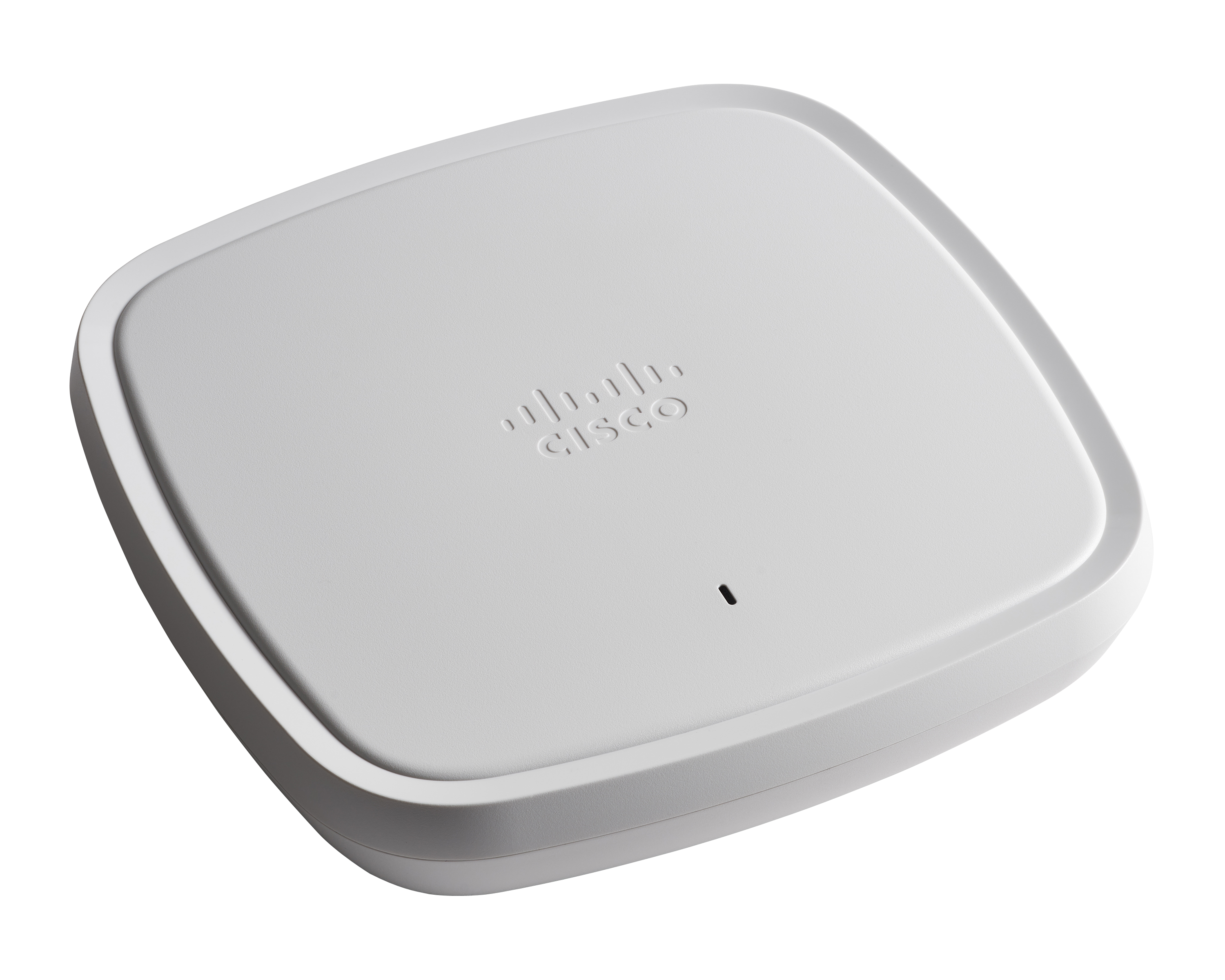
Cisco Aironet 3800 Series Access Points (discontinued)
Score 10.0 out of 10
N/A
Currently supported by Cisco, but no longer sold, Cisco recommends migration to the Cisco Catalyst 9100 Family of Access Points, which offer greater performance and flexibility.
N/A
Cisco Catalyst 9100 Access Points
Score 9.2 out of 10
N/A
The Cisco Catalyst 9100 Access Points includes the 9115 and 9117, and designed to meet high demand network access.
N/A
Pricing
Cisco Aironet 3800 Series Access Points (discontinued)
Cisco Catalyst 9100 Access Points
Editions & Modules
No answers on this topic
No answers on this topic
Offerings
Pricing Offerings
Cisco Aironet 3800 Series Access Points (discontinued)
Cisco Aironet 3800 Series Access Points (discontinued)
Cisco Catalyst 9100 Access Points
Considered Both Products
Cisco Aironet 3800 Series Access Points (discontinued)
No answer on this topic
Cisco Catalyst 9100 Access Points
Verified User
Engineer
Chose Cisco Catalyst 9100 Access Points
Previously we used 3800 series access points within our infrastructure. These access points have been supported within the 9800 wireless controller and are currently being used still as we work to replace access points in the near future. These access points have provided …
We are migrating from Aironet platform to Cisco Catalyst 9100 Access Points. That's more flexible, and we do it to sync switching, SDWAN, and wifi under one family.
Of all the different APs that I have implemented the Cisco APs are still the most feature rich. The analytics that they provide sets them apart from all other vendors I have tested.
In testing, Cisco Catalyst 9100 Access Points outperformed all other APs in our testing. Performance was second to none in the testing lineup. Reliability has been proven over the many years we have used this product. The new 9100s have also not presented any hardware …
Cisco Aironet 3800 Series Access Points (discontinued)
Cisco Catalyst 9100 Access Points
Likelihood to Recommend
Discontinued Products
As any Cisco Aironet Access Points, the 3800 model is more for power users than beginners. It is for sure very more complex to maintain and trouble shoot than solutions like Cisco Meraki APs.
By the way, there are a lot of settings that can be customized and it is really interesting for difficult environments like industrial factories.
The 3800 model is also robust so it should stay durable and reliable.
But if you want to use the mesh mode or make a wireless bridge, this model is not appropriate as it is not supported for now.
Cisco Catalyst 9100 Access Points are well suited for dense Client solutions. We have used these in areas where we have a large number of guests that need top-notch connectivity without ever losing connection. The one area where we do have difficulty is in outdoor deployment, where large areas need to be covered, but we do not have physical connectivity in order to get the access points connected. This is not an access point issue but more of a physical connectivity limitation.
So this product actually helps in healthcare facilities where we have a wireless, we call this WOW monitors. It's Wireless On Wheels. So we use those monitors to the patient's room to room. So in that case, rather than connecting it to wire, so it really helps us to connect through the WIFI and access the patients whenever we be needed.
They could definitely download their code faster. When we first get them out of the box and join them on the network, it takes probably 20, 30 minutes per access point to download the new code from the wireless controller and then reboot itself and then come back online.
When you're configuring it on the controller, if you want to switch access point groups, we have them broken out per site. Every time you add it to one of those groups, it also has to reboot. That's like downtime for us. That could be improved, I think.
The Cisco Catalyst 9120 Access Points have been a solid deployment for me. Using their interface is a mix of new and old. They run IOS, so if you know the CLI, you can easily navigate around them. You can join them to an older controller if it supports a certain version, you can join it to a new 9800 controller--very straight forward--and you can run the embedded wireless controller on them directly. I've found this to be very useful at smaller sites. The Cisco Catalyst 9120 Access Points are not limited to feature sets like the older generations' mobility express platform.
The Cisco 3802 product performance is excellent. Not only for the speed and range of the wireless it provides, but also for the fact that - when deployed in a large scale environment - the performance does not fail. It provides the same network connectivity for users ranging from 1 to 30-plus concurrent connections.
Using Cisco Catalyst 9100 Access Points you can expect good performance, if not excellent. Coupled with other tools and managment systems you can easily gain good insight and ease of management. Flexible deployment variations help you adopt the equipment to work for most any required scenario you could think of. It's a well designed and evolved product.
Cisco has been very good at correcting early issues with their code. Their TAC support has been fantastic when I would open a case with issues I was facing. Even though the hardware was new, they were very familiar with the interfaces and issues I was having. In the past I've been concerned about adopting a new product right away because of support issues. That was not the case here. Once I had the deployment up and running, they have had a good run of reliability.
The usage scenario was different. I don't see this as a benefit versus harm comparison, necessarily. What happened was that, at a certain point, the implementation of the cisco solution was the winner of our public bidding process and with that, we implemented it and have used it ever since.
We are migrating from Aironet platform to Cisco Catalyst 9100 Access Points. That's more flexible, and we do it to sync switching, SDWAN, and wifi under one family.
Contrary to a solution like the Cisco Meraki access points, the Aironet access points like the 3800 are linked to the Controler. And depending on the version of the controller, it will support only some models of access points.
For big sites, it may be difficult to upgrade the controler to support new ap models like 3800 because we still have old access points.
And it is also the same between new access points and old client devices so it is always a bit tricky.
After that, if the access point model is supported by the controller, it is really simple to install a new one
These access points offer flexibility in deployment scenarios, supporting both standalone and controller-based architectures. Organisations can choose the model that best suits their current needs and scale as their requirements grow. Cisco Aironet Access Points are compatible with Cisco's Wireless LAN controllers, allowing for centralized management and monitoring of a large number of access points across the network. With the recent changes, it will even support cloud base controllers.
Users are able to carry on with their work while moving, changing seats, rooms or having an ad-hoc Skype meeting on the way to lunch. It is always hard to justify the value of connectivity but be assured, when it is not working the business impact is immediate.