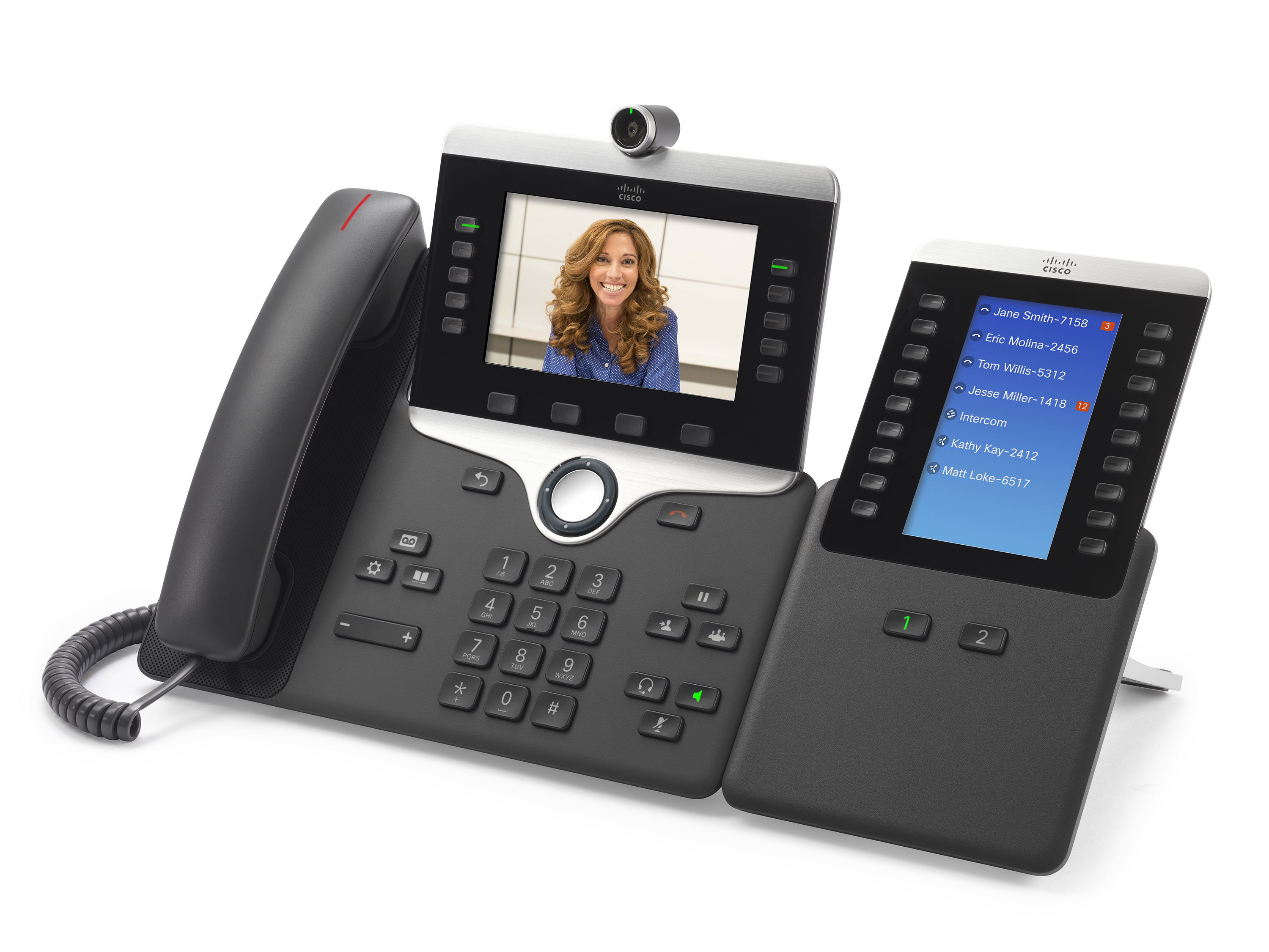
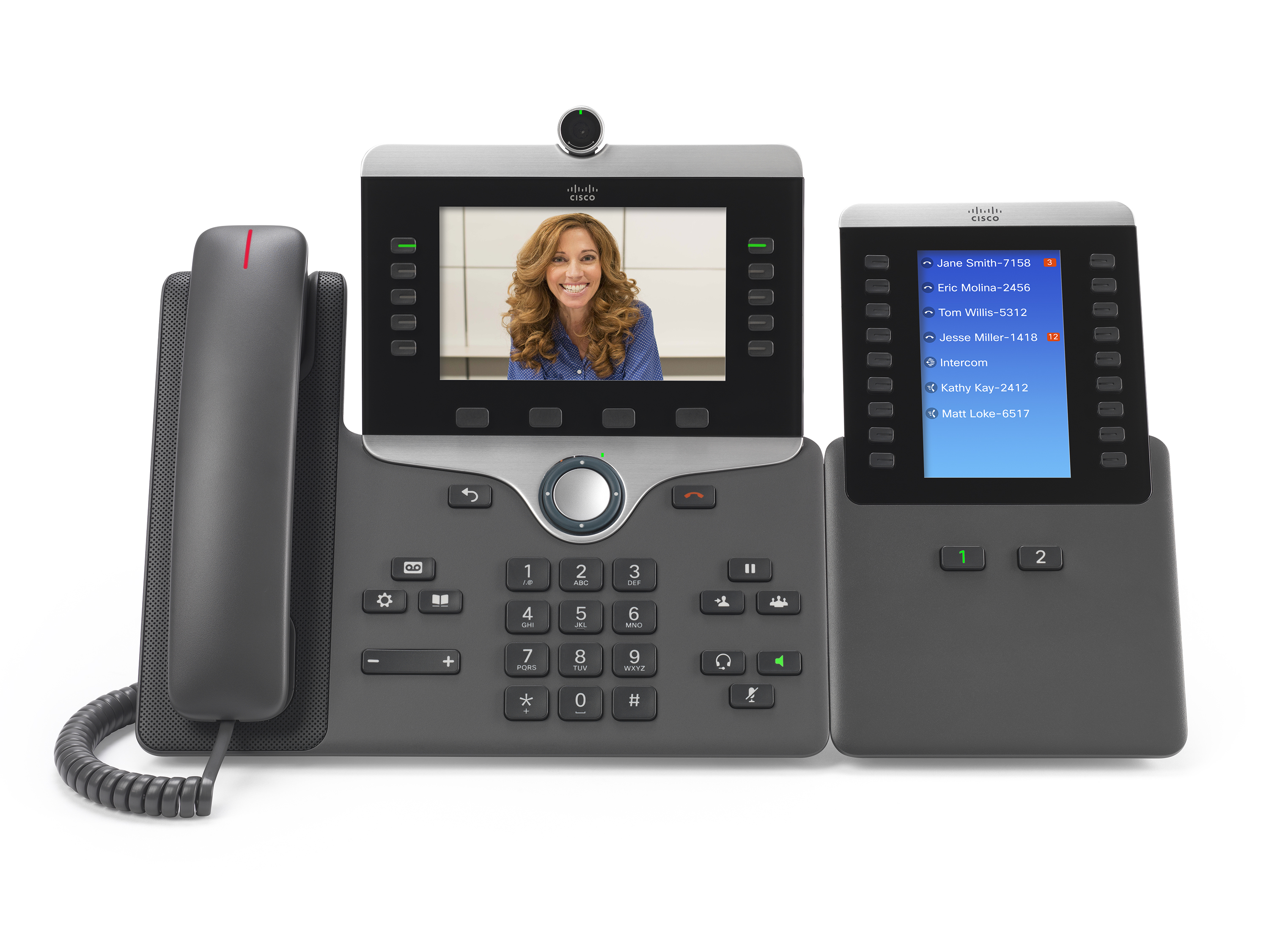
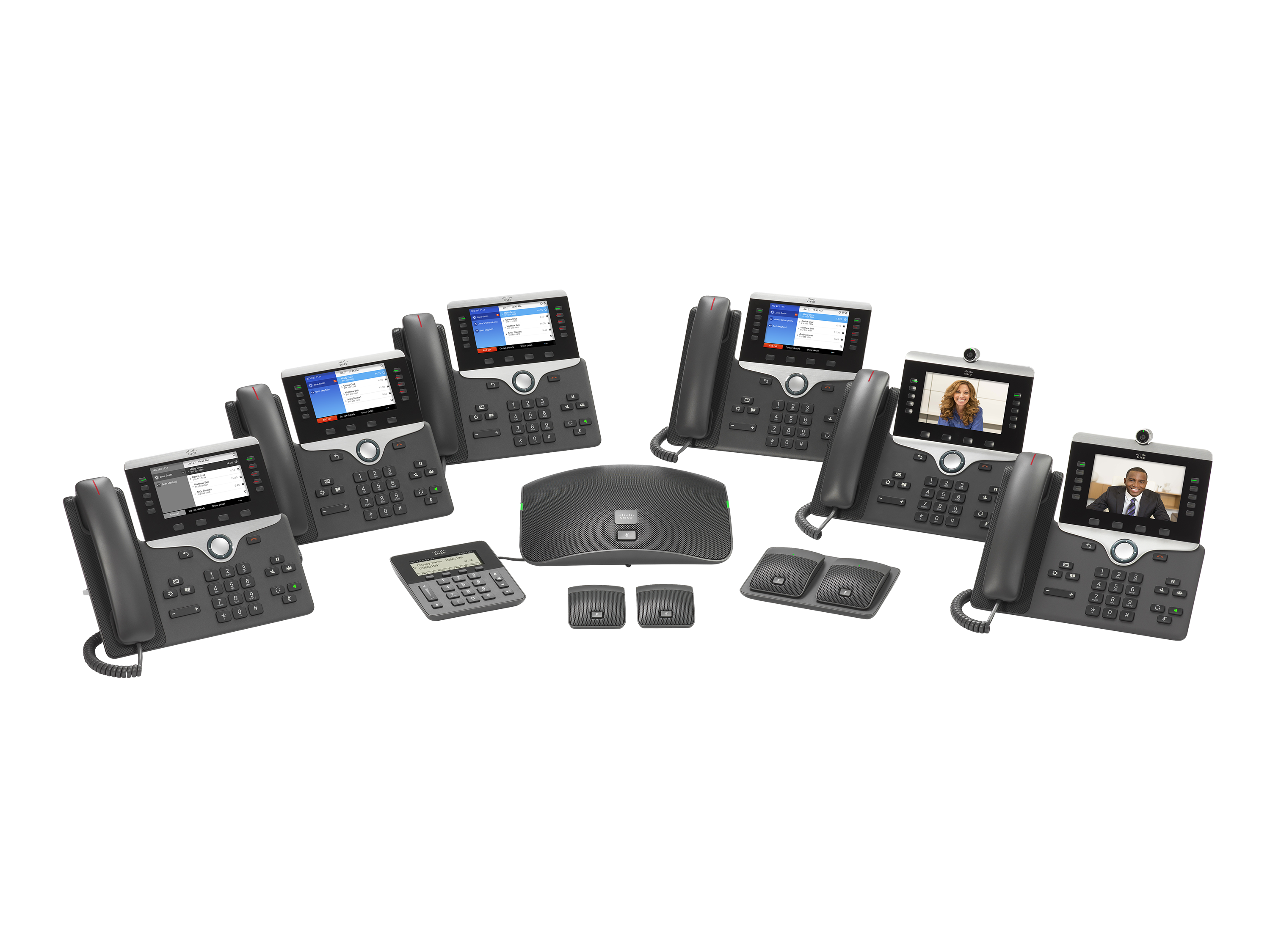
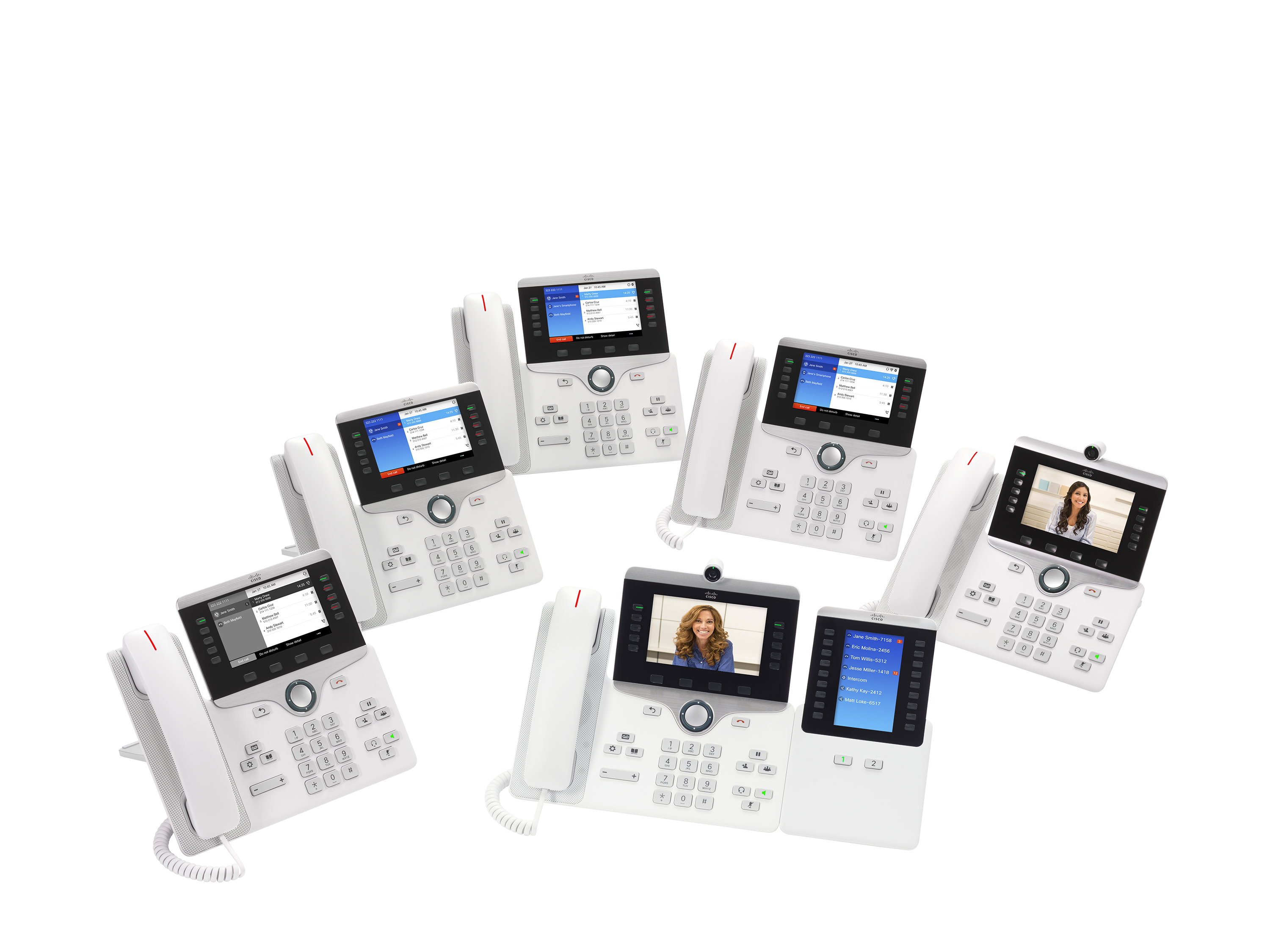
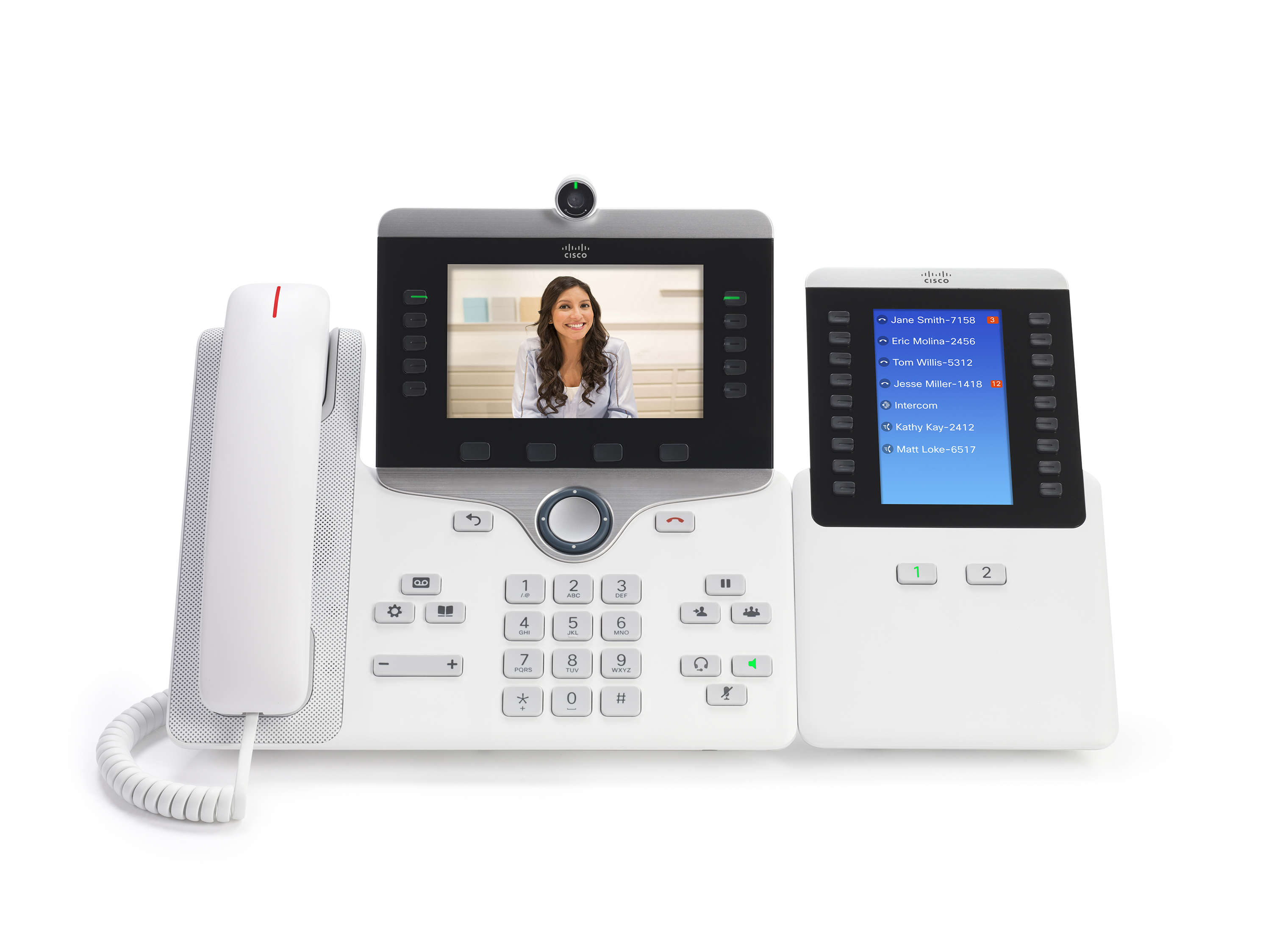
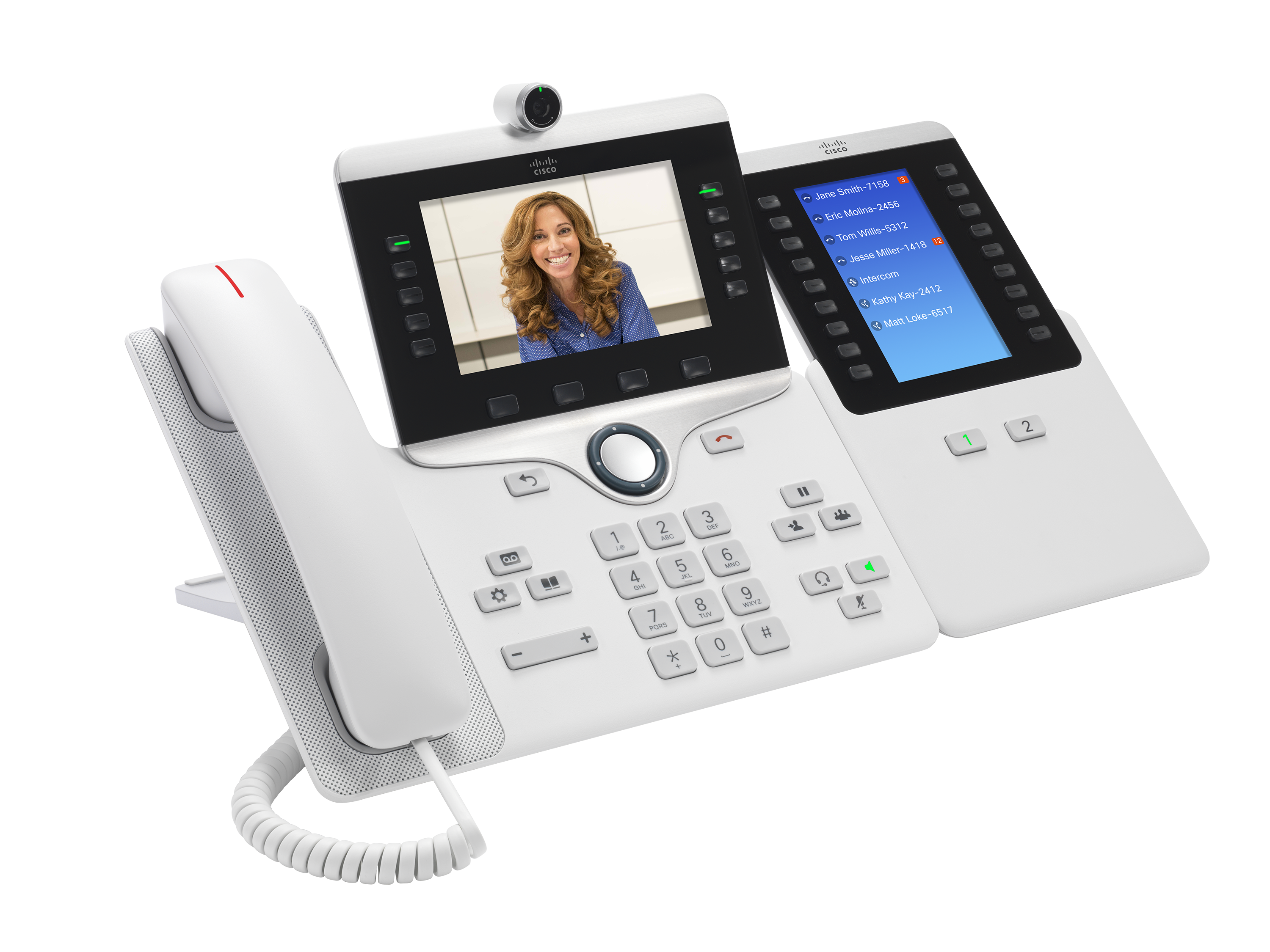
Cisco began developing voice over IP (VoIP) communications and collaboration solutions in 1997. Currently, Cisco states they have more than 100,000 unified communications customers worldwide. The modern Cisco IP Phone portfolio includes VoIP and HD video phones designed to meet the needs of organizations.
N/A
Dolby Conference Phone (Dolby Voice)
Score 10.0 out of 10
N/A
Dolby presents the Dolby Voice product line of consisting as software as well as conference phones and video conferencing equipment, able to produce an immersive, natural conferencing experience. It is available in various kits, such as the Dolby Voice Room kit, as well as Dolby Voice Pro (for boardrooms), and Dolby Voice Huddle.
We have found so many use cases for Cisco IP Phones and have not come across too many situations where they were not well suited, other than being mobile. We have moved to another Cisco Solution for Mobile communications. We have phones all over the place, in offices, in clinical areas, in lobby or public areas, and even in all of our conferencing and meeting spaces.
Implementing these units within our business reduced the number of support requests to our internal IT support desk. This was simply because these units are so simple to use. The user books a video conference meeting within Outlook and includes the meeting room they wish to hold the video conference in. Within five minutes, their meeting is recognized on the Dolby Conference Phone (Dolby Voice). Their meeting is also shown on the TV screen within the meeting room so that other people can see who will be using the room. On entering the room, the user simply touches the Join button next to their meeting on the Dolby Conference Phone (Dolby Voice), normally in the middle of the table, and within a few seconds, the meeting room has joined the video conference meeting.
So while the 6800 range may not offer slick features, it still provides all the core functionality that businesses have come to expect from their VoIP handsets.
Most of the handsets that make up the 6800 series do come with a greyscale display, which may be disappointing if employees are used to working with color VoIP solutions.
i think it's profitable and a good return on investment as a person who make an architecture based on VOIP with IP phones i really enjoyed the process of configuration of the router , the switch and everything and then when i had to test the communication between two phones I've configured it was a joy. Also it's a good phone to receive and give calls to our clients.
This rating is given because it is simple for us--a no-brainer to replace these units with a new Dolby video conferencing device. The fact that these units make the room neater and make it very easy for a user to onboard and use, just makes it a must-have item. The Linux version of these units is also easier to use with a little software patching required. For us, we can also use the Microsoft Teams gateway.
Easy to use Functions are self-explanatory Light Efficient I generally have no complaints about them as they get the job done. Just a few employments on maybe graphics or so otherwise they are really great 👍 no complaints... Maybe it is just because is just a user and doesn't implement them or something.
That this unit is so easy for users to use. To join a meeting is a simple one-touch join. If they have not added the meeting room to their invite, then entering the meeting ID into the unit via the touch screen on the flying saucer is very easy. The mute button is on the top of the unit and shows a red LED circle when on mute.
I've never needed to contact support; resolving IP phone issues has always been quite simple. Cisco provides manuals and videos that are very helpful for configuration, troubleshooting, replacements, and other necessary adjustments, both for the hardware and software of IP phones. The community is also very helpful in these matters.
When we have asked the question to either BlueJeans or Dolby, we have been given the answer quickly. To be honest, the number of times that we have had to go to support on these units has been very low--maybe once a quarter.
We did not have any key issues during the implementation. The units are very easy to configure for BlueJeans. When you first turn on the unit, you select the video conferencing platform that you are using. The wizard will then request various information (e.g., IP address, network) and then look for software updates. Once completed, the unit can be installed in the meeting room. The unit will run off a PoE network lead, so one lead to the unit.
The 8800 series phone is lighter and has a better build quality with all except the flagship phones from Yealink, Mitel, and Avaya. The Yealink S59 and Avaya Vantage have a touch screen interface the make them more akin to the old DX650 which is more high-end than the 8800 currently.
The biggest issue with others that we find is that no one has a simple one-touch method for users to join a video conference meeting. With most others, we found you either have to find your meeting or manually enter your meeting. With Dolby Conference Phone (Dolby Voice), you are straight into the room--one touch and in the meeting.
I set up the desk for new hires in our group - it is super easy to plug in this phone and have them up and running.
Having the ability to pre-program speed dial numbers ensures that new hires are able to reach help without having to search for a number.
The ability to program ring tones is great, so if we are in the shared space meeting and we hear a phone ring, we know who's phone is ringing - the meeting can go on without everyone leaving to check.