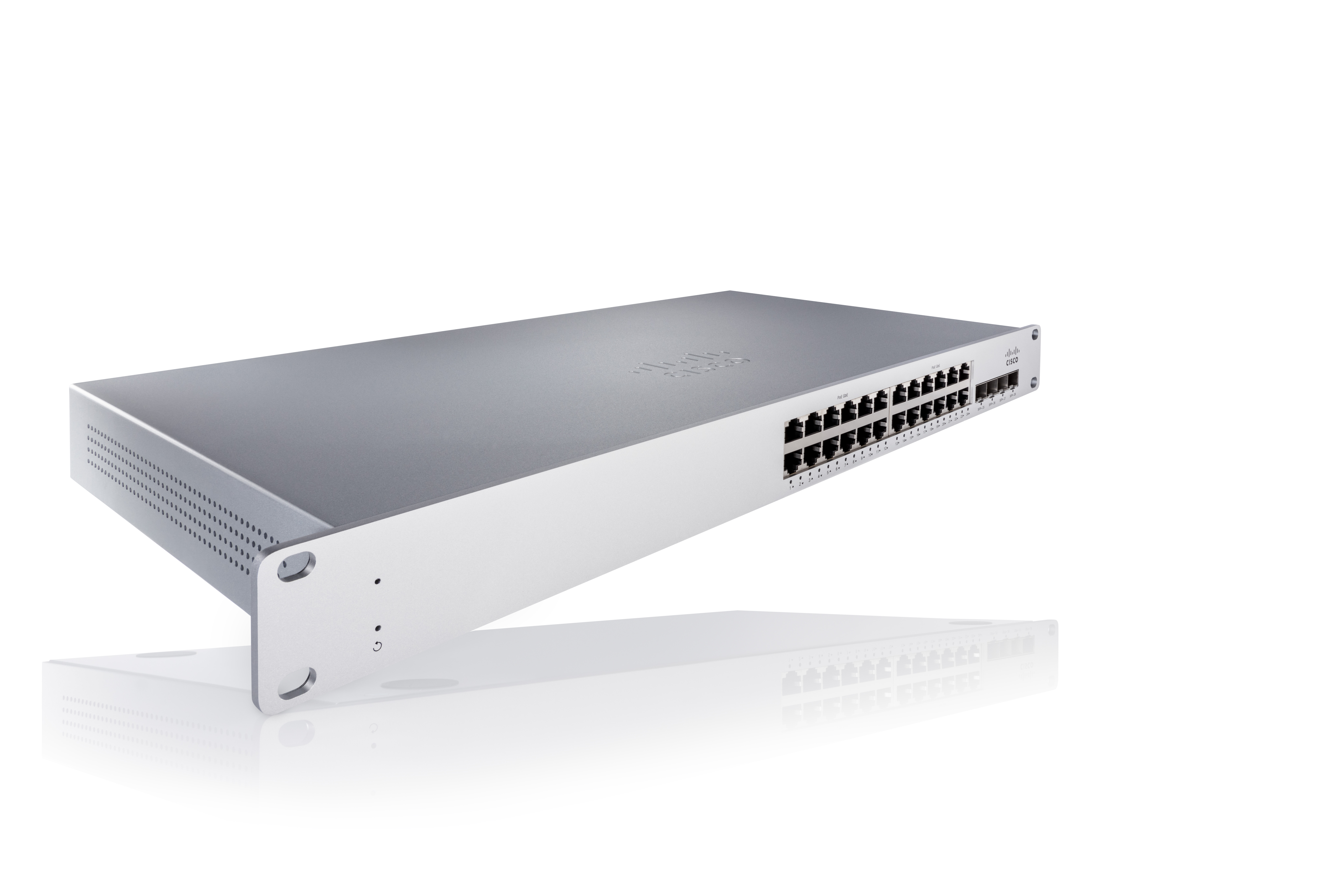
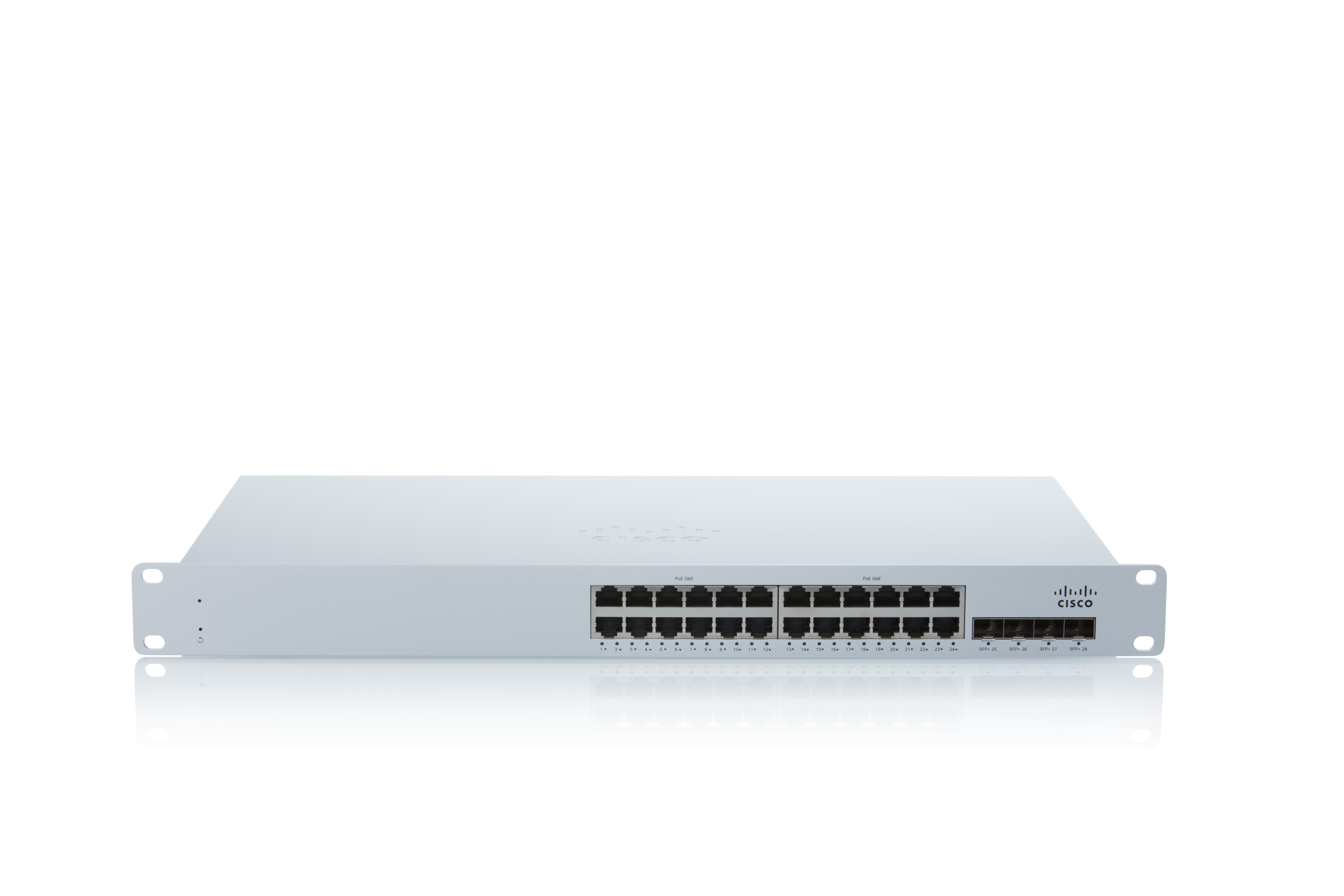
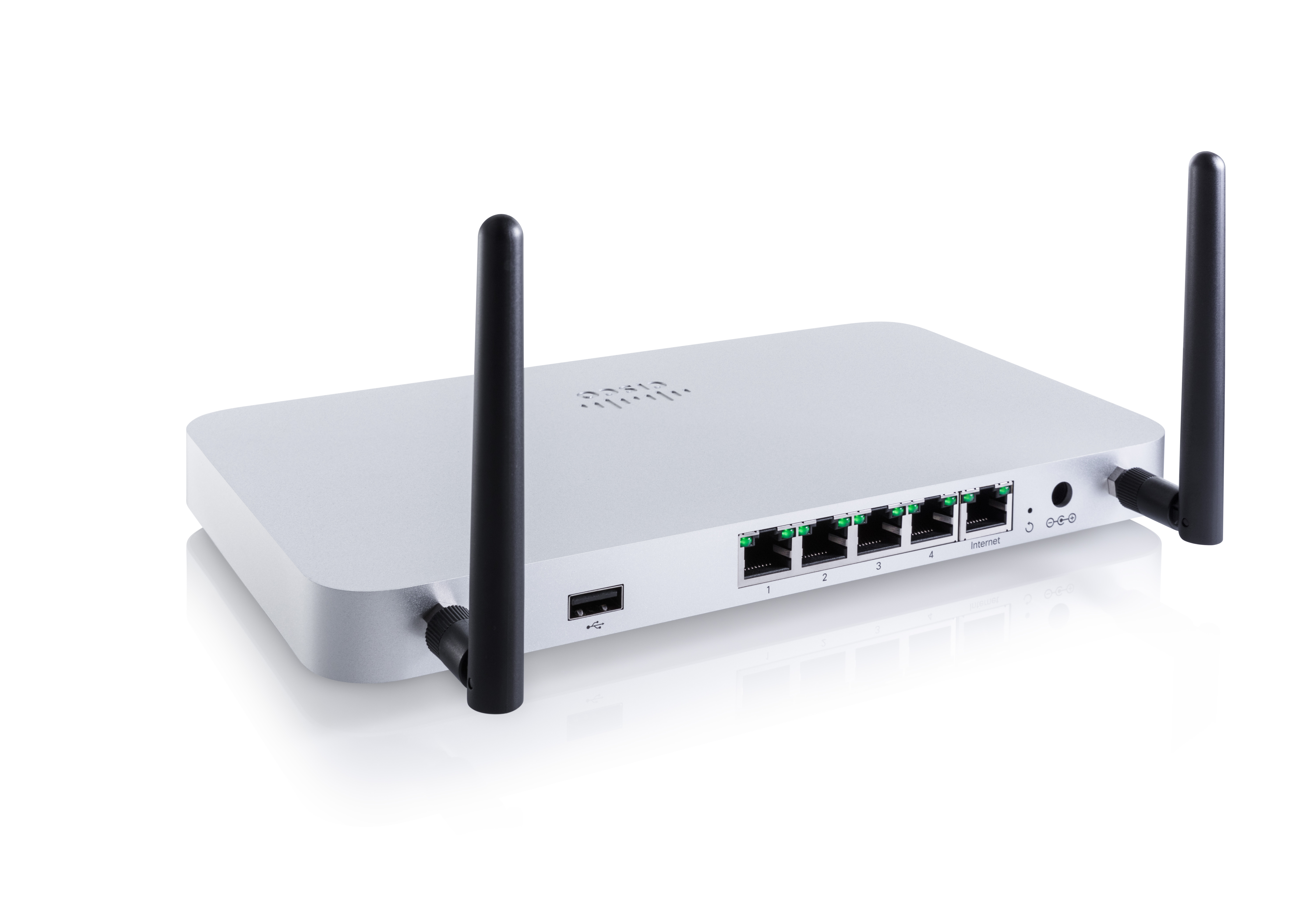
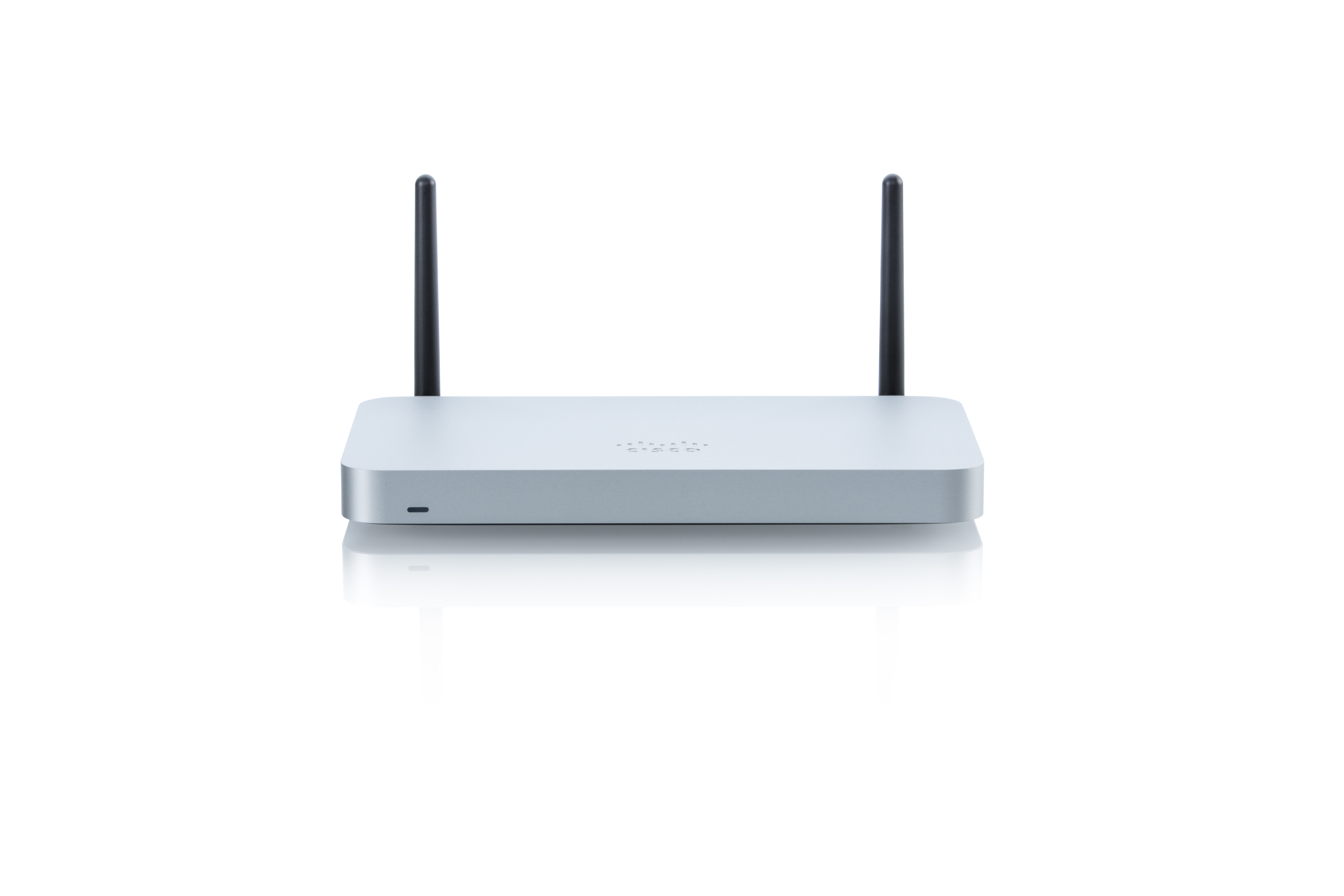
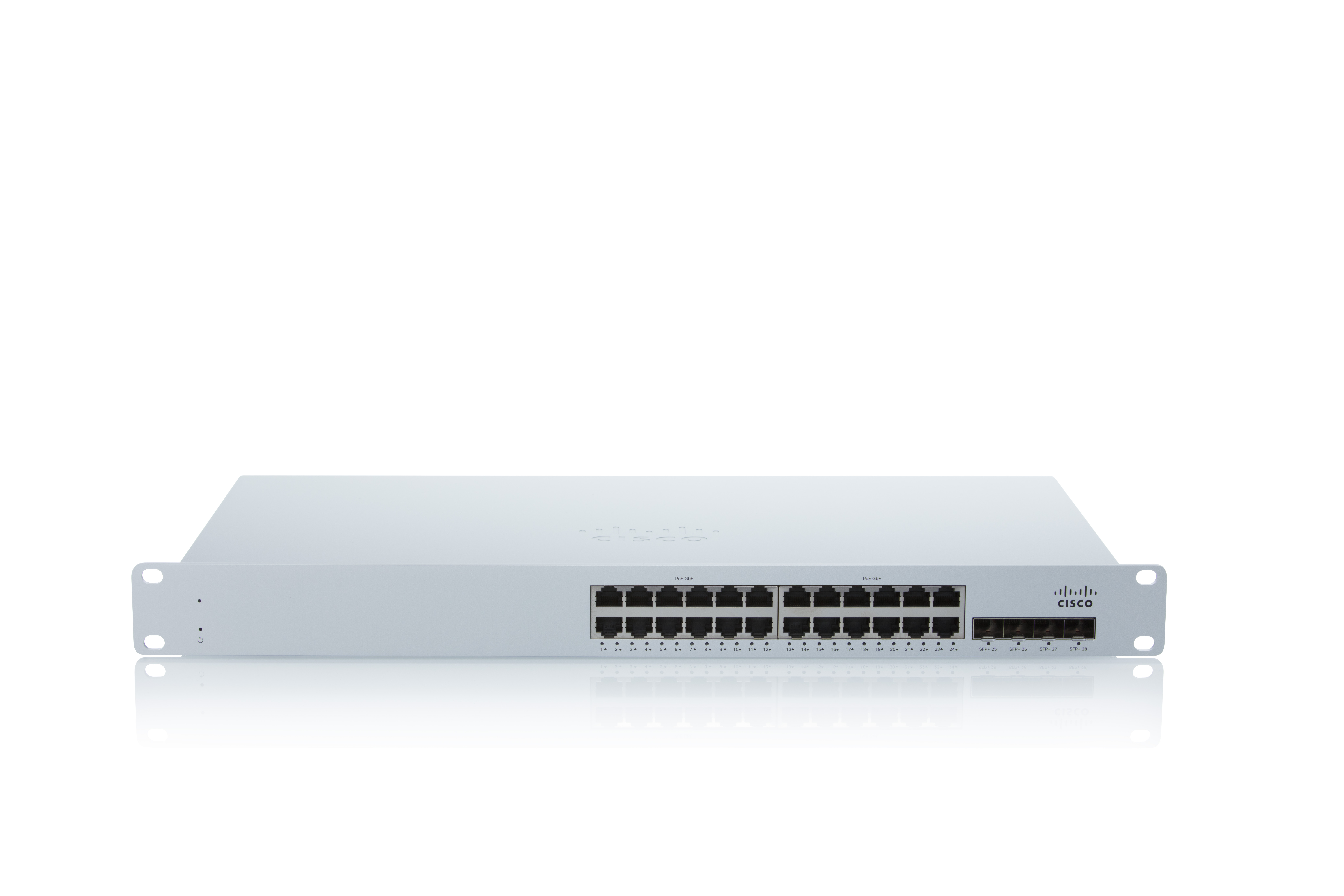
As a cloud-managed network management solution, the Cisco Meraki Dashboard enables users to provision, configure, and troubleshoot global networking and IoT deployments.
N/A
IBM Netcool Network Management
Score 7.1 out of 10
N/A
Netcool Network Management integrates the IBM Tivoli Network Manager IP Edition, Tivoli Netcool/OMNIbus and Netcool Configuration Manager products into a unified solution that consolidates the management of networks.
Cisco Meraki is very well-suited for enterprise scenarios with multiple branches distributed across a large geographical area. You need to manage thousands of devices, and Meraki helps you do that in minutes. The cloud dashboard lets you configure and monitor devices, and deploy new devices and policies without being there. Some scenarios where Meraki is not well-suited include situations with limited internet connectivity.
This tool was integrated with Control-M, so whenever we receive any job failure, long-running job, job not started yet, etc, we receive an alert against it. This tool is also integrated with Maximo where we receive the incidents as well for it. Alert's color was as per the criticality of the job and that makes it very easy for an associate to act on it to resolve. We have the SLAs for the jobs as per the urgency of the jobs.
The dashboard is easy to navigate and offers many pages that are loaded with information. Cisco Meraki adds new features to the dashboard based on customer feedback and I have seen so many updates and changes that have improved upon the previous version. Most recently they have added Cisco's AI and are looking at an Automation option that will only further improve usability.
Cisco Meraki Dashboard is more intuitive but does have a cut back feel to it, MistAI does seem to offer more variable to offer, while this is great for initial setup it is more complex for the site tech and service desk to get a high level view, so Cisco Meraki Dashboard has the better support feel.
This is one of the essential tools for monitoring. This tool was integrated with Maximo and Control-M in my organization. So whenever any job failed in Control-M, we receive an alert against it in the IBM Netcool/OMNIbus. We receive the alerts in different colors as per the criticality. Black for critical ones(Sev1), red for urgent (Sev2), yellow for major(Sev3), and orange for minor(Sev4). So it makes an easy to operate and act on the alerts as per the severity. This tool is very user-friendly and easy to use. No additional training is required for the tool to operate, just a simple KT is enough.
The dashboard saves literal hours of drive time with its options. Locations that are states apart save actual days worth of travel time just by allowing us to enact simple solutions without needing boots on the ground. This saves manpower and keeps personnel open for more severe situations.
The ability to perform most networking operations via the dashboard allows many employees to do their job remotely. This gives them the opportunity to perform non-severe work from their homes and makes it feasible to let employees leave work early to beat traffic without sacrificing company time or efficiency.