Cisco Webex Support was a remote access and support tool that has been discontinued and is no longer available.
N/A
IBM Turbonomic
Score8.5 out of 10
Enterprise companies (1,001+ employees)
IBM Turbonomic, now part of the Concert platform, is a performance and cost optimization platform for public, private, and hybrid clouds used by cloud, infrastructure operations, and architecture to assure application performance while eliminating inefficiencies by dynamically resourcing applications through automated actions. One of the key features of IBM Turbonomic is its ability to continuously adjust…
N/A
Pricing
Cisco Webex Support
IBM Turbonomic
Editions & Modules
No answers on this topic
IBM® Turbonomic On-Prem
Varies - Request a Quote
per month IBM Turbonomic On-prem optimizes data center resources in real time, ensuring app performance at the lowest cost by aligning infrastructure supply with dynamic application demand.
IBM® Turbonomic Cloud Standard
Varies - Request a Quote
per month For customers with more than USD 1.6 million in annual cloud spend or 50 Managed Virtual Servers (MVS) or greater
IBM® Turbonomic Hybrid Standard
Varies - Request a Quote
per month Advanced hybrid cloud optimization capabilities for customers with 200 managed virtual servers (MVS) or more
We use WebEx Support Center in the IT department to support users as well as work with vendors remotely. This applies to physical desktops, laptops, and Virtual Desktops. We have around 200 employees. Most employees work in one of our offices, but we do have at least 5-10 users who are more frequently remote than they are in the office. It helps us remotely access machines we wouldn't otherwise have access to, due to lack of physical access. It's excellent for troubleshooting access problems from users' personal machines, as well.
A de minimis incentive was given to thank the reviewer for their time. The incentive was not used to bias or drive a particular response, nor was the incentive contingent on a positive endorsement. More Info
Datacenter Consolidation and Hardware Optimization: This scenario is relevant to you as a hardware manager. It applies when you have physical servers (like Power or System z) and want to maximize virtual machine density. Why it works: IBM Turbonomic analyzes the peak usage times of each VM. If VM "A" is active during the day and VM "B" at night, it places them on the same physical host. Ideal scenario: Data migration projects or when you're told, "[...], there's no budget for more servers this year, make everything fit on what we have." Consolidación de Datacenters y Optimización de Hardware,Este escenario te toca de cerca como encargado de Hardware. Cuando tienes servidores físicos (como los Power o System z) y quieres maximizar la densidad de máquinas virtuales.Por qué funciona: IBM Turbonomic analiza las horas pico de cada VM. Si la VM "A" es activa de día y la VM "B" de noche, las coloca en el mismo host físico.Escenario ideal: Proyectos de migración de datos o cuando te dicen: "[...], no hay presupuesto para más servidores este año, haz que quepa todo en lo que tenemos". This review was originally written in Spanish and has been translated into English using a third-party translation tool. While we strive for accuracy, some nuances or meanings may not be perfectly captured.
A de minimis incentive was given to thank the reviewer for their time. The incentive was not used to bias or drive a particular response, nor was the incentive contingent on a positive endorsement. More Info
Simple Remote Access - WebEx Support Center works with either a permanent install or temporary executable, so you don't have to worry about users being particularly comfortable or knowledgeable about software installation. It also doesn't matter if the user is on an account without admin rights, you can still connect and see what's going on using the temporary executable.
Robust Access Options - You can take see the user's screen, take control of their screen, send files, and retrieve files. It's a great tool for troubleshooting issues that users might be experiencing and doesn't depend on them being able to find the files that you need to properly troubleshoot their issues.
Great performance - Even when users don't have a particularly great internet connection, you can still typically get good results and help them quickly. You're not going to do it over dial-up (if that even still exists for anyone), but it works acceptably well even over very modest DSL or satellite internet connections.
A de minimis incentive was given to thank the reviewer for their time. The incentive was not used to bias or drive a particular response, nor was the incentive contingent on a positive endorsement. More Info
A de minimis incentive was given to thank the reviewer for their time. The incentive was not used to bias or drive a particular response, nor was the incentive contingent on a positive endorsement. More Info
During initial setups it can be a little confusing.
The look and feel is a little rigid. It feels like it is in need of a smoother UI update.
When a new user is introduced to webex and they are asked to share their desktop, it maybe a little difficult for the user to navigate to the correct buttons.
It would be nice if the UI included a break-down of features that are both licensed as well as un-licensed. That way, you could not only see what you have, but what you don't.
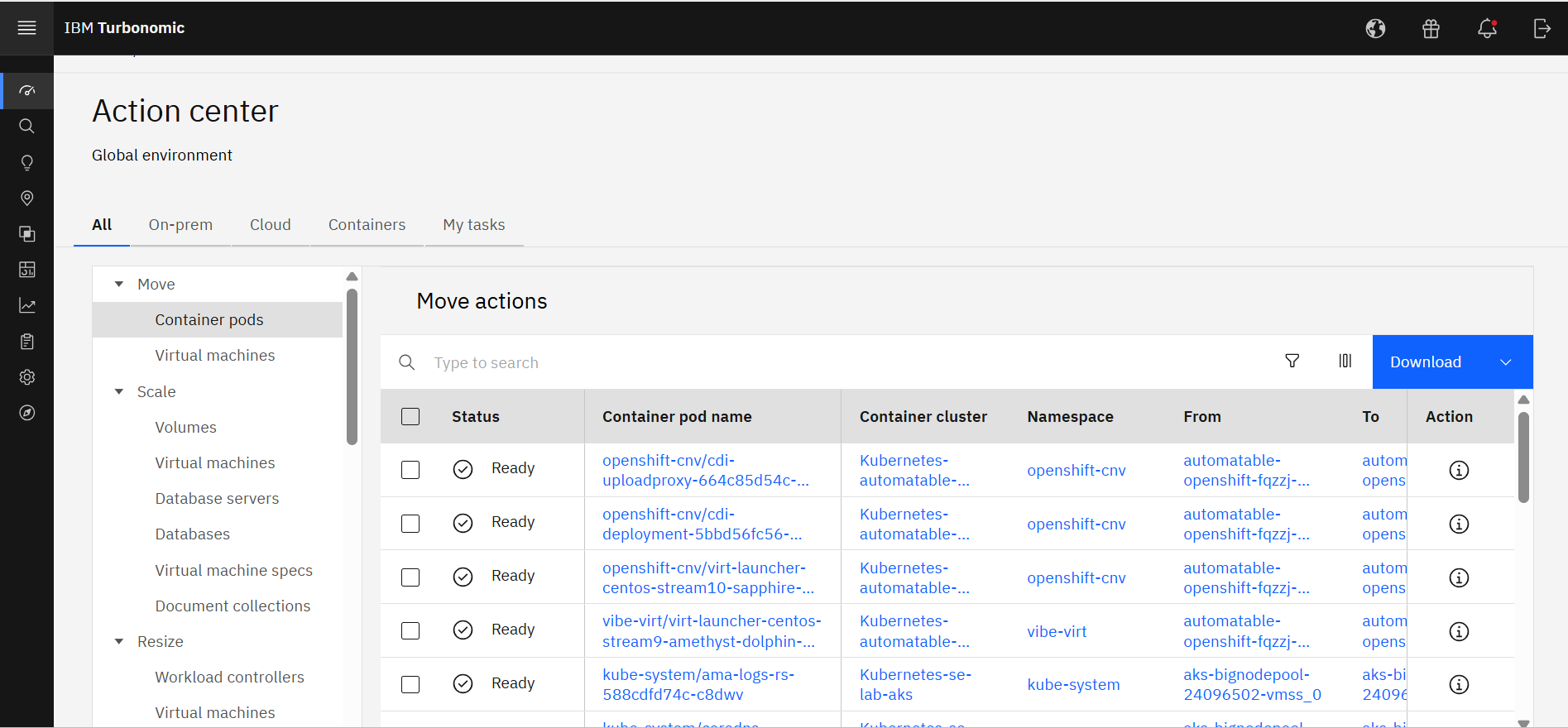
The right-sizing recommendations are great, but very little info is given about why the recommendation is being made. More info would not only increase understanding, but would also help drive decision-making.
A de minimis incentive was given to thank the reviewer for their time. The incentive was not used to bias or drive a particular response, nor was the incentive contingent on a positive endorsement. More Info
The Enterprise package we purchased (Event Center, Remote Support, Meeting Center, and Training Center) for 100 users is the same annual price as GoToMeeting for 25 users. We will renew as it is a package deal. If it were just WebEx Remote Support, we would not renew at all.
We are certainly happy with Turbonomic as a whole and have invested quite a bit of time and effort into learning the ins and outs of the product. We have our reporting setup the way we want it and have gained definite value from these features. I will say though that many products nowadays are offering more native monitoring, reporting, and alerting features which may eventually steer us away from this product
A de minimis incentive was given to thank the reviewer for their time. The incentive was not used to bias or drive a particular response, nor was the incentive contingent on a positive endorsement. More Info
Honestly, there are people available. But none of them will help you with your issues. They just keep assigning new service engineers who are often clueless.
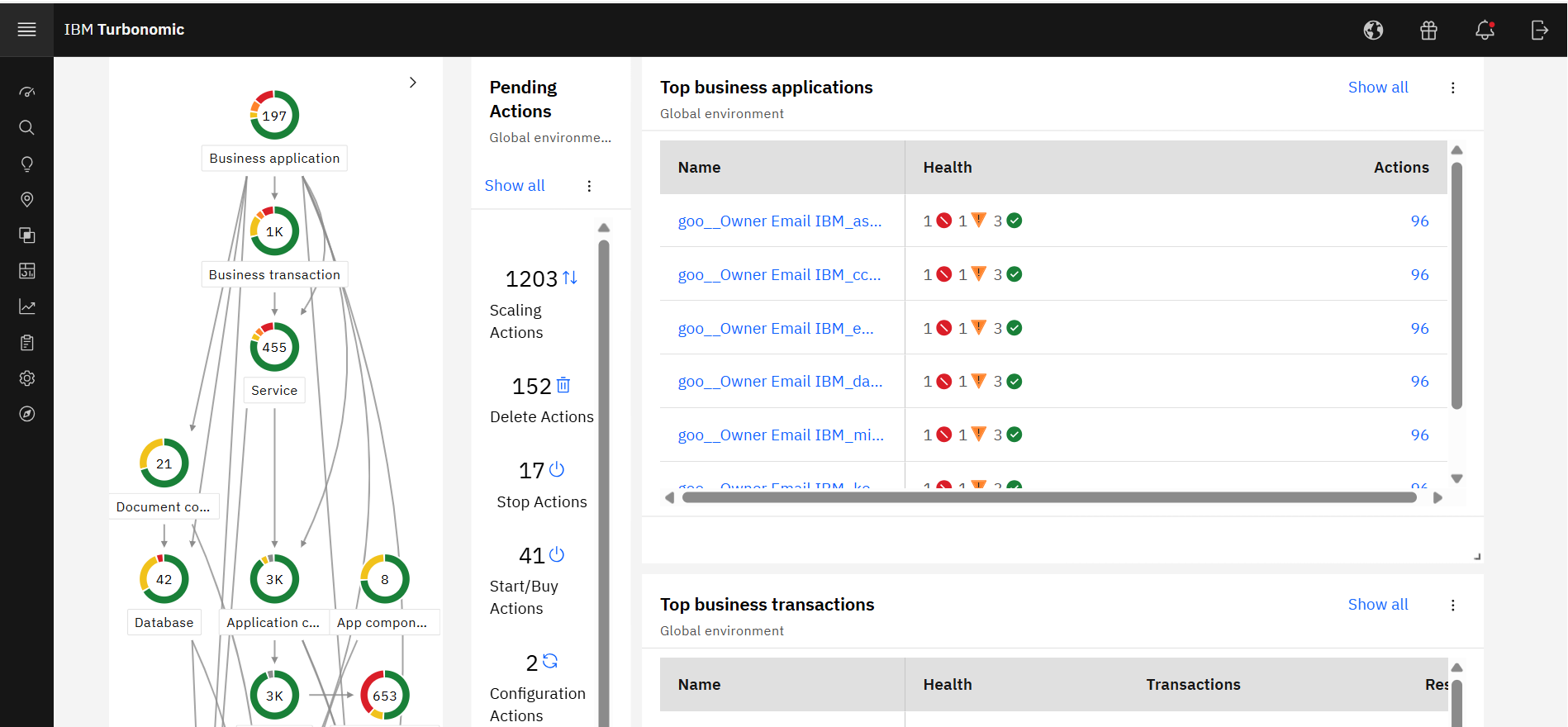
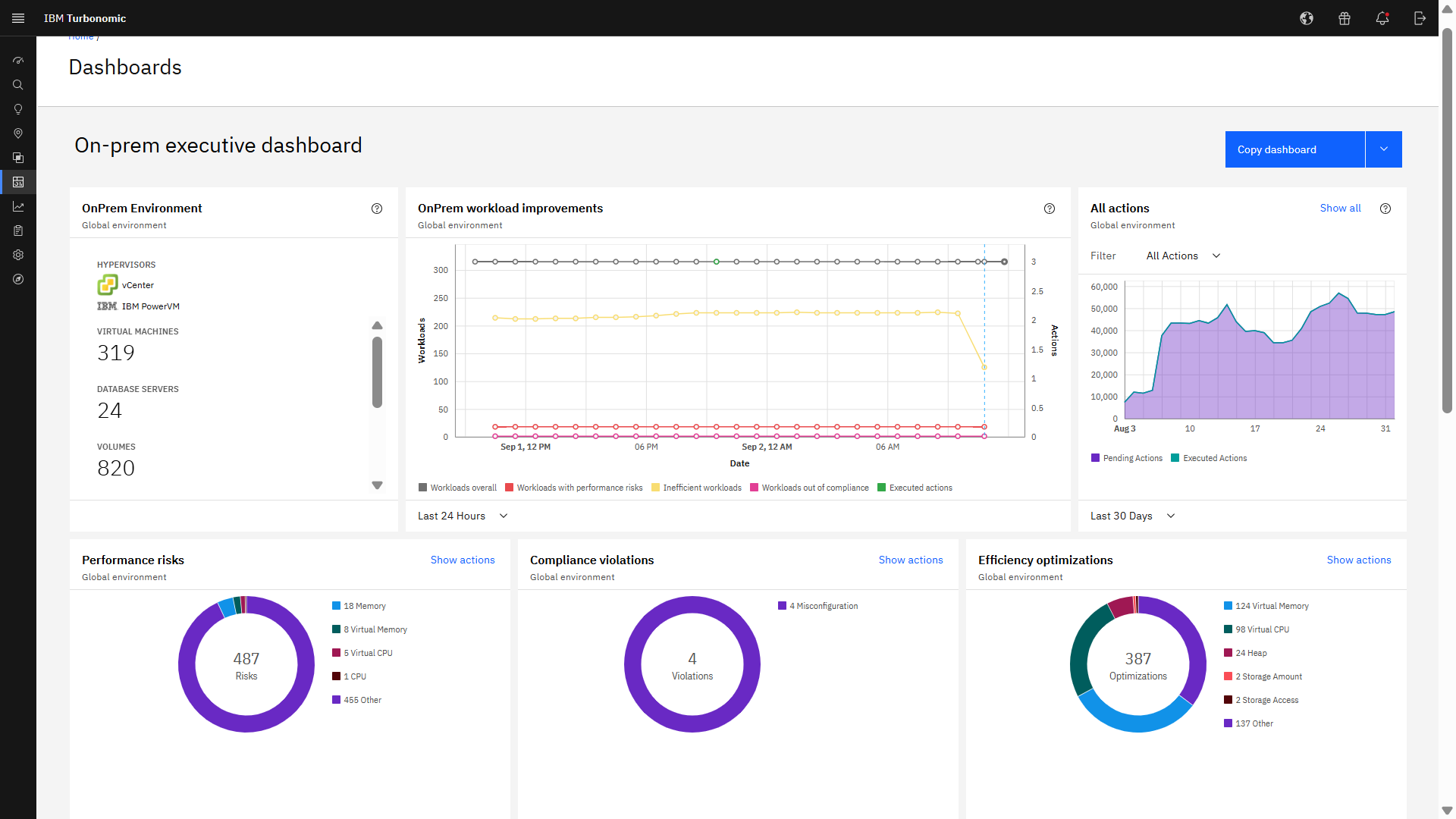
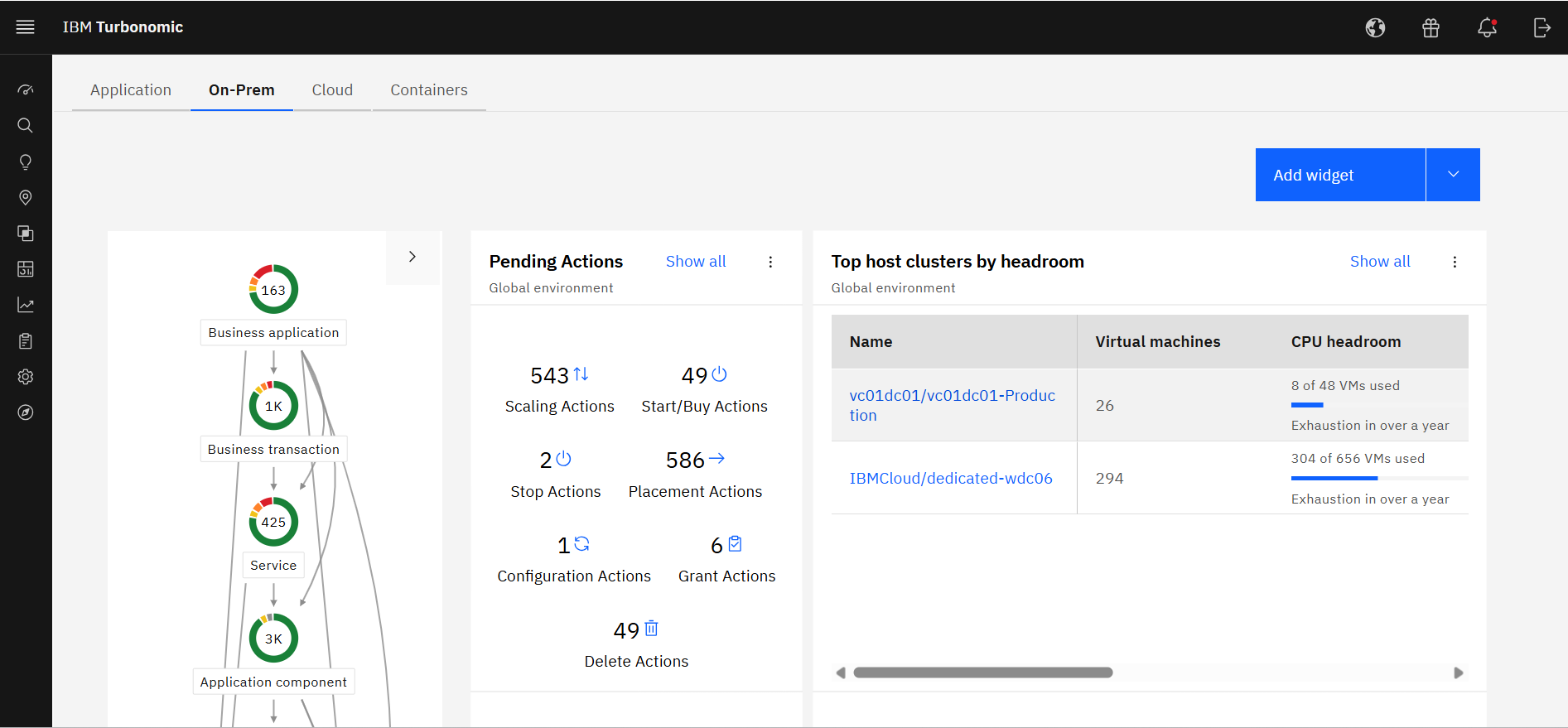
Excellent approach to larger VM organizational management. They have an very clean integrated dashboard that allows us to see everything in our environment and what that is doing in real-time. It works on multiple hyper-visors really well and integrates capacity planning on my local site as well as my cloud locations.
A de minimis incentive was given to thank the reviewer for their time. The incentive was not used to bias or drive a particular response, nor was the incentive contingent on a positive endorsement. TR verified that a representative sample of customers was invited. More Info
A de minimis incentive was given to thank the reviewer for their time. The incentive was not used to bias or drive a particular response, nor was the incentive contingent on a positive endorsement. TR verified that a representative sample of customers was invited. More Info
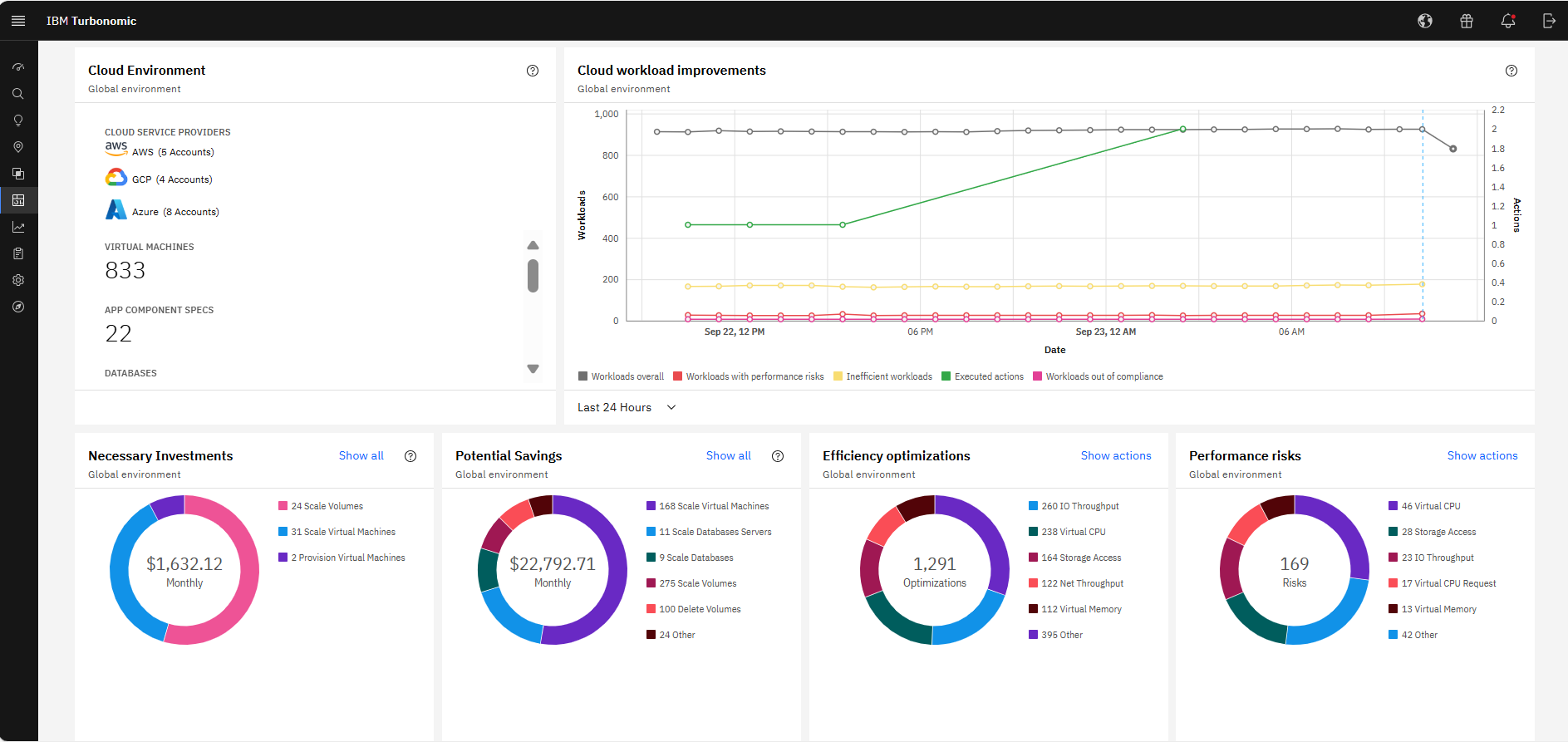
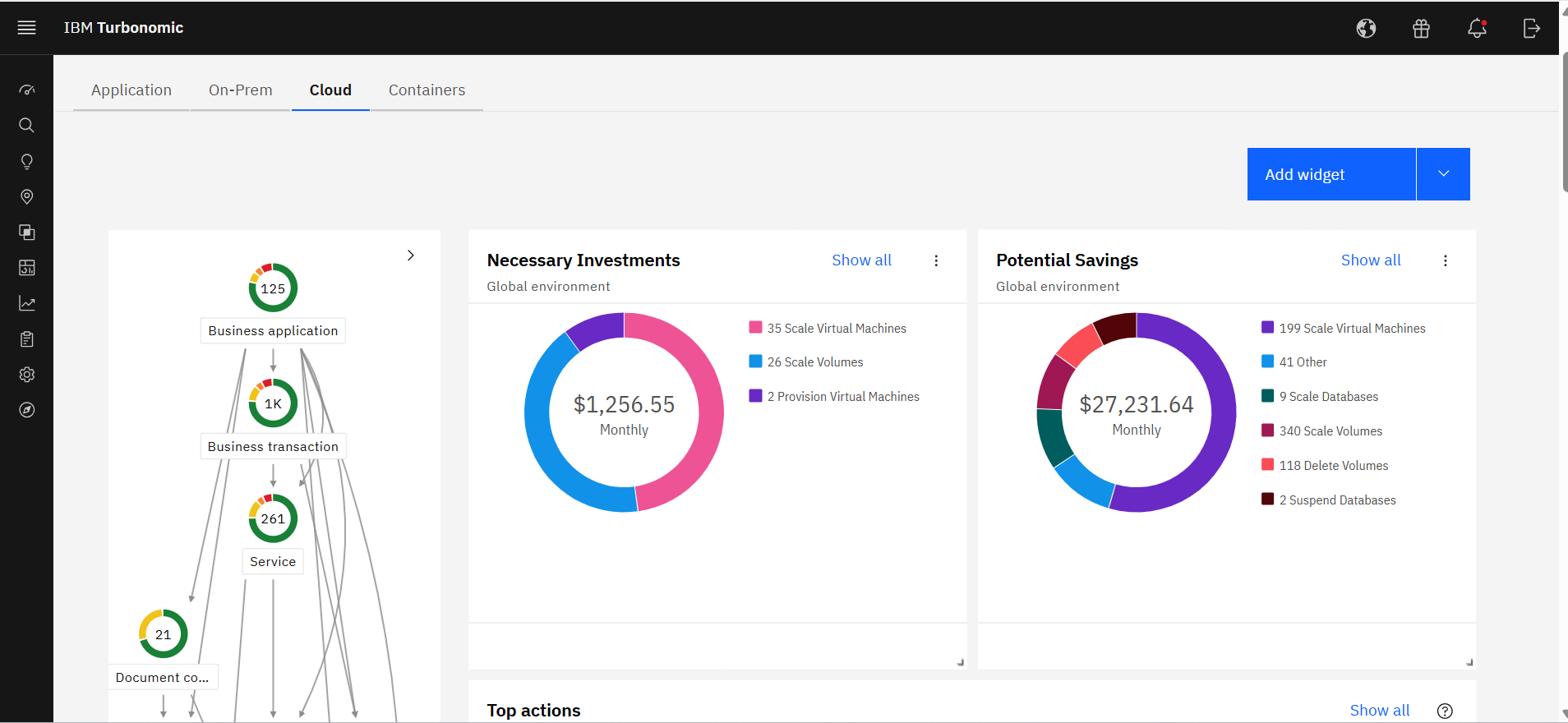
It allocates resources among applications by showing more on the cost breakdown by cloud service, with metrics on cloud provider information like Azure Management, Identity, Networking, Storage with costs per day, and total services costs. This then could facilitate and show the corresponding actions thereafter upon scaling.
A de minimis incentive was given to thank the reviewer for their time. The incentive was not used to bias or drive a particular response, nor was the incentive contingent on a positive endorsement. More Info
The support team is highly incompetent. The only thing that they are able to do flawlessly is register an issue and open the case. But this case related to the issue is never resolved. They will forward the case or assign a new service engineer. But the case will never be resolved. At least not soon. They take weeks to resolve issues.
When I contact support I get a quick response and they are able to solve my problem quickly. I also get a sense that they want to make sure that we are getting value from the product and walk me through whatever steps are needed to accomplish my goals.
A de minimis incentive was given to thank the reviewer for their time. The incentive was not used to bias or drive a particular response, nor was the incentive contingent on a positive endorsement. TR verified that a representative sample of customers was invited. More Info
Alex (from VMTurbo) has worked with the product for years and helped develop the product. He was very knowledgeable and was able to provide our support team with details knowledge on how to get our deployment configured correctly as well as help with another VMTurbo POC within another customers environment.
A de minimis incentive was given to thank the reviewer for their time. The incentive was not used to bias or drive a particular response, nor was the incentive contingent on a positive endorsement. TR verified that a representative sample of customers was invited. More Info
After buying VMTurbo Operations Manager, I was invited to an online user training event. I felt this training was effective and dug just deep enough to be informative yet still keep my attention. Additionally, the webinar was free.
A de minimis incentive was given to thank the reviewer for their time. The incentive was not used to bias or drive a particular response, nor was the incentive contingent on a positive endorsement. TR verified that a representative sample of customers was invited. More Info
The implementation was very simple. Just upload an OVA file and power on the VM. Once it comes up enter some networking information and you can then access the web interface. From there, just begin configuring the system for your environment by adding you license and the various virtual environments and storage through the inventory tab
A de minimis incentive was given to thank the reviewer for their time. The incentive was not used to bias or drive a particular response, nor was the incentive contingent on a positive endorsement. TR verified that a representative sample of customers was invited. More Info
I would say that Cisco Webex Support stacks up pretty evenly in capability, but in some regards (video clarity, toll-free access, etc.) they were even better. Where they did provide a better solution for toll-free access on audio bridges, their audio quality was worse for those that wanted to use VoIP for the audio conference bridge.
As the organization had experience of years in using IBM products, we had the confidence that they will provide us with great support. And we needed a reliable solution as a financial institute to ensure continuous operations. Even though the price was very high, we made the correct decision to go ahead with IBM Turbonomic as the feedback from existing users in the region was very positive. We needed a solution which was capable of handling our automation requirements. All these were green in IBM Turbonomic.
A de minimis incentive was given to thank the reviewer for their time. The incentive was not used to bias or drive a particular response, nor was the incentive contingent on a positive endorsement. More Info
A de minimis incentive was given to thank the reviewer for their time. The incentive was not used to bias or drive a particular response, nor was the incentive contingent on a positive endorsement. More Info
Professional services were always there to guide us in our transformation to the cloud. They understood our business model and then were able to provide guidance on what we needed from the tool.
A de minimis incentive was given to thank the reviewer for their time. The incentive was not used to bias or drive a particular response, nor was the incentive contingent on a positive endorsement. More Info
WebEx Support Center works pretty excellently for us as we are a small shop. We are experienced and have pretty good skill sets. WebEx Support Center is an excellent product for our use cases with our users and client to troubleshoot issues.
WebEx Support Center is more expensive than our previous product MXIE or Logmein. It has a more user-friendly UI, and overall performance is better and reliable.
A de minimis incentive was given to thank the reviewer for their time. The incentive was not used to bias or drive a particular response, nor was the incentive contingent on a positive endorsement. More Info
Application performance has been a big one. With Turbonomic keeping everything running at top performance, it can make changes when extra resources are need, quicker than somebody being notified and then making the necessary changes.
Turbonomic has been a great cost savings for us on multiple occasions. We use it every time we are improving servers.
With the planning feature we get the best performance form new hardware purchases
A de minimis incentive was given to thank the reviewer for their time. The incentive was not used to bias or drive a particular response, nor was the incentive contingent on a positive endorsement. More Info