ClickLearn vs. Nexthink

Overview
ProductRatingMost Used ByProduct SummaryStarting Price
ClickLearn
Score 8.0 out of 10
Mid-Size Companies (51-1,000 employees)
ClickLearn automates the process of creating training material and documentation of popular business systems such as Microsoft D365, SAP, and Oracle. With ClickLearn, users click through processes and ClickLearn records actions. When these are recorded, ClickLearn automatically delivers the resulting content in these 7 different formats to be used in training situation: Step-by-step instructions in HTML for posting online Step-by-step instructions in Word and…
$208
per installation
Nexthink
Score 7.3 out of 10
N/A
Nexthink Workplace Experience is a cloud-native platform allowing IT teams to manage the Digital Employee Experience (DEX) by providing insights across devices, applications, users, operating systems, locations and organizational units.N/A
Pricing
ClickLearnNexthink
Editions & Modules
Basic
208/mo
per installation
Basic
208/mo
per installation
Essentials
360/mo
per installation
Essentials
360/mo
per installation
Professional
740/mo
per installation
Professional
740/mo
per installation
Enterprise
1023/mo
per installation
Enterprise
1023/mo
per installation
No answers on this topic
Offerings
Pricing Offerings
ClickLearnNexthink
Free Trial
YesNo
Free/Freemium Version
NoNo
Premium Consulting/Integration Services
NoYes
Entry-level Setup FeeNo setup feeRequired
Additional Details
More Pricing Information
Community Pulse
ClickLearnNexthink
Best Alternatives
ClickLearnNexthink
Small Businesses
ChurnZero
ChurnZero
Score 8.5 out of 10
SolarWinds Pingdom
SolarWinds Pingdom
Score 9.5 out of 10
Medium-sized Companies
ChurnZero
ChurnZero
Score 8.5 out of 10
Cisco ThousandEyes
Cisco ThousandEyes
Score 9.1 out of 10
Enterprises
Nexthink
Nexthink
Score 7.3 out of 10
Cisco ThousandEyes
Cisco ThousandEyes
Score 9.1 out of 10
All AlternativesView all alternativesView all alternatives
User Ratings
ClickLearnNexthink
Likelihood to Recommend
9.0
(4 ratings)
9.1
(12 ratings)
User Testimonials
ClickLearnNexthink
Likelihood to Recommend
ClickLearn
Even though ClickLearn is quite a handy tool, it takes time to create new records, or more like modifying those to be suitable for use. Also, when I have had questions about ClickLearn and considering that the software is for generating for example manuals, I have struggled with finding solutions to cases from the ClickLearn site. For example how to enable/disable Assistant -functionality. Had two private sessions, with two different support persons, getting two different ways to do things. Not good.
Read full review
Nexthink
I've been managing desktops for 20+ years and Nexthink was the missing tool out of my toolbox. Just to give some perspective, if you were building and maintaining a house, Nexthink would be comparable to switching up from a hammer and nails and to full blown using a nailgun. Nexthink is a solution accelerator and a well thought out toolset to give you the customer experience at a glance. It allows for so much more visibility just with the default set of data points the Collector (agent) gathers, which is A LOT, and grants you the ability to gather even more data with remote actions. All of this evidence cuts how the "it could possibly be this" and "maybe it's that" discussions when you're troubleshooting an issue. It may not provide the exact answer all the time, but it gives you a "compass point" on where you need to start looking to resolve the issue. Also the service monitoring, activity monitoring, and critical event thresholds really empower the teams to know when a problem is happening and they can get ahead of it before the first call even reaches the Help Desk. Nexthink is a cornerstone tool in our environment for end user experience and I'm excited to see where the go next.
Read full review
Pros
ClickLearn
  • Creating easy-to-follow work instructions.
  • Provides different methods of delivery (text, video, try-me).
Read full review
Nexthink
  • It allows for an IT department to be proactive with finding/solving issues before they happen
  • It allows for a company to have a great tool for engaging with end users using campaigns/surveys
  • It shows the full overall picture of a device/network connections when troubleshooting user issues.
Read full review
Cons
ClickLearn
  • It would be nice to take a couple of seconds off screen capture
Read full review
Nexthink
  • The on-premise solution can be slow at times and resource-demanding even on newer laptops. (This isn't the case with the cloud offering.)
  • Some useful features are only available to cloud customers.
  • Library pack configuration could be made easier, often these packs require some customization and it's not always clear how to get them up and running after importing.
Read full review
Alternatives Considered
ClickLearn
No answers on this topic
Nexthink
Nexthink had better integration and a better user interface. 1E did not have the engagement capability which is so critical to many of the actions we complete using Nexthink. Nexthink had better trending data capabilities. 1E did not capture and hold data the way Nexthink does so all data assumes you are able to pull information from all systems at any time. with remote systems it is unlikely you will capture all systems at the same time so it makes any actions less effective. this review was performed 4 years ago so 1E may have addressed some of these limitations but Nexthink has also grown and continues to add and improve on their industry-leading capabilities.
Read full review
Return on Investment
ClickLearn
  • Help is received faster.
  • New customers created faster - Quoting faster made possible.
Read full review
Nexthink
  • SCCM proactive remediation: Automatically resolving hundreds of SCCM issues per month
  • Hardware: Identification of over $5m cost avoidance by seeing a lack of usage for 128GB SSDs - no need to upgrade to 256GB... coupled with OneDrive migration packs in the Nexthink library this is valuable.
Read full review
ScreenShots

ClickLearn Screenshots

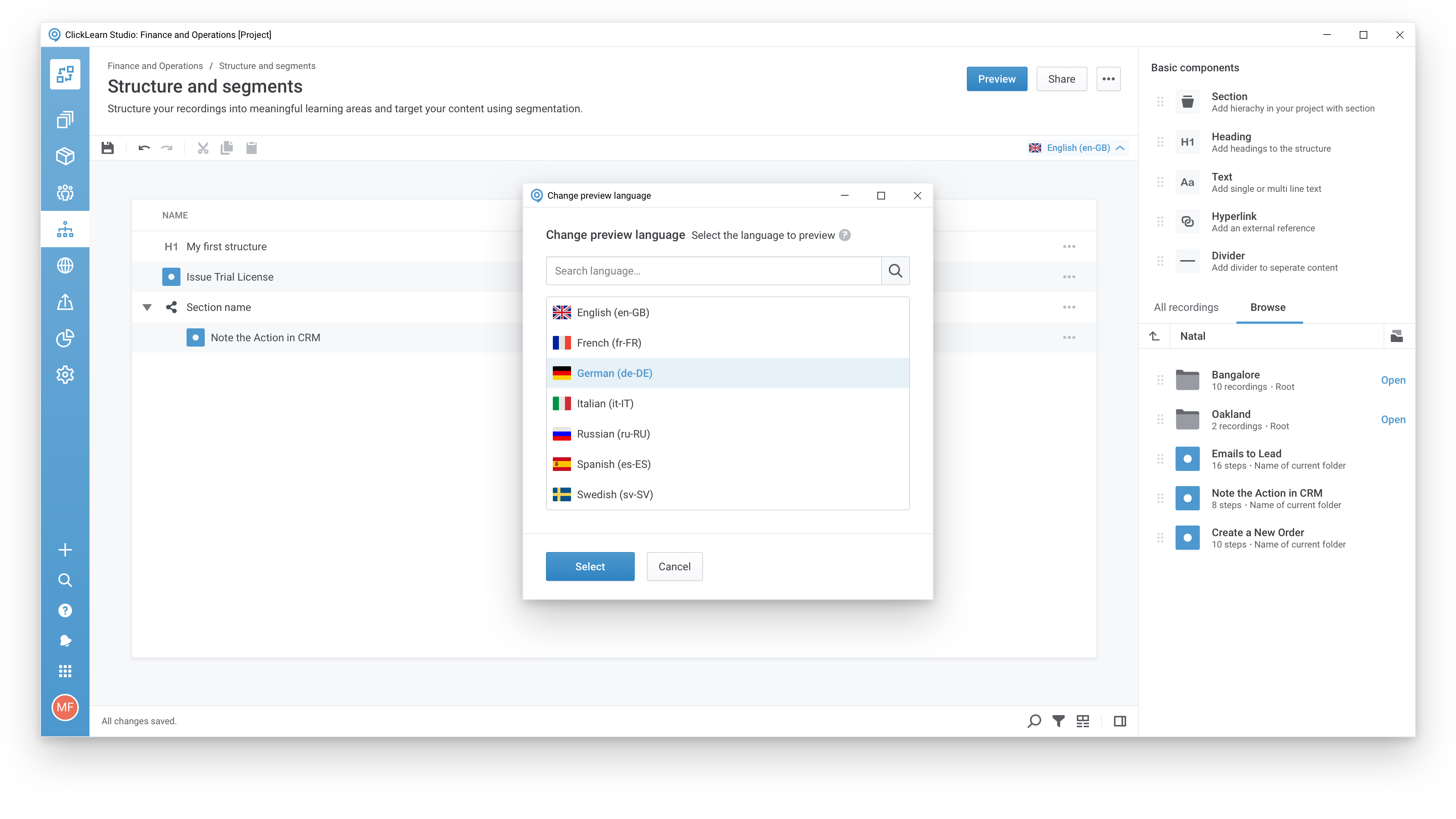
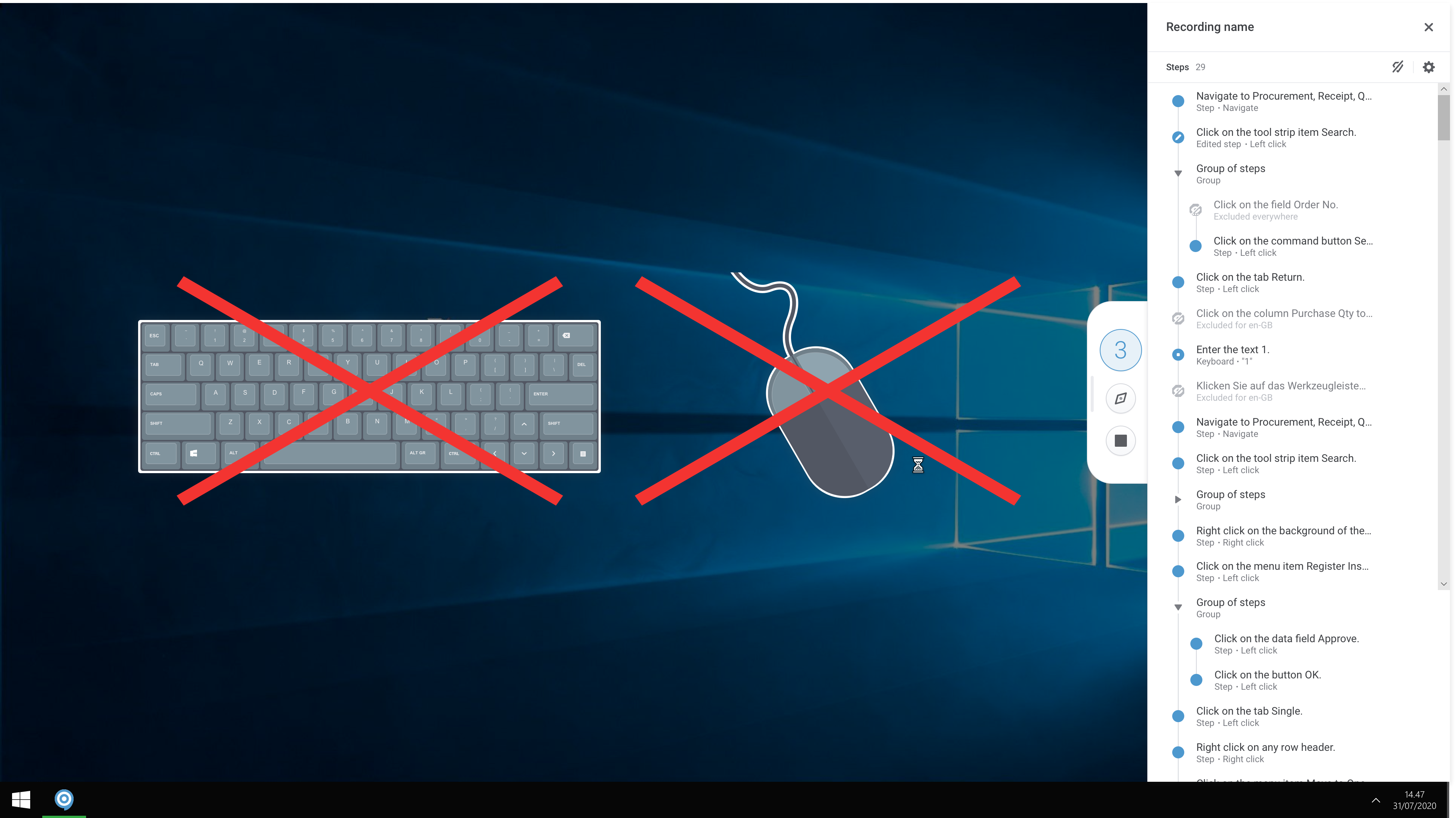
Screenshot of A modern and responsive learning portal - created from a single clickScreenshot of Create content in any languageScreenshot of Start recording your processes with ClickLearnScreenshot of The Replay feature automatically runs through your processes in your business software and re-records all steps and screenshots - you just need to click once to start the replay.

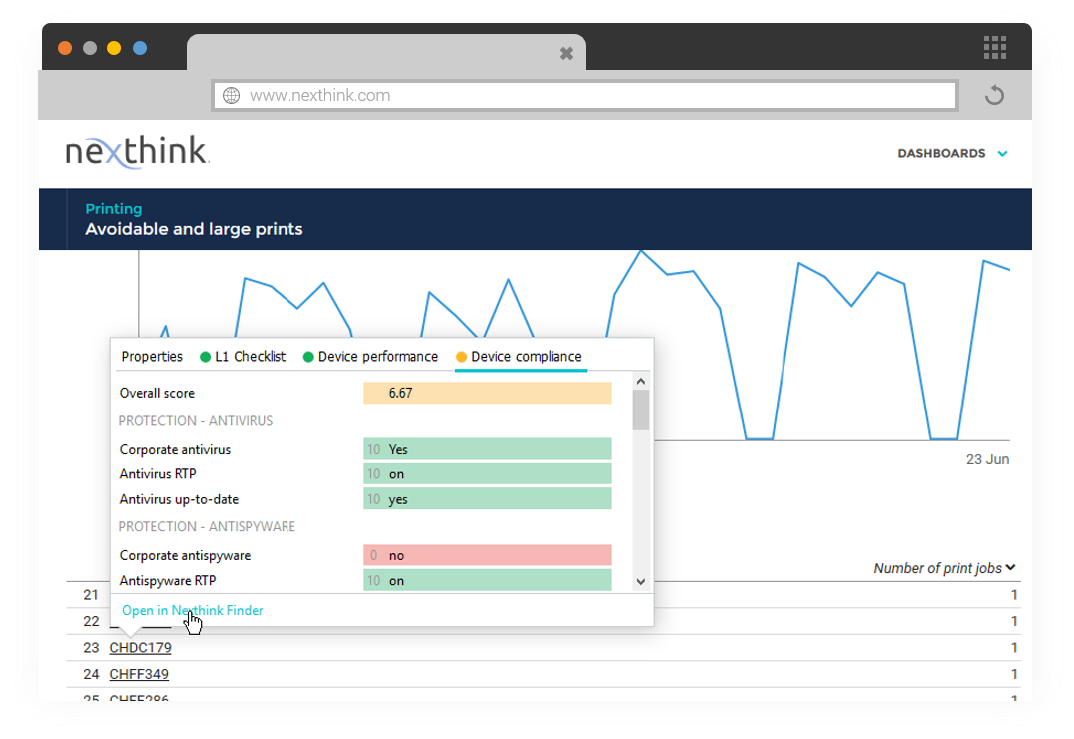
Nexthink Screenshots

Screenshot of Screenshot of