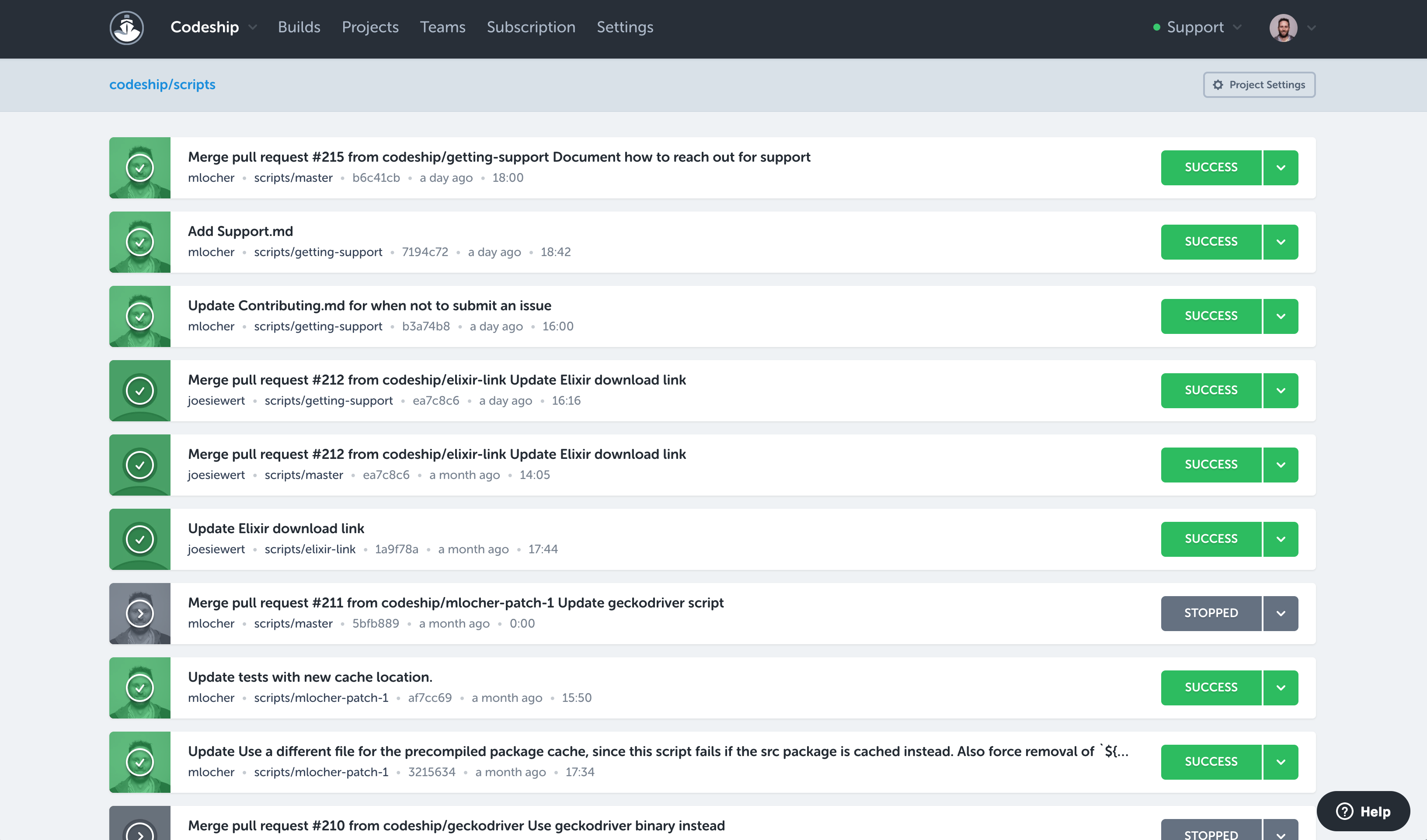
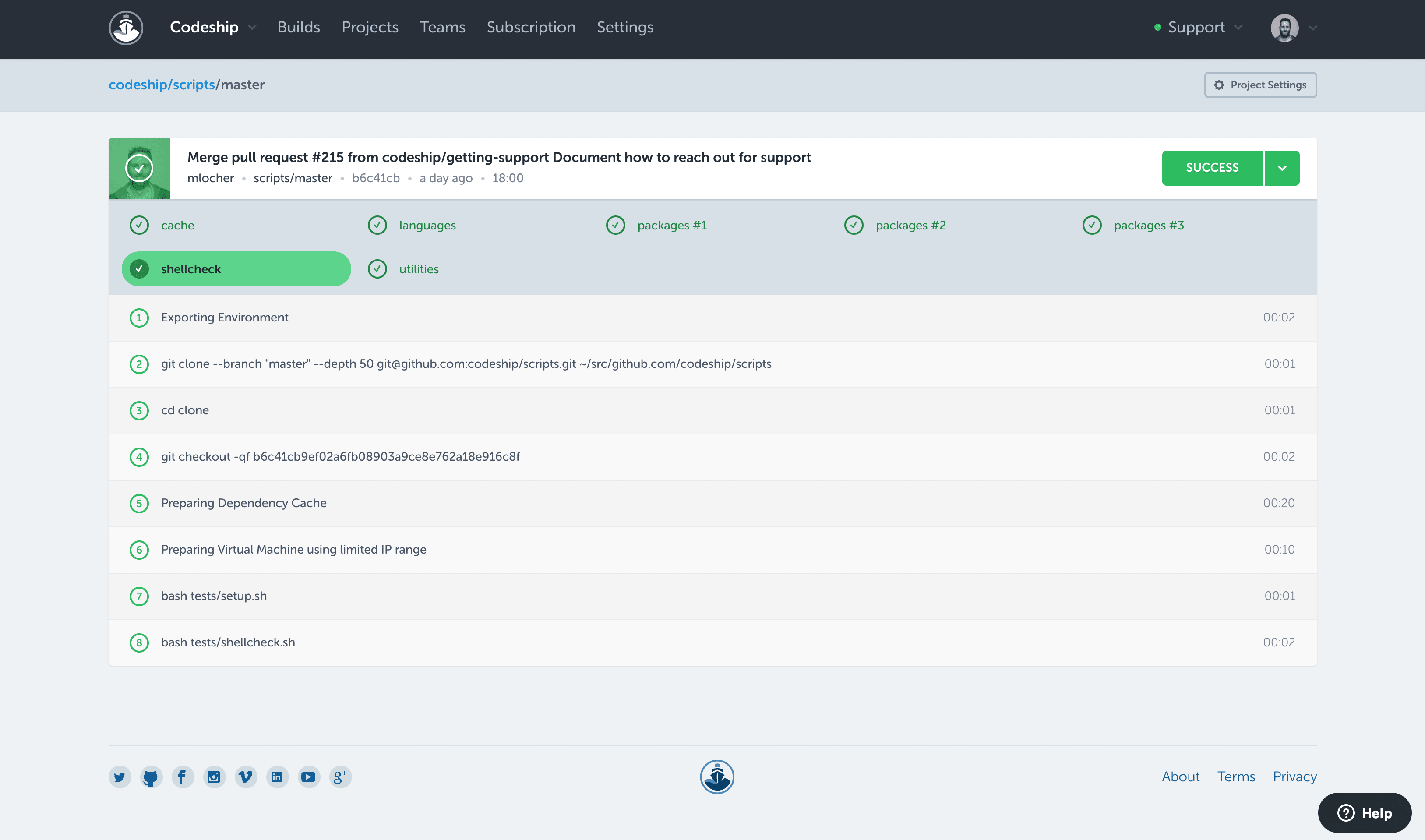
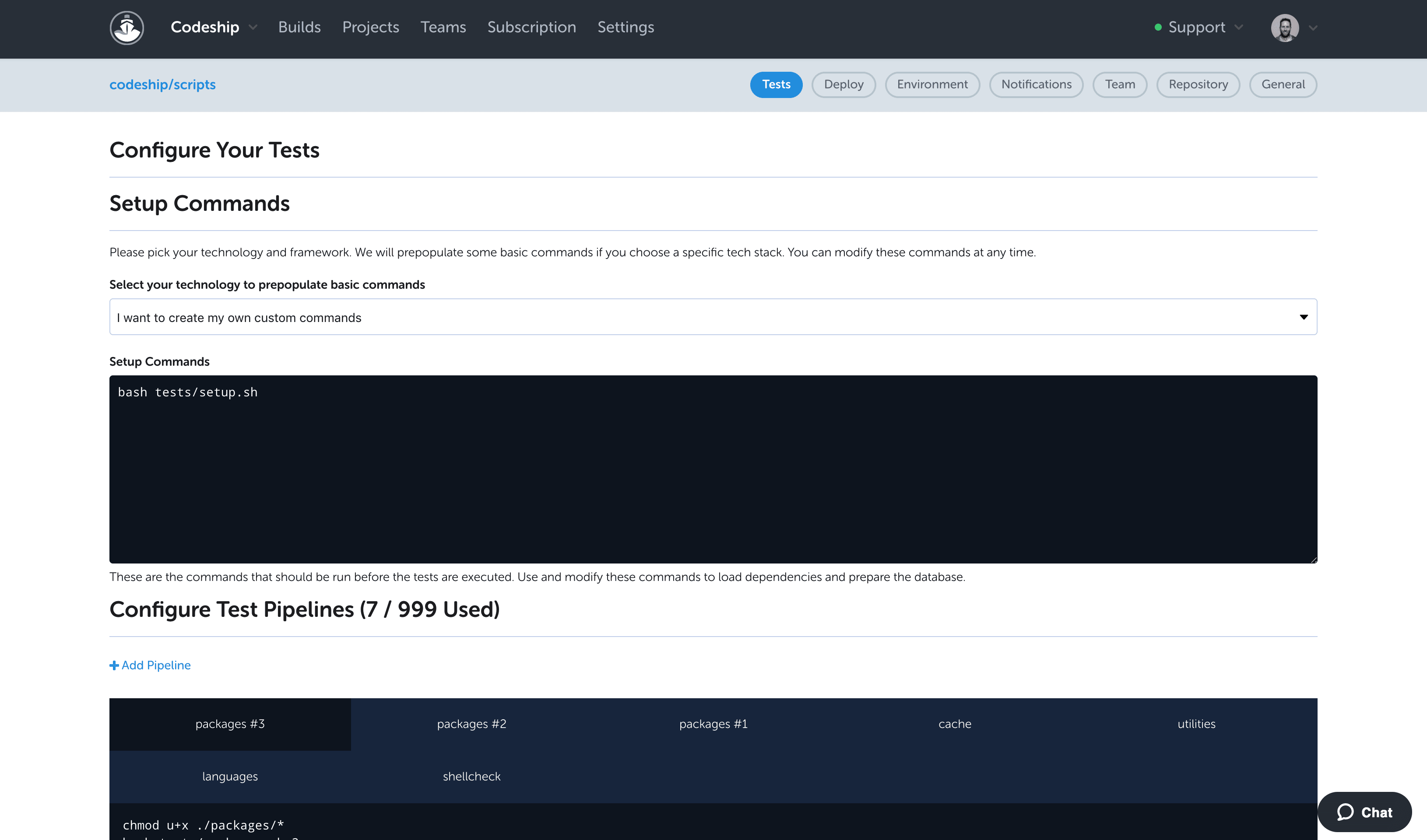
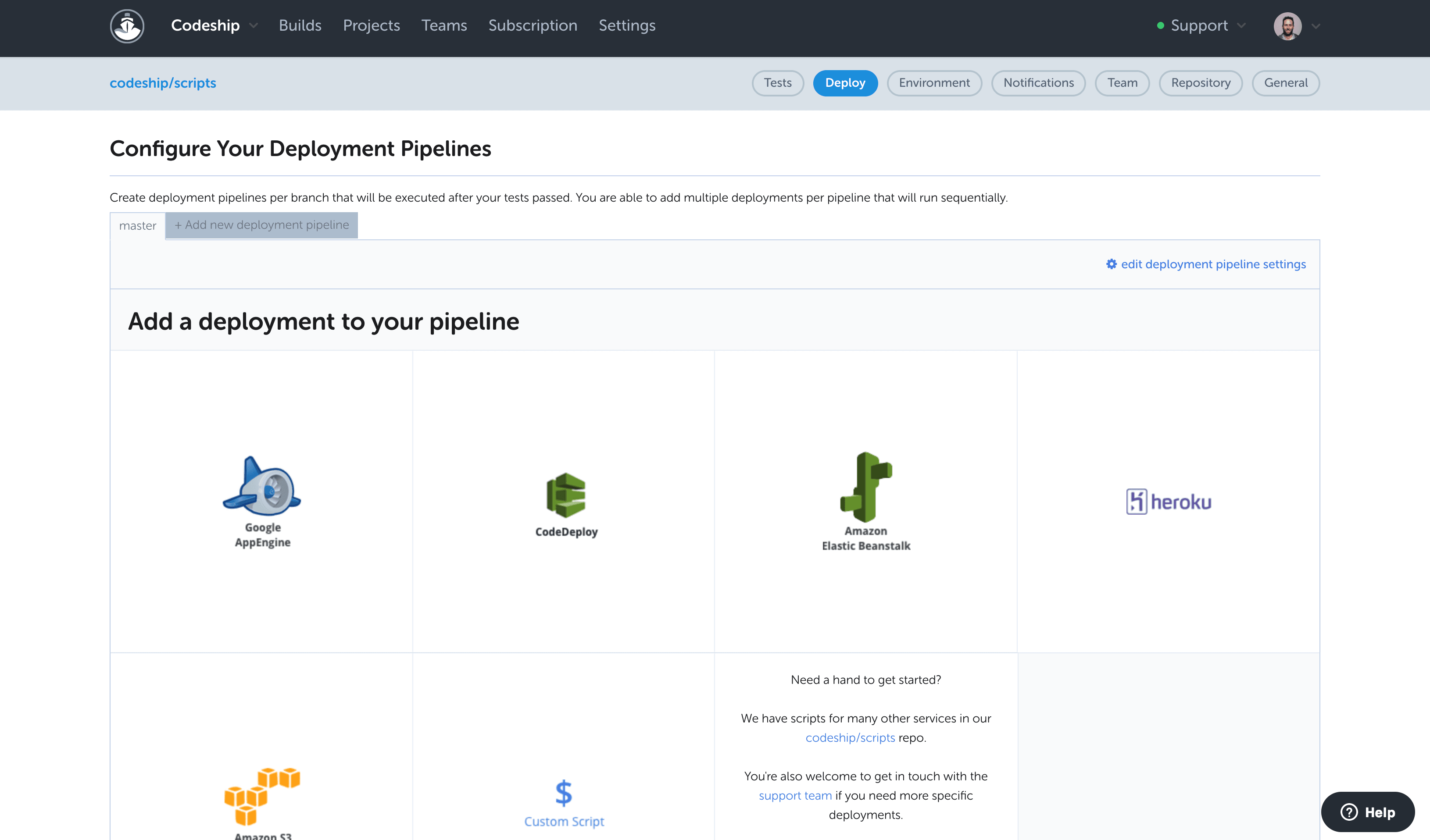
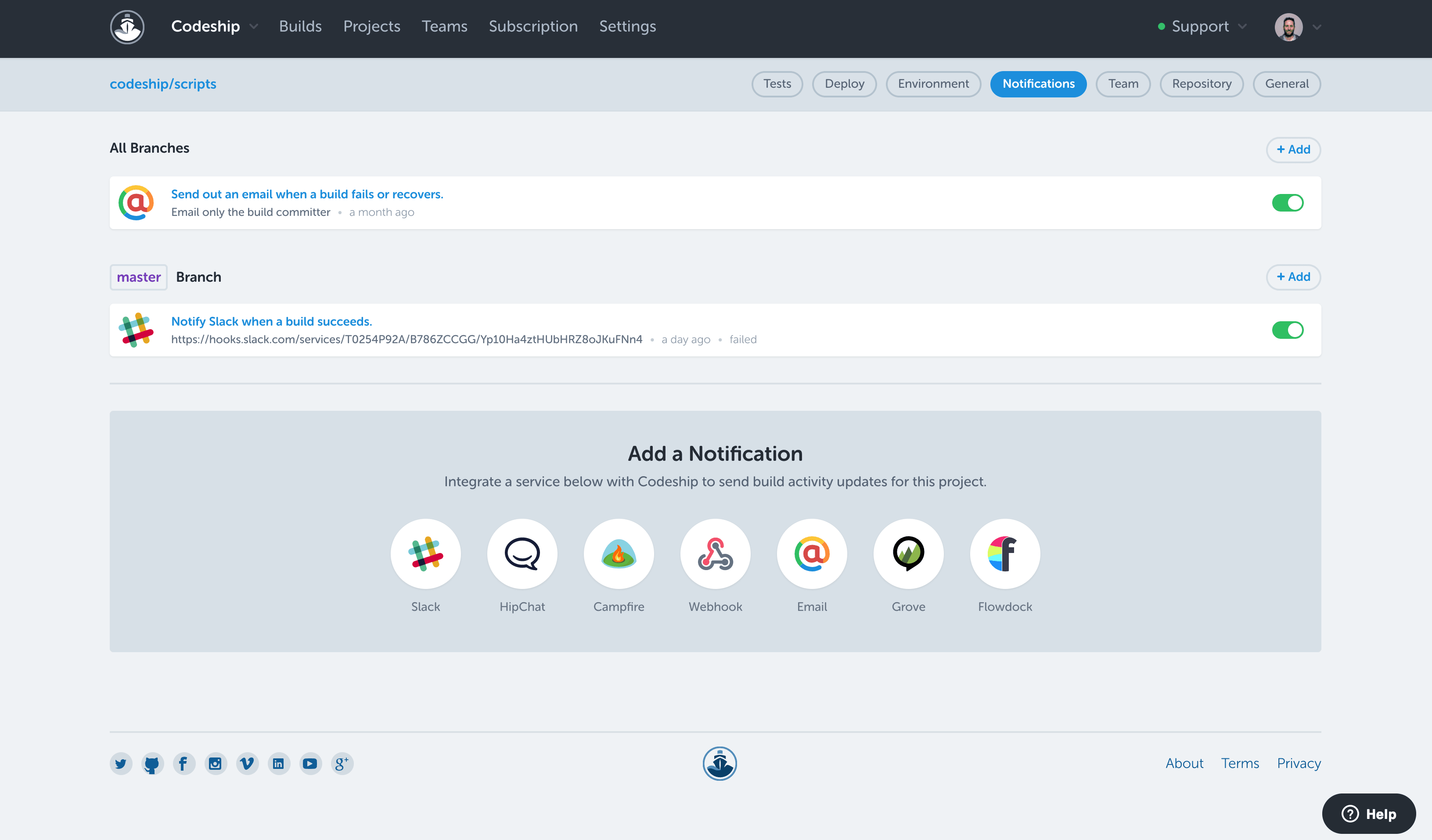
Codeship from CloudBees is a build automation platform from the Austrian company of the same name.
N/A
Jenkins
Score8.1 out of 10
N/A
Jenkins is an open source automation server. Jenkins provides hundreds of plugins to support building, deploying and automating any project. As an extensible automation server, Jenkins can be used as a simple CI server or turned into a continuous delivery hub for any project.
Lead Consultant - Technology in Information Technology at Virtusa (Computer Software, 10,001+ employees)
Chose CloudBees Codeship
Codeship is easier to use than Jenkins because it does not require you to set up your own server, and it provides a large amount of out-of-the-box integrations for version control systems and cloud environments. AWS CodePipeline is native to AWS and cannot deploy applications …
A de minimis incentive was given to thank the reviewer for their time. The incentive was not used to bias or drive a particular response, nor was the incentive contingent on a positive endorsement. More Info
Senior Software Engineer in Information Technology at EPAM Systems (Information Technology and Services, 10,001+ employees)
Chose CloudBees Codeship
Our company uses Jenkins for all internal deployment processes for one very important reason - it's hosted internally. But Codeship is great for personal use - it has intuitive UI, easy setup and tons of integrations.
A de minimis incentive was given to thank the reviewer for their time. The incentive was not used to bias or drive a particular response, nor was the incentive contingent on a positive endorsement. More Info
Sr. Software Developer in Research & Development at CONSLOG - Construction Software (Information Technology and Services, 11-50 employees)
Chose CloudBees Codeship
Back in those days, we didn't know about Gitlab, and Bitbucket didn't provide a CI pipeline. Jenkins is just too much for the simple tasks we wanted to achieve, besides, we didn't have a dedicated server for the sole purpose of having our code pipelined though continuous …
A de minimis incentive was given to thank the reviewer for their time. The incentive was not used to bias or drive a particular response, nor was the incentive contingent on a positive endorsement. More Info
Senior Software Engineer in Information Technology at EPAM Systems (Information Technology and Services, 10,001+ employees)
Chose Jenkins
Jenkins is ideal for developing software with high-security demands. It is hosted and set up locally and has no outside connections. But these pros could become cons when you work on open source projects and need to waste time for initial setup and maintenance over a project's …
A de minimis incentive was given to thank the reviewer for their time. The incentive was not used to bias or drive a particular response, nor was the incentive contingent on a positive endorsement. More Info
Software Development Engineer in Engineering at IBM (Computer Software, 10,001+ employees)
Chose Jenkins
Jenkins is a bit more technically rigorous than either of the other products, but once you begin to dive deeper into the software, you'll quickly realize that this learning curve is worth it. It had more customization and interfaces with more software services than the other …
A de minimis incentive was given to thank the reviewer for their time. The incentive was not used to bias or drive a particular response, nor was the incentive contingent on a positive endorsement. More Info
Codeship is extremely well suited for projects that are version controlled on public hosting such as Github or Bitbucket, and for situations where you need to pick up code from these systems and deploy it to different cloud environments. For example, we had two projects for the same client that were hosted on Github and needed to be deployed to AWS and Heroku. The native CI/CD tools of these cloud environments could not provide a holistic solution to deploy to both environments the way Codeship did.
A de minimis incentive was given to thank the reviewer for their time. The incentive was not used to bias or drive a particular response, nor was the incentive contingent on a positive endorsement. More Info
Jenkins is a highly customizable CI/CD tool with excellent community support. One can use Jenkins to build and deploy monolith services to microservices with ease. It can handle multiple "builds" per agent simultaneously, but the process can be resource hungry, and you need some impressive specs server for that. With Jenkins, you can automate almost any task. Also, as it is an open source, we can save a load of money by not spending on enterprise CI/CD tools.
A de minimis incentive was given to thank the reviewer for their time. The incentive was not used to bias or drive a particular response, nor was the incentive contingent on a positive endorsement. More Info
Codeship provides a set of tools for quickly creating and building our deployment artifacts and push them to the designated servers.
Codeship's hooks allows our developers to simply push tags from our git repositories to initiate a deployment of code to a server. No one outside of the devops team needs any expertise to get our code packages delivered.
Codeship allows us to tie in behat and unit tests easily to prevent delivery of buggy code.
A de minimis incentive was given to thank the reviewer for their time. The incentive was not used to bias or drive a particular response, nor was the incentive contingent on a positive endorsement. More Info
Automated Builds: Jenkins is configured to monitor the version control system for new pull requests. Once a pull request is created, Jenkins automatically triggers a build process. It checks out the code, compiles it, and performs any necessary build steps specified in the configuration.
Unit Testing: Jenkins runs the suite of unit tests defined for the project. These tests verify the functionality of individual components and catch any regressions or errors. If any unit tests fail, Jenkins marks the build as unsuccessful, and the developer is notified to fix the issues.
Code Analysis: Jenkins integrates with code analysis tools like SonarQube or Checkstyle. It analyzes the code for quality, adherence to coding standards, and potential bugs or vulnerabilities. The results are reported back to the developer and the product review team for further inspection.
A de minimis incentive was given to thank the reviewer for their time. The incentive was not used to bias or drive a particular response, nor was the incentive contingent on a positive endorsement. More Info
I would like to see a little bit more than the green/red status. If there are tests, it would be good to see how many have failed on a red build.
To improve build times (and reduce feedback times), it would be good to see how long build, tests, and deployment take over time. An overview like that could very easily point to potential areas of improvement. I think Codeship users do not want to bother with the build process, but, if there is anything to improve and increase productivity it's very unlikely that users wouldn't want to do this.
A de minimis incentive was given to thank the reviewer for their time. The incentive was not used to bias or drive a particular response, nor was the incentive contingent on a positive endorsement. More Info
We have a certain buy-in as we have made a lot of integrations and useful tools around jenkins, so it would cost us quite some time to change to another tool. Besides that, it is very versatile, and once you have things set up, it feels unnecessary to change tool. It is also a plus that it is open source.
A de minimis incentive was given to thank the reviewer for their time. The incentive was not used to bias or drive a particular response, nor was the incentive contingent on a positive endorsement. More Info
Jenkins streamlines development and provides end to end automated integration and deployment. It even supports Docker and Kubernetes using which container instances can be managed effectively. It is easy to add documentation and apply role based access to files and services using Jenkins giving full control to the users. Any deviation can be easily tracked using the audit logs.
A de minimis incentive was given to thank the reviewer for their time. The incentive was not used to bias or drive a particular response, nor was the incentive contingent on a positive endorsement. More Info
No, when we integrated this with GitHub, it becomes more easy and smart to manage and control our workforce. Our distributed workforce is now streamlined to a single bucket. All of our codes and production outputs are now automatically synced with all the workers. There are many cases when our in-house team makes changes in the release, our remote workers make another release with other environment variables. So it is better to get all of the work in control.
A de minimis incentive was given to thank the reviewer for their time. The incentive was not used to bias or drive a particular response, nor was the incentive contingent on a positive endorsement. More Info
As with all open source solutions, the support can be minimal and the information that you can find online can at times be misleading. Support may be one of the only real downsides to the overall software package. The user community can be helpful and is needed as the product is not the most user-friendly thing we have used.
A de minimis incentive was given to thank the reviewer for their time. The incentive was not used to bias or drive a particular response, nor was the incentive contingent on a positive endorsement. More Info
It is worth well the time to setup Jenkins in a docker container. It is also well worth to take the time to move any "Jenkins configuration" into Jenkinsfiles and not take shortcuts.
A de minimis incentive was given to thank the reviewer for their time. The incentive was not used to bias or drive a particular response, nor was the incentive contingent on a positive endorsement. More Info
Our company uses Jenkins for all internal deployment processes for one very important reason - it's hosted internally. But Codeship is great for personal use - it has intuitive UI, easy setup and tons of integrations.
A de minimis incentive was given to thank the reviewer for their time. The incentive was not used to bias or drive a particular response, nor was the incentive contingent on a positive endorsement. More Info
Overall, Jenkins is the easiest platform for someone who has no experience to come in and use effectively. We can get a junior engineer into Jenkins, give them access, and point them in the right direction with minimal hand-holding. The competing products I have used (TravisCI/GitLab/Azure) provide other options but can obfuscate the process due to the lack of straightforward simplicity. In other areas (capability, power, customization), Jenkins keeps up with the competition and, in some areas, like customization, exceeds others.
A de minimis incentive was given to thank the reviewer for their time. The incentive was not used to bias or drive a particular response, nor was the incentive contingent on a positive endorsement. More Info
Having the code tested thoroughly. While it's obviously a part of the job that still requires the developer to sit down and to actually have some decent and thorough tests implemented, by using codeship we were able to guarantee 100% that our code was being tested each and every time it got commited and pushed onto our repositories. Leading to a faster, shorter and sure implementation iterative cycle.
Fewer 'man in the middle' processes which required more steps and people involved just to get the code shipped onto our deployment servers.
Almost inexistent learning curve. Codeship is simple to use and very intuitive. Nobody in our development department had a hard time figuring out how to have it properly configured for each new project created there.
A de minimis incentive was given to thank the reviewer for their time. The incentive was not used to bias or drive a particular response, nor was the incentive contingent on a positive endorsement. More Info
A de minimis incentive was given to thank the reviewer for their time. The incentive was not used to bias or drive a particular response, nor was the incentive contingent on a positive endorsement. More Info