
CMW Platform vs. Process Street
CMW Platform vs. Process Street
| Product | Rating | Most Used By | Product Summary | Starting Price |
|---|---|---|---|---|
 CMW Platform | Mid-Size Companies (51-1,000 employees) | CMW Platform (formerly Comindware) is a business process management software centered on worklows to build automations. It implements a drag-and-drop interface along with Excel-style rules and forms. | N/A | |
 Process Street | N/A | Process Street in San Francisco offers their application which allows teams to create simple recurring checklists, collaborate around them and track as they’re completed. | $25 per month per user |
| CMW Platform | Process Street | |||||||||||||||
|---|---|---|---|---|---|---|---|---|---|---|---|---|---|---|---|---|
| Editions & Modules | No answers on this topic |
| ||||||||||||||
| Offerings |
| |||||||||||||||
| Entry-level Setup Fee | Optional | No setup fee | ||||||||||||||
| Additional Details | Comindware Tracker is available for purchase on a per-user subscription plan. | — | ||||||||||||||
| More Pricing Information | ||||||||||||||||
| CMW Platform | Process Street |
|---|
| CMW Platform | Process Street | ||||||||||||
|---|---|---|---|---|---|---|---|---|---|---|---|---|---|
| Reporting & Analytics |
| ||||||||||||
| Process Engine |
| ||||||||||||
| Collaboration |
| ||||||||||||
| Content Management Capabilties |
|
| CMW Platform | Process Street | |
|---|---|---|
| Small Businesses |  Kintone Score 9.7 out of 10 | Kintone Score 9.7 out of 10 |
| Medium-sized Companies | Kintone Score 9.7 out of 10 | Kintone Score 9.7 out of 10 |
| Enterprises |  Workato Score 9.3 out of 10 | CMW Platform Score 9.4 out of 10 |
| All Alternatives | View all alternatives | View all alternatives |
| CMW Platform | Process Street | |
|---|---|---|
| Likelihood to Recommend | 8.0 (71 ratings) | 9.2 (11 ratings) |
| Likelihood to Renew | 9.1 (1 ratings) | - (0 ratings) |
| Usability | 7.1 (7 ratings) | - (0 ratings) |
| Support Rating | 8.5 (23 ratings) | 9.0 (7 ratings) |
| CMW Platform | Process Street | |
|---|---|---|
| Likelihood to Recommend |  CMW Lab
 Brandi Moore Senior Financial Analyst | Process Street
|
| Pros | CMW Lab
| Process Street
 Nora Delolli Marketing & Listing Manager |
| Cons | CMW Lab
 Gautami Sane Cloud Services & Software Engineer | Process Street
Nora Delolli Marketing & Listing Manager |
| Likelihood to Renew | CMW Lab
 Vikas Hooda Senior Sales Consultant | Process Street No answers on this topic |
| Usability | CMW Lab
| Process Street No answers on this topic |
| Support Rating | CMW Lab
 Aditya Sethi Software Engineer | Process Street
 Kevin Miller Owner |
| Alternatives Considered | CMW Lab
| Process Street
 Malessa Brisbane Web Marketing Consultant |
| Return on Investment | CMW Lab
 Rober Thendrickson Agile Developer | Process Street
|
| ScreenShots | CMW Platform Screenshots   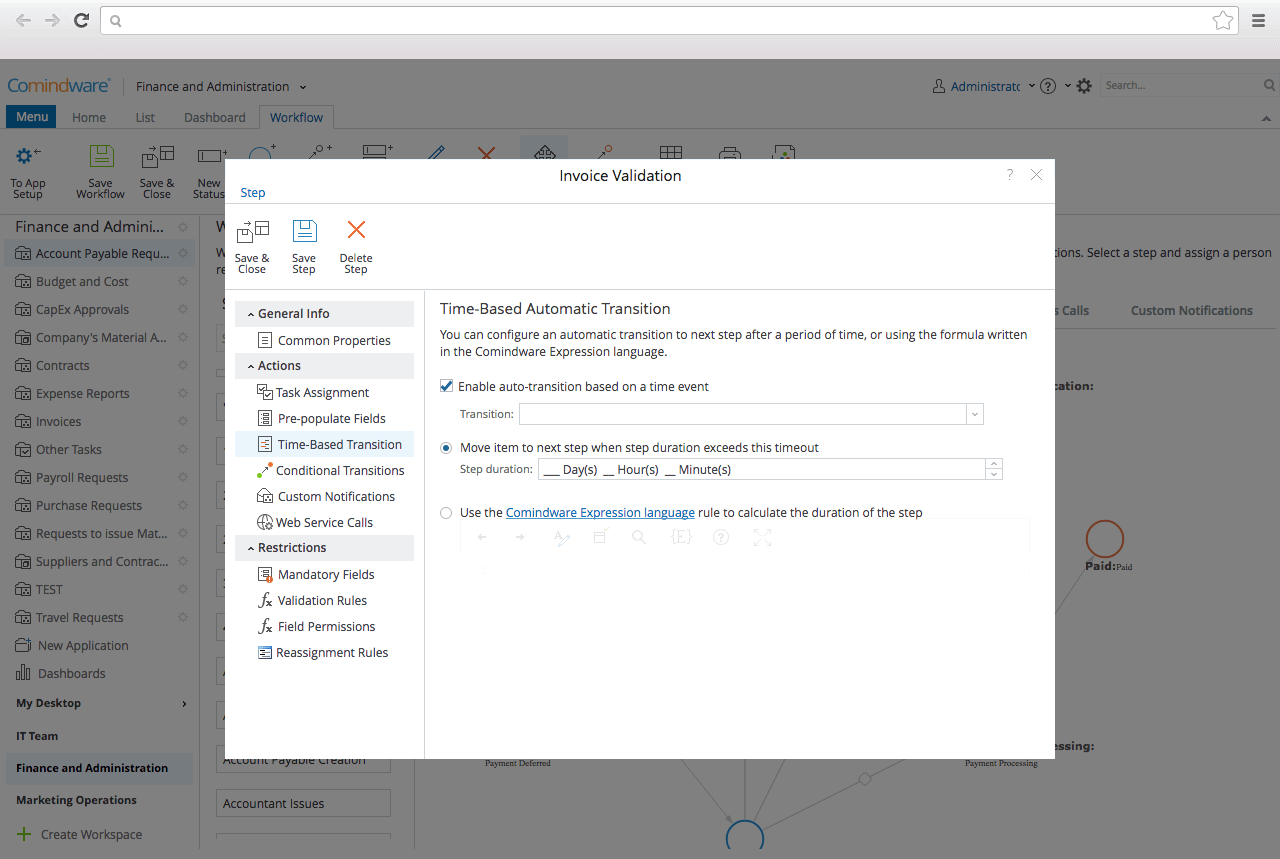   | Process Street Screenshots    |