
CoConstruct vs. McGraw-Hill Connect
| Product | Rating | Most Used By | Product Summary | Starting Price |
|---|---|---|---|---|
 CoConstruct | Score7.2 out of 10 | N/A | CoConstruct, from Buildertrend since the November 2021 acquisition, is a custom builder & remodeler software. It allows users to enter data once and have that information flow through the estimate, specs, selections, bids, proposals, change orders, and budgets, including to and from QuickBooks. In addition, CoConstruct includes scheduling and 3-way communication between builder, client, and trade partners. Everything is captured via email and texting. Login isn't required for… | $49 per month |
 McGraw-Hill Connect | Score8 out of 10 | N/A | McGraw-Hill Connect is an e-learning platform offered by McGraw-Hill Education. Features include course and assignment creation, grading, learning aides, e-books, and student portals. | N/A |
| CoConstruct | McGraw-Hill Connect | |||||||||||||||
|---|---|---|---|---|---|---|---|---|---|---|---|---|---|---|---|---|
| Editions & Modules |
| No answers on this topic | ||||||||||||||
| Offerings |
| |||||||||||||||
| Entry-level Setup Fee | No setup fee | No setup fee | ||||||||||||||
| Additional Details | CoConstruct pricing is based on active job sites that have client access online, which means it is adaptable to builders & remodelers businesses. This means that there are an unlimited amount of projects available for estimates and proposals, so that customers only pay when they win a contract. Also built into the pricing are a myriad of services: a dedicated implementation coach, free estimate & scheduling templates based on industry best practices from successful builders and the NAHB, unlimited storage and users, software branded with the customer's logo, unlimited amount of warranty projects, and unlimited phone & email support. The vendor offers a money-back guarantee that is good for the first 90 days of service. | — | ||||||||||||||
| More Pricing Information | ||||||||||||||||
| CoConstruct | McGraw-Hill Connect | |
|---|---|---|
| Considered Both Products | No answer on this topic | No answer on this topic |
| Key User Insights | ||
| Would buy again | ||
92% Would buy again 12 Answers | 86% Would buy again 6 Answers | |
| Delivers good value for the price | ||
92% Delivers good value for the price 12 Answers | 83% Delivers good value for the price 5 Answers | |
| Happy with the feature set | ||
77% Happy with the feature set 10 Answers | 86% Happy with the feature set 6 Answers | |
| Lived up to sales and marketing promises | ||
91% Lived up to sales and marketing promises 10 Answers | 67% Lived up to sales and marketing promises 4 Answers | |
| Implementation went as expected | ||
67% Implementation went as expected 8 Answers | 100% Implementation went as expected 6 Answers | |
| CoConstruct | McGraw-Hill Connect | |
|---|---|---|
| Small Businesses | No answers on this topic |  Renaissance Accelerated Reader Score9.9 out of 10 |
| Medium-sized Companies | No answers on this topic | Renaissance Accelerated Reader Score9.9 out of 10 |
| Enterprises | No answers on this topic | Renaissance Accelerated Reader Score9.9 out of 10 |
| All Alternatives | View all alternatives | View all alternatives |
| CoConstruct | McGraw-Hill Connect | |
|---|---|---|
| Likelihood to Recommend | 8.0 | 8.0 |
| Usability | - | 7.5 |
| Support Rating | 9.8 | 2.9 |
| CoConstruct | McGraw-Hill Connect | |
|---|---|---|
| Likelihood to Recommend |
|
|
| Pros |
|
|
| Cons |
|
|
| Usability | No answers on this topic |
|
| Support Rating |
|
|
| Alternatives Considered |
|
|
| Return on Investment |
|
|
| ScreenShots | CoConstruct Screenshots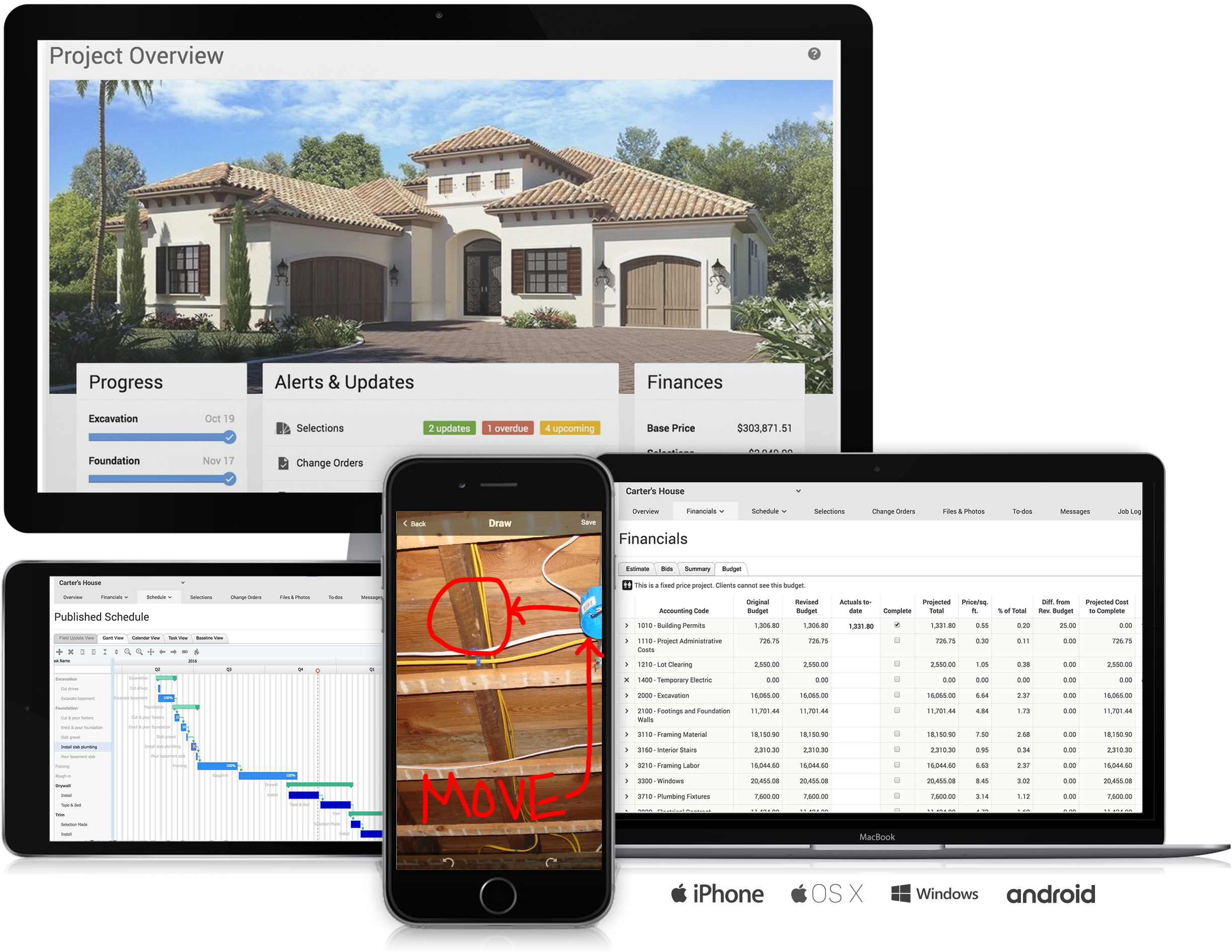 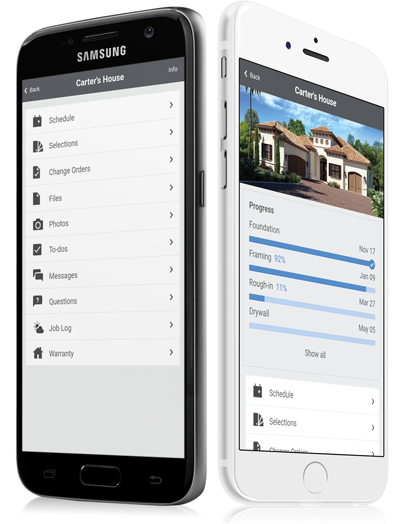     |



