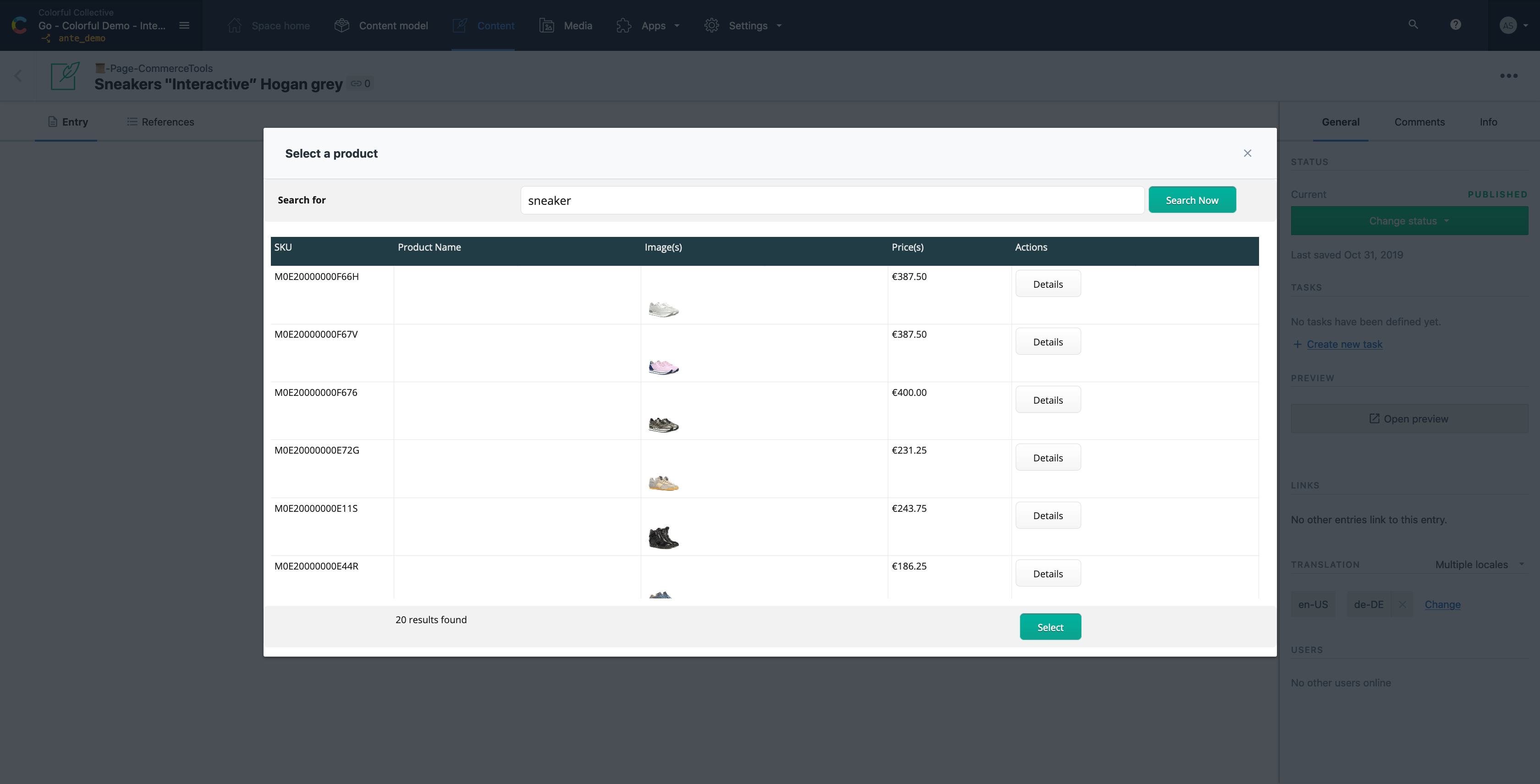
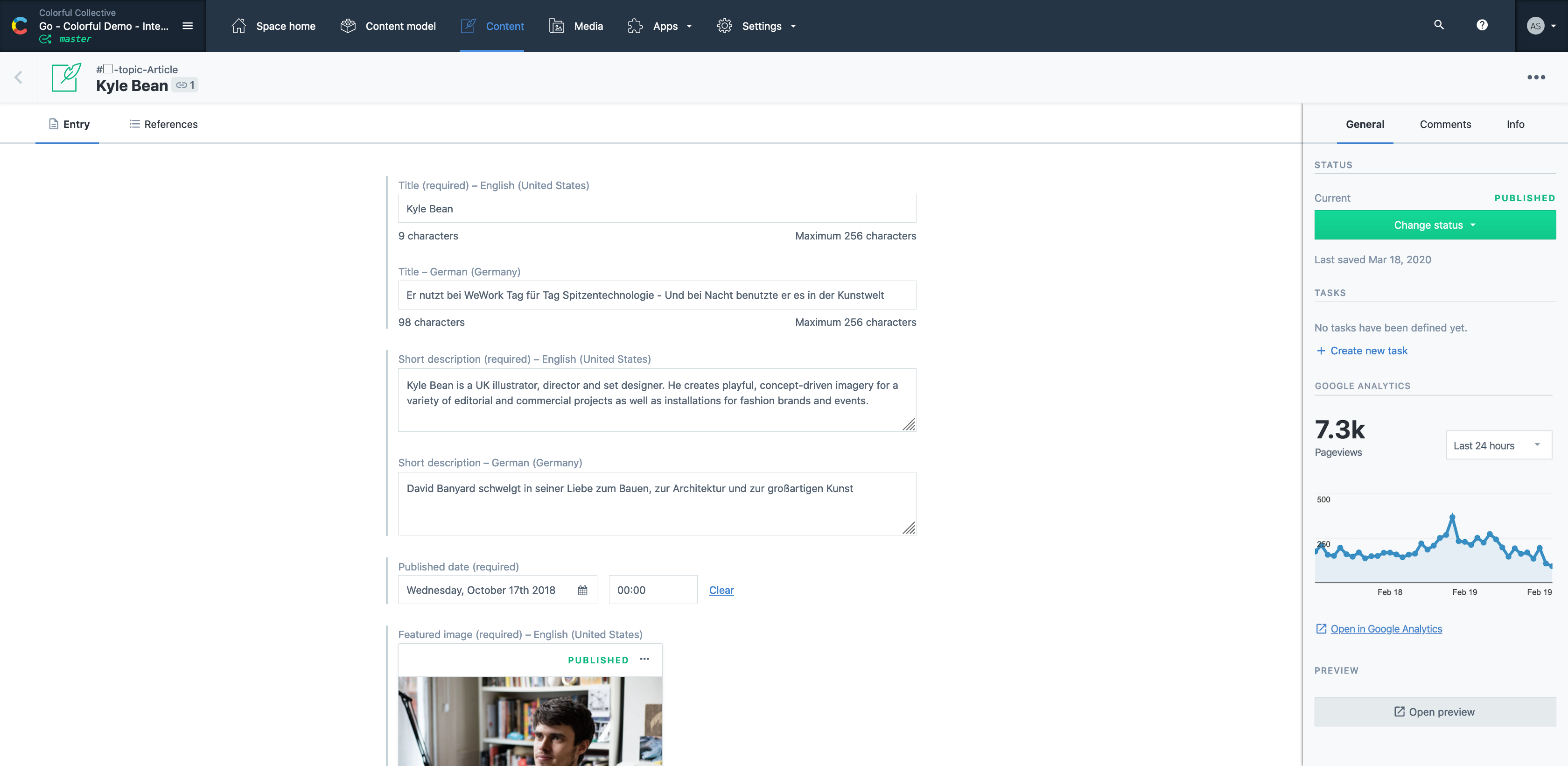
Contentful is a cloud based CMS solution that provides the ability to manage content across multiple platforms.The editing interface allows for managing content interactively and provides developers the ability to deliver the content with the programming language and template framework of their choice.
$0
UXPin
Score7.9 out of 10
N/A
UXPin is a UX design platform with wireframing, prototyping and interactive mockup features.
It's a great all rounder for content projects. It's easy in the basics and powerful in the complex, data heavy scenarios. Extending the platform is straightforward and the SDK gives you everything you need. If you have many many varying content types , it gets expensive and perhaps not the best choice .
A de minimis incentive was given to thank the reviewer for their time. The incentive was not used to bias or drive a particular response, nor was the incentive contingent on a positive endorsement. More Info
UXPin is an excellent resource for creating website and app flows and to better help our clients understand how their websites and apps will function. It also gives them a visual reference and some real-life application. It can be difficult for clients to truly understand how a website or an app flows from one page or screen to another via a phone call or web conference. UXPin helps us to illustrate these flows in a hands-on, visual format. UXPin also helps our clients understand the purpose of a sitemap. We used to send our clients a sitemap in an outline format. While many understood that the top-level items on the outline were the main navigation of their website and other items were child pages, several did not. We have found that using UXPin to show the main level navigation, how in-page navigation and child pages (drop-down menus from the main navigation) work has been an integral step in getting approval on sitemaps.
A de minimis incentive was given to thank the reviewer for their time. The incentive was not used to bias or drive a particular response, nor was the incentive contingent on a positive endorsement. More Info
A de minimis incentive was given to thank the reviewer for their time. The incentive was not used to bias or drive a particular response, nor was the incentive contingent on a positive endorsement. More Info
Smart elements are super nice because they allow me to create complicated features that will appear on every page. When the client wants to change something it is very easy to do so in one place.
Working on grid is important to me. Having the ability to change and manipulate that grid in UXPin is just what I need.
There are tons of add on features like Font Awesome icons and prebuilt stuff that not only looks great, but also just lets me get ideas across fast without committing to what the final design is going to look like.
I love the ability to edit things if I want. I can control several details, but it's not too overwhelming. They include various font options from Google fonts as well. You can design as much or as little as you want. The interface doesn't get in the way. It's there if you want it but has a simplicity that is nice.
Having a link on a live webpage is a necessity. As soon as you make changes, they are live. No more worrying about which is the latest version.
I'm a photoshop user so it has a few keyboard commands that are familiar like hold 'alt', click and drag to duplicate is nice!
A de minimis incentive was given to thank the reviewer for their time. The incentive was not used to bias or drive a particular response, nor was the incentive contingent on a positive endorsement. More Info
Contentful uses "references" to allow you to build very modular content. If I have a "slider" content type, I can create a "slide" content type which references a "button" content type, and so forth. This works well, but I occasionally wish there was a better solution for one-off content, like a settings page. Currently, this is done for creating an entire content type called "settings" with a single entry. Not a big deal, but not ideal, either.
There are a few quirks with GatsbyJS integration, etc, but these issues are being fixed and improved upon very quickly.
A minor gripe, but Contentful does not have a way to organize fields within an entry. Entries with many fields are somewhat tiresome to scroll through.
A de minimis incentive was given to thank the reviewer for their time. The incentive was not used to bias or drive a particular response, nor was the incentive contingent on a positive endorsement. More Info
No search and replace for fonts (missing or just to replace).
Tool is built for design/dev teams but does not integrate content teams in well.
If you are not careful you can get lost in designing interactions when you should be just creating building blocks - don’t over animate!!!
There is currently no “scrub” or click-drag interaction which limits touch capability testing/concepts.
Editing adaptive versions of designs is very time consuming, edits to not ripple through from master viewport size. All updates are manual, even when creating an adaptive version.
When a library item is updated, it can revert changes you have made unknowingly.
Video integration is limited to online video host aggregators such as IMGR, YouTube, and Vimeo.
Not a ton of info for a designer on how to use the expressions effectively.
Prototypes with a lot of interactions can get slow, especially on computers with a lot of security software. It’s best to work with UXPin to figure out what is blocking APIs, and JS.
We'll definitely continue to use UXPin. Right now it provides us with everything we need in order to deliver quality projects to our clients. If at any point in time, UXPin doesn't provide us with what we need, we'll start vetting other software out there that may be similar. My guess is that UXPin will continue to make updates and improvements so we'll likely stick with it for quite some time.
A de minimis incentive was given to thank the reviewer for their time. The incentive was not used to bias or drive a particular response, nor was the incentive contingent on a positive endorsement. More Info
It is a very easy to use and configure application. I find that it is on the user to manage the content after the models have been created, yet I still do not encounter issues finding or creating new components for our site. It is easy to set up and easy to navigate.
A de minimis incentive was given to thank the reviewer for their time. The incentive was not used to bias or drive a particular response, nor was the incentive contingent on a positive endorsement. More Info
As far as I know, my teams have only had to use the UXPin support once. The experience went really well. We just needed a bit of assistance with using the Documentation feature. UXPin's support was quick and helped my team in a matter of minutes. We will definitely reach out to their support without hesitation in the future.
A de minimis incentive was given to thank the reviewer for their time. The incentive was not used to bias or drive a particular response, nor was the incentive contingent on a positive endorsement. More Info
Easy to use and much more organized as a single platform versus multi. The layout is clean and easy to read and we don’t have to worry about certain users safe guarding data or content then losing it when they leave the company. It’s a one stop shop for imagery
A de minimis incentive was given to thank the reviewer for their time. The incentive was not used to bias or drive a particular response, nor was the incentive contingent on a positive endorsement. More Info
Adobe XD is so much more than UXPin, with Adobe Cloud you can easily share designs as well. We used Adobe XD before changing to UXPin. At first UXPin seems so advanced and helpful, but don't get fooled. You're heavily limited in the long run, and after all the training and implementation of UXPin (both app-wise for IT but also training designers etc) it is not worth your time.
Contentful has saved us valuable development time that was previously spent doing deploys for minor content updates.
Contentful has helped us maintain consistent documentation, reducing time needed to review for consistency.
Can't say we've really experienced any negative ROI impacts from using Contentful, but we've run into some limitations in adding too many content models and the next pricing tier is substantially more expensive.
A de minimis incentive was given to thank the reviewer for their time. The incentive was not used to bias or drive a particular response, nor was the incentive contingent on a positive endorsement. More Info
Saving money by using one tool for lo-fi wireframing, high fidelity wireframing, prototyping, and user testing, rather than four separate tools.
The ability to create and use team libraries enables us to create visually consistent designs with less effort than creating every single design from scratch, which allows us to save considerable time (and therefore money!)
In-platform collaboration saves our team a lot of time and energy. With everything in one place (wireframes, prototypes, user feedback, collaboration comments), we can all be on the same page about the design workflow and pinpoint discussion points that are based on up-to-date designs.
A de minimis incentive was given to thank the reviewer for their time. The incentive was not used to bias or drive a particular response, nor was the incentive contingent on a positive endorsement. More Info