For enterprises, Microsoft 365 Copilot (or just Microsoft Copilot) is a generative AI operating as an intelligent virtual assistant for work. Through a chat interface, business users can use it to solve a variety of complex tasks.
$31.50
per month per user
People.ai
Score 9.9 out of 10
Enterprise companies (1,001+ employees)
People.ai is a revenue intelligence platform for go-to-market teams. The platform promises to help sales, marketing and customer success teams uncover every revenue opportunity from every customer. Customers include: Lyft, Gainsight, Tanium and Palo Alto Networks. People.ai helps them capture contacts, activity and engagement and drive actionable insights across all their revenue generation. Founded in 2016, People.ai is based in San Francisco and is backed by Y Combinator and…
N/A
Pricing
Microsoft 365 Copilot
People.ai
Editions & Modules
Microsoft Copilot
$31.50
per month per user
No answers on this topic
Offerings
Pricing Offerings
Microsoft 365 Copilot
People.ai
Free Trial
No
No
Free/Freemium Version
Yes
No
Premium Consulting/Integration Services
No
No
Entry-level Setup Fee
No setup fee
No setup fee
Additional Details
Pricing shown is based on an annual commitment. Discount available for annual payment.
I highly recommend its usage in Teams meetings to prepare a session transcript, meeting minutes, next steps and recognize speech by person. Also within the meeting recording, there is separation between the people talking at the time. The Copilot image creation is very accurate and useful to customize my PowerPoint presentations and other documents
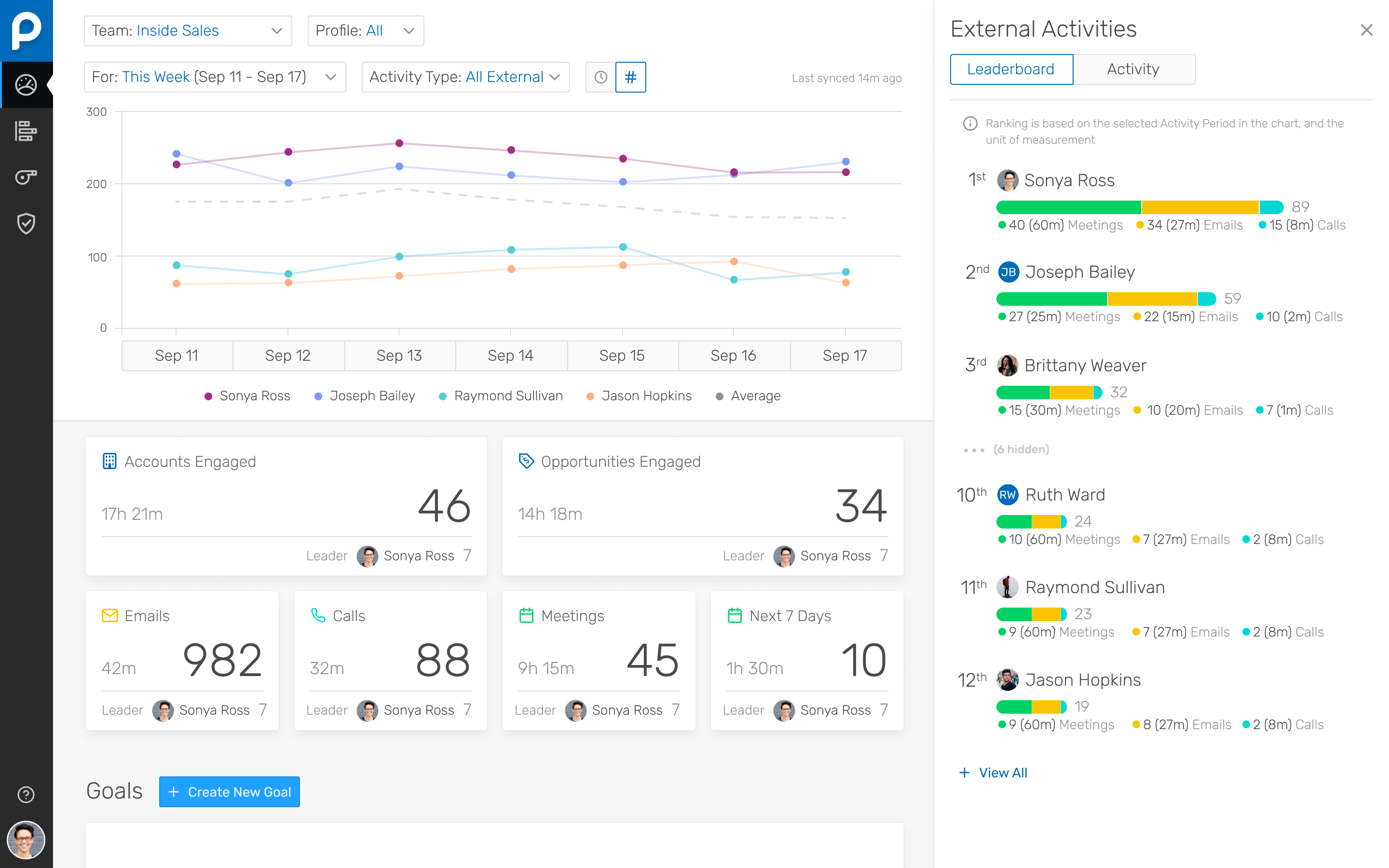
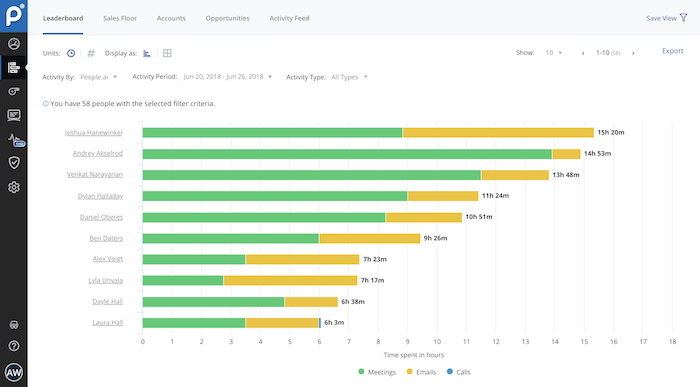
I've been using People.ai for a bit now, and I've been consistently impressed. I use it to track how my team is doing, how my clients are doing, and how I'm doing. I can create custom dashboards with any metric I want to see. I can set goals, and they'll track my progress towards those goals. I can set up competitions between my team, and they'll tell me who's winning and who's losing. You can share these dashboards with your team, which means that everyone can see how everyone else is doing.
Their Deal Room presents times when you are multi-threaded, engaged with executives, and have an upcoming meeting scheduled rather than stalking your reps calendar and salesforce activities.
They allow you to create areas performance dashboard with custom KPIs you want to measure
The quality of image generation in Microsoft Copilot could be improved. Compared to other AI platforms, Copilot's images often fall short in quality and frequently contain typos.
When generating agents and chatbots, Microsoft Copilot currently doesn't appear to support file download functionality.
The email reply function is useful, but the responses can sometimes be overly elaborate. It would be helpful to have more options for adjusting the tone.
People.ai has a robust platform, however, this requires sales reps to log into one more platform and the People.ai platform is not customizable for selecting what can be viewed by users. If People.ai were to make the features in their platform available in Salesforce it would be a huge win for leveraging the data they aggregate. Hoping an API will soon be on the Roadmap
Time Spent. People.ai uses some logic to attribute values on the "time spent" on the activities being captured. They did improve their meeting aggregations so that they were not "double counting" time when multiple meetings were booked in the same time slot for a rep. Email time spent still seems to have some errors as the time spent on emails can show in excess of the weekly working hours of the reps.
I give this rating because of the utilization I do with the product and the level security it provides which is very good. In our organization it is best suited as we have all other Microsoft tools with us. The offering made by Microsoft is great, I gave 9 out of 10 as sometimes it hallucinates as well.
We needed a tool where secure data was not submitted to servers to process as we have some health care related data to keep private. We also needed to be able to test this tool without committing first to see if it is a fit and Microsoft provided this easily to us.
The easiest comparison would be to email automation vendors like a SalesLoft, Outreach, or Groove. But People.ai doesn't have a template email send like a sequence or cadence feature you would find with them. It is more of a compliment to the email automation vendors than a competitor in my opinion. We want our SDRs to have the ability run sizable outbound campaigns so they still use Outreach. However, we deactivated the Outreach activity sync and run activity syncing through People.ai. If someone gets added into the email CC, People.ai will grab that person and create them as a contact against the matching Salesforce account. For our Sales reps, we want them to have the ability to track opens, link clicks, and send templated emails so we have them use Groove. Again, we deactivated the Salesforce sync and use People.ai syncing. This is a great way to automate the pain away from creating Opportunity Contact Roles and create all relevant contacts in Salesforce from CC's on emails to people added last minute on a calendar invite. My favorite part is how it ingests data directly from Google and doesn't allow a Sales Rep to not to sync an activity to Salesforce, it happens automagically