Painter is a digital art and painting application, from Corel Corporation.
N/A
OneSpan Sign
Score9.6 out of 10
Enterprise companies (1,001+ employees)
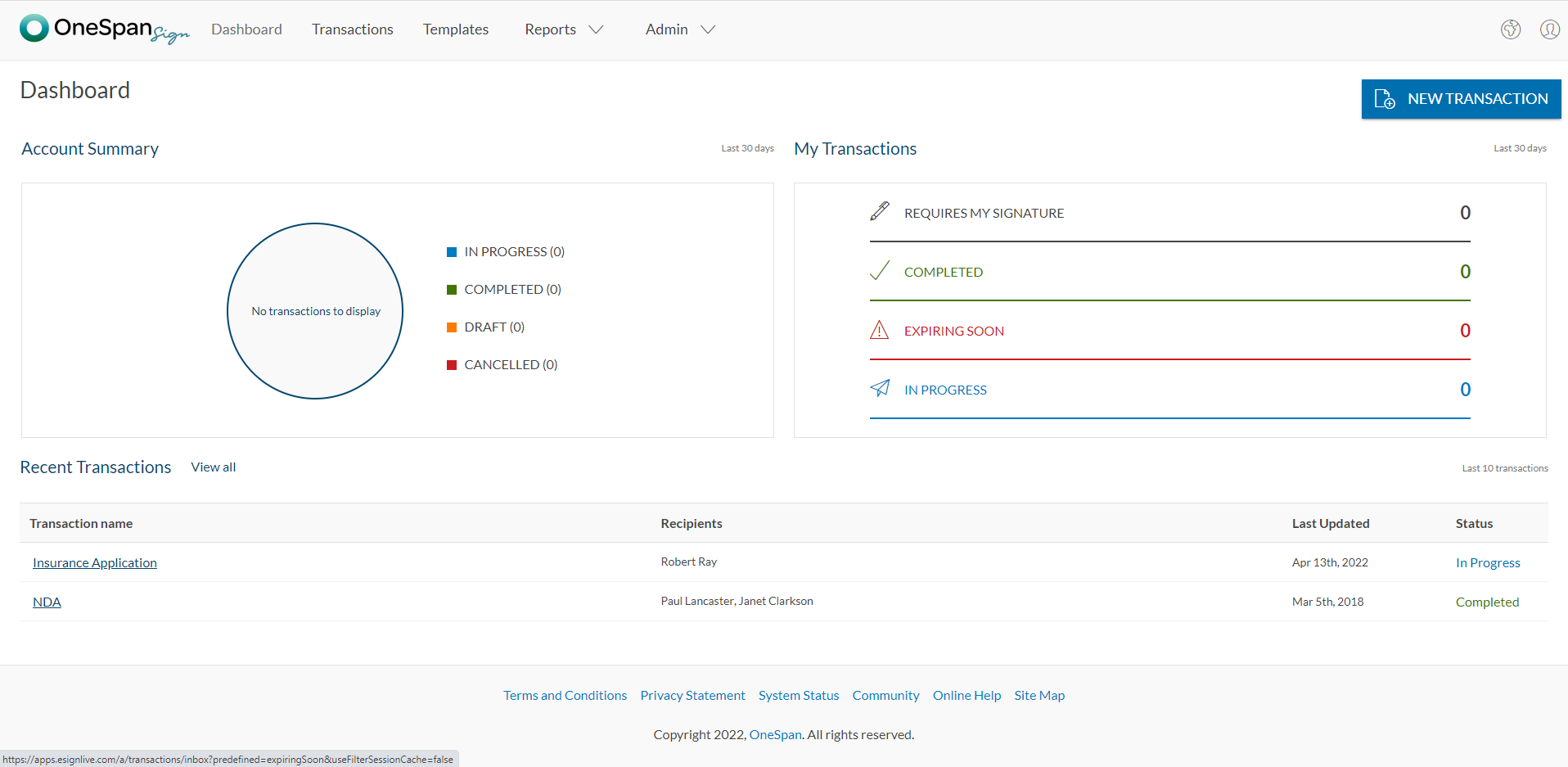
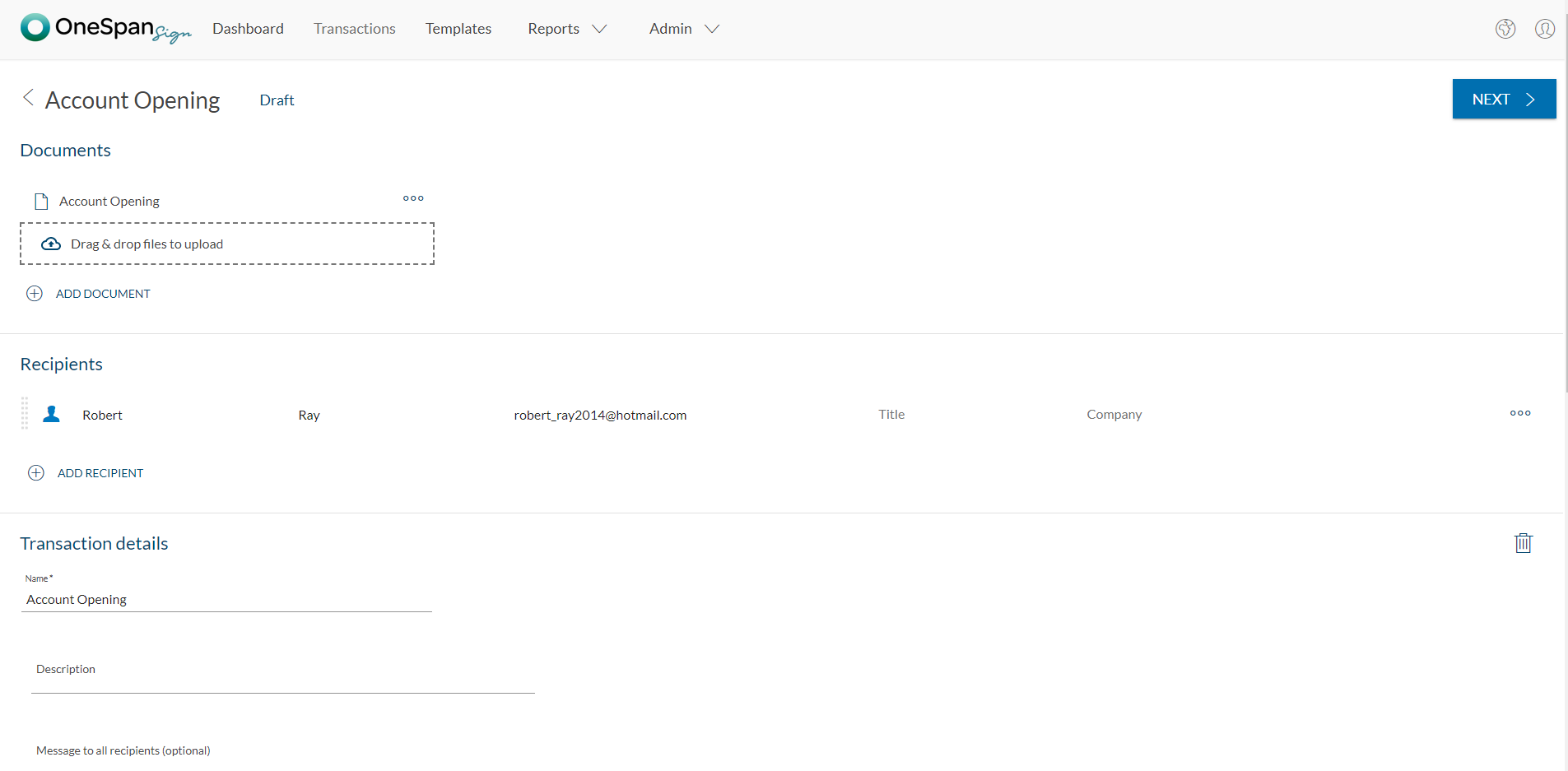
OneSpan Sign (formerly eSignLive) is an e-signature solution for secure document signing processes that enables organizations to digitize business processes and eliminate costly paper and inconvenient “wet” signatures.
Corel Painter does have a lot of great brushes, and they do emulate real art supplies very well. Especially the thick paint is well done. But unfortunately there are so many functional and UX bugs that overall it is just horrible to work with. When contacting customer support about it, they really seem clueless about the seriousness of the situation, and clueless about what proper UX is in general. They have tried to make it work a bit like Photoshop, which is a good move but then some things are absolutely not intuitive at all and they are definitely missing the mark horribly with so many issues. I would highly recommend using Photoshop instead, though you'll have to download them separately; it also offers a lot of great brushes nowadays and works much much smoother without all those aggravating bugs of Painter. The price of Corel Painter is just not at all worth all these horrible bugs.
OneSpan Sign is suited to many professional business situations. It is well used by the legal, security and compliance teams as well as many people within the financial functions. A lot of businesses have become very agile, and require a paperless environment to working. There are some companies and businesses who would prefer paper documents to be signed, which would not work as well as the paperless versions. I would use it in many different scenarios where I would prefer to have a paperless transaction
A de minimis incentive was given to thank the reviewer for their time. The incentive was not used to bias or drive a particular response, nor was the incentive contingent on a positive endorsement. More Info
A de minimis incentive was given to thank the reviewer for their time. The incentive was not used to bias or drive a particular response, nor was the incentive contingent on a positive endorsement. More Info
I don't see any reasons to change as their solution covers all my need for now. I could make even more integrations but that might be something that I will do down the road. I'm used to working with the interface and my data is all there as well.
If it wasn't quite clear yet, I'll state it again: the usability of Corel Painter is, simply put, horrid. And I am not talking about rendering, lagging, etc., it is not even all that bad there. I am talking about the weird issues like being unable to move a brush into a custom brush palette when you work on a second screen, like being unable to move the software onto the second screen in the first place unless you separate all the palettes and the windows (and if nobody tells you upfront there is no way of knowing because the manual doesn't state this at all), and then having to drag all your separate windows and palettes over one by one every time your computer wakes up again, and they won't really want to move to the other screen but only through a tiny corner of your screen, and the fact that you have to scroll through lists and lists of fonts but can't search and when you apply this font, add another piece of text the font jumps back to the default font of all the text already applied even when you haven't selected any of the text. Just to name a very small few.
A de minimis incentive was given to thank the reviewer for their time. The incentive was not used to bias or drive a particular response, nor was the incentive contingent on a positive endorsement. More Info
It was really hard to get them to understand what I was having problems with. It was hard to get the message through that Painter has an unacceptable amount of functional and UX bugs. When I finally talked to someone who was easier to communicate with, he was very stoic about the situation, like they didn't really care about the awful amount of bugs.
The product is so well designed and built that we rarely need to reach out to customer service. But we have reached out to them in case of downtime, and we have always gotten a satisfactory response. We never had to follow up, as customer service executives were very responsible.
Corel Painter has support to multiple OS and across all the devices. Coloring and multi layer imaging works very well. The new enhanced brush settings and the redesigned brush libraries.
A de minimis incentive was given to thank the reviewer for their time. The incentive was not used to bias or drive a particular response, nor was the incentive contingent on a positive endorsement. More Info
My experience with OneSpan in the customer service has been very positive. However, since my experience with OneSpan is much more recent, most of my technical experience with OneSpan includes technical areas that were not available in other products at the time I was working with other products.
A de minimis incentive was given to thank the reviewer for their time. The incentive was not used to bias or drive a particular response, nor was the incentive contingent on a positive endorsement. More Info
A de minimis incentive was given to thank the reviewer for their time. The incentive was not used to bias or drive a particular response, nor was the incentive contingent on a positive endorsement. More Info
A de minimis incentive was given to thank the reviewer for their time. The incentive was not used to bias or drive a particular response, nor was the incentive contingent on a positive endorsement. More Info