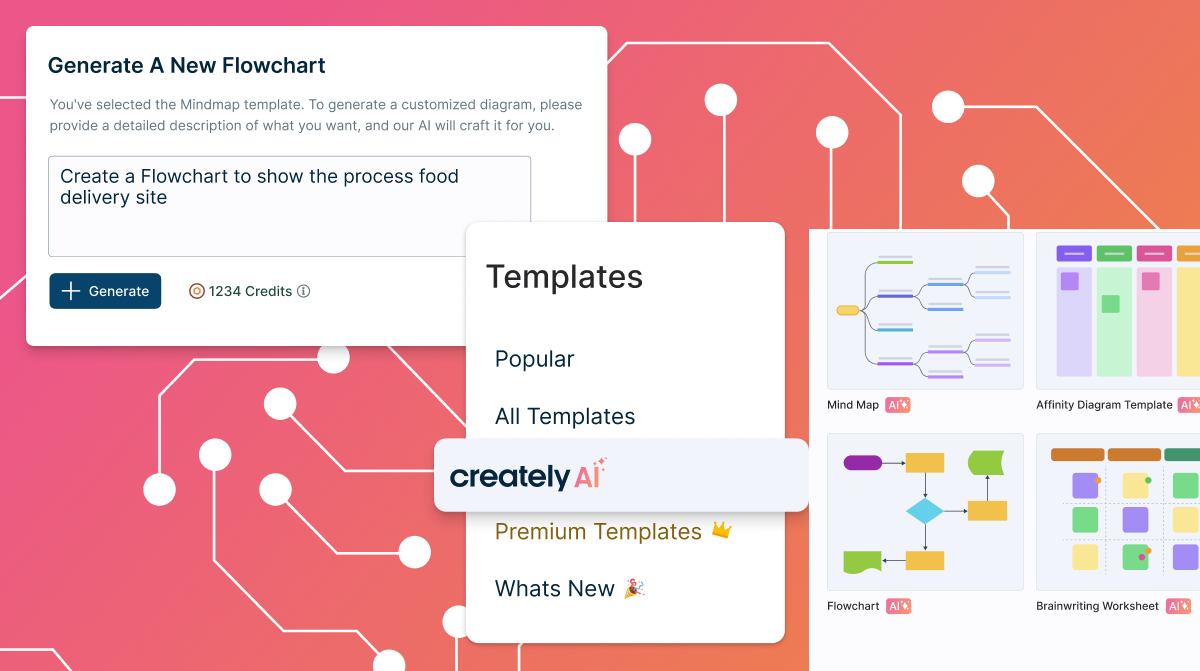
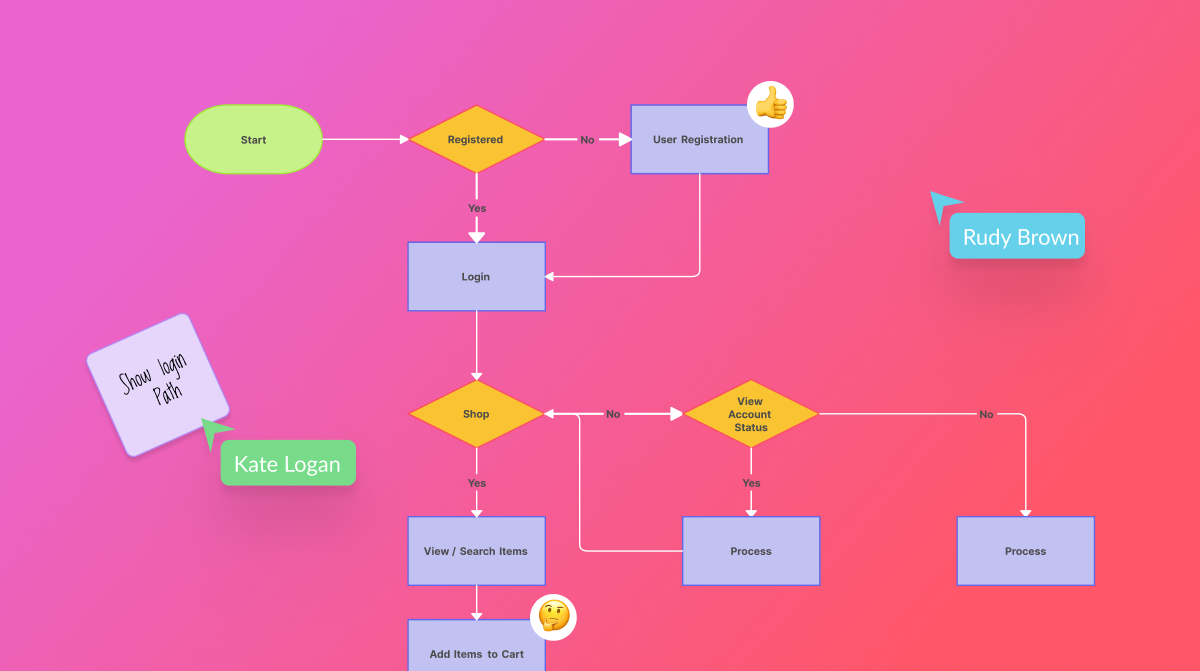
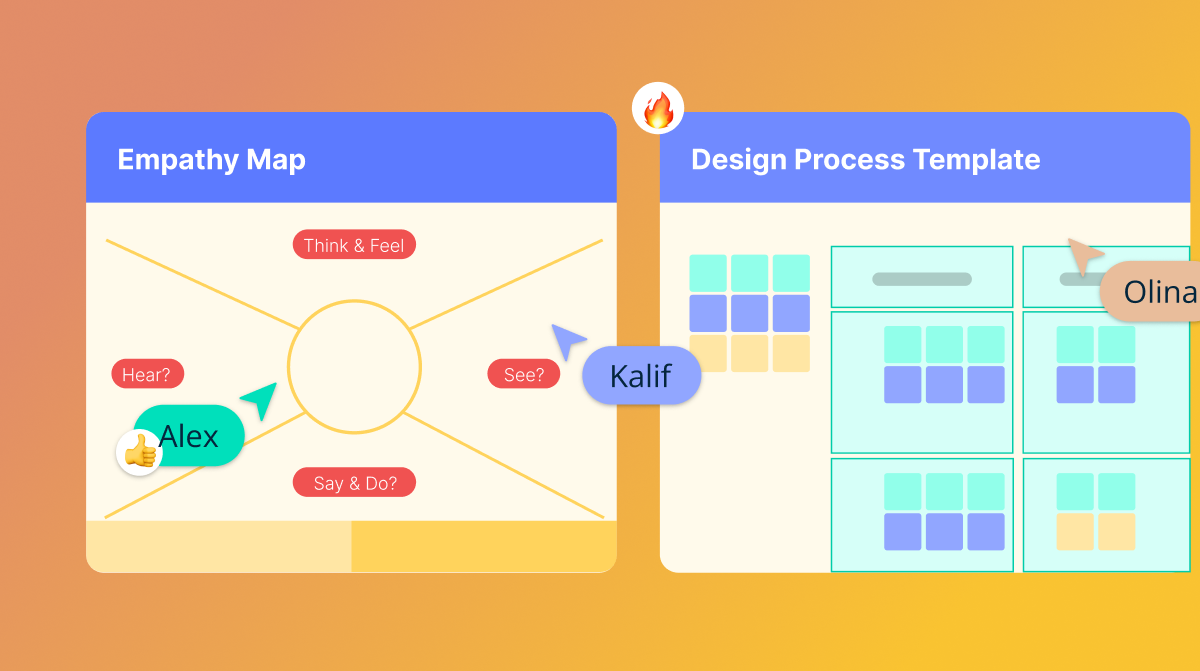
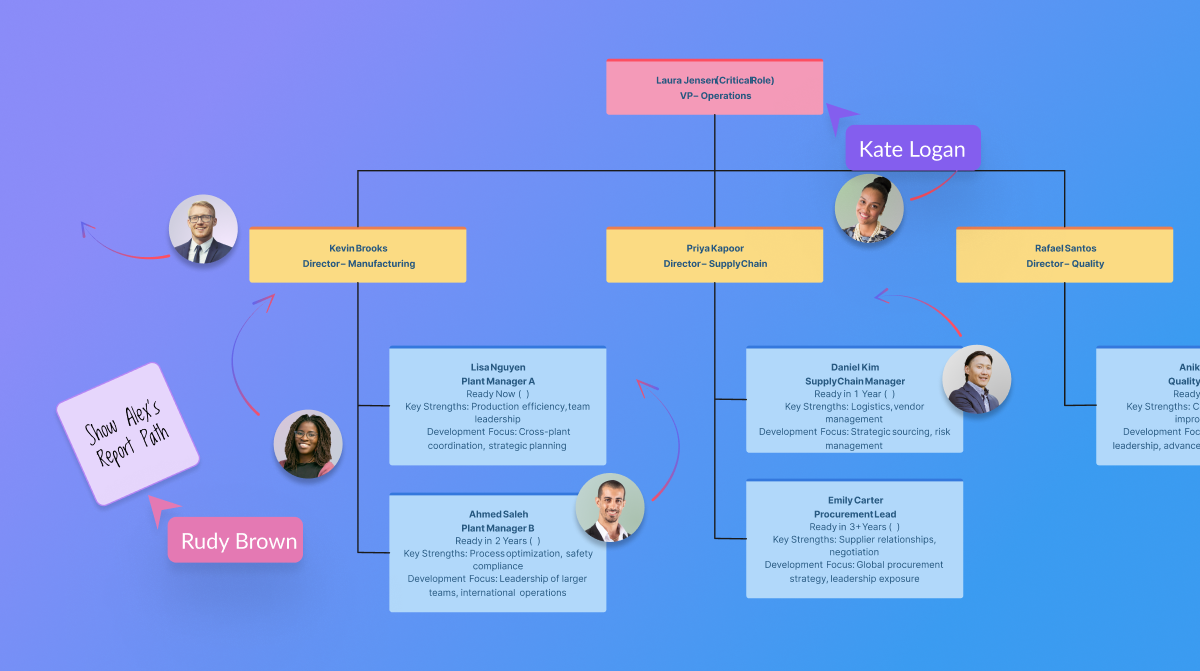
Creately is a visual collaboration platform that supports genograms, flowcharts, org charts, mind maps, and UML diagrams. Featuring template-based AI diagram generation, Creately boasts speed and accuracy in visual planning.
$8
per month (single user)
OmniGraffle
Score 9.7 out of 10
N/A
OmniGraffle is a wireframing tool for Mac users.
N/A
Stack Overflow for Teams
Score 8.3 out of 10
N/A
Stack Overflow for Teams is a team knowledge management and Q & A platform for development billed per teammate, featuring roles and permissions, and integrations with popularly used collaboration tools.
$7
per month per teammate (up to 250 teammates)
Pricing
Creately
OmniGraffle
Stack Overflow for Teams
Editions & Modules
Creately Personal
$8
per month
Creately Team
$8
per month per user
Creately Team
$60
per year per user
Creately Personal
$60
per year
Creately Business
$149
per month Unlimited Users
Creately Business
$1,068
per year Unlimited Users
No answers on this topic
Basic
$7
per month per teammate (up to 250 teammates)
Business
$14
per month per teammate (unlimited)
Enterprise
Custom
Offerings
Pricing Offerings
Creately
OmniGraffle
Stack Overflow for Teams
Free Trial
Yes
No
No
Free/Freemium Version
Yes
No
Yes
Premium Consulting/Integration Services
Yes
No
No
Entry-level Setup Fee
No setup fee
No setup fee
No setup fee
Additional Details
Discounted prices for non profits, educational institutes, and charities.
The software offers simple, intuitive features for diagramming and collaboration. It has an easy-to-learn design and very responsive customer support. Availability of real-time editing features and seamless integration with other systems. Creately software does not have offline use. It depends heavily on a strong internet connection, which is expensive and sometimes unavailable.
Omnigraffle is great for documentation, mapping, flowcharting, and other technical diagramming scenarios. It's simple enough to bang out a quick illustration and powerful enough to build complex blueprints for complicated technical systems. If you need cross-platform compatibility, though, you're probably better off looking elsewhere. If you want complex integration with data sources (ala Visio's SQL Server integration for shape metadata), OmniGraffle also falls short — but those scenarios are few and far between in my experience.
In my opinion, Stack Overflow for Teams is well suited for an organization that is on a hiring spree for the engineering teams. The reason for it is because instead of catering to doubts of new joinees individually, they can be asked to refer to the Stack Overflow and hence will save a lot of time for both new joiners as well as the existing employees.
OmniGraffle is fairly simple to use, but the one thing I think it does best is working with curved lines, particularly if you are using some of the available arc templates. Drop an arc onto your page, then tell it the dimensions it needs to be, and viola! Done. Manipulating the arcs is as simple as clicking and dragging offset points.
OmniGraffle has also done an excellent job in stirring up the creative minds of many people who create templates and tools to work with OmniGraffle (not that Microsoft hasn't done so either), and managed to get the bulk of those into well organized repositories.
What it all boils down to for me is: it just works. One doesn't need to have a computer science degree to work with it either. It is as simple or complex as you want it to be.
I'd love to be able to keep more than one of the different tool tabs open at a time.
The stencils are amazing. Would be great if a whole lot more of the free ones came standard as opposed to having to download them from Graffletopia or other sites.
Creately requires a very small investment to get started. Using the software does not require expensive training or experience. The software has reliable interactive tools for both collaboration and creative writing. Creately supports many languages, which makes it diverse and adaptable.
Creately's folder system is a novel feature that beats its competitors. It helps keep everything organized. In addition, there are many more customization possibilities, especially in the shapes and in the library of templates and drawings. It has an intelligent drawing capability superior to all the competition, allowing more customization and detail.
While these other tools are great for what they are, OmniGraffle’s solid focus on and support for diagramming makes it our tool of choice for communicating workflows and concept relationships, creating documentation, and creating other diagrams. Its libraries allow us to create designs quickly, and its ease of use enables us to use the tool widely across the company without much time or effort spent on onboarding.
It's easier to use Stack Overflow for Teams Q&A to maintain our knowledge base over time, over the Confluence wikis that we also maintain. You don't need to bother about folders, filenames, templates - just ask a question and answer it or get it answered. It feels less formal, so developers feel more free to add content.
Omnigraffle isn't an expensive software tool, so there isn't really any negative from the perspective of raw cost. Thinking in terms of time spent using it on a project - what you create in omnigraffle will inevitably lead to a dead end. It's useful only as documentation. There are other tools like Sketch that integrate into prototyping software and can create useable visual assets for applications in addition to being able to create wireframes.