Creativity 365 vs. Projector PSA

Overview
ProductRatingMost Used ByProduct SummaryStarting Price
Creativity 365
Score 10.0 out of 10
N/A
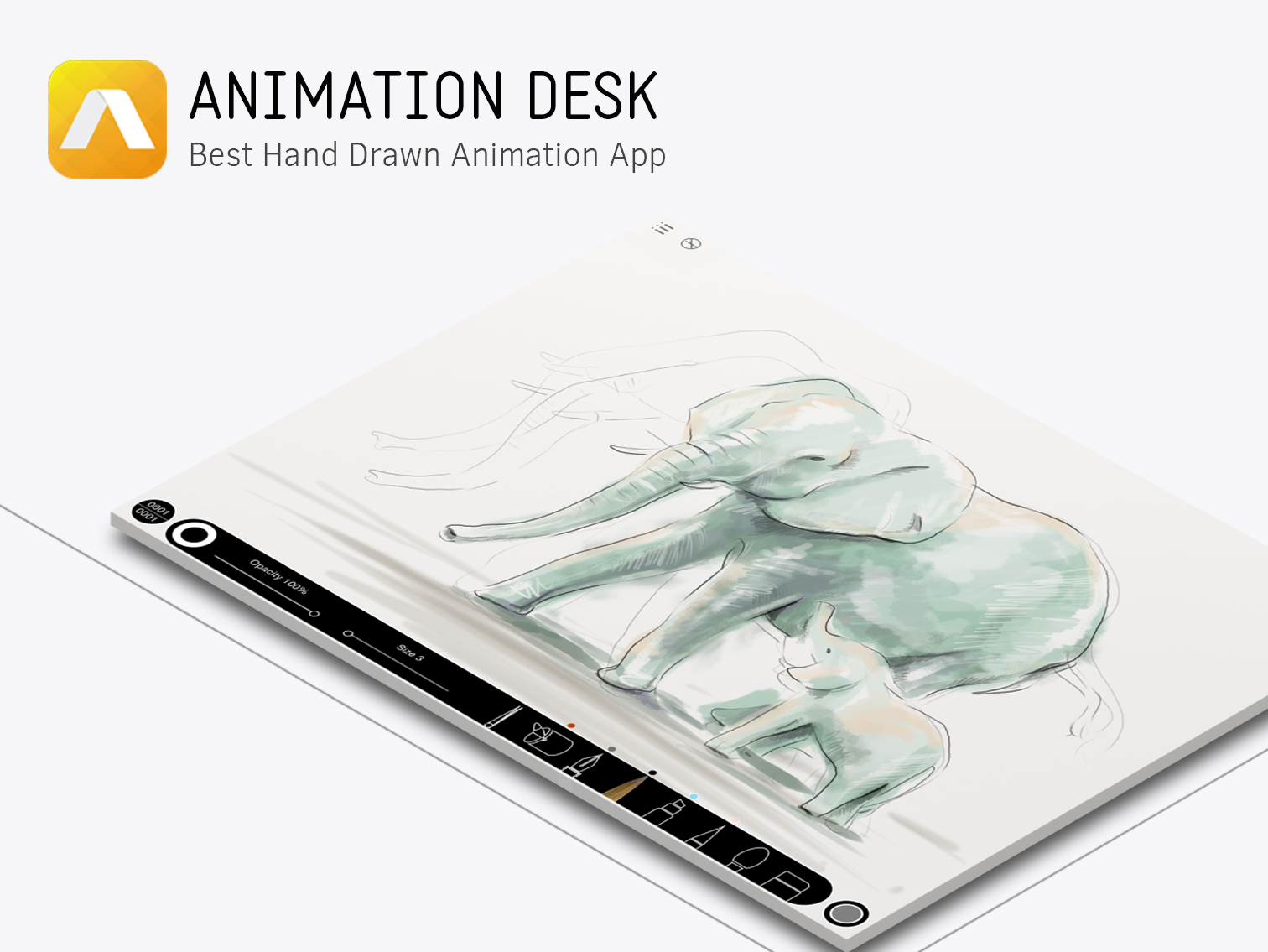
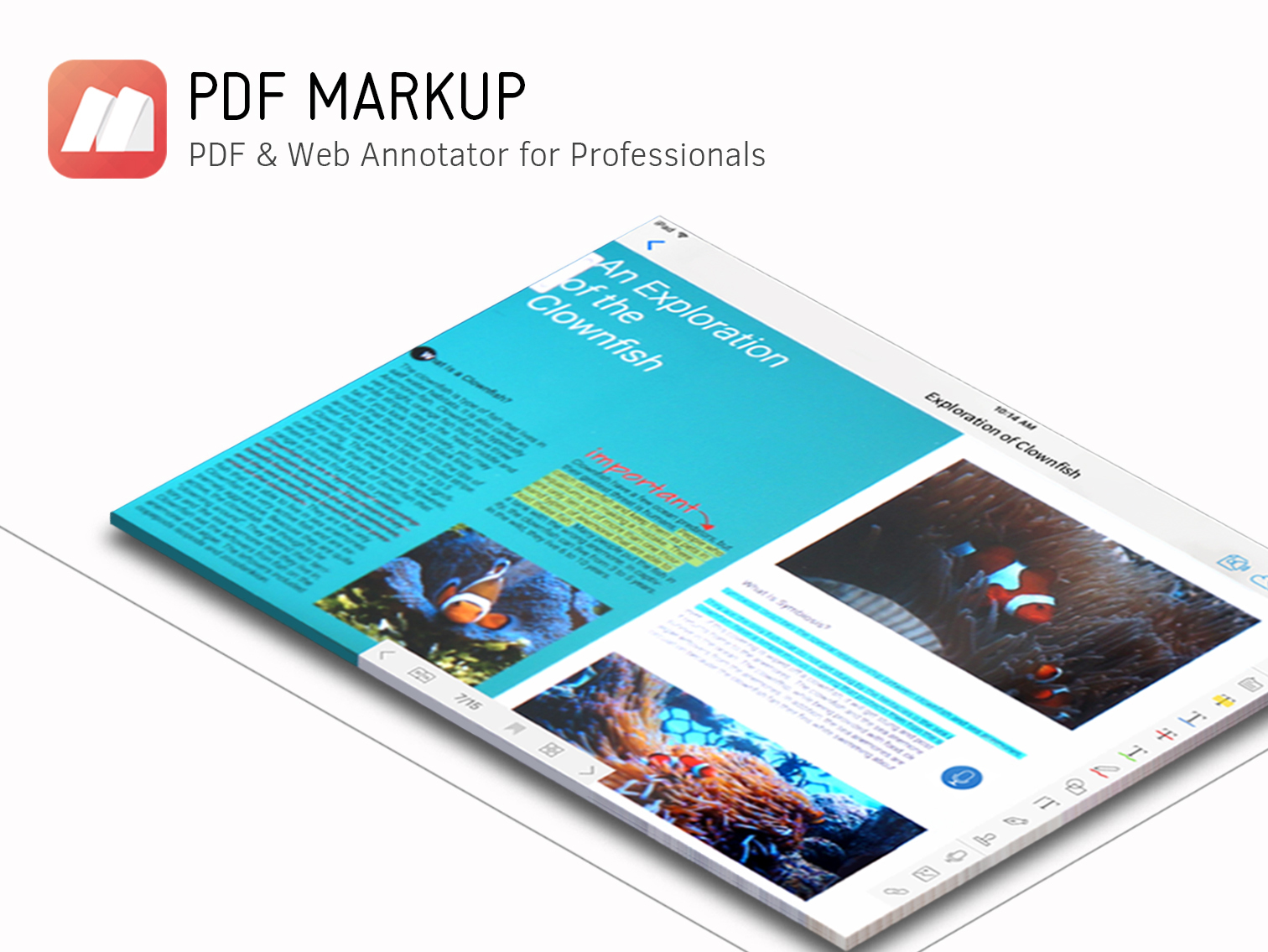
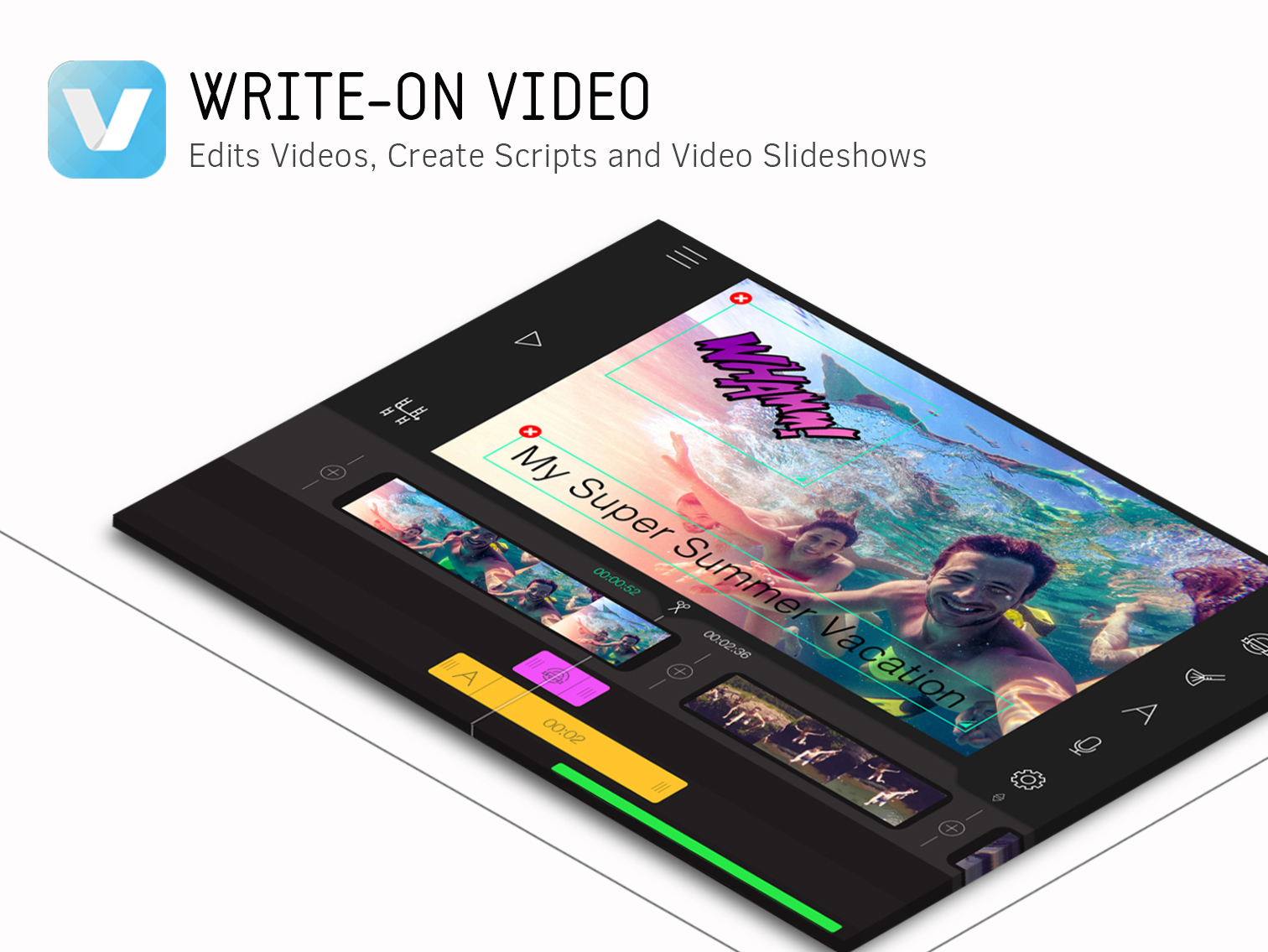
Creativity 365 is a comprehensive, cross-device contention creation tool set designed for both business and creative professionals. The suite aims to help individuals and teams collaborate and improve their productivity and efficiency. The set includes five apps along with 1TB Kdan Cloud storage and access to all of Kdan Mobile's online communities. Platforms: Android, iOS, Mac, Windows According to the vendor key features and business benefits…N/A
Projector PSA
Score 7.0 out of 10
N/A
Projector's cloud-based Professional Services Automation (PSA) software helps project-based services organizations track time and expenses, invoice clients, schedule resources, and manage projects. Its three modules span a more comprehensive set of uses than typical project management software. The Accounting module helps the user track time and expenses and manage invoices and billing. Also it syncs with the company's accounting systems as a sub-ledger. The Resource Scheduling module matches…
$15
per user
Pricing
Creativity 365Projector PSA
Editions & Modules
No answers on this topic
Team Edition
$15
per user
Professional Edition
$25
per user
Enterprise Edition
$30
per user
Offerings
Pricing Offerings
Creativity 365Projector PSA
Free Trial
YesYes
Free/Freemium Version
NoNo
Premium Consulting/Integration Services
YesYes
Entry-level Setup FeeNo setup feeNo setup fee
Additional DetailsMonthly $9.99 (*3-day free trial available) Semi-annually $39.99 Annually $59.99 (*14-day free trial available) Also, comes with a free stylus.** Quarterly plan with 7-day free trial to come in the following months. *Special and bulk purchasing options available for educational institutions and businesses. *Free trials only available on iTunes. **Free stylus details. Currently, new users subscribing to our Creativity 365 annual plan will receive an Adonit Dash 3 stylus. Once the free stylus has been shipped order is no refundable.
More Pricing Information
Community Pulse
Creativity 365Projector PSA
Features
Creativity 365Projector PSA
Project Management
Comparison of Project Management features of Product A and Product B
Creativity 365
9.4
2 Ratings
19% above category average
Projector PSA
7.4
11 Ratings
4% below category average
Task Management9.42 Ratings9.510 Ratings
Gantt Charts9.62 Ratings6.03 Ratings
Scheduling9.62 Ratings8.511 Ratings
Workflow Automation9.62 Ratings9.07 Ratings
Mobile Access8.92 Ratings3.77 Ratings
Search10.02 Ratings00 Ratings
Visual planning tools9.02 Ratings00 Ratings
Resource Management00 Ratings9.510 Ratings
Team Collaboration00 Ratings7.57 Ratings
Support for Agile Methodology00 Ratings5.82 Ratings
Support for Waterfall Methodology00 Ratings5.23 Ratings
Document Management00 Ratings8.57 Ratings
Email integration00 Ratings7.65 Ratings
Timesheet Tracking00 Ratings9.511 Ratings
Change request and Case Management00 Ratings5.23 Ratings
Budget and Expense Management00 Ratings8.19 Ratings
Communication
Comparison of Communication features of Product A and Product B
Creativity 365
9.6
2 Ratings
18% above category average
Projector PSA
-
Ratings
Chat10.02 Ratings00 Ratings
Notifications10.02 Ratings00 Ratings
Discussions10.02 Ratings00 Ratings
Surveys9.42 Ratings00 Ratings
Internal knowledgebase9.42 Ratings00 Ratings
Integrates with GoToMeeting9.01 Ratings00 Ratings
Integrates with Gmail and Google Hangouts9.62 Ratings00 Ratings
Integrates with Outlook9.62 Ratings00 Ratings
File Sharing & Management
Comparison of File Sharing & Management features of Product A and Product B
Creativity 365
9.5
2 Ratings
17% above category average
Projector PSA
-
Ratings
Versioning9.62 Ratings00 Ratings
Video files10.02 Ratings00 Ratings
Audio files9.42 Ratings00 Ratings
Document collaboration10.02 Ratings00 Ratings
Access control9.02 Ratings00 Ratings
Advanced security features9.42 Ratings00 Ratings
Integrates with Google Drive9.62 Ratings00 Ratings
Device sync9.12 Ratings00 Ratings
Professional Services Automation
Comparison of Professional Services Automation features of Product A and Product B
Creativity 365
-
Ratings
Projector PSA
7.9
3 Ratings
2% above category average
Invoicing00 Ratings7.02 Ratings
Project & financial reporting00 Ratings8.52 Ratings
Integration with accounting software00 Ratings8.03 Ratings
Best Alternatives
Creativity 365Projector PSA
Small Businesses
Stackby
Stackby
Score 8.9 out of 10
Stackby
Stackby
Score 8.9 out of 10
Medium-sized Companies
Troop Messenger
Troop Messenger
Score 9.8 out of 10
InEight
InEight
Score 8.4 out of 10
Enterprises
HCL Connections
HCL Connections
Score 9.0 out of 10
InEight
InEight
Score 8.4 out of 10
All AlternativesView all alternativesView all alternatives
User Ratings
Creativity 365Projector PSA
Likelihood to Recommend
10.0
(4 ratings)
7.0
(12 ratings)
Likelihood to Renew
-
(0 ratings)
10.0
(2 ratings)
Usability
-
(0 ratings)
6.4
(1 ratings)
Availability
-
(0 ratings)
10.0
(1 ratings)
Support Rating
10.0
(1 ratings)
-
(0 ratings)
Implementation Rating
-
(0 ratings)
8.2
(1 ratings)
Product Scalability
-
(0 ratings)
7.0
(1 ratings)
User Testimonials
Creativity 365Projector PSA
Likelihood to Recommend
Kdan Mobile Software Ltd.
I think in a world where I have to churn out videos and other content for my business, I think that Creativity 365 really allows us in the office to be on the same page when it comes to getting stuff done. These days, especially with a lot of remote work, a collaborative effort can still feel like an individual one, but the coolest thing is that this software makes it feel less and less like that.
Read full review
Projector PSA
We think Projector PSA is a great tool to track and manage people in a professional service environment like management consulting. This system is easy to set up, easy to understand and should easily suit the needs of smaller and medium sized firms. It may be less appropriate for firms that rely very heavily on project management through another system (like MS Project) or firms that rely very heavily on a sales pipeline tracking system. While still very much possible to use, you would (I believe) have to do some re-keying between systems
Read full review
Pros
Kdan Mobile Software Ltd.
  • Different platforms integrations
  • collaboration through teams, messaging, doc share
  • Easy to use very simple for streamlining
Read full review
Projector PSA
  • Projector is a very well designed tool for project management. It has allowed us to eliminate a number of auxiliary tools for project timelines and WBS for the vast majority of our projects.
  • Time and expense entry is intuitive and quick for our staff.
  • Our forecasting and resource management capability has improved greatly with Projector and allows us to grow our team efficiently with minimal additional administrative burden.
  • Reporting is extremely robust. It does require some time to really get a handle on the full functionality of the reporting tool, but once you do, you can get almost any kind of report you want out of the system!
Read full review
Cons
Kdan Mobile Software Ltd.
  • Since it's a content creation toolset, it would be great if there was a photo editing tool.
Read full review
Projector PSA
  • Release management process needs to be improved. Currently no facility is provided to test the impact of new releases in a sand-box. This introduces business risk if there are interfaces into Projector PSA as part of it's use in the business.
Read full review
Likelihood to Renew
Kdan Mobile Software Ltd.
No answers on this topic
Projector PSA
We have been using this tool for a year now and find our use of it continually evolves and broadens. We are also very excited about the overhaul that's under way and feel many of the improvements being put in place will help make us that much more effective and efficient. The Projector team is also very responsive and collaborative in terms of user feedback and improvement suggestions, which helps us know they will work hard to help us get what we need out of the tool.
Read full review
Usability
Kdan Mobile Software Ltd.
No answers on this topic
Projector PSA
Desktop interface feels complex to new users.
Read full review
Reliability and Availability
Kdan Mobile Software Ltd.
No answers on this topic
Projector PSA
In 5 years of use we have never experienced an unscheduled outage.
Read full review
Support Rating
Kdan Mobile Software Ltd.
I contacted customer service once and got my problem solved very quickly.
Read full review
Projector PSA
No answers on this topic
Alternatives Considered
Kdan Mobile Software Ltd.
Airtable has a free version that offers basic functionalities that Creativity 365 does not offer. Airtable integrates with 25 different applications and software to make collaboration easier, while Creativity 365 only integrates with 13. Even though key features of Creativity 365 and Airtable should matter you should also carefully explore the integrations provided by each product. Very often you will already be making use of various kinds of SaaS software in your company and it’s much more beneficial to choose software that integrates well with each other. If you do that you will be able to guarantee an effortless transfer of data between your teams and software used, which can significantly reduce the time spent on migrating between one solution and the next.
Read full review
Projector PSA
We did pursue Quick Arrow another tool that was similar. We found that be in inflexible in use. Projector allows a lot of flexibility in setup. Our organization has very specific business processes and we were able to set up Projector to work with those processes. Several other systems we tried were not as flexible in allowing set up to our needs.
Read full review
Return on Investment
Kdan Mobile Software Ltd.
  • simplified our editing process
  • allowed our teams to collaborate better
  • negative: Not everyone got adept at using it quickly
Read full review
Projector PSA
  • Even in the small time that I stayed to see Projector PSA reporting I saw ROI projections become more realistic. There was real data to analyze that proved we were spending way too much and charging way too less on some projects.
  • Although employees were not used at entering their hours, this single reporting improved operations management and validated employees concerns that more people were needed to manage workload
  • Project proposals were more realistic because they were driven by real data.
  • Decision making overall for the department became more efficient and effective
Read full review
ScreenShots

Creativity 365 Screenshots

Screenshot of Screenshot of Screenshot of Screenshot of Screenshot of Screenshot of

Projector PSA Screenshots

Screenshot of Employee Dashboards help resources stay on task by displaying schedules and alerts.