CSV Editor Pro vs. Grist

Overview
ProductRatingMost Used ByProduct SummaryStarting Price
CSV Editor Pro
Score 0.0 out of 10
Small Businesses (1-50 employees)
CSV Editor Pro is a professional choice for working with CSV files. Its features and tools save users time and effort. Rows and columns can be created, deleted, rearranged, and searched at will. CSV Editor Pro supports sorting, filtering, multiline editing, search and replace, graphing, deduplicate, unicode, undo, and printing. The interface is simplified, and detailed help file is provided.N/A
Grist
Score 9.9 out of 10
N/A
Grist combines the capabilities of spreadsheets, databases and app builders. Using a familiar spreadsheet interface, information can be organized as a relational database, and dashboards built using drag-and-drop. Solving spreadsheet problems Ensures data is well-structured and stored in one place with no duplication, no spreadsheet-wrangling, no merging documents. Collaboration on sensitive data Data is protected…
$8
per month per user
Pricing
CSV Editor ProGrist
Editions & Modules
No answers on this topic
Pro
$8
per month per user
Enterprise
Contact Sales
Offerings
Pricing Offerings
CSV Editor ProGrist
Free Trial
YesYes
Free/Freemium Version
NoYes
Premium Consulting/Integration Services
NoNo
Entry-level Setup Fee$29 for 5 activationsNo setup fee
Additional DetailsA license entitles the user to five activations. Activations are not restricted to one machine or user. Once activated, the software will remain activated indefinitely unless it is moved to a different drive, or if a major upgrade (such as 1.0 to 2.0) is installed. Minor upgrades (such as 1.0 to 1.1) are free.
More Pricing Information
Community Pulse
CSV Editor ProGrist
Considered Both Products
CSV Editor Pro

No answer on this topic

Grist
Chose Grist
Grist is easier to use, faster, and loads quicker with heavy data.
Chose Grist
I still have subscriptions to both of the above and use them sporadically. Infinity is less user friendly in terms of copying data and moving around the tables, entering data using the keyboard only as I tend to do on a spreadsheet. For this reason, I tended to move across to …
Best Alternatives
CSV Editor ProGrist
Small Businesses
Stackby
Stackby
Score 8.8 out of 10
Stackby
Stackby
Score 8.8 out of 10
Medium-sized Companies
Microsoft Excel
Microsoft Excel
Score 8.9 out of 10
Microsoft Excel
Microsoft Excel
Score 8.9 out of 10
Enterprises
Microsoft Excel
Microsoft Excel
Score 8.9 out of 10
Microsoft Excel
Microsoft Excel
Score 8.9 out of 10
All AlternativesView all alternativesView all alternatives
User Ratings
CSV Editor ProGrist
Likelihood to Recommend
-
(0 ratings)
9.9
(0 ratings)
User Testimonials
CSV Editor ProGrist
Likelihood to Recommend
No answers on this topic
We came to Grist from monday.com. Grist is a clean layout and not cluttered. The ease of use is great and it's to the point. There are some areas that are not right out of the box easy to use, such as their formulas and python coding. However, they will help you achieve what you need. Amazing customer service. They not only showed me an example of what I was looking for but explained step by step how to get there. Which in return teaches me about their software. You will need some patience for this is not a quick and go type of spreadsheet software. But no worries, it can get the job done. Thank you, Grist :)
Read full review
Pros
No answers on this topic
  • Provides amazing customer service, help, examples, and explains what they are having you do
  • The layout is easy
Read full review
Cons
No answers on this topic
  • Making the user permissions more obvious on how to use them - They are highly adaptable, but hard to understand how to use them
  • Small changes such as auto colouring the choices/toggles options and being able to edit them once set.
  • Being able to copy the formatting from one column to the next
Read full review
Alternatives Considered
No answers on this topic
I still have subscriptions to both of the above and use them sporadically. Infinity is less user friendly in terms of copying data and moving around the tables, entering data using the keyboard only as I tend to do on a spreadsheet. For this reason, I tended to move across to Stackby prior to using Grist instead of using Infinity. Stackby works well, and has some features that are better than Grist (Predominantly the powerups that I use, and integrations that I don't). However, Grist is still a level above in manipulation of data using python (or Excel functions too), the ability to use widgets and the table duplicated in a seperate page.
Read full review
Return on Investment
No answers on this topic
  • It's saved a lot of time in both creating an advertising database and managing it week to week effectively. I had previously created in others that haven't worked, and this does, saving me a good 1 hour weekly, and 5 hours or more each time I had problems with the last ones
  • Being able to stay on track with this has meant I'm following up at the right time (advertisers) and keeping a professional manner and not losing business due to missed communication
  • Saving me $ from buying a program like Access (or Airtable monthly) and then the learning curve that that has. This has a much easier learning curve to say the least.
Read full review
ScreenShots

CSV Editor Pro Screenshots

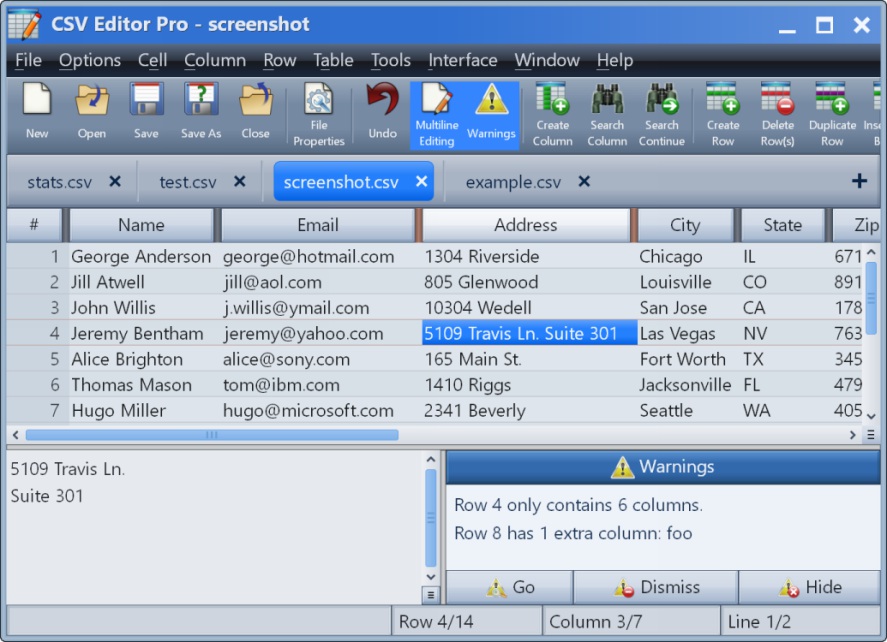
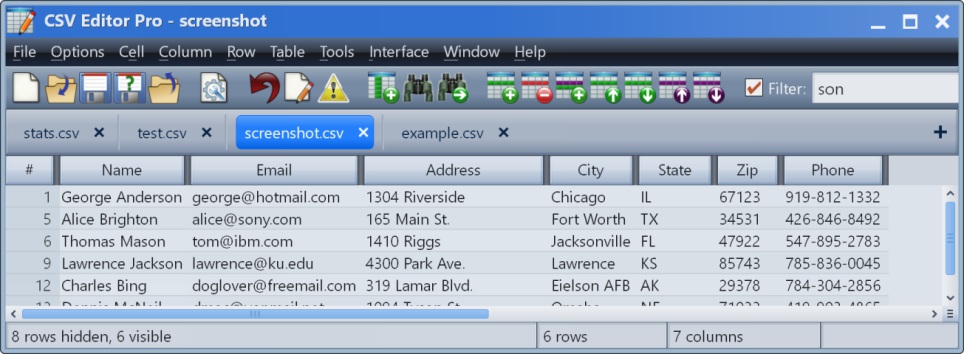
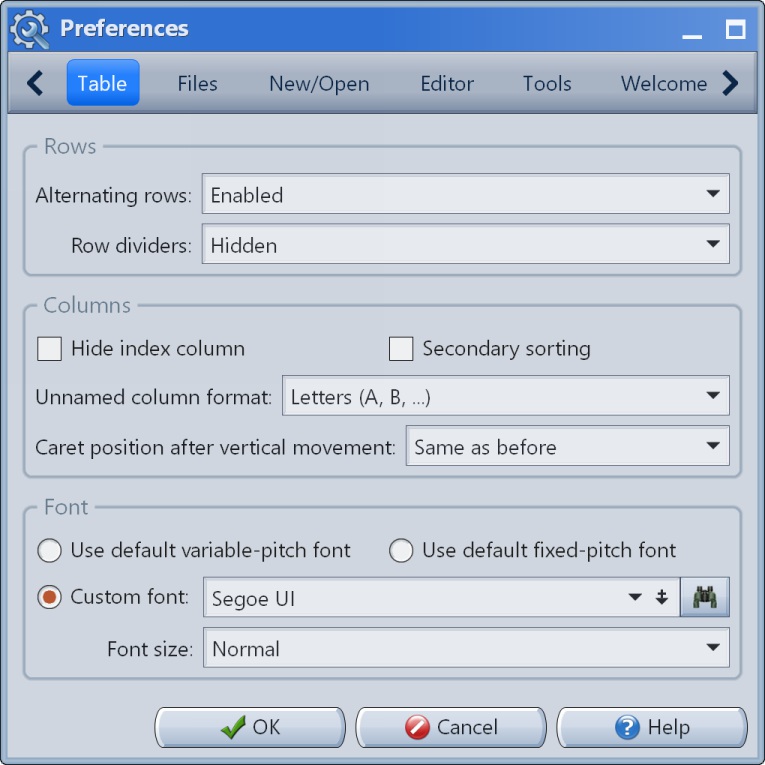
Screenshot of the main interface.Screenshot of the multiline editor and warnings panel.Screenshot of the filter in action.Screenshot of Preferences #1Screenshot of Preferences #2Screenshot of Preferences #3

Grist Screenshots

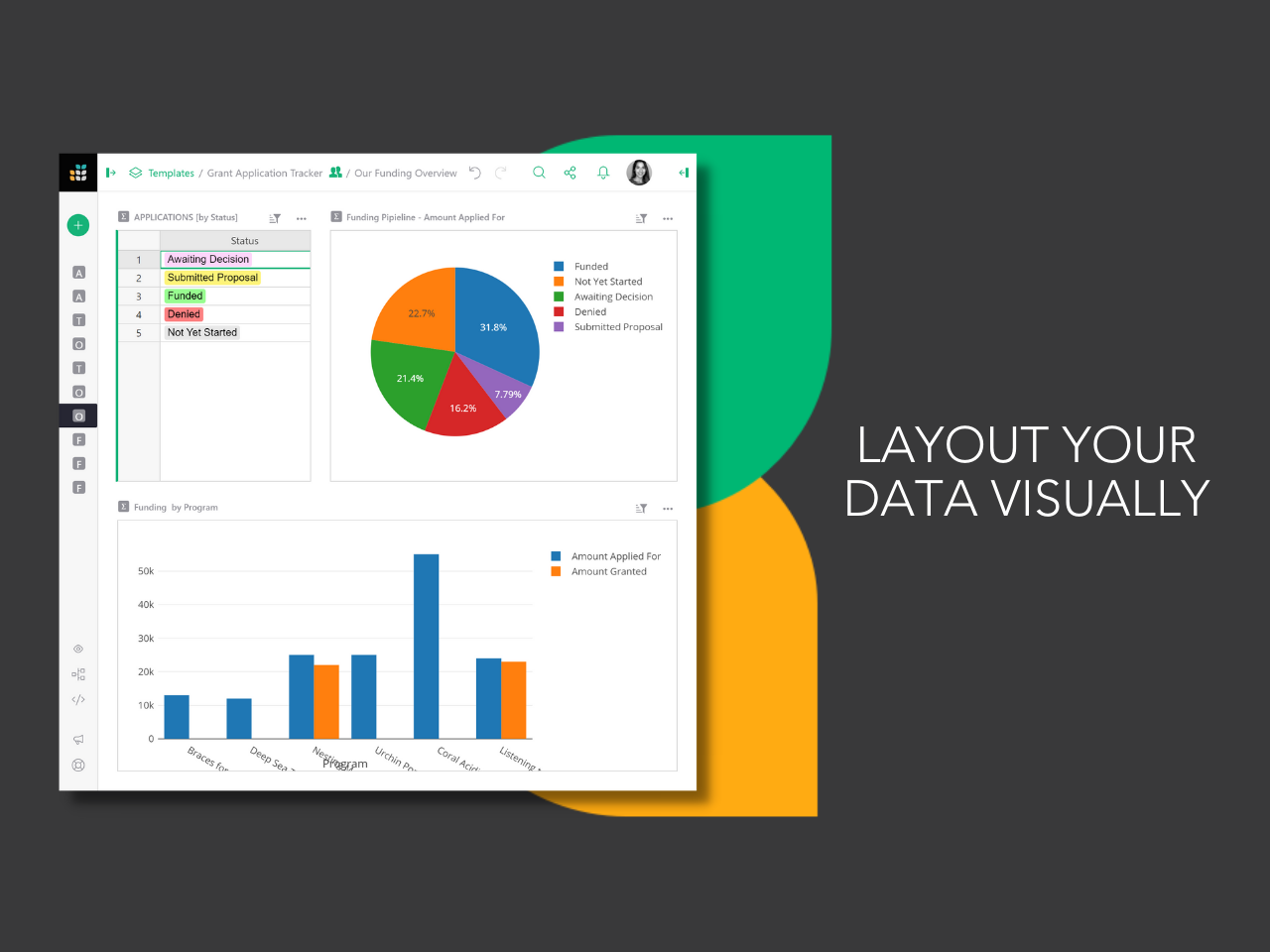
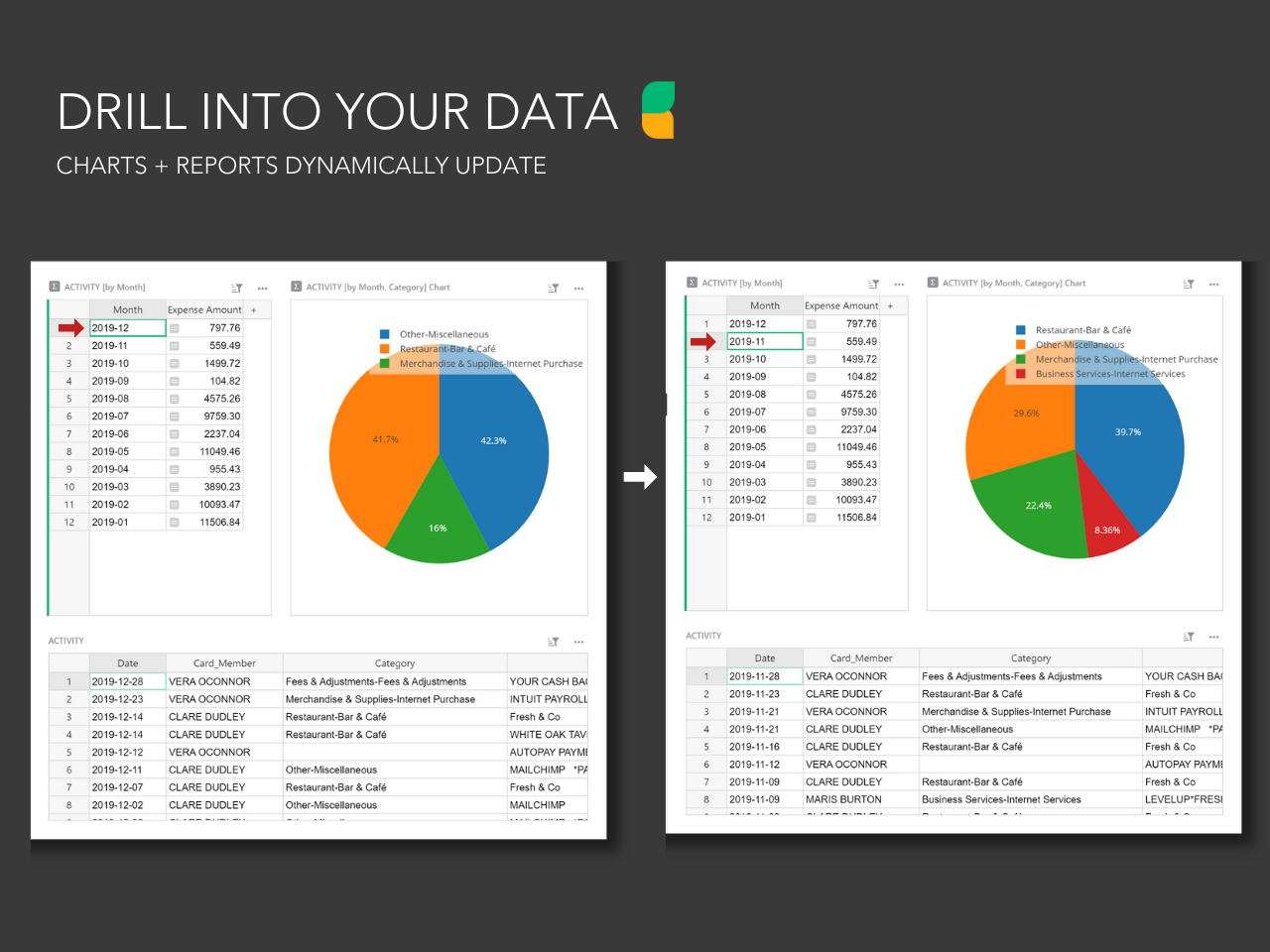
Screenshot of the drag and drop dashboard editor used to build layouts.Screenshot of the custom user permissions that determine who can see what, down to each column and row.Screenshot of dynamic charts and reports that update with the click of a mouse.Screenshot of Grist's formula support for Excel-like functions or Python formulas. Technical users can drill into database structure in code view.