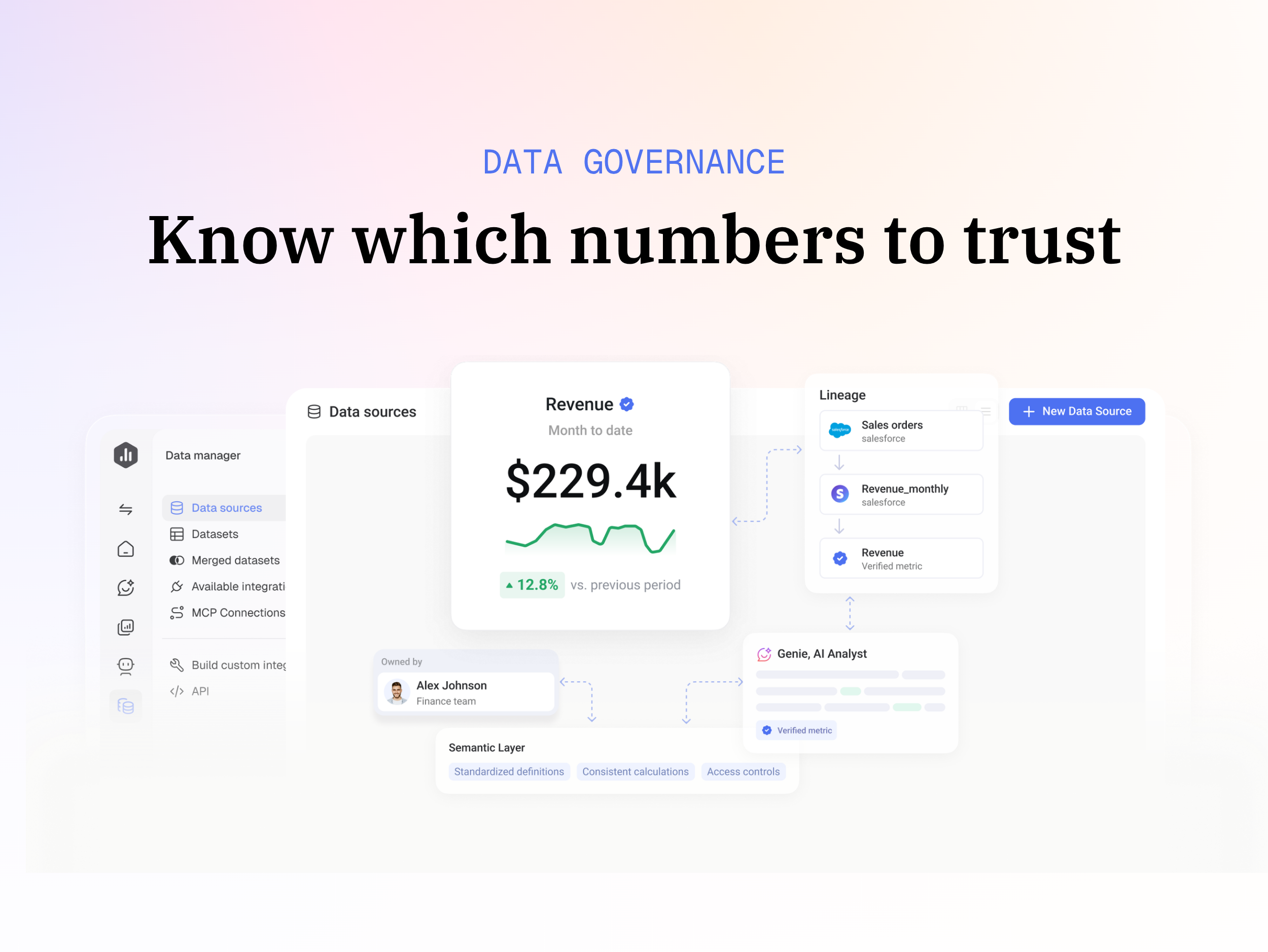
Databox is business intelligence software built for teams that need fast, actionable insights.
$79
per month
Pentaho
Score6 out of 10
N/A
Pentaho is a suite of open source business intelligence and analytics products, now offered and supported by Hitachi Data Systems since the June 2015 acquisition.
N/A
Pricing
Databox
Pentaho
Editions & Modules
Free
$0
1 user, 3 data sources & 50 AI credits/mo included
Analyst
$89
per month 1 user, 5 data sources & 150 AI credits/mo included
Team
$249
per month 3 users, 10 data sources & 500 AI credits/mo included
Agency
Starting at $99
per month 4 clients, unlimited users, 20 data sources & 300 AI credits/mo included
Custom
Contact us
More users, More data sources, More AI credits/mo, We optimize it as your needs
I believe Databox can be an asset for any company. We are a small company, but I can see the value for large companies too. Databox is a great fit for departments or organizations that need to put their data into a readable form without needing a ton of reports. Databox allows you to save time and put together a nice report without having to do too much extra work. Once it is set up, it basically runs on its own at the frequency you set. I personally receive a daily report and have it sent to the respective people on the day of our meeting so we can quickly review it.
A de minimis incentive was given to thank the reviewer for their time. The incentive was not used to bias or drive a particular response, nor was the incentive contingent on a positive endorsement. More Info
Pentaho is very well suited to perform data extraction & data mining from various cloud storage & transform that data using various available data models. However, the software struggles when it comes to visualizing the extracted data in an appealing manner & can be difficult for end-users to get an understanding of data tables created using those models.
A de minimis incentive was given to thank the reviewer for their time. The incentive was not used to bias or drive a particular response, nor was the incentive contingent on a positive endorsement. More Info
A de minimis incentive was given to thank the reviewer for their time. The incentive was not used to bias or drive a particular response, nor was the incentive contingent on a positive endorsement. More Info
Some types of data can only be reported on for 1-2 months back. Unless I'm misunderstanding the function of the software this seems really weird. I can't figure out how to report on Activities more than 2 months ago
A de minimis incentive was given to thank the reviewer for their time. The incentive was not used to bias or drive a particular response, nor was the incentive contingent on a positive endorsement. More Info
I think the relative obscurity of the tool is a downside, not as many developers, consultants or peers you can tap into.
Lack of a solid user community held us back, looking at Power BI and Qlik, they have huge user communities that help each other out. Would have liked that here.
Smaller company means smaller sales force, and the lack of a local presence made it hard to only interact online with the account rep. Other companies have someone local who often stops by with pre-sales developers to just pitch in free of charge when they have time.
A de minimis incentive was given to thank the reviewer for their time. The incentive was not used to bias or drive a particular response, nor was the incentive contingent on a positive endorsement. TR verified that a representative sample of customers was invited. More Info
I will use Pentaho until I find a better tool with a better, easier to use report designer client. For now, Pentaho has been the most powerful reporting tool for our clients because of its ability to connect to Odoo, integrate in Odoo (reports are accessible in Odoo) and the flexibility in report design and parameter integration
A de minimis incentive was given to thank the reviewer for their time. The incentive was not used to bias or drive a particular response, nor was the incentive contingent on a positive endorsement. More Info
Databox is an intuitive, well-designed platform that can be used by non-technical marketers. It is easy to learn, and while set up takes time, usability is high and the team has enjoyed creating custom dashboards and clients have also given us great feedback regarding its usability and value. While other BI tools are much more complex to navigate, Databox is a breeze.
A de minimis incentive was given to thank the reviewer for their time. The incentive was not used to bias or drive a particular response, nor was the incentive contingent on a positive endorsement. More Info
The Pentaho tools are designed so you can start playing around on your own. Of course, you will need guidance at some point, but the training teams are good at guiding new users, and the online documentation is usually pretty up-to-date.
Some of the tools, such as the Pentaho Data Integration tool and the Pentaho Server, are pretty self-explanatory. The other tools maybe are not so quickly and obvious to use, but again, with some documentation and some customer support, you can find your way around them.
A de minimis incentive was given to thank the reviewer for their time. The incentive was not used to bias or drive a particular response, nor was the incentive contingent on a positive endorsement. More Info
I have really enjoyed using Databox and have seen the value of it in many ways. They also continue to improve the functions of it and grow their integrations and templates. I look forward to continuing to use Databox in the future, potentially even finding ways to incorporate it into other departments to help them with reporting as well.
A de minimis incentive was given to thank the reviewer for their time. The incentive was not used to bias or drive a particular response, nor was the incentive contingent on a positive endorsement. More Info
They were responsive to our questions when we raised issues. They gave us workarounds when required. They were quite knowledgeable when it came to issue analysis and providing fixes. They were forthright in informing us if a bug was not due for release soon.
A de minimis incentive was given to thank the reviewer for their time. The incentive was not used to bias or drive a particular response, nor was the incentive contingent on a positive endorsement. More Info
Course Taken: DI1000 Pentaho Data Integration Fundamentals Setup A week before your class started, the instructor will start sending out class material and lab setup instructions. This is helpful so that you understand how the environment is laid out and can start reviewing the content. Ultimately it saved about a 1/2 day trying to setup with 10 other people online which was great! The Course The 3-day course was laid out like many other technical classes with 15-30 minutes instruction and 15-60 minutes of lab exercises. The instructor was very knowledgeable with the functionality from version to version and answered questions as we went along. I was amazed at some of the functionality that was available that I was not using at the time and quickly implemented changes to many existing transformations and jobs. The novice users seemed to catch on quickly and more experienced users explained how some of the functionality was used in their home environments. Towards the end there was enough time so that we were able to ask very directed questions about our own environments. Overall, I really found the class to be informative and deliver enough information to be dangerous. My skills improved and I was able to design better and efficient transformations for the HIE. Course Description: https://training.pentaho.com/instructor-led-training/pentaho-data-integration-fundamentals-di1000
Get the right people in before starting implementation. Start small and build as you go approach is time consuming and involves lot of rework. Evangalize within the organization the capabilities and limitations equally so that correct delivery expectations are set. Set expectations with the Customer that the tool cannot replace proprietary software in terms of stability/usability and that timelines could change given the new ness of the product.
A de minimis incentive was given to thank the reviewer for their time. The incentive was not used to bias or drive a particular response, nor was the incentive contingent on a positive endorsement. More Info
Databox is unique in its ability to report from multiple data sources. Google Analytics is the standard when it comes to web metrics, but it's just one of the tools that integrates with Databox. Tableau is fantastic for data visualizations and reporting, but it's much more expensive than Databox, so it's not ideal for everyone. Tableau is also superior with customization
A de minimis incentive was given to thank the reviewer for their time. The incentive was not used to bias or drive a particular response, nor was the incentive contingent on a positive endorsement. More Info
Since the Pentaho platform offers a range of broad functionality across data preparation and advanced analytics, it also can be easily integrated to support many data sources and machine-learning frameworks. Based on that fact, we selected Pentaho to be used in our internal department. It also supports many of our BI use cases as required by company management or the business user. Last but not least, the Pentaho license is cheaper than their competitor.
A de minimis incentive was given to thank the reviewer for their time. The incentive was not used to bias or drive a particular response, nor was the incentive contingent on a positive endorsement. More Info
A de minimis incentive was given to thank the reviewer for their time. The incentive was not used to bias or drive a particular response, nor was the incentive contingent on a positive endorsement. More Info
A de minimis incentive was given to thank the reviewer for their time. The incentive was not used to bias or drive a particular response, nor was the incentive contingent on a positive endorsement. More Info