
Datadog vs. Lakeside Digital Experience Cloud, powered by SysTrack
| Product | Rating | Most Used By | Product Summary | Starting Price |
|---|---|---|---|---|
 Datadog | Score8.8 out of 10 | N/A | Datadog is a monitoring service for IT, Dev and Ops teams who write and run applications at scale, and want to turn the massive amounts of data produced by their apps, tools and services into actionable insight. | $18 per month per host |
 Lakeside Digital Experience Cloud, powered by SysTrack | Score7 out of 10 | N/A | Lakeside Software offers cloud-based digital experience management. Lakeside’s Digital Experience Cloud, powered by SysTrack, gathers and analyzes more than 10,000 metrics every 15 seconds from every endpoint across the environment, collecting edge-based device telemetry data. With continuous insights into the ecosystems that power employees, customers use Lakeside’s technology to perform: End-User Experience Management Digital Workplace Planning IT Asset… | N/A |
| Datadog | Lakeside Digital Experience Cloud, powered by SysTrack | |||||||||||||||
|---|---|---|---|---|---|---|---|---|---|---|---|---|---|---|---|---|
| Editions & Modules |
| No answers on this topic | ||||||||||||||
| Offerings |
| |||||||||||||||
| Entry-level Setup Fee | Optional | No setup fee | ||||||||||||||
| Additional Details | Discount available for annual pricing. Multi-Year/Volume discounts available (500+ hosts/mo). | — | ||||||||||||||
| More Pricing Information | ||||||||||||||||
| Datadog | Lakeside Digital Experience Cloud, powered by SysTrack | |
|---|---|---|
| Considered Both Products | No answer on this topic | No answer on this topic |
| Key User Insights | ||
| Would buy again | ||
94% Would buy again 50 Answers | No answers on this topic | |
| Delivers good value for the price | ||
93% Delivers good value for the price 41 Answers | No answers on this topic | |
| Happy with the feature set | ||
98% Happy with the feature set 52 Answers | No answers on this topic | |
| Lived up to sales and marketing promises | ||
97% Lived up to sales and marketing promises 32 Answers | No answers on this topic | |
| Implementation went as expected | ||
97% Implementation went as expected 36 Answers | No answers on this topic | |
| Datadog | Lakeside Digital Experience Cloud, powered by SysTrack | |||||||||||||||||||
|---|---|---|---|---|---|---|---|---|---|---|---|---|---|---|---|---|---|---|---|---|
| Monitoring Tasks |
| |||||||||||||||||||
| Management Tasks |
| |||||||||||||||||||
| Reporting |
| |||||||||||||||||||
| Security |
| |||||||||||||||||||
| Datadog | Lakeside Digital Experience Cloud, powered by SysTrack | |
|---|---|---|
| Small Businesses |  Amazon CloudWatch Score7.8 out of 10 | No answers on this topic |
| Medium-sized Companies |  LogicMonitor Score8.9 out of 10 |  Catchpoint Score8.5 out of 10 |
| Enterprises |  ManageEngine Site24x7 Score10 out of 10 |  Nexthink Score7.3 out of 10 |
| All Alternatives | View all alternatives | View all alternatives |
| Datadog | Lakeside Digital Experience Cloud, powered by SysTrack | |
|---|---|---|
| Likelihood to Recommend | 8.9 | 9.0 |
| Likelihood to Renew | 4.3 | - |
| Usability | 8.7 | - |
| Support Rating | 5.0 | - |
| Implementation Rating | 1.0 | - |
| Datadog | Lakeside Digital Experience Cloud, powered by SysTrack | |
|---|---|---|
| Likelihood to Recommend |
|
|
| Pros |
|
|
| Cons |
|
|
| Likelihood to Renew |
| No answers on this topic |
| Usability |
| No answers on this topic |
| Support Rating |
| No answers on this topic |
| Implementation Rating |
| No answers on this topic |
| Alternatives Considered |
|
|
| Return on Investment |
|
|
| ScreenShots | Datadog Screenshots      | Lakeside Digital Experience Cloud, powered by SysTrack Screenshots 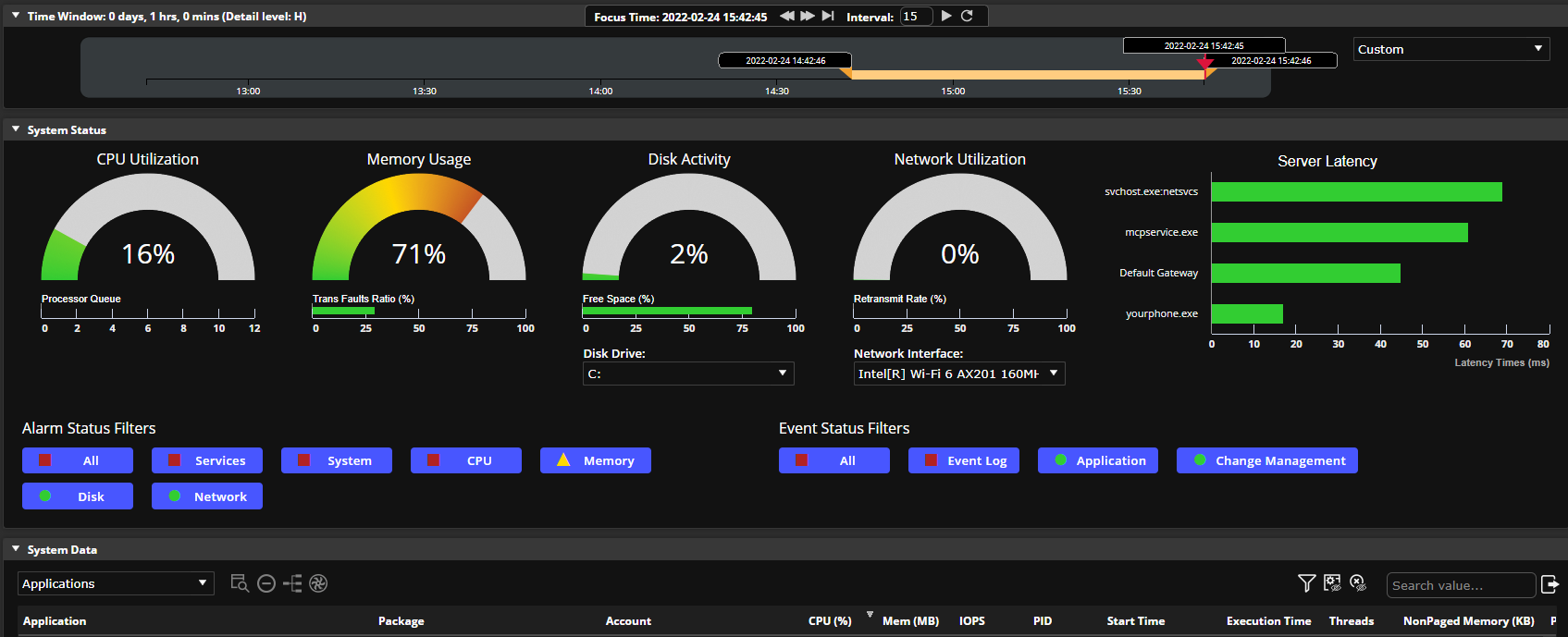   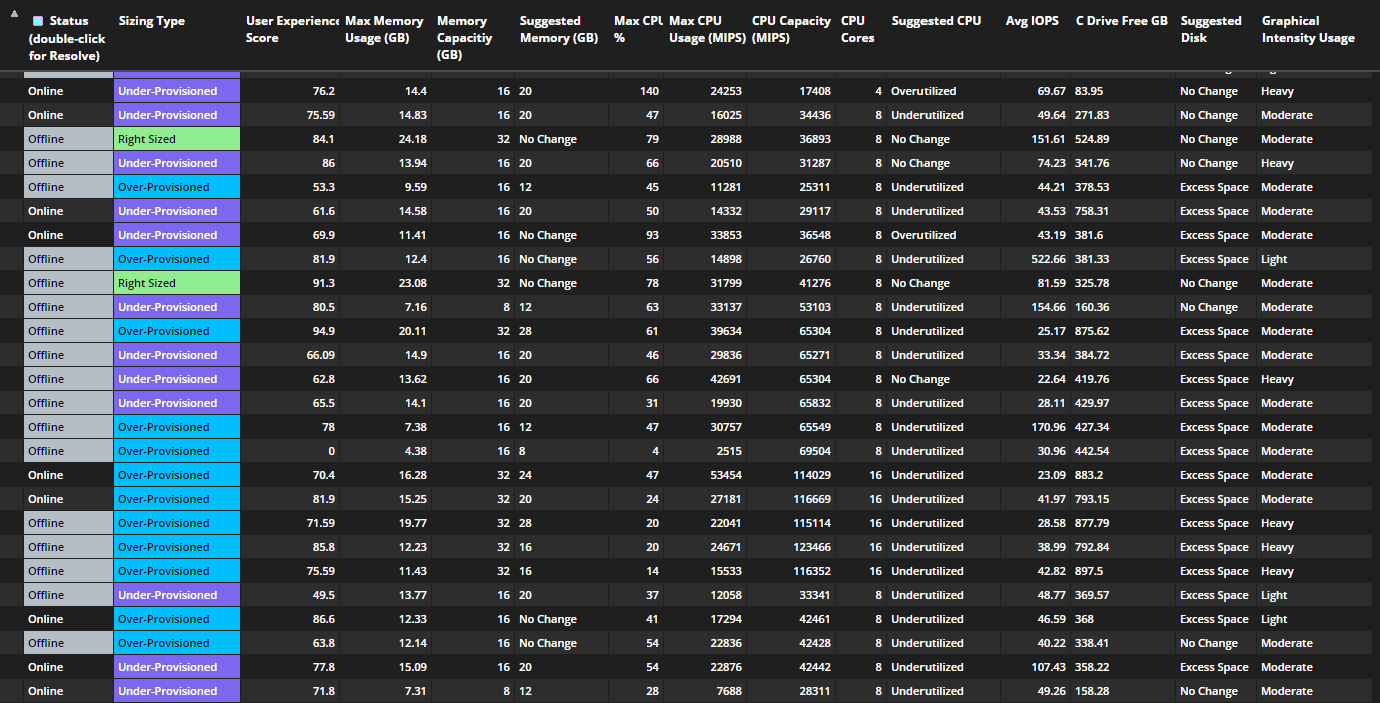 |
