TrustRadius: an HG Insights company

DeskRoll Remote Desktop vs. RemoteCall PC/Mobile/Visual

Save this comparison

Save this comparison

Add Product

Recommended Comparisons

    Overview
    ProductRatingMost Used ByProduct SummaryStarting Price

    DeskRoll Remote Desktop

    Score9.5 out of 10
    N/ADeskRoll was built to be easy to use by end-users and IT teams alike. It's browser-based, so users being helped do not need to install any applications on their local device; DeskRoll Remote Desktop Sharing requires only a small app on the remote (controlling) computer. DeskRoll guides users through setup and connection processes for 3 basic scenarios: providing remote assistance to a customer, configuring unattended remote access to a remote computer, or configuring unattended remote…

    $8.25

    per user/per month

    RemoteCall PC/Mobile/Visual

    Score9.7 out of 10
    Enterprise companies (1,001+ employees)
    RemoteCall is a cloud based remote support solution bridging the agents and clients. Support client PCs, mobile devices and via camera using the cloud based service or in-house server solution. It is a solution for IT professionals and it can be used from PCs, mobile devices, websites and apps with 100% RSUPPORTs remote service technology. The vendor's flagship products, RemoteCall WebViewer boasts users among all types of companies, governments, public institutions, manufacturers, as well as…

    $30

    per installation

    Pricing
    DeskRoll Remote DesktopRemoteCall PC/Mobile/Visual
    Editions & Modules
    DeskRoll Lite
    $8.25
    per user/per month
    DeskRoll Pro 1 Month
    $29.95
    per seat
    DeskRoll Starter
    $39
    per user/per year
    DeskRoll Lite
    $99
    per user/per year
    DeskRoll Pro 1 Year
    $299.40
    per seat
    RemoteCall Server
    30k+ USD
    per installation
    RemoteCall PC
    59.90 / month
    per seat
    RemoteCall PC + visual
    74.90 / month
    per seat
    RemoteCall PC + mobile
    79.90 / month
    per seat
    RemoteCall PC + mobile + visual
    129.90 / month
    per seat
    Offerings
    Pricing Offerings
    DeskRoll Remote DesktopRemoteCall PC/Mobile/Visual
    Free Trial
    YesYes
    Free/Freemium Version
    YesNo
    Premium Consulting/Integration Services
    NoNo
    Entry-level Setup Fee$3.25 per seat/per monthNo setup fee
    Additional DetailsWith each license a user can configure unlimited remote computers to access from any location. Also, users can make unlimited parallel remote connections - each will open in a new browser tab. Users can pause and resume remote sessions.** RemoteCall Server pricing is calculated as [one-time server software fee] + [one-time per device license fee] + [optional yearly maintenance] ** SaaS plan's device can be Windows / Mac PC or Android / iOS mobile devices.
    More Pricing Information
    Features
    DeskRoll Remote DesktopRemoteCall PC/Mobile/Visual
    Remote Administration
    Comparison of Remote Administration features of DeskRoll Remote Desktop and RemoteCall PC/Mobile/Visual
    Feature
    DeskRoll Remote Desktop
    8.2
    2 Ratings
    4% above category average
    RemoteCall PC/Mobile/Visual
    -
    Ratings
    Screen sharing8.02 Ratings00 Ratings
    File transfer8.02 Ratings00 Ratings
    Instant message7.01 Ratings00 Ratings
    Over-the-Internet remote session10.02 Ratings00 Ratings
    Initiate remote control from mobile8.01 Ratings00 Ratings
    Multi-platform remote control8.01 Ratings00 Ratings
    Best Alternatives
    DeskRoll Remote DesktopRemoteCall PC/Mobile/Visual
    Small Businesses
    N-able Take Control
    Score7.2 out of 10
    LogMeIn Rescue
    Score8.2 out of 10
    Medium-sized Companies
    Remote Desktop Manager
    Score9.6 out of 10
    BeyondTrust Remote Support
    Score8.6 out of 10
    Enterprises
    BeyondTrust Privileged Remote Access
    Score9.1 out of 10
    TeamViewer
    Score8.6 out of 10
    All AlternativesView all alternativesView all alternatives
    User Ratings
    DeskRoll Remote DesktopRemoteCall PC/Mobile/Visual
    Likelihood to Recommend
    7.0
    (2 ratings)
    10.0
    (1 ratings)
    User Testimonials
    DeskRoll Remote DesktopRemoteCall PC/Mobile/Visual
    Likelihood to Recommend
    Damiko Inc. (DeskRoll)
    During the pandemic, our company worked remotely. Various staff in our company had technical difficulties or needed assistance installing software in order to work. DeskRoll Remote Desktop helped us to make this process seamless. Rather than deal with the aggravation of trying to walk someone through something over the phone, we were able to get things established in a simple, easy way.
    Incentivized
    Read full review
    Rsupport
    There was an engineer call due to an emergency failure at the customer. It took an hour for the engineer to move and get to the site. So, using RemoteCall, I immediately supported the problem while moving. The customer's problems were resolved before arriving on-site, and the customer was satisfied thanks to the quick handling and response. Without RemoteCall, the golden hour would have been missed.
    Incentivized
    Read full review
    Pros
    Damiko Inc. (DeskRoll)
    • Ability to remote in at any time
    • Can support unlimited clients with hardware and software issues
    • Multiple remote client logins
    • Cost!
    Incentivized
    Read full review
    Rsupport
    • low cost.
    • fast access.
    • Remote mobile service.
    Incentivized
    Read full review
    Cons
    Damiko Inc. (DeskRoll)
    • It could be more cost-effective.
    • It could include better "help" or "how-to" sections for people who are not as tech savvy.
    Incentivized
    Read full review
    Rsupport
    • They need to invest more in advertising.
    • Fewer users than competitors.
    Incentivized
    Read full review
    Alternatives Considered
    Damiko Inc. (DeskRoll)
    Cost, ease of use, file transfer and chat capabilities.
    Incentivized
    Read full review
    Rsupport
    RemoteCall and TeamViewer are both good products. However, technical support for TeamViewer is difficult. When a problem occurred, it did not respond immediately and took a long time and it took too much time and money to customize it for the company. On the other hand, RemoteCall provided various services at a low cost. In particular, it was customized to satisfy 100% of our requirements with a demanding customer.RemoteCall is the best value for money.
    Incentivized
    Read full review
    Return on Investment
    Damiko Inc. (DeskRoll)
    • It saved time, which always saves money!
    • It allowed us to save money on additional software licensing - we now use Quickbooks through the use of DeskRoll Remote Desktop.
    • DeskRoll Remote Desktop allowed us to transition to work-from-home easily, which saved us valuable time during the pandemic.
    Incentivized
    Read full review
    Rsupport
    • Saved a lot of time and money.
    • Low cost.
    Incentivized
    Read full review
    ScreenShots

    DeskRoll Remote Desktop Screenshots

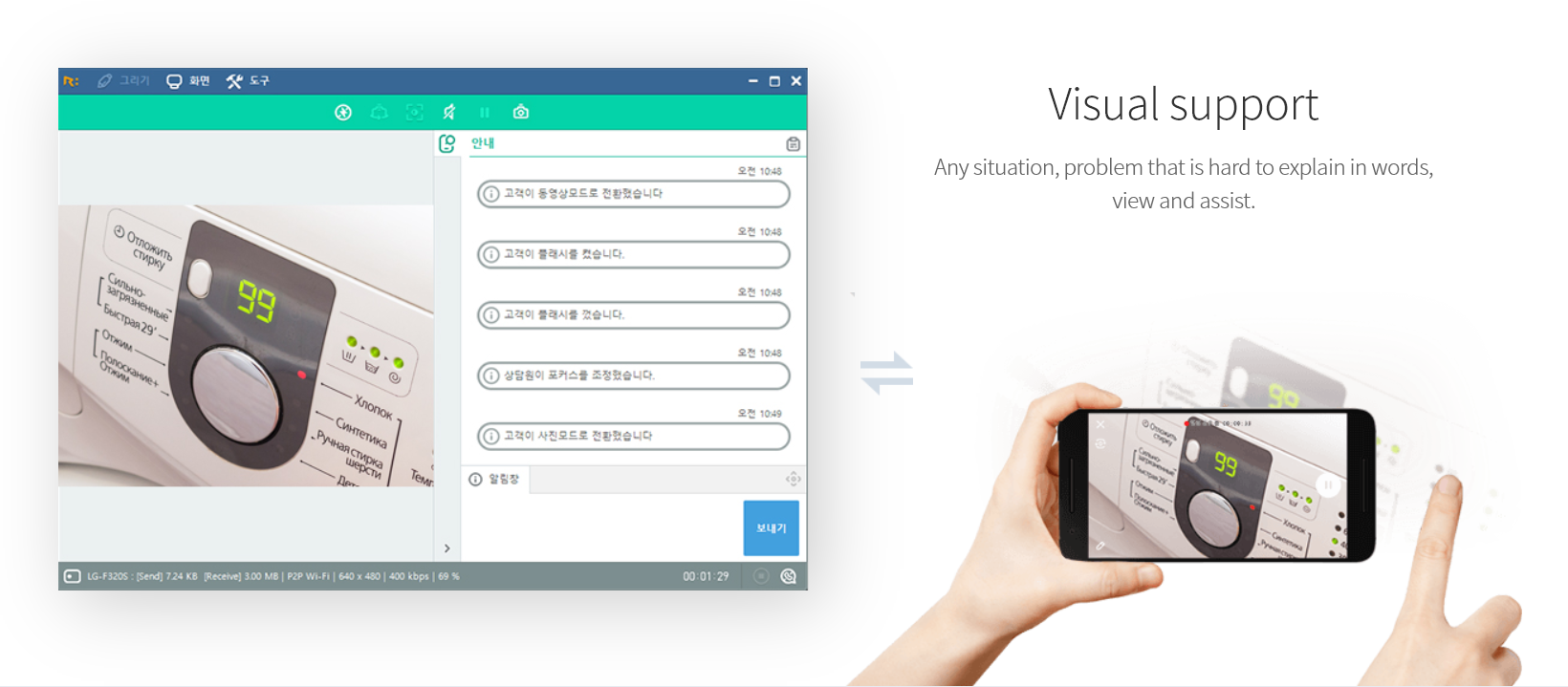
    Screenshot of DeskRoll remote connection view - Windows remote desktop.Screenshot of DeskRoll wizard that quickly guides you through basic remote access scenarios.

    RemoteCall PC/Mobile/Visual Screenshots

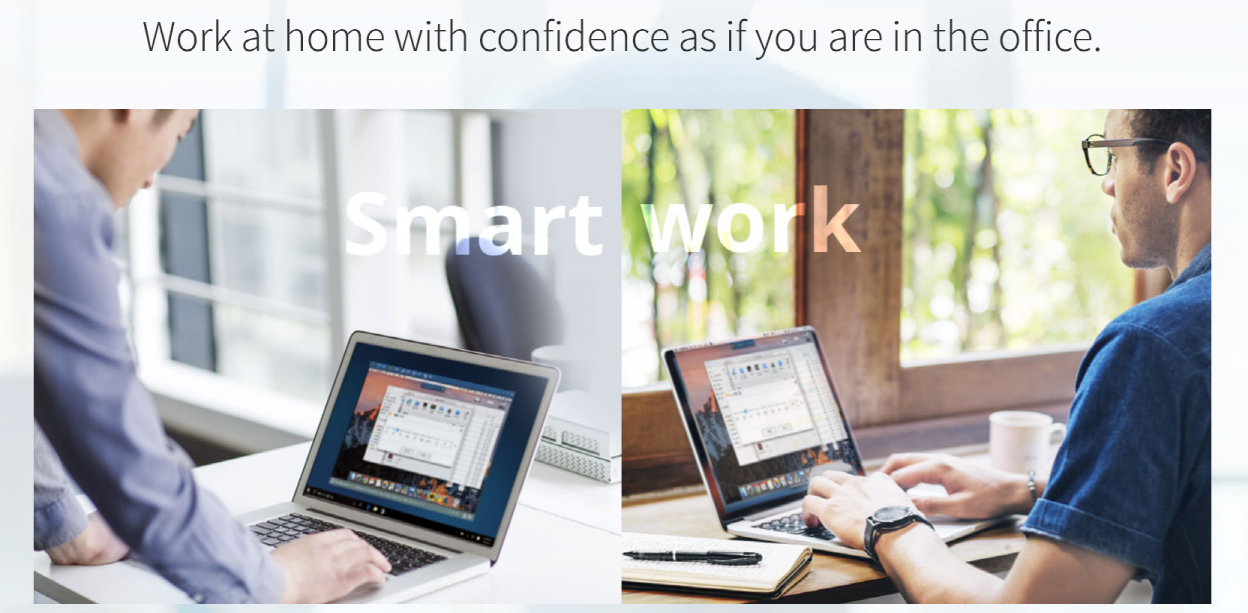
    Screenshot of PC supportScreenshot of Mobile supportScreenshot of Visual supportScreenshot of Remote support work-from-homeScreenshot of RemoteCall WebViewer