
DocuSign CLM vs. S-Docs
| Product | Rating | Most Used By | Product Summary | Starting Price |
|---|---|---|---|---|
 DocuSign CLM | Score8.2 out of 10 | N/A | DocuSign CLM, formerly SpringCM, is a cloud-based platform that can be used to manage documents, contracts and related collateral. The solution includes workflows that can be tailored to an organization's business processes. It is also designed to accelerate team collaboration. SpringCM was acquired by DocuSign in the summer of 2018. | $15 per month |
 S-Docs | Score8 out of 10 | Small Businesses (1-50 employees) | S-Docs headquartered in New York offers what they present as a secure document generator and E-signature solution built on the Salesforce Platform. It aims to help users to create and e-sign sophisticated documents that improve efficiency, reduce errors and eliminate tedious work. | $25 per month per user |
| DocuSign CLM | S-Docs | |||||||||||||||
|---|---|---|---|---|---|---|---|---|---|---|---|---|---|---|---|---|
| Editions & Modules |
|
| ||||||||||||||
| Offerings |
| |||||||||||||||
| Entry-level Setup Fee | No setup fee | Optional | ||||||||||||||
| Additional Details | — | S-Docs for Salesforce is priced by seat. Organizations that are interested in the enterprise edition - including per-document pricing and Experience Cloud plans, can reach out to sales. S-Docs for HubSpot is priced by usage. S-Docs for HubSpot Team Edition comes with 500 documents and 250 e-Signature requests per year. S-Docs for HubSpot Professional Edition comes with 2,500 documents and 800 e-Signature requests per year. Nonprofit discounts are available. | ||||||||||||||
| More Pricing Information | ||||||||||||||||
| DocuSign CLM | S-Docs | |
|---|---|---|
| Considered Both Products | No answer on this topic | No answer on this topic |
| Key User Insights | ||
| Would buy again | ||
92% Would buy again 33 Answers | No answers on this topic | |
| Delivers good value for the price | ||
100% Delivers good value for the price 28 Answers | No answers on this topic | |
| Happy with the feature set | ||
92% Happy with the feature set 33 Answers | No answers on this topic | |
| Lived up to sales and marketing promises | ||
94% Lived up to sales and marketing promises 17 Answers | No answers on this topic | |
| Implementation went as expected | ||
96% Implementation went as expected 24 Answers | No answers on this topic | |
| DocuSign CLM | S-Docs | ||||||||||||||||||||||||||||
|---|---|---|---|---|---|---|---|---|---|---|---|---|---|---|---|---|---|---|---|---|---|---|---|---|---|---|---|---|---|
| Contract Authoring | |||||||||||||||||||||||||||||
| Contract Collaboration |
| ||||||||||||||||||||||||||||
| Contract Monitoring |
| ||||||||||||||||||||||||||||
| Contract Management |
| ||||||||||||||||||||||||||||
| DocuSign CLM | S-Docs | |
|---|---|---|
| Small Businesses | No answers on this topic |  Formstack for Salesforce Score7.1 out of 10 |
| Medium-sized Companies |  Conga CLM Score8.8 out of 10 | Formstack for Salesforce Score7.1 out of 10 |
| Enterprises | Conga CLM Score8.8 out of 10 |  Conga Composer Score7.9 out of 10 |
| All Alternatives | View all alternatives | View all alternatives |
| DocuSign CLM | S-Docs | |
|---|---|---|
| Likelihood to Recommend | 8.0 | 9.0 |
| Likelihood to Renew | 10.0 | - |
| Usability | 8.1 | - |
| Availability | 8.0 | - |
| Performance | 8.0 | - |
| Support Rating | 5.0 | - |
| Product Scalability | 7.0 | - |
| Professional Services | 10.0 | - |
| DocuSign CLM | S-Docs | |
|---|---|---|
| Likelihood to Recommend |
|
|
| Pros |
|
|
| Cons |
| No answers on this topic |
| Likelihood to Renew |
| No answers on this topic |
| Usability |
| No answers on this topic |
| Reliability and Availability |
| No answers on this topic |
| Performance |
| No answers on this topic |
| Support Rating |
| No answers on this topic |
| Alternatives Considered |
|
|
| Scalability |
| No answers on this topic |
| Professional Services |
| No answers on this topic |
| Return on Investment |
|
|
| ScreenShots | S-Docs Screenshots  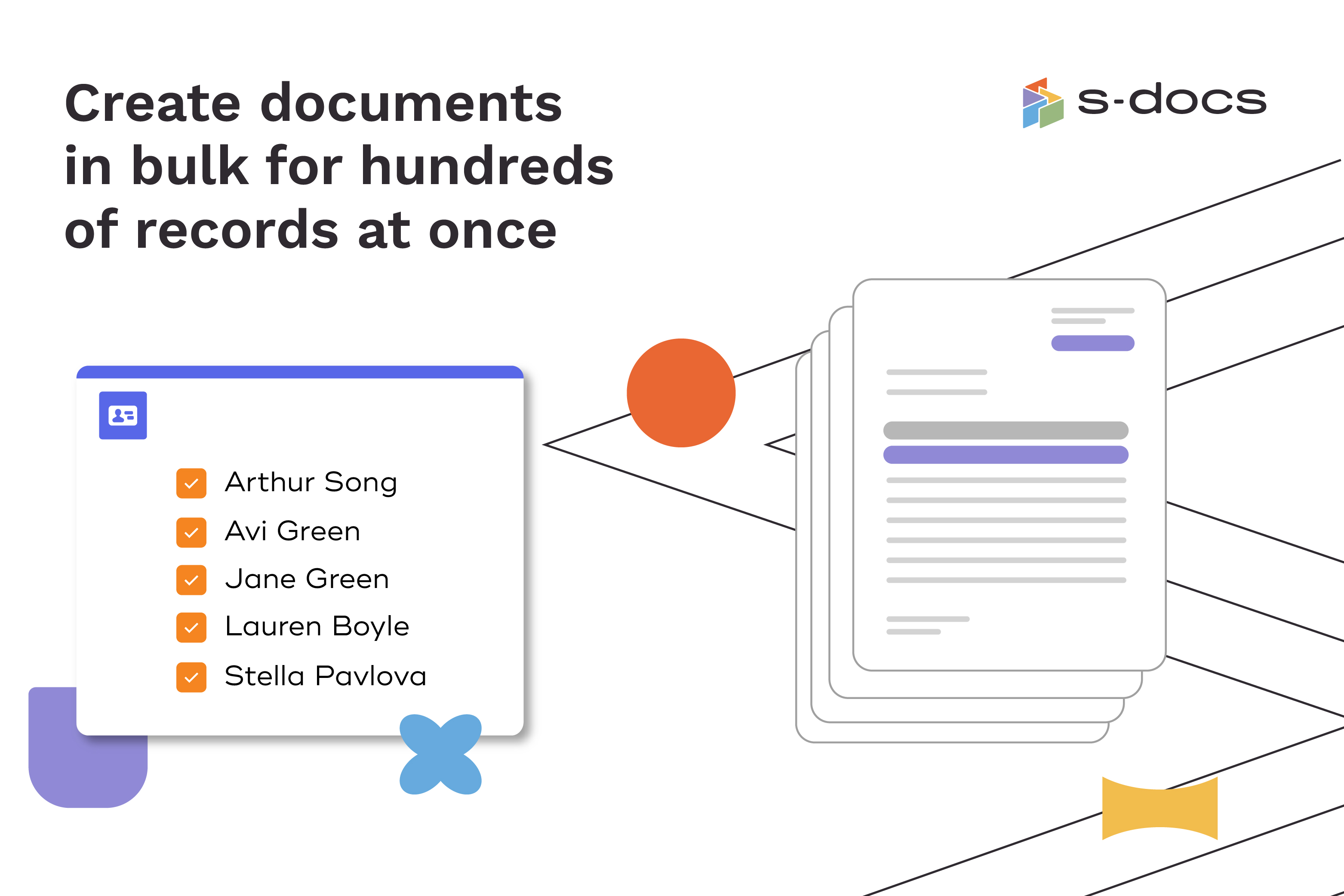  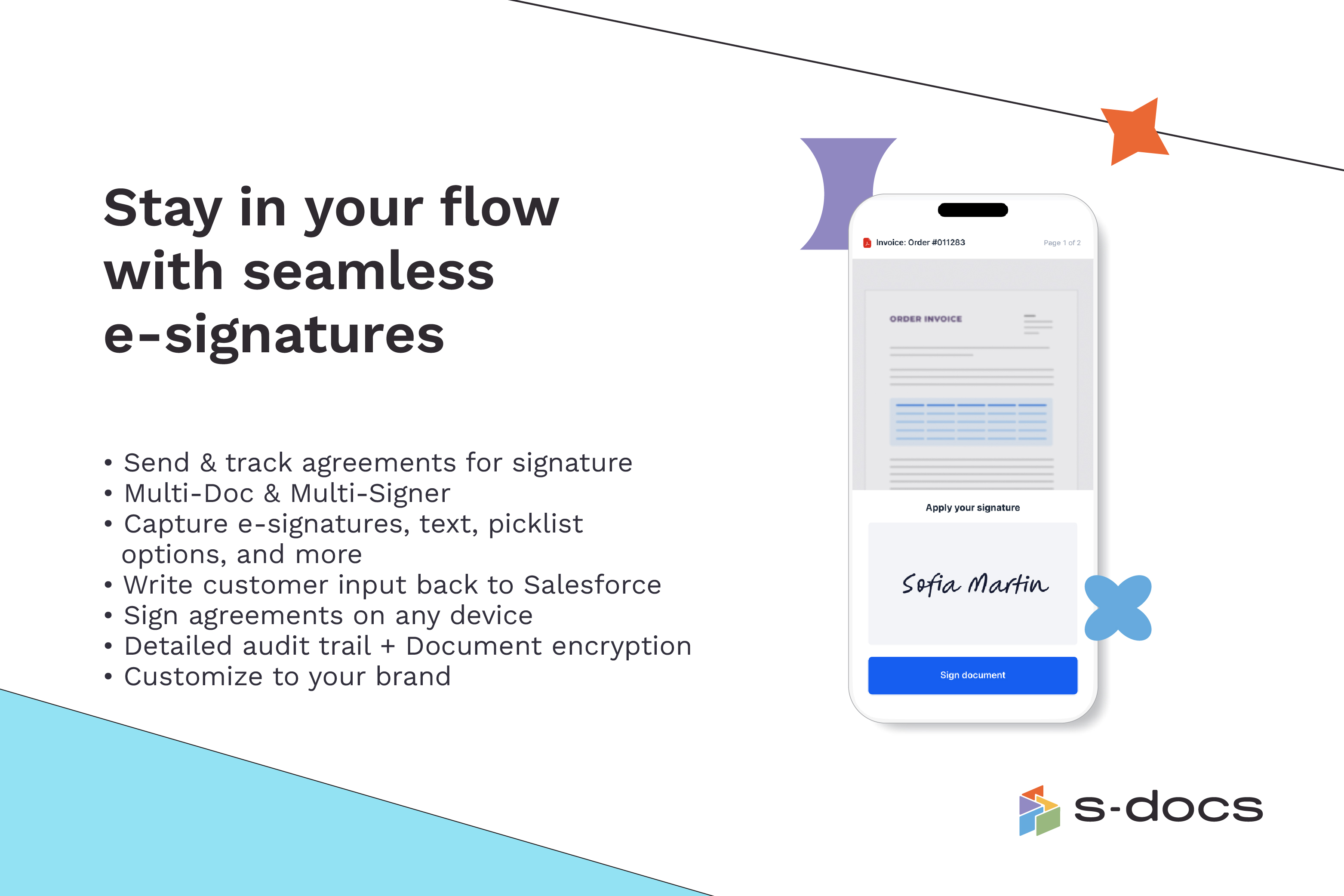  |


