
Chose Genially
Dooly.AI vs. Genially vs. Prezi
Dooly.AI vs. Genially vs. Prezi
| Product | Rating | Most Used By | Product Summary | Starting Price |
|---|---|---|---|---|
 Dooly | N/A | Dooly is a sales enablement platform that collects information and insights essential to close business sales. Originally designed to make faster updates in Salesforce, Dooly has evolved into a connected workspace that integrates with several different CRM tools. Features include editing and notetaking while on calls, as well as a dashboard for co-workers to share their meetings, tasks, notes, and sales pipelines. With a strong focus on promoting teamwork, Dooly aims to help sales professionals… | $0 per month | |
 Genially | N/A | Genially is a provider of interactive visual communication and an online tool to create presentations, interactive images, infographics, dossiers, quizzes, resumes, etc. and enrich them with interactivity and animation effects. Without needing a team of designers and programmers, Genially is designed to allow enterprises to make an impact with striking, visual communication in a flash. It includes interactive and animated effects to distribute… | $7.49 per month (billed annually) | |
 Prezi | N/A | Prezi’s advantage over static slides is that its interactive, zoomable canvas shows the relationship between the big picture and the fine details. The vendor’s value proposition is that this puts ideas in context, and makes them more likely to resonate, motivate, and be remembered. | $3 per month |
| Dooly.AI | Genially | Prezi | ||||||||||||||||||||||
|---|---|---|---|---|---|---|---|---|---|---|---|---|---|---|---|---|---|---|---|---|---|---|---|---|
| Editions & Modules |
|
|
| |||||||||||||||||||||
| Offerings |
| |||||||||||||||||||||||
| Entry-level Setup Fee | No setup fee | No setup fee | No setup fee | |||||||||||||||||||||
| Additional Details | — | — | — | |||||||||||||||||||||
| More Pricing Information | ||||||||||||||||||||||||
| Dooly.AI | Genially | Prezi | |
|---|---|---|---|
| Considered Multiple Products |  Dooly No answer on this topic | Genially  Duane Thompson Product Development Lead Chose Genially This web tool is designed to be broad and wide-reaching because it can be used in several ways such as attracting customers, circulating news, and teaching skills. You don't have to be a programmer to create stunning digital projects that are both unique and stunning. | Prezi No answer on this topic |
| Dooly.AI | Genially | Prezi | |
|---|---|---|---|
| Small Businesses |  Lead411 Score 8.3 out of 10 |  CorelDRAW Graphics Suite Score 7.1 out of 10 |  Canva Score 9.1 out of 10 |
| Medium-sized Companies |  Paperflite Score 8.0 out of 10 |  GIMP Score 8.0 out of 10 |  Mentimeter Score 8.3 out of 10 |
| Enterprises | Paperflite Score 8.0 out of 10 | CorelDRAW Graphics Suite Score 7.1 out of 10 | Mentimeter Score 8.3 out of 10 |
| All Alternatives | View all alternatives | View all alternatives | View all alternatives |
| Dooly.AI | Genially | Prezi | |
|---|---|---|---|
| Likelihood to Recommend | 8.8 (15 ratings) | 9.0 (2 ratings) | 8.0 (48 ratings) |
| Usability | - (0 ratings) | - (0 ratings) | 8.5 (2 ratings) |
| Support Rating | - (0 ratings) | - (0 ratings) | 8.8 (22 ratings) |
| Dooly.AI | Genially | Prezi | |
|---|---|---|---|
| Likelihood to Recommend | Dooly Research Ltd.
 Alex Amerling Strategic Account Executive | Genially
| Prezi Inc.
|
| Pros | Dooly Research Ltd.
 Zach Ettelman Strategic Partner Manager | Genially
Duane Thompson Product Development Lead | Prezi Inc.
 Luciano Gardesani Marques Account Executive |
| Cons | Dooly Research Ltd.
 Anna Li, PMP, CSM Customer Success Manager | Genially
| Prezi Inc.
|
| Usability | Dooly Research Ltd. No answers on this topic | Genially No answers on this topic | Prezi Inc.
|
| Support Rating | Dooly Research Ltd. No answers on this topic | Genially No answers on this topic | Prezi Inc.
 Maximo Pott Profesor substituto |
| Alternatives Considered | Dooly Research Ltd.
| Genially
Duane Thompson Product Development Lead | Prezi Inc.
 Marcelo de Vasconcellos Senior Visual Designer |
| Return on Investment | Dooly Research Ltd.
Zach Ettelman Strategic Partner Manager | Genially
| Prezi Inc.
|
| ScreenShots | Genially Screenshots   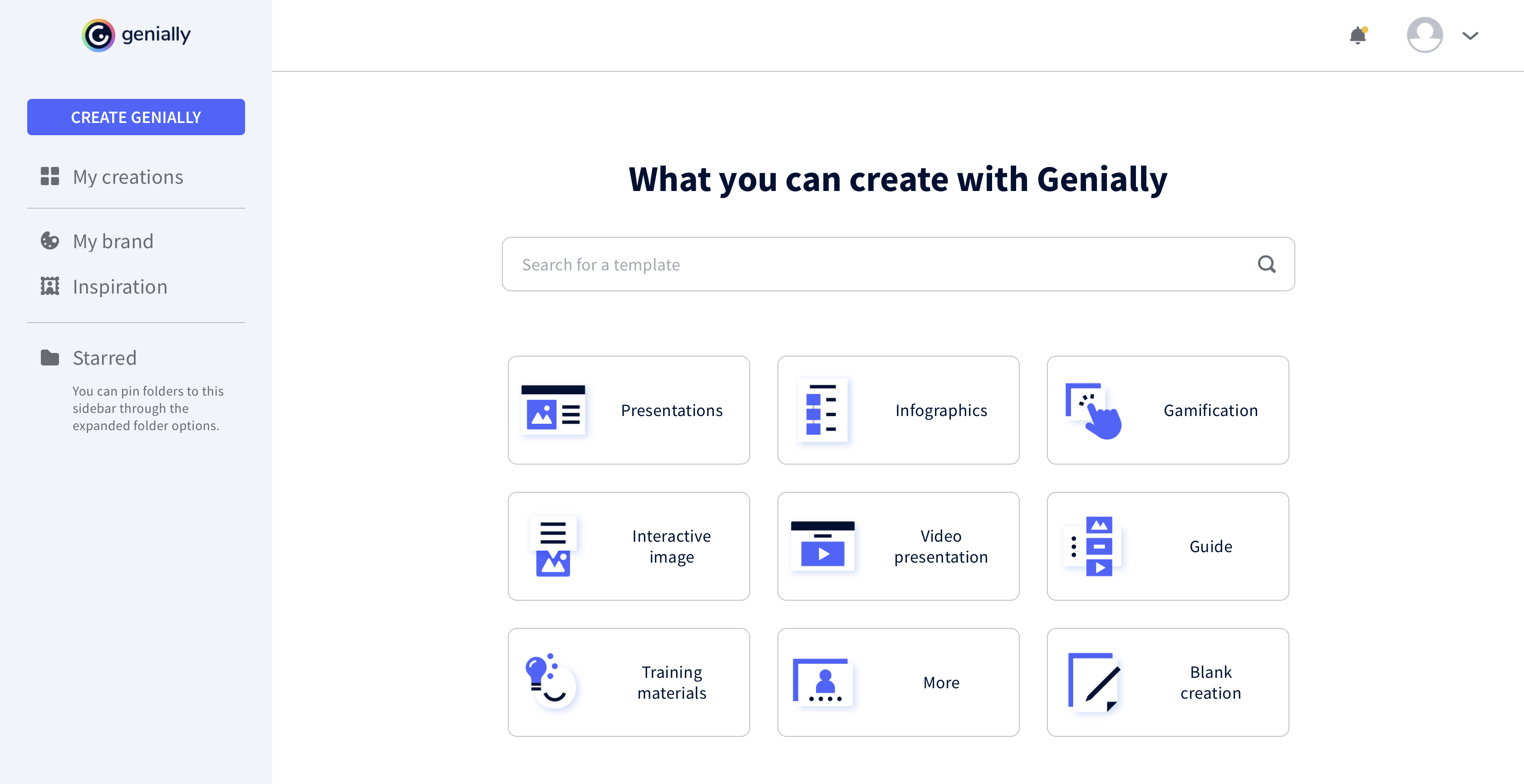 | Prezi Screenshots   |
