Dropbox DocSend vs. Filestack

Overview
ProductRatingMost Used ByProduct SummaryStarting Price
Dropbox DocSend
Score 8.0 out of 10
N/A
Dropbox DocSend helps business professionals to securely share and control content. Dropbox DocSend's link-based system is used to set security preferences for each stakeholder, receive notifications each time someone views a file, analyze content performance on a page-by-page basis, and create modern virtual deal rooms. With DocSend, business can offload administrative burdens and securely share the most impactful proprietary information faster. DocSend’s Virtual…
$10
per month per user
Filestack
Score 9.5 out of 10
N/A
Filestack is a developer service for uploading files from anywhere onto the user's application. Filestack allows software developers to integrate more than 25 of the world’s leading cloud drives with just a few lines of code. End users can upload content from websites and mobile apps like Facebook, Instagram, and Dropbox or wherever that content is stored. Filestack enables developers to upload and store large files, transform and manipulate images and other file types, and deliver that…
$69
per month
Pricing
Dropbox DocSendFilestack
Editions & Modules
Personal
$10
per month per user
Standard
$45
per month per user
Advanced
$150
per month
Advanced Data Rooms
$180
per month
Start
$69
per month
Grow
$199
per month
Scale
$379
per month
Offerings
Pricing Offerings
Dropbox DocSendFilestack
Free Trial
YesYes
Free/Freemium Version
YesYes
Premium Consulting/Integration Services
NoYes
Entry-level Setup FeeNo setup feeNo setup fee
Additional DetailsFilestack pricing tiers are based off of the number of API calls for file uploads, file transformations, and outbound bandwidth. Start for free, and contact the vendor regarding custom pricing.
More Pricing Information
Community Pulse
Dropbox DocSendFilestack
Best Alternatives
Dropbox DocSendFilestack
Small Businesses
SugarSync
SugarSync
Score 4.4 out of 10
SugarSync
SugarSync
Score 4.4 out of 10
Medium-sized Companies
M‑Files
M‑Files
Score 8.9 out of 10
M‑Files
M‑Files
Score 8.9 out of 10
Enterprises
M‑Files
M‑Files
Score 8.9 out of 10
M‑Files
M‑Files
Score 8.9 out of 10
All AlternativesView all alternativesView all alternatives
User Ratings
Dropbox DocSendFilestack
Likelihood to Recommend
8.0
(23 ratings)
9.5
(4 ratings)
Usability
10.0
(1 ratings)
9.5
(2 ratings)
Support Rating
8.0
(1 ratings)
-
(0 ratings)
User Testimonials
Dropbox DocSendFilestack
Likelihood to Recommend
Dropbox
DocSend works really great if you want to send out a doc to a prospect and want to track when they open it and what content they view. The reporting on this works really well and I've been happy with this functionality. Where it falls short is when you're trying to use it for a live demo utilizing the join.me integration. There are a lot of issues when you try to switch your screen and it only works 2/3s the time. I'd prefer an all-in-one solution instead of this Frankenstein model.
Read full review
Filestack
Best Use Cases for Filestack ✅ User-Generated Content – Smooth uploads & optimizations for social media, e-commerce, and job portals. ✅ Image & Video Optimization – Resize, crop, and compress media on the fly for faster load times. ✅ Cloud-Based File Management – Easily integrate with Google Drive, Dropbox, and S3. ✅ Fast Content Delivery – Built-in CDN ensures quick and reliable global access.Where Filestack May Not Be Ideal
Read full review
Pros
Dropbox
  • Additional information from users who have already downloaded the files or material.
  • Additional information if the download link(s) have been resent.
  • Password encryption if necessary.
  • Email verification for third-party download via email.
  • Add-ons with other platforms and applications, such as Outlook and Gmail.
  • Seal of documents by electronic signature
Read full review
Filestack
  • Easy to use
  • Easy to integrate
  • Very reliable
  • Multiple devices are supported
Read full review
Cons
Dropbox
  • DocSend has a newer feature called Spaces, it lets you place multiple files into a single "deal room". Unfortunately for us, we need it to support nested file structures for larger content sets. Their support team says this is on the way.
  • I'd like to be able to change the icons for links add to Space, currently, they're a default icon.
  • Navigating the UI is just a bit laborious, it feels like it should be easier to get to link creation since that is what you're doing 90% of the time you go to the site.
Read full review
Filestack
  • Insights and Usage Dashboards
  • Developer Dependencies
  • Pricing Structure
Read full review
Usability
Dropbox
The platform and UI are great. never faced any problems.
Read full review
Filestack
I rate Filestack highly because it delivers fast, reliable file handling, powerful real-time transformations, and seamless integrations that save time and enhance user experience. While pricing and the learning curve can be challenges, the overall value in scalability, automation, and performance makes it a great investment for businesses managing large volumes of media
Read full review
Support Rating
Dropbox
I haven’t used the support as our internal teams do a great job of fixing and supporting our DocSend use.
Read full review
Filestack
No answers on this topic
Alternatives Considered
Dropbox
DocSend is more convenient than DocuSign if you are already using Dropbox, otherwise a lot of these solutions come down to pricing and preference on user interface. For us, DocSend was great until our needs changed to needing a more sophisticated contract management tool. With further integrations and API accesses in the future, I think it will be easier to have all systems communicating and working together .
Read full review
Filestack
✔ Easier to use with a simpler API. ✔ Better for general file handling. ✔ Faster drag-and-drop UI with built-in uploader.
Read full review
Return on Investment
Dropbox
  • For about $100 you can optimize all
  • Of your pipelines that rely on decks or documents - worth it!
  • The time you’d spend having to send each link to individual clients without tracking is well worth the $100 on the product
  • We’ve been able to close our fundraising round and increase partnerships by utilizing DocSend - would recommend!
Read full review
Filestack
  • Ease of implementation
  • Software works flawlessly
  • Multiple Gateways
Read full review
ScreenShots

Dropbox DocSend Screenshots

Screenshot of the granular permissions that give control of what content visitors can access.Screenshot of document analytics that provide insights on the links that have been forwarded to someone that hasn't been engaged with yet. Page-by-page analytics for each viewer of a document reveal any unique interests.Screenshot of the dashboard to manage sensitive documents securely and get real-time deal insights on deals from start to finish with advanced data rooms.

Filestack Screenshots

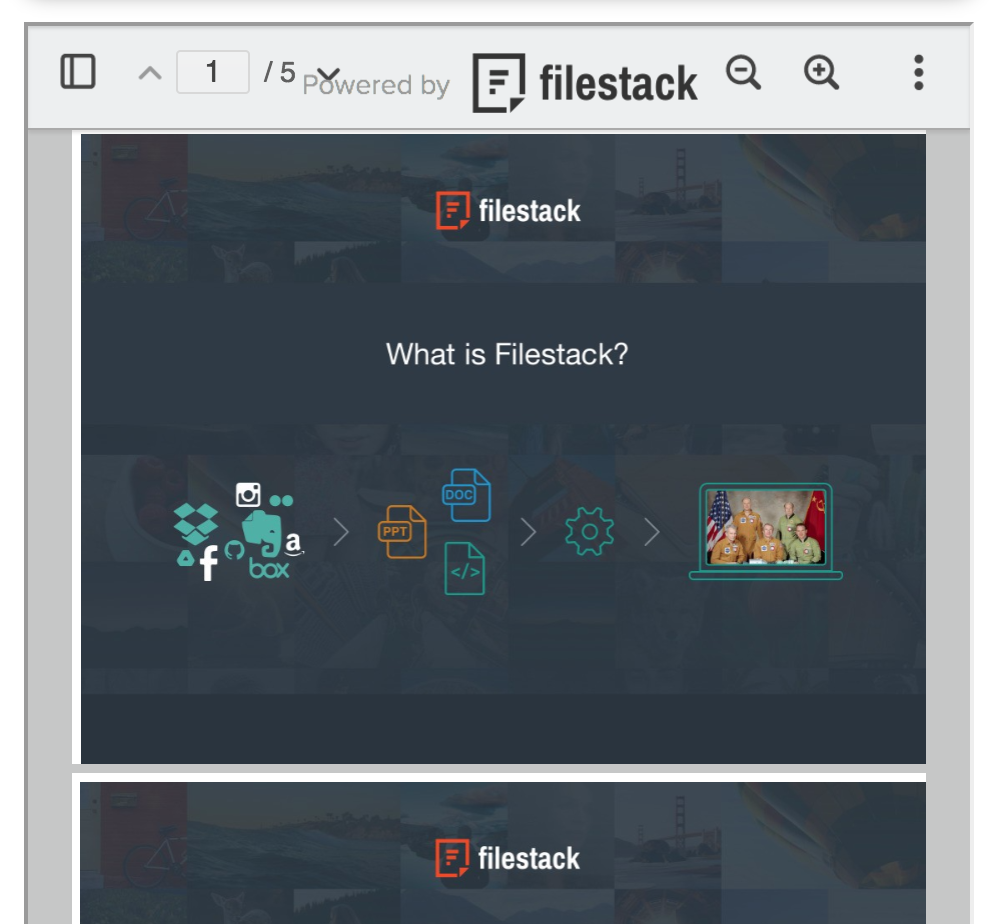
Screenshot of The powerful file uploader to connect your users to 20+ cloud drives for fast, reliable uploading.Screenshot of Filestack Document Viewer to embed PDFs, PowerPoints, Excel Files and more directly on your website, without any heavy plugins.Screenshot of Only 2 lines of code to implement Filestack in your application.