
Dropcontact vs. Mailtrack
| Product | Rating | Most Used By | Product Summary | Starting Price |
|---|---|---|---|---|
 Dropcontact | Score9 out of 10 | N/A | Dropcontact is a SaaS solution that enriches, cleans and corrects data directly in CRMs, without any human intervention. The solution works exclusively from its proprietary algorithms and test servers, and thus, Dropcontact has no contact database. The vendor states this approach makes Dropcontact a uniquely 100% RGPD compliant solution for email verification and enrichment. Dropcontact also features automated cleaning, automatic duplicate detection and merging, as well as data enrichment (email… | N/A |
 Mailtrack | Score9.7 out of 10 | N/A | Mailtrack is an email-tracking extension for Gmail and part of Mailsuite. It adds delivery and read-status indicators to sent messages, showing when recipients open an email or click a tracked link without requiring users to leave Gmail. Key Capabilities Gmail read receipts: Mailtrack adds one or two checkmarks to sent messages. Grey checkmarks indicate delivery; green checkmarks indicate that the message was opened. Open and… | $2.99 per month per user |
| Dropcontact | Mailtrack | |||||||||||||||
|---|---|---|---|---|---|---|---|---|---|---|---|---|---|---|---|---|
| Editions & Modules | No answers on this topic |
| ||||||||||||||
| Offerings |
| |||||||||||||||
| Entry-level Setup Fee | No setup fee | No setup fee | ||||||||||||||
| Additional Details | — | — | ||||||||||||||
| More Pricing Information | ||||||||||||||||
| Dropcontact | Mailtrack | |
|---|---|---|
| Considered Both Products | No answer on this topic | No answer on this topic |
| Key User Insights | ||
| Would buy again | ||
No answers on this topic | 100% Would buy again 48 Answers | |
| Delivers good value for the price | ||
No answers on this topic | 100% Delivers good value for the price 37 Answers | |
| Happy with the feature set | ||
No answers on this topic | 100% Happy with the feature set 48 Answers | |
| Lived up to sales and marketing promises | ||
No answers on this topic | 97% Lived up to sales and marketing promises 38 Answers | |
| Implementation went as expected | ||
No answers on this topic | 100% Implementation went as expected 40 Answers | |
| Dropcontact | Mailtrack | |
|---|---|---|
| Small Businesses | No answers on this topic |  Yesware Score8.3 out of 10 |
| Medium-sized Companies | No answers on this topic | Yesware Score8.3 out of 10 |
| Enterprises | No answers on this topic | No answers on this topic |
| All Alternatives | View all alternatives | View all alternatives |
| Dropcontact | Mailtrack | |
|---|---|---|
| Likelihood to Recommend | 9.0 | 9.4 |
| Usability | 10.0 | 8.7 |
| Support Rating | - | 7.1 |
| Dropcontact | Mailtrack | |
|---|---|---|
| Likelihood to Recommend |
|
|
| Pros |
|
|
| Cons |
|
|
| Usability |
|
|
| Support Rating | No answers on this topic |
|
| Alternatives Considered |
|
|
| Return on Investment |
|
|
| ScreenShots | Mailtrack Screenshots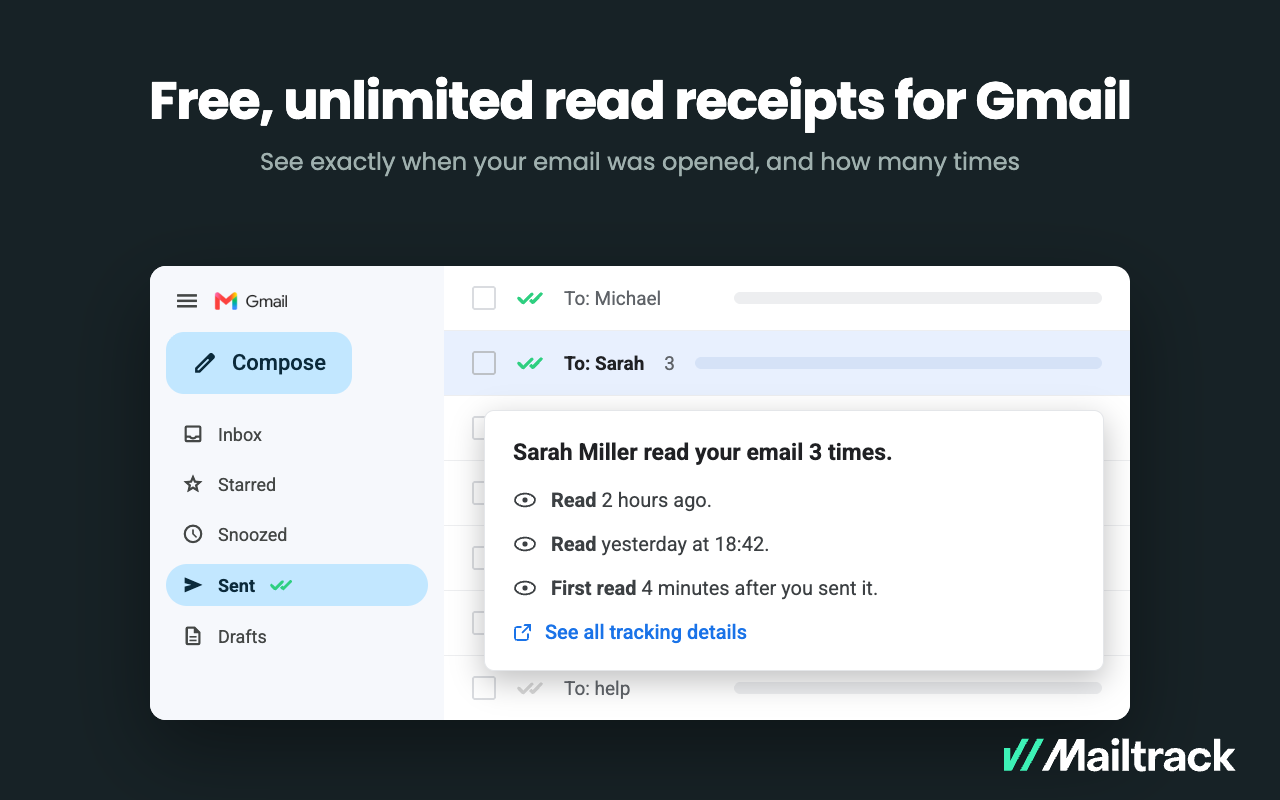   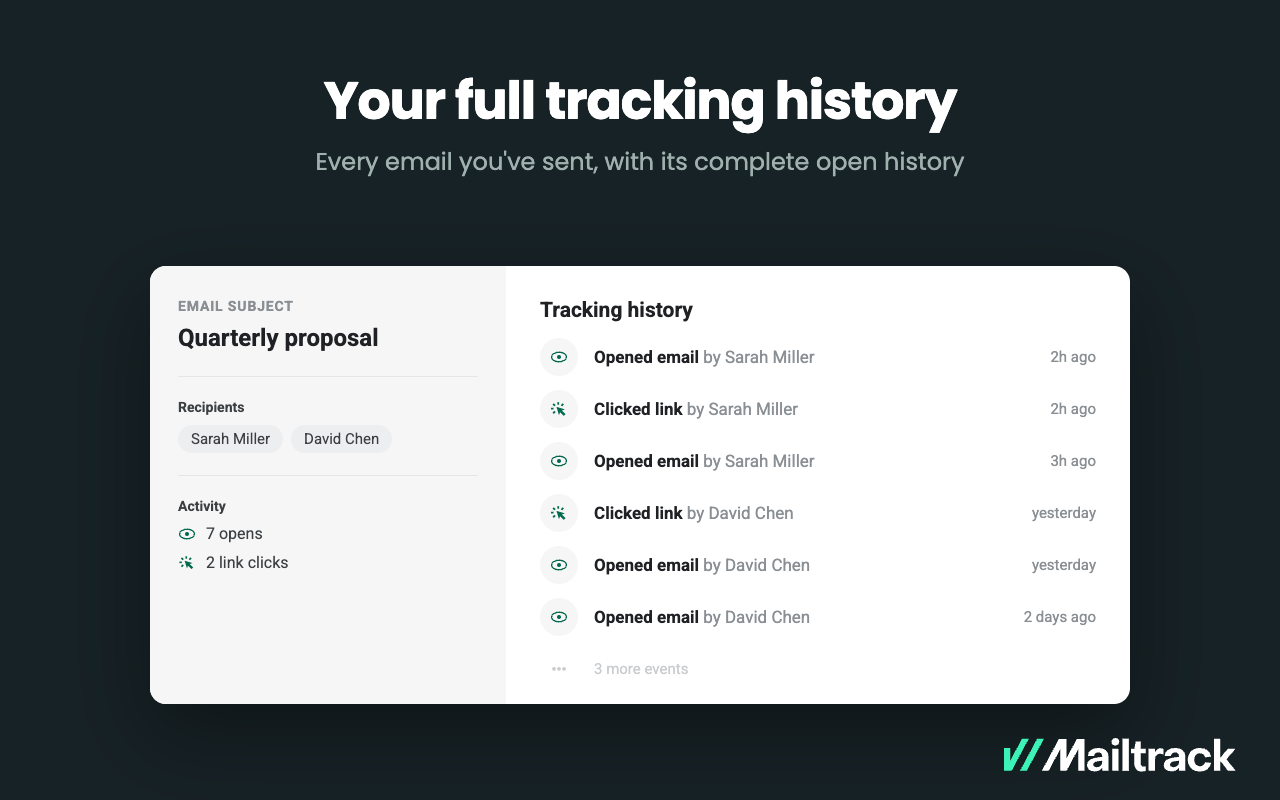 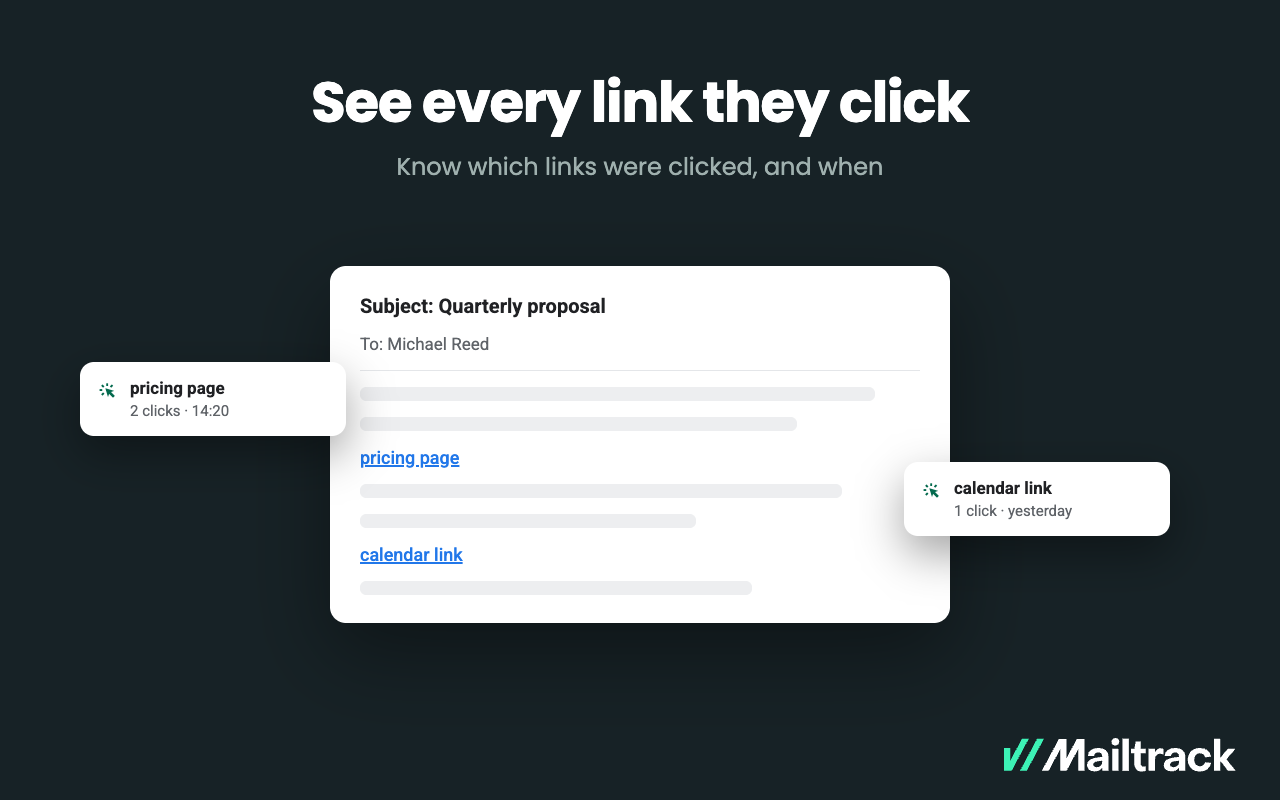 |



