Droplr is a tool for capturing and sharing screen images.
N/A
PlayPlay
Score6.9 out of 10
N/A
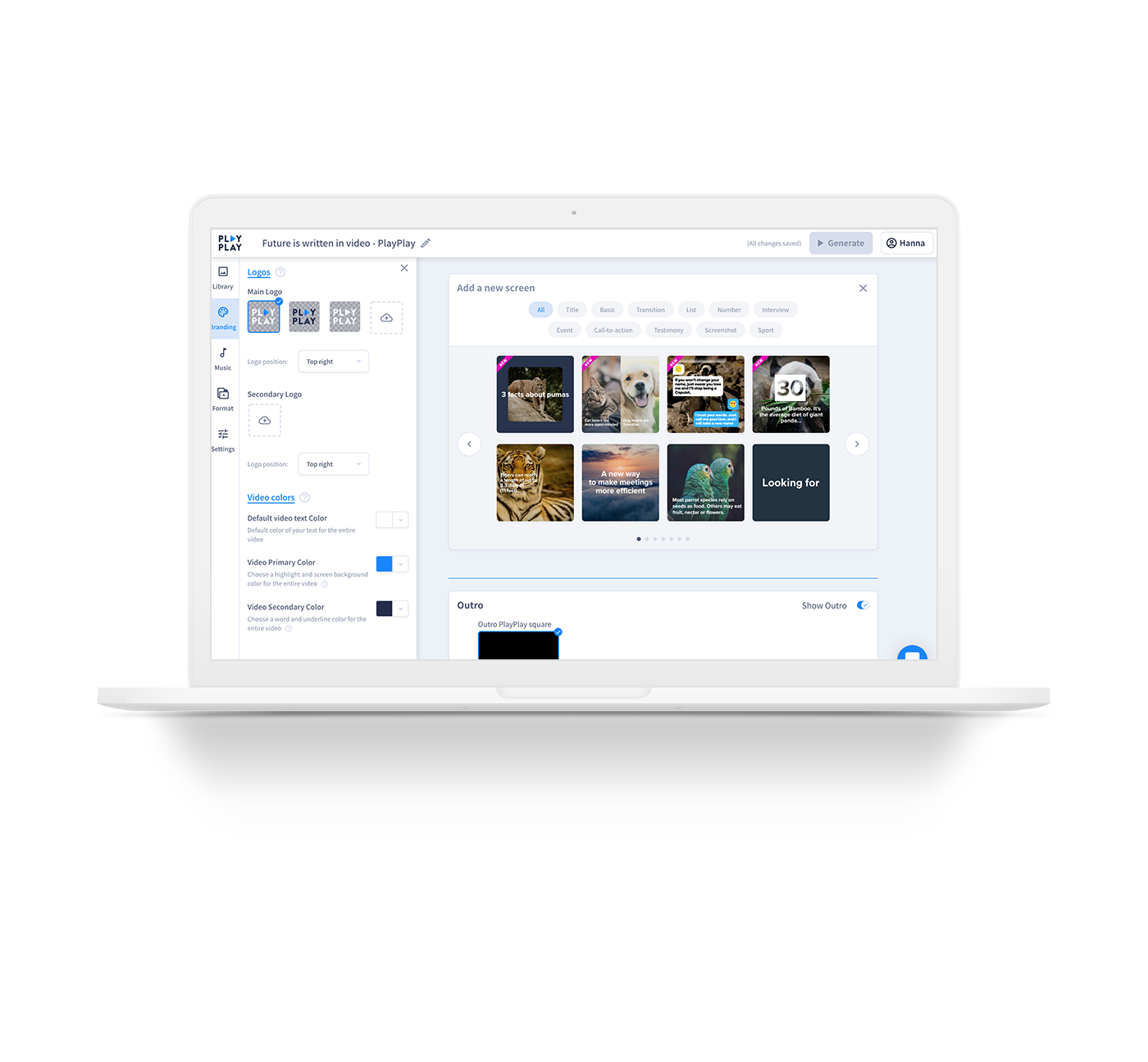
PlayPlay is an online video maker that any communication professional can use to produce, in minutes, videos ready to publish on social media, blogs or on internal channels. Stories, interviews, news clips, events and product promotions, job offers… Engage audiences with video! The vendor states that PlayPlay is best for, but not limited to: small to large companies that need to create engaging videos for social media, highlight internal initiatives and employee projects, and build…
$217
1 User per month
Pricing
Droplr
PlayPlay
Editions & Modules
No answers on this topic
Basic
$217.00
1 User per month
Offerings
Pricing Offerings
Droplr
PlayPlay
Free Trial
No
Yes
Free/Freemium Version
No
No
Premium Consulting/Integration Services
No
No
Entry-level Setup Fee
No setup fee
No setup fee
Additional Details
—
Enterprise plan also available, catered to your company's specific requirements. Let's talk!
More Pricing Information
Features
Droplr
PlayPlay
Video Security
Comparison of Video Security features of Droplr and PlayPlay
Feature
Droplr
-
Ratings
PlayPlay
9.3
1 Ratings
8% above category average
User management
00 Ratings
8.01 Ratings
Video link sharing
00 Ratings
10.01 Ratings
Internal video
00 Ratings
9.01 Ratings
External video
00 Ratings
10.01 Ratings
Video Player
Comparison of Video Player features of Droplr and PlayPlay
Feature
Droplr
-
Ratings
PlayPlay
8.5
1 Ratings
4% above category average
Player customization
00 Ratings
8.01 Ratings
Mobile compatibility
00 Ratings
9.01 Ratings
Video Hosting, Management & Storage
Comparison of Video Hosting, Management & Storage features of Droplr and PlayPlay
Droplr is very useful in any kind of visual work, particularly if there are more people involved and they need to follow the creation process. It allows the team to be on the same page. It is also very useful when dealing with clients without design training since we can show visually what we intend to do. Teachers, instructors, and even technical support people can make good use of Droplr since it makes easier to share screencasts, to capture screens for tutorials and to solve clients' doubts.
A de minimis incentive was given to thank the reviewer for their time. The incentive was not used to bias or drive a particular response, nor was the incentive contingent on a positive endorsement. More Info
For any company that wants to use more video in their content and marketing overall, PlayPlay is your best bet. Anyone can make a video--no expertise required. Honestly, it's really fun to do, and you feel like a creative genius afterward! If you are making long-form videos or need something for a TV commercial, PlayPlay doesn't make sense. But you can absolutely take snippets from other video projects and break them into smaller videos. That's what we love to do. Also, they just launched a podcast tool to help podcasters use video to promote their episodes.
A de minimis incentive was given to thank the reviewer for their time. The incentive was not used to bias or drive a particular response, nor was the incentive contingent on a positive endorsement. More Info
Startup bug (Mac) - Even though I select Droplr not to start up with the computer, it still does. It's been months and they still haven't fixed this. It's very frustrating.
The Windows version doesn't allow me to select an area of my screen to record - one has to record the entire screen.
Though it may look like it in their settings, setting up SSL isn't as easy as clicking the button. I still don't quite understand how to do it.
A de minimis incentive was given to thank the reviewer for their time. The incentive was not used to bias or drive a particular response, nor was the incentive contingent on a positive endorsement. More Info
A de minimis incentive was given to thank the reviewer for their time. The incentive was not used to bias or drive a particular response, nor was the incentive contingent on a positive endorsement. More Info
A de minimis incentive was given to thank the reviewer for their time. The incentive was not used to bias or drive a particular response, nor was the incentive contingent on a positive endorsement. More Info
A de minimis incentive was given to thank the reviewer for their time. The incentive was not used to bias or drive a particular response, nor was the incentive contingent on a positive endorsement. More Info
Lightshot Screenshot provides the same screenshot functionality as Droplr, but with no cost. Lightshot Screenshot also allows you to edit a photo and can upload your photo either to the cloud or just paste it in an email/Slack/anything else to your client. There are very little go-betweens and a lot more flexibility.
Droplr was chosen by my company, not me. If I had chosen a screenshot software, in retrospect, I would have chosen Lightshot Screenshot. Droplr was fine. Lightshot Screenshot is killer, though.
A de minimis incentive was given to thank the reviewer for their time. The incentive was not used to bias or drive a particular response, nor was the incentive contingent on a positive endorsement. More Info
I use Droplr every day and it's been a huge boost for productivity since I never need to think about how a screenshot will be shared. It's just built in and so easy.
A de minimis incentive was given to thank the reviewer for their time. The incentive was not used to bias or drive a particular response, nor was the incentive contingent on a positive endorsement. More Info