FigJam is an online interactive whiteboard from Figma headquartered in San Francisco, presently in beta (2021) but available to the public in a free trial. The vendor states that in 2022, FigJam will have plans for $0, $8, and $15 per editor, per month.
$5
per month per editor
GanttPRO
Score8 out of 10
N/A
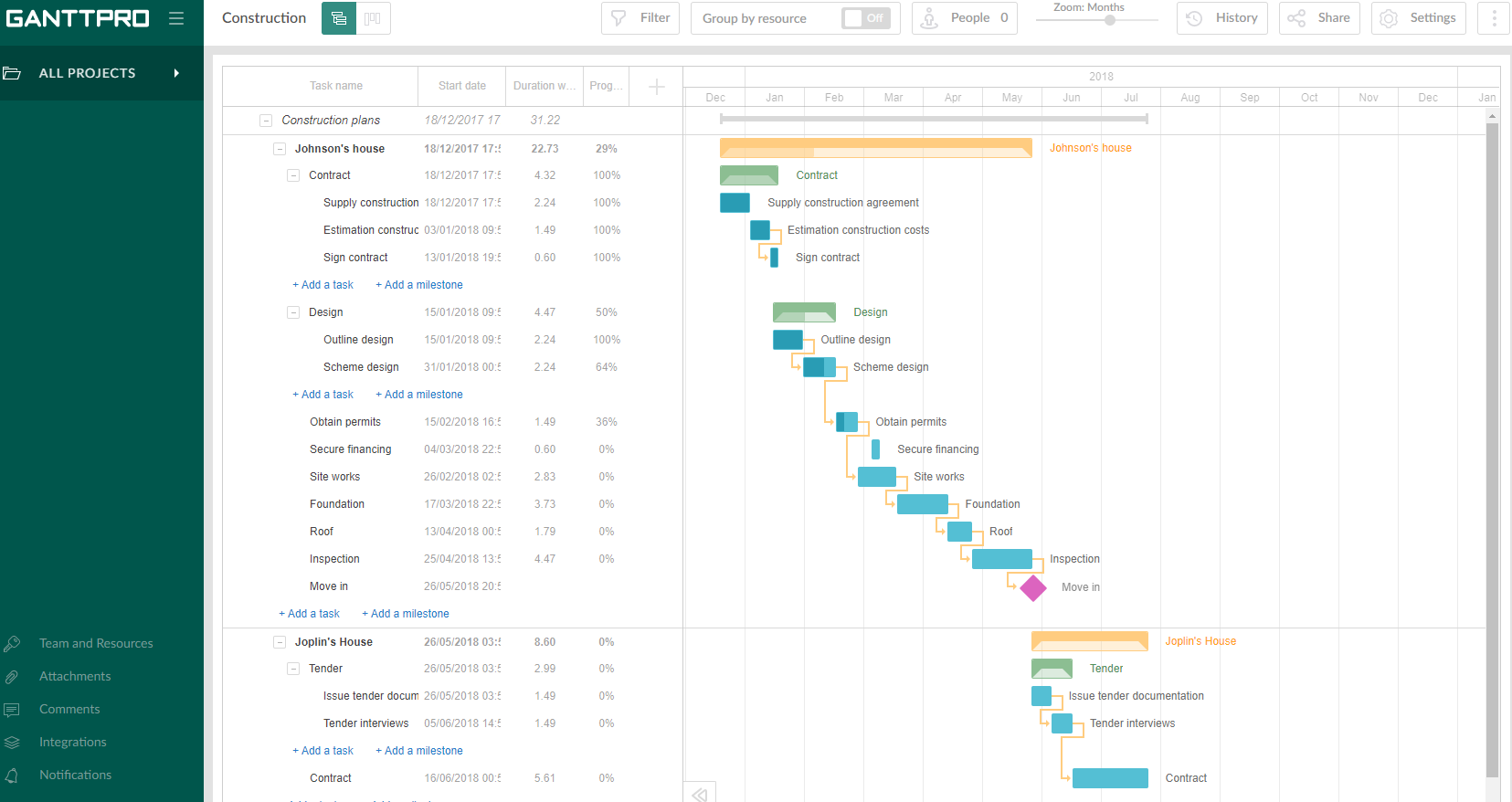
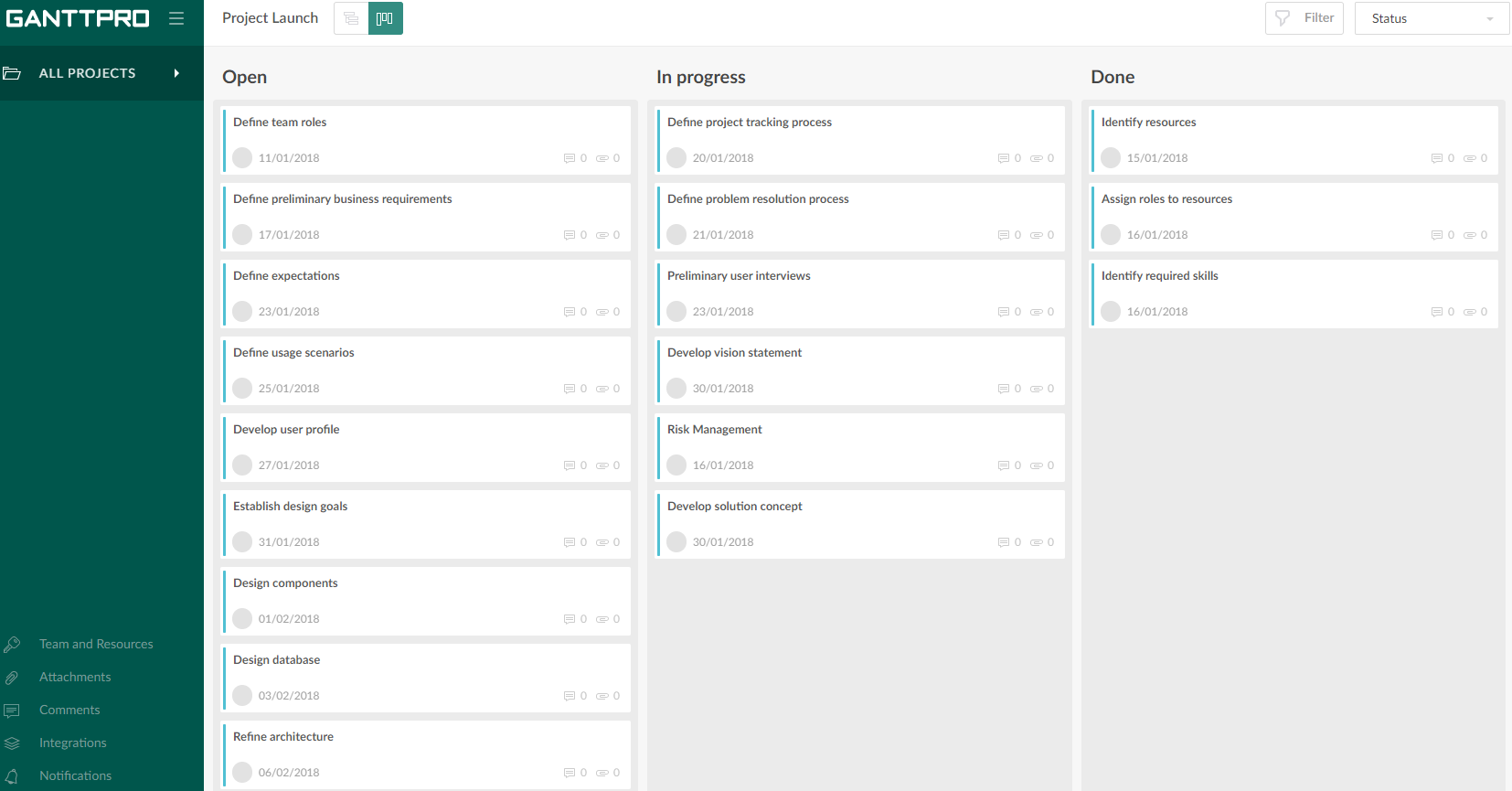
GanttPRO is a project planning tool based on a Gantt chart approach. It visualizes all tasks along a timeline, and it supports resource management, collaboration within teams, and importing and exporting projects onto 3rd party programs.
If you're working in small product teams, like triads, and already using Figma, this is a no brainer for white boarding, quick/fast sketches, wireframing, collaborative doodling ... it gets less appropriate with large teams, infrequent. IMO, due to the way in which they price, it's better to keep the inner circle small-ish.
A de minimis incentive was given to thank the reviewer for their time. The incentive was not used to bias or drive a particular response, nor was the incentive contingent on a positive endorsement. More Info
Projects are a lot easier to set up with GanttPRO than most tools that support a WBS, so although I've used GanttPRO for very simple projects, it's great for projects with complex WBS' and/or dynamic backlogs (using Agile methodologies). I've used it for long-running projects with multiple phases, where I needed to set up high-level plans for downstream phases (for budgeting) that got updated and modified based on outcomes from upstream phases.
A de minimis incentive was given to thank the reviewer for their time. The incentive was not used to bias or drive a particular response, nor was the incentive contingent on a positive endorsement. More Info
A de minimis incentive was given to thank the reviewer for their time. The incentive was not used to bias or drive a particular response, nor was the incentive contingent on a positive endorsement. More Info
It misses easy-to-use pre sets of diagrams. The ones presented seem to be not native and hard to use. Miro is a good benchmark.
Navegating throught projects in the main page is confusing, specially when people are not admin users.
It should suggest ways of organizing the pages designers do, specially when the project is big and have many pages and sections.
It could have, for example, a draft version for every page, so that one can hide it when they finish the work, but can open it whenever something needs to be modified, versioning the job.
A de minimis incentive was given to thank the reviewer for their time. The incentive was not used to bias or drive a particular response, nor was the incentive contingent on a positive endorsement. More Info
I don't use it often, because the organization I work in uses a different environment on a commo basis. This is rather used between the designers, who prototype the solutions in Figma - they just have it as a workbook/notebook for their ideas. However, if those need to be shared with stakeholders or other organization members, the designers are expected to use a different environment.
A de minimis incentive was given to thank the reviewer for their time. The incentive was not used to bias or drive a particular response, nor was the incentive contingent on a positive endorsement. More Info
Intuitive interface, clean, and nice design. As an online app, the data can be viewed on Windows PCs, Macs, and tablets. It saves the data very quickly (depending on the Internet speed) as if it is a locally installed application. Training is minimal, plus there is an extensive range of learning videos and topics in the GanttPRO learning center.
A de minimis incentive was given to thank the reviewer for their time. The incentive was not used to bias or drive a particular response, nor was the incentive contingent on a positive endorsement. More Info
The support for GanttPro is very good. I have no troubles reaching out for their customer support whenever I have questions, they respond almost instantly. I just hope that they will have live chat support for a real-time support experience on the user-end and can answer the questions in real-time.
FigJam works best in pair with Figma, as it allows you to keep track of your project in one place, supporting all phases of the process. The functionality is more intuitive, quick, and efficient. Visually, I also prefer it more —it’s more enjoyable and playful, making the experience much more engaging.
A de minimis incentive was given to thank the reviewer for their time. The incentive was not used to bias or drive a particular response, nor was the incentive contingent on a positive endorsement. More Info
GanttPRO is easy to use and just works. If you need to do something quickly or do a small project then GanttPro is a great tool to use. If you are managing a large project then I would consider using Microsoft Project even though it is a more substantial investment overtime.
A de minimis incentive was given to thank the reviewer for their time. The incentive was not used to bias or drive a particular response, nor was the incentive contingent on a positive endorsement. More Info
FigJam saves a lot of time ... it's nice to have all my visual notes/sketches within Figma itself where a lot of design work lives
The project organization and other features contribute to the ease of answering that age old question ... "where can I find that mockup?"
Dev Mode is pretty cool. Not many use it, so some designers may spend unnecessary time spec'ing out things that no one will appreciate, let alone look at.
A de minimis incentive was given to thank the reviewer for their time. The incentive was not used to bias or drive a particular response, nor was the incentive contingent on a positive endorsement. More Info
A de minimis incentive was given to thank the reviewer for their time. The incentive was not used to bias or drive a particular response, nor was the incentive contingent on a positive endorsement. More Info